Check the acquisition promise
Read the store headline, screenshots and description. What problem is the app promising to solve?
Study the storefront ↗
MyFonts Inc. · iOS
Explore the ad evidence, study the storefront, and build your next acquisition hypothesis.
01 / Creative research
Read the store headline, screenshots and description. What problem is the app promising to solve?
Study the storefront ↗Explore apps with direct store-link matches. Compare their hooks and formats without assuming the same approach works here.
Browse observed advertisers ↗Store rankings and revenue estimates describe market context. They do not establish ad spend, conversions or ROAS.
Review the market context ↗02 / Storefront & product
Study the product story and store experience behind the acquisition funnel.

03 / Market context
Keep revenue, downloads and store rankings separate from advertising performance.
I have used this app on and off for years. It has worked in the past amazingly well yet not always giving me the correct response. It has saved me hours and hours of trouble but recently it comes up, saying it cannot contact the servers or something like that giving me no results over and over again, please try again later, it tells me. I have to go online and do it on my computer which I can do but is not as simple as the app I don’t know what has changed, but I do wish this was fixed
Key word here is “can.” The app can approximate a good amount of the fonts you give it to search for, but at best it’s results are more often than not just that: approximations. It rarely ever finds the exact font, and then sometimes it seems to not even know what it’s doing in the first place and gives back a host of completely irrelevant fonts that don’t even look in the slightest bit similar. Issues with getting an error message when searching fonts is becoming more and more common as well, and some days I can’t even get it to give me ANY results - good, bad or ugly. For simple font enthusiasts or creatives, it’s a fun “hobby” app, but if you’re really jonesing to find out the exact fonts you’re looking for, you should go elsewhere because you won’t ever find it on this app.
The fonts identified often look quite close to your source image, but it overlooks commonly available font matches in favor of ones you’d have to buy from a developer. Case in point: I couldn’t remember which font I’d used for a particular project from several years ago, but knew it was on my system. The app gave me a dozen close matches I’d never heard of and didn’t have. I finally tracked down an old electronic file, which showed me I’d used Haettenschweiler. It’s available on most Windows machines, but was nowhere on the list the app gave me. It earns a second star for a clean interface, as well as for actually finding some close matches, but no higher because I suspect the developers are purposely skipping over commonly available fonts due to some kind of licensing agreement with font merchants.
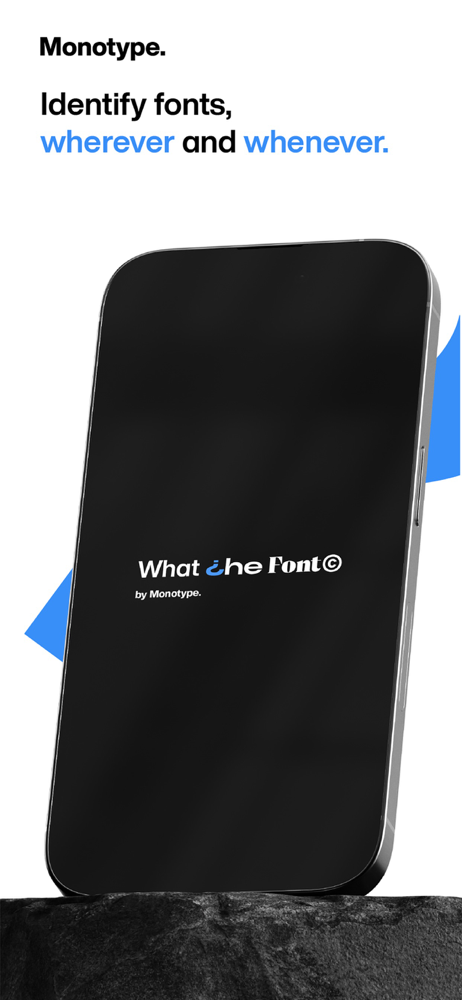
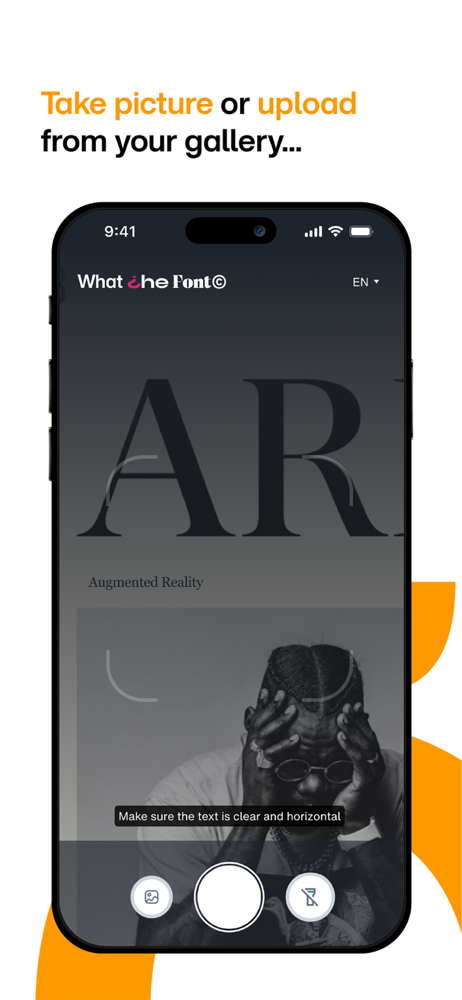
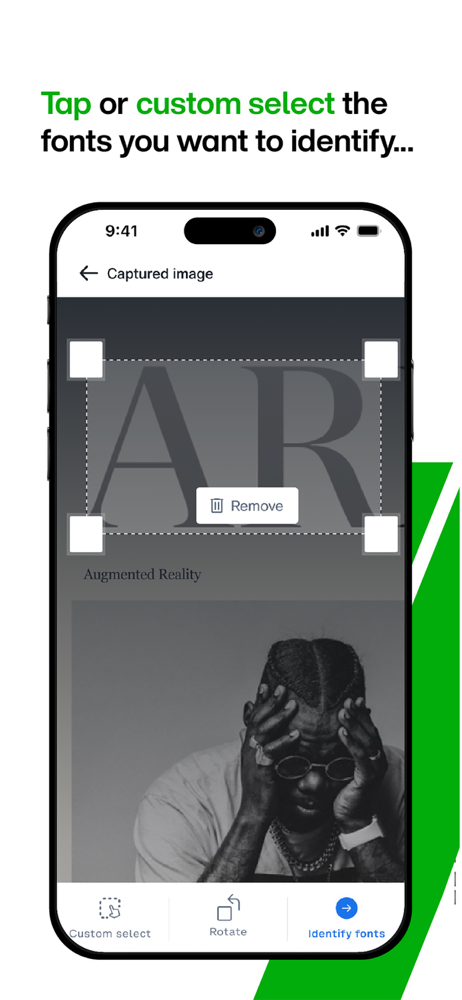
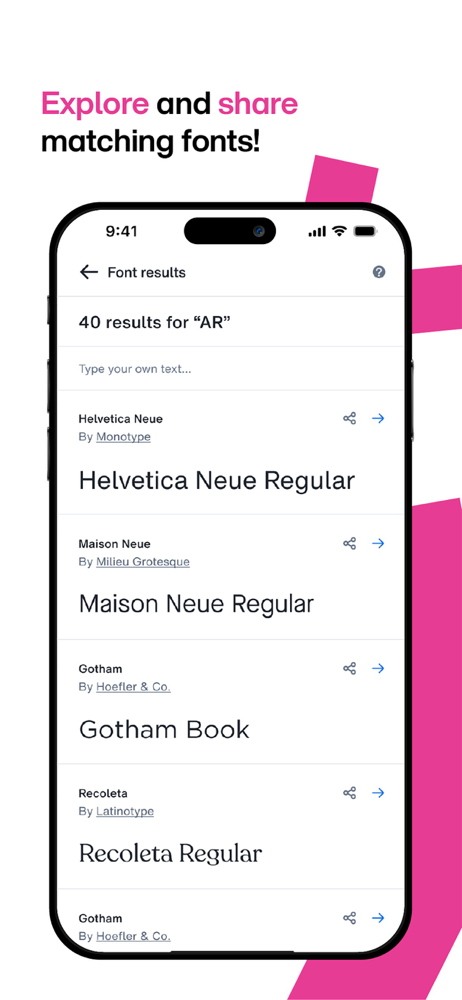
Identify fonts in a snap! Take a photo of a design you love - WhatTheFont recognizes the fonts and shows font matches. Great for designers, crafters,...