Check the acquisition promise
Read the store headline, screenshots and description. What problem is the app promising to solve?
Study the storefront ↗
Thomson Reuters · iOS
Explore the ad evidence, study the storefront, and build your next acquisition hypothesis.
01 / Creative research
Read the store headline, screenshots and description. What problem is the app promising to solve?
Study the storefront ↗Explore apps with direct store-link matches. Compare their hooks and formats without assuming the same approach works here.
Browse observed advertisers ↗Store rankings and revenue estimates describe market context. They do not establish ad spend, conversions or ROAS.
Review the market context ↗02 / Storefront & product
Study the product story and store experience behind the acquisition funnel.




03 / Market context
Keep revenue, downloads and store rankings separate from advertising performance.
The app had been working fine. However, over the past few weeks, the app will provide an error message and urges me to “try again”. Trying again never works. The only solution is to restart the app, re-set-up the search, and hope that the problem does not recur. It continues to happen more frequently, rendering the app largely unusable.
I used this app for nearly a year and conducted extensive legal research on it. I have deleted it and will go back to accessing Westlaw via a web browser. It is a shame, as I really wanted to keep this app. There are some benefits to using this app over a web browser: - Login is a cinch. - App loads relatively quickly. The shortfalls are numerous: - Citations are limited. Though you get full citations on the web, this app limits case citation to a single one. For those of us following local rules or who wish to use the Bluebook, this makes legal research very inefficient. - Following procedural history is nearly impossible. While analyzing a case, you may wish to review a lower court's disposition, such as to learn more about the facts or understand the reasoning. This app is frequently unable to load that case. Instead, one is met with an error page and an 800-number. - Following stare decisis is nearly impossible. Same reason as above. One clicks on a case cited in an opinion and is disappointed by the 800-number. - Same issue as above with statutes and statutory history. - Trying to select text is a headache. As we all know, Westlaw imposes a popup when text is selected. On a web browser, it is easy to work around. On this app, it frequently blocks selected text and the popup even becomes selected itself. So, goodbye, Westlaw app.
I’m only new to law, I’m a paralegal student. The app has been of great help when brainstorming when I’m out and about, with an assignment on my mind, and unable to access my computer. However, one feature that’d be nice to have at hand would be the ability to narrow down searches in cited cases to statutes and such, such as “word/term search” and “reported or unreported”; the app seems a little cramped to add something like that, but perhaps on the left there could be a tab that one could click that’d open up upon the screen with those search elements, then one could hit “search” on the bottom and it’d narrow it down. Just a suggestion, but I must say this app gets it done in a pinch. Thank you
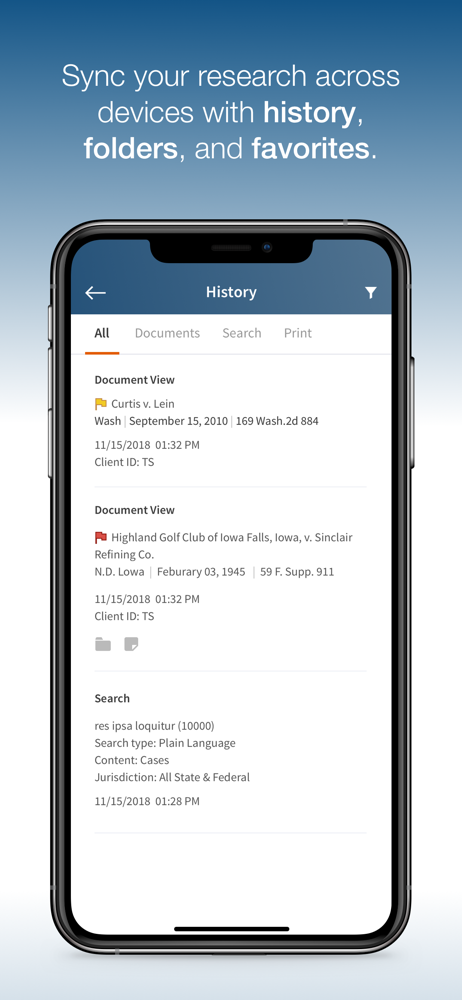
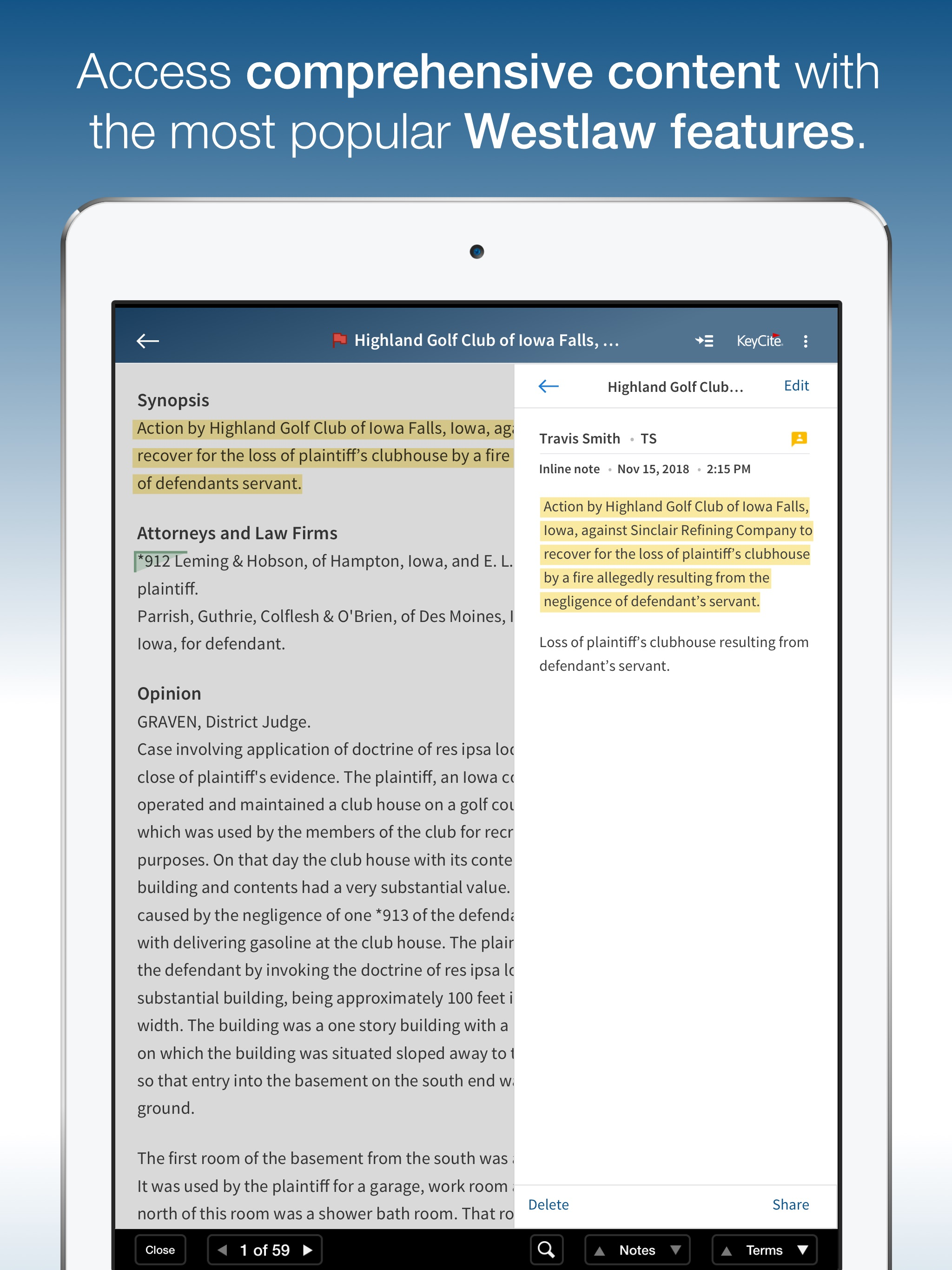
Tap into the world’s most preferred legal research service wherever you go! The Westlaw app – available for iPad and iPhone – is the most awarded lega...