
Check the acquisition promise
Read the store headline, screenshots and description. What problem is the app promising to solve?
Study the storefront ↗
bumblebee · iOS
Explore the ad evidence, study the storefront, and build your next acquisition hypothesis.
01 / Creative research
Read the store headline, screenshots and description. What problem is the app promising to solve?
Study the storefront ↗Explore apps with direct store-link matches. Compare their hooks and formats without assuming the same approach works here.
Browse observed advertisers ↗Store rankings and revenue estimates describe market context. They do not establish ad spend, conversions or ROAS.
Review the market context ↗02 / Storefront & product
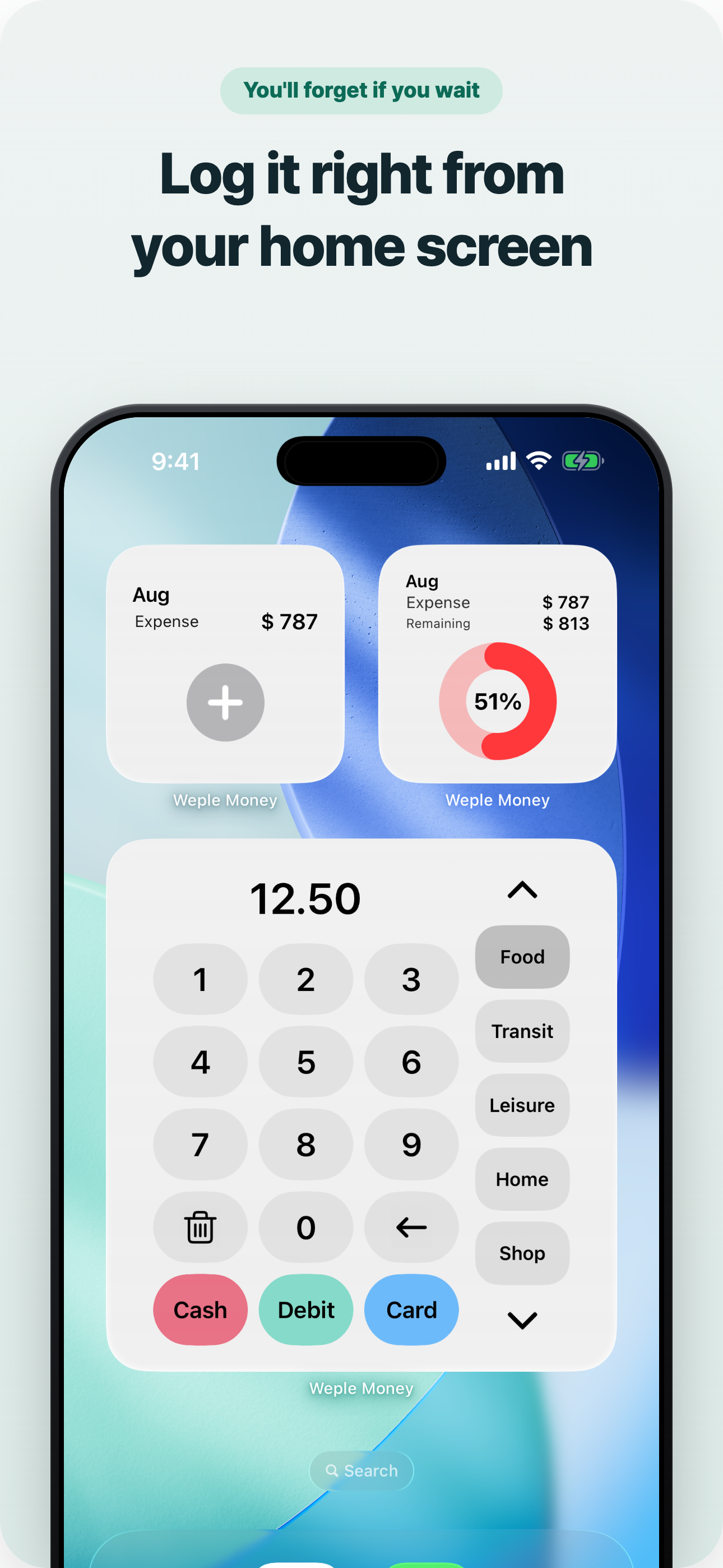
Study the product story and store experience behind the acquisition funnel.



03 / Market context
Keep revenue, downloads and store rankings separate from advertising performance.
I really like this app and all that it has to offer! It’s easy to use, has the features I was looking for and helps hold me accountable for my spending habits. However, and with that being said, I would love to see a feature that can resize the font because the figures are tiny and a little hard to read. Although you can change the color ti make it easier to see, if love a bold option too. And maybe a few more icons. I have created a bunch of my own categories so it’s fine but some of the icons don’t match the name. Other than that, I am glad that I gave this app a try and am enjoying using it!
I like the app and tried it out with the free version, but decided to upgrade to the pro so I can support the developer (and also gain the widget). I like that you can add a picture to each item because I like to store receipts that way. If there is a way for me to easily view all the “attachments” ie a picture view for me to browse that would be cool, but that’s probably not a high priority. I would like to share the app with my husband so we can both track our expenses. I’ll list my other feature requests below: 1. Add “multiple users” feature so more than 1 user can input expenses to the same account 2. Add a way to export transactions, including pictures (I don’t believe it currently does this) 3. Support adding receipt in the widget 4. Add a view where you can browse all pictures 5. Support IFTTT so I can be like every time after I input, send me an email 6. Support export to google sheet Really I care most about #1 and 2. The others are just nice to haves.
Updated review: I’ve been using this app for a long time, but recently, I’ve noticed that it will change your balance for no reason. I was just reviewing my balance when suddenly, it added $1,000 to it. I looked at all of my charges, and they’re correct. I have no idea how the app just added that much for no apparent reason. I’m going to start looking for a new app, since this one keeps glitching on me. Al, every month, I am always several dollars behind my actual balance. I can’t depend on this app anymore. It’s a shame you are taking your time manually adding everything, only to have the app mess it up for you. Original review: I've tried several finance apps, such as coin keeper, bill guard, and some others, but this app has a calendar to view the actual dates of your transactions. Although I have to manually input my transactions into the app, that's what I prefer, compared to other apps that want your bank and card info. I'm not very keen on the pink icon for the app, but hopefully, they'll change it to something else later. The only downside to the app is that there's no tutorial to help get you started. There's a lot of detail in this app, so including this would help a lot of new buyers. For the record, this app has other colored themes, so don't think you're stuck with pink!
Weple Money – The Essential Budget App for iPhone Experience the easiest way to manage your finances. Instead of focusing on expert users, we started...


