
Check the acquisition promise
Read the store headline, screenshots and description. What problem is the app promising to solve?
Study the storefront ↗
bumblebee · iOS
Explore the ad evidence, study the storefront, and build your next acquisition hypothesis.
01 / Creative research
Read the store headline, screenshots and description. What problem is the app promising to solve?
Study the storefront ↗Explore apps with direct store-link matches. Compare their hooks and formats without assuming the same approach works here.
Browse observed advertisers ↗Store rankings and revenue estimates describe market context. They do not establish ad spend, conversions or ROAS.
Review the market context ↗02 / Storefront & product
Study the product story and store experience behind the acquisition funnel.



03 / Market context
Keep revenue, downloads and store rankings separate from advertising performance.
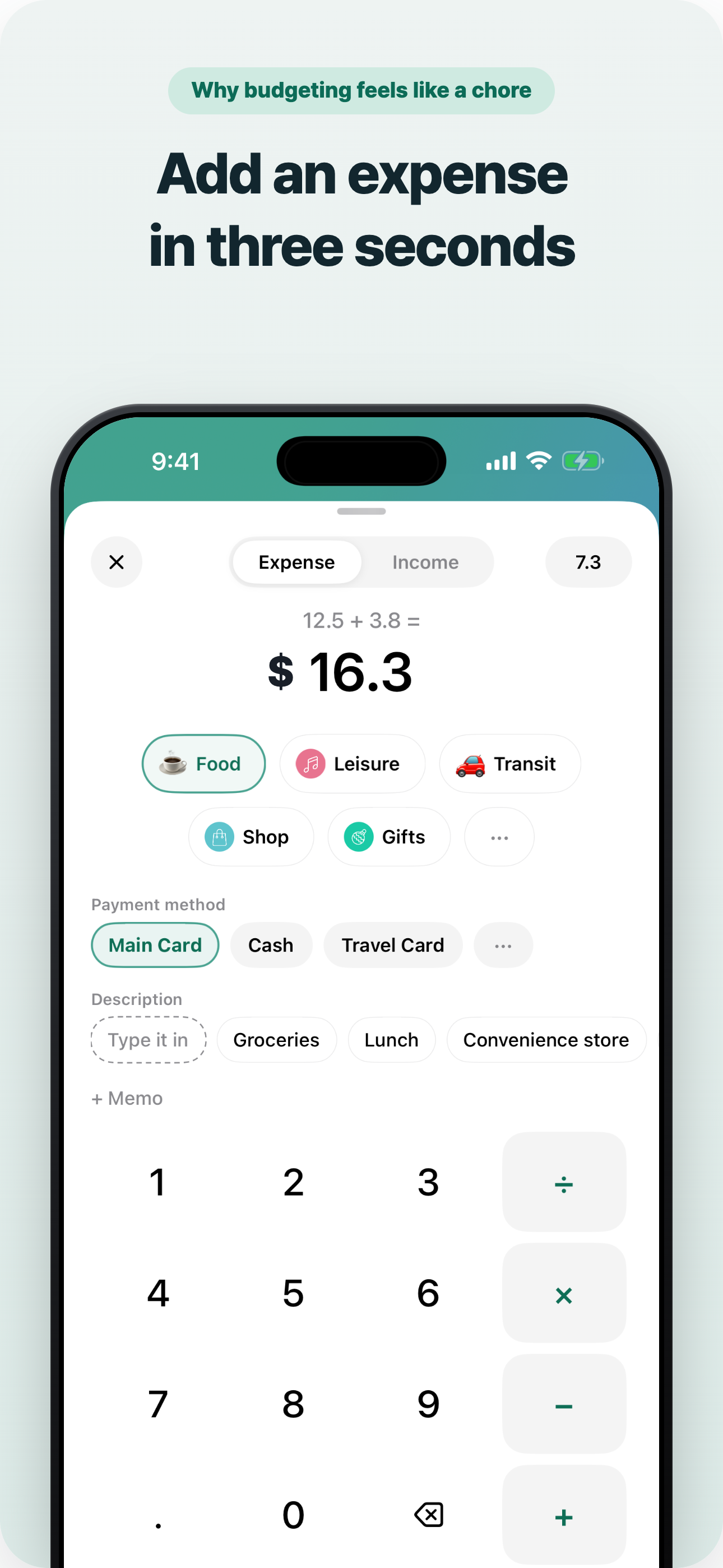
Honestly this genuinely helps me keep track of my expenses, is so easy to go in and add money when you get a paycheck and withdraw whenever you buy something. I don’t use my actual card I just use it to help me do the math and log to see what I spend the most money on. In any case I’d highly recommend it for budgeting
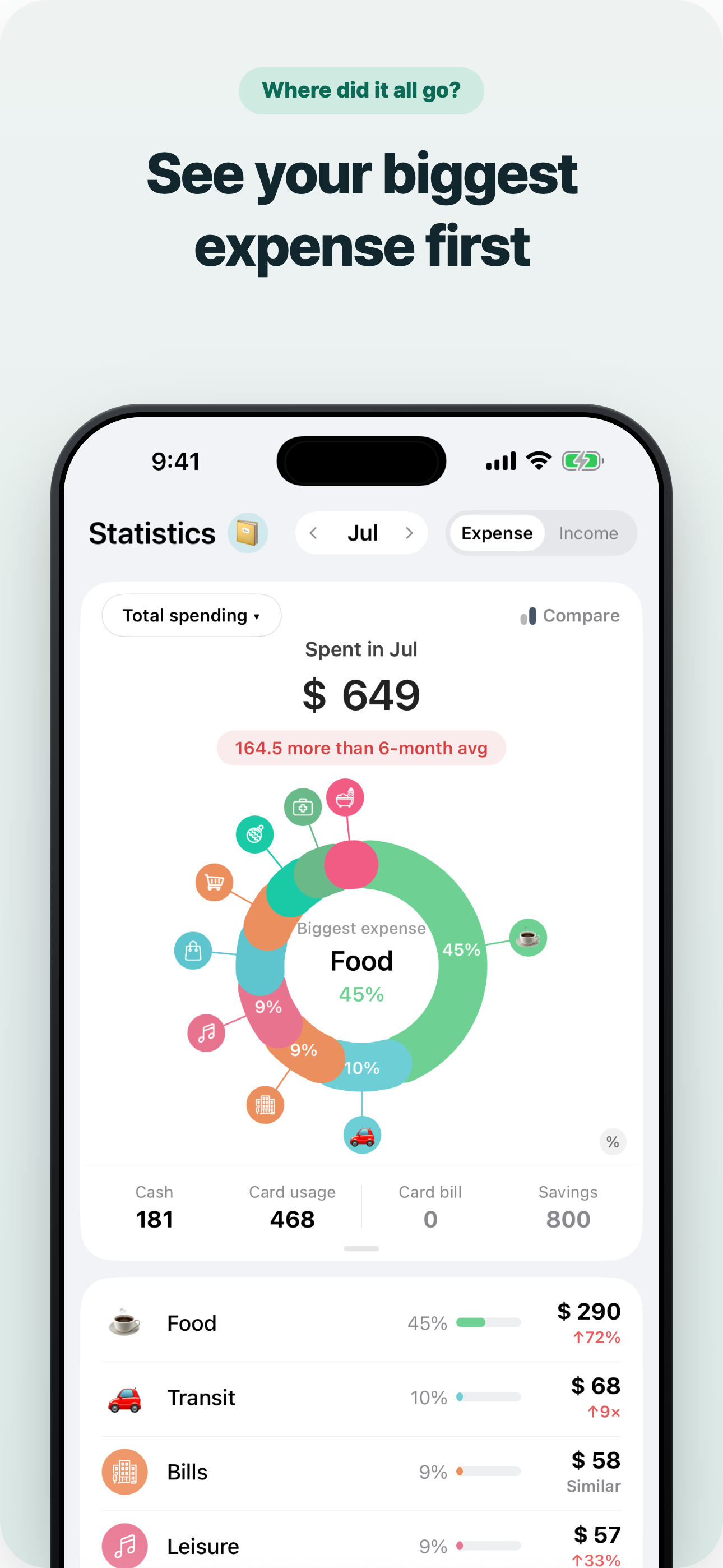
Ever since starting to Weple, it’s been a gamechanger for my personal finance. I love how straightforward it is. Great design with users in mind. I especially love the expense/income pie graph! As a very visual person, it’s probably my favorite part of this app. That being said, I would love to see it extended to the budget tab as well. Everything else has multiple ways to look at it, so I’m a bit underwhelmed when it comes to the single view for budgeting. A Budget pie chart would be SUPER helpful! Thank you, Weple!
I downloaded it for the new year and just needed something new to track my expenditures. I have been using moneybook and here is my first impression: Pros 1) The interface is descent. You can make your own category and do like how you can add a sub category. Some other budget planning apps does not allow you to do that. 2) It is simple to use. I will be honest that there are other apps that is more advance and has more feature. To me its confusing as hell. This app does what it needs to do. 3) I like how you can separate and indicate which credit card you use for payment. 4) The information on summary charts is simple and easy to understand. Cons 1) I wish you can have more icons and able to switch background color of icons. This way I can keep my main and sub items matching color. 2) The sorting of the categories need to be improve. You can tabulate by frequency of use but would be better to allow alphabetical also. 3) This is minor but why can’t you delete a category? If I am not using 1 category, I’d like to be able to delete just for simplicity. All in all its a great app for budgeting. I will keep using to get more familiar with the app and also been trying another for comparison.
Weple Money – The Easiest & Most Simple Expense Tracker Loved by users worldwide – 4.8 out of 5 based on 230,000+ reviews. Start your financial journ...
| Name | Price | Type |
|---|---|---|
| Pro Monthly | $1.99 | Monthly |
| Pro Yearly | $11.99 | Yearly |
| Weple Money Pro | $22.99 | One-time |


