Check the acquisition promise
Read the store headline, screenshots and description. What problem is the app promising to solve?
Study the storefront ↗
Schimera Pty Ltd · iOS
Explore the ad evidence, study the storefront, and build your next acquisition hypothesis.
01 / Creative research
Read the store headline, screenshots and description. What problem is the app promising to solve?
Study the storefront ↗Explore apps with direct store-link matches. Compare their hooks and formats without assuming the same approach works here.
Browse observed advertisers ↗Store rankings and revenue estimates describe market context. They do not establish ad spend, conversions or ROAS.
Review the market context ↗02 / Storefront & product
Study the product story and store experience behind the acquisition funnel.

03 / Market context
Keep revenue, downloads and store rankings separate from advertising performance.
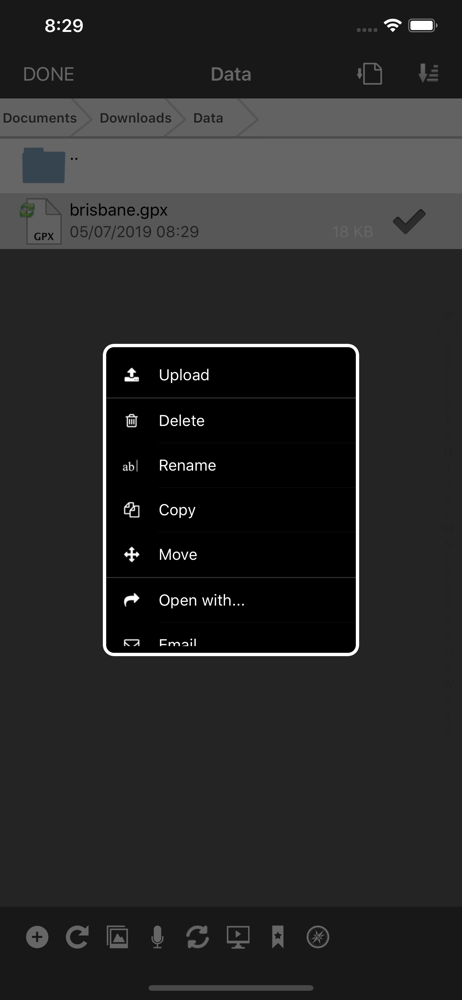
This program is very good! I’ve barely used any of its massive feature set, but look forward to doing so. 2 Requests & 1 Problem * Once connected, I find the icons in the lower left to be very tiny and confusing. A text label next to each would be *very* helpful. * In trying to connect to your also useful WebDAVNav Server using a self-signed certificate it made—and I approved in Keychain Access—I could publish from the Calendar app on my Mac, but trying to connect to it from this iOS app tells me “an SSL error occurred” even though I’ve turned on Prefs > Security > Trust all SSL certificates. * It could be much more secure to trust on a host-by-host basis instead of a global “Trust Everything” setting. Thank you very much!
Our law firm' data storage policy prohibits the placing confidential data on remote servers, so the use of this app is mandatory. That policy is based upon our understanding that frequently changed strong passwords and shared secrets beat advertising claims of "strong military-grade encryption". The problem is not the real or illusory strength of encryption, but rather infinite data duplication by way of constant backups, just like email. This is why Hillary Clinton and Mike Pence both look like idiots. So if you don't understand all of this and do not have a working knowledge of Server App, use a good IT consultant to set it up. While accessing a remote server and using the files stored there over a wireless cellular VPN connection is never bulletproof, troubleshooting has always led to a spontaneous VPN failure or server glitch requiring a server adjustment or reboot. You need an iOS to computer screen sharing app to solve server problems remotely. This app is intuitive, fast and feature-rich. The interface is very close to a direct or LAN computer screen sharing session. You can create, delete, delete, and move folders and files. You can view all files in the built-in iOS viewer. You can open, edit and save (locally or remotely) Word, Pages, Excel and Numbers documents. I have not used the built-in iOS server. We run Yosemite and Server App 5.XX on our server and iOS 10 on iPhone 6 phones and iPad Air 2s. We have used this app since we ran Mountain Lion and maybe iOS 5 on iPhone 4 phones and iPad 2s. This is also one of the few software publishers that does not seem to release alpha or beta updates to use its customers computers to involuntarily test them.
Now I can develop HTML and Java Script on my iPad, how cool is that? I can text edit my HTML and preview it within the app. My only complaint is the app doesn't utilize the external keyboard. If I start editing a file, half of my screen goes blank where the keyboard would normally show up, but doesn't because I am typing on the external. This creates a waste of screen space. I can access my local storage to continue my web development on my iPad while in Airplane mode, I just have to try to connect to a server, and wait for a message to states that it can't connect, and ask me if I want to go to the local storage. I think that should be an option from the start, but this works too.
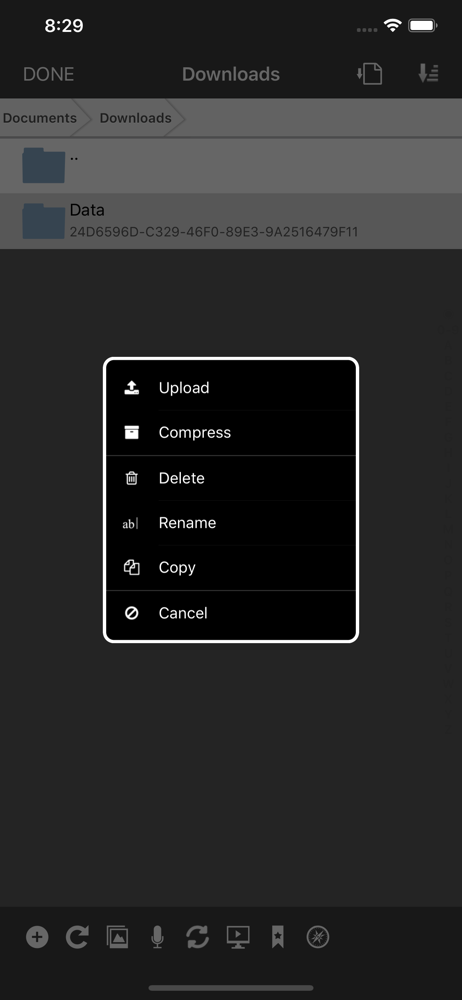
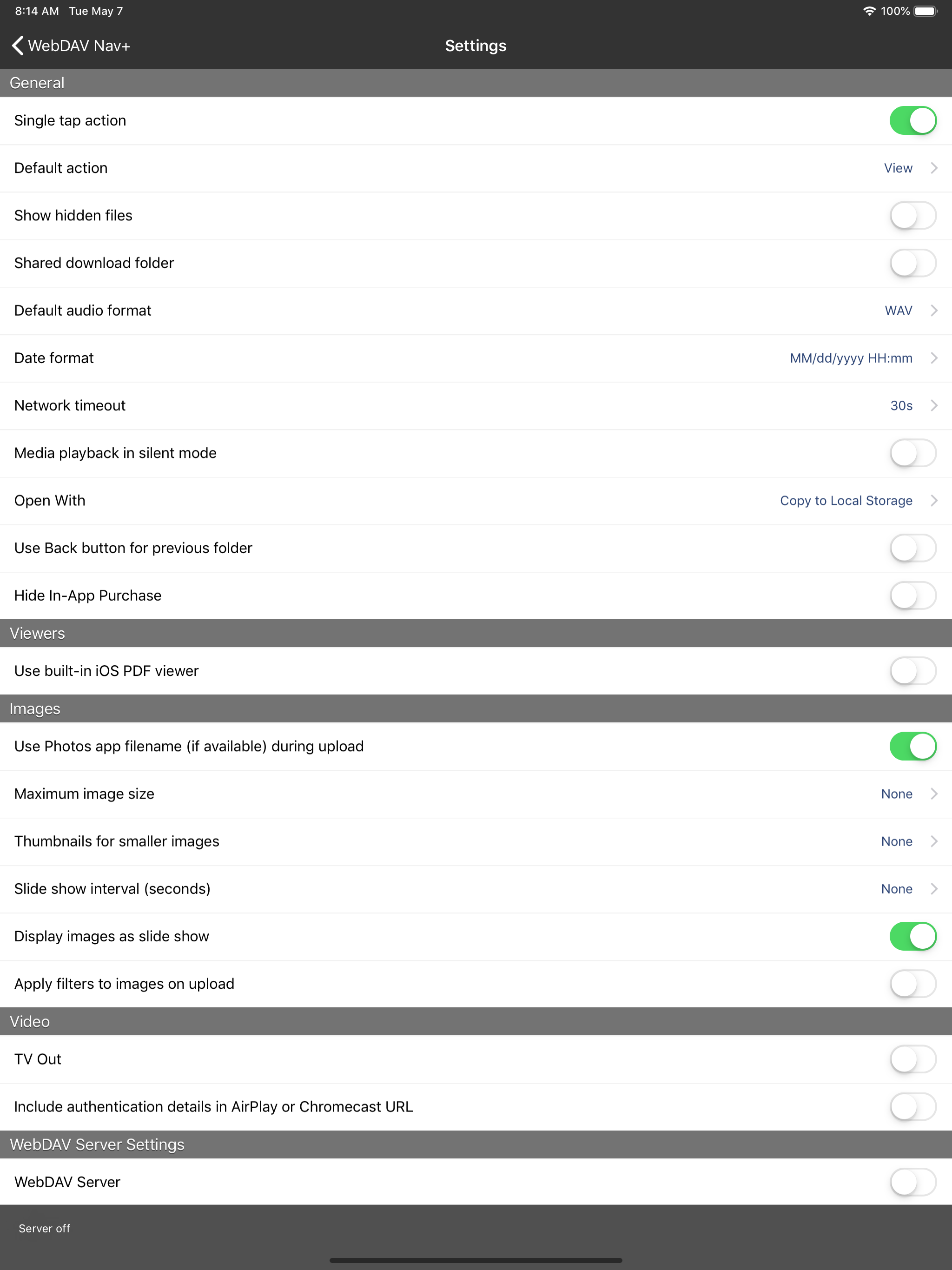
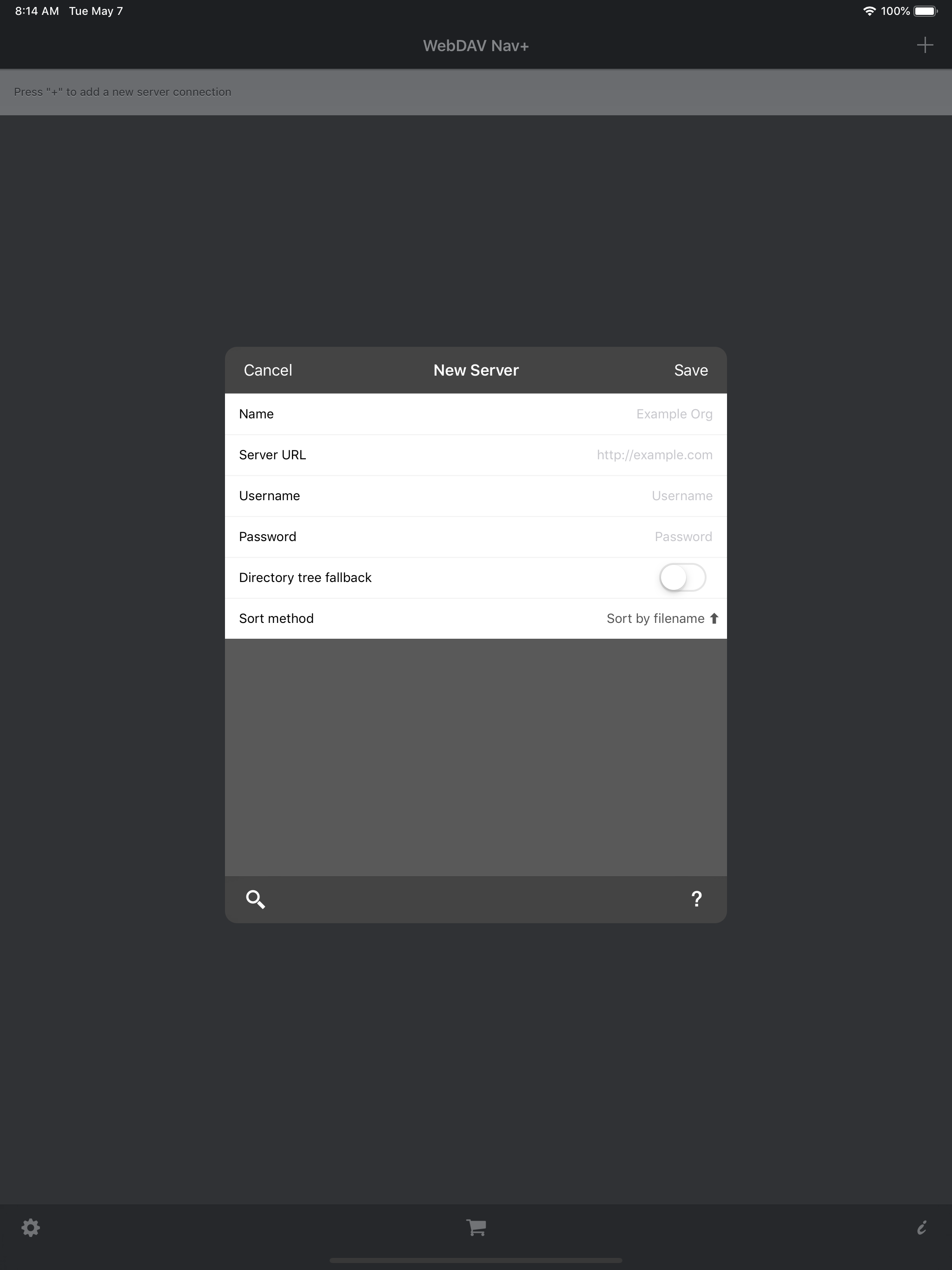
With WebDAV Nav+ you can download, share, store and edit files on your iPhone or iPad when utilising your local server, Network Attached Storage or a...
| Name | Price | Type |
|---|---|---|
| WebDAV NavX | $0.99 | One-time |