Check the acquisition promise
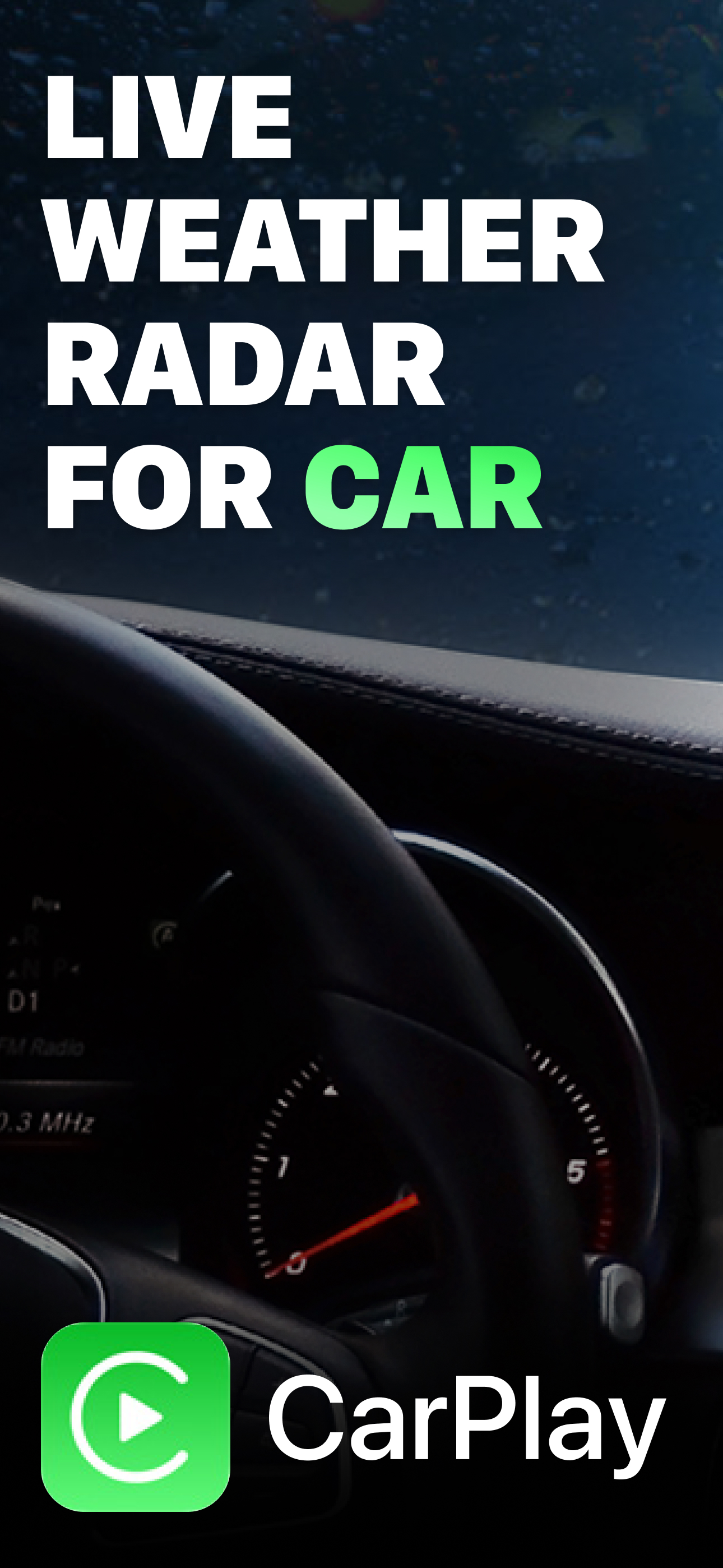
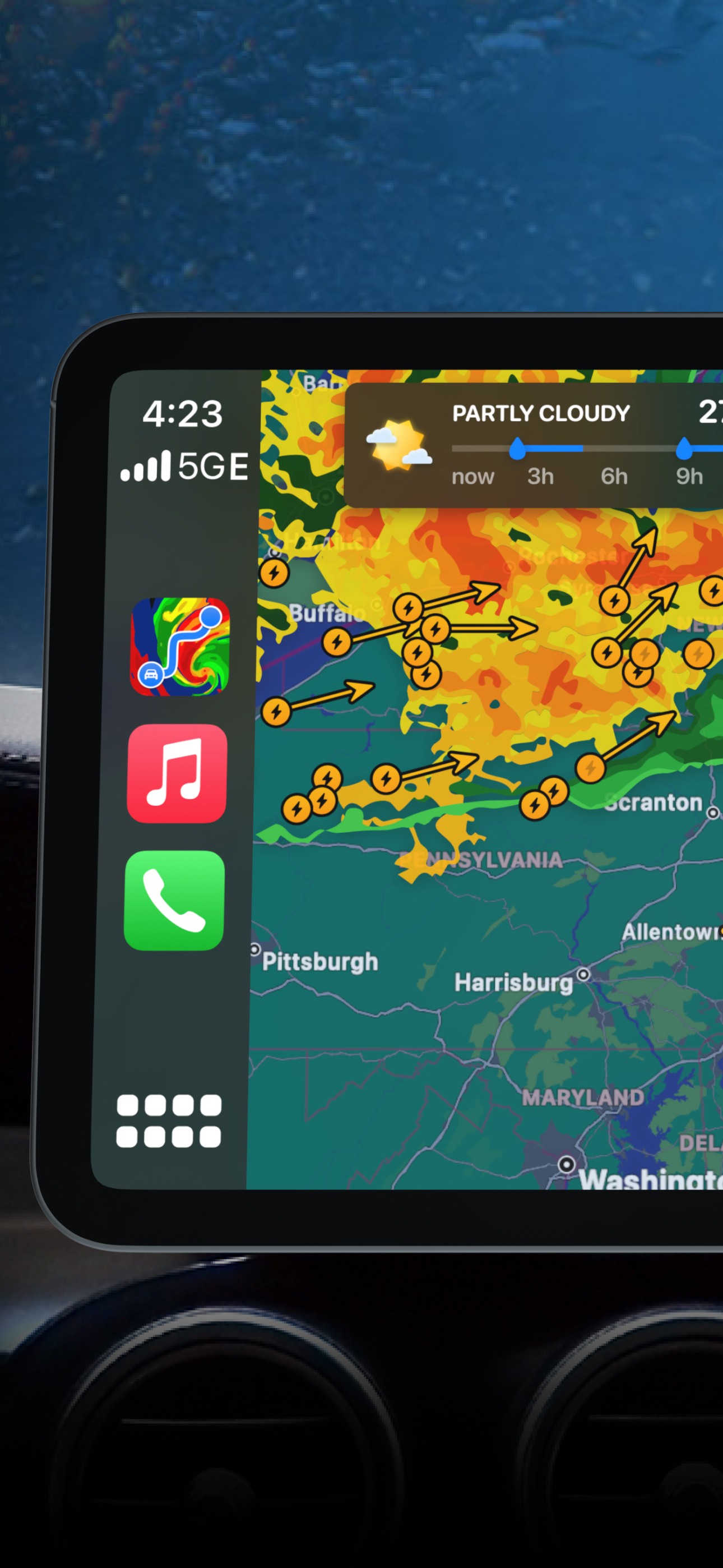
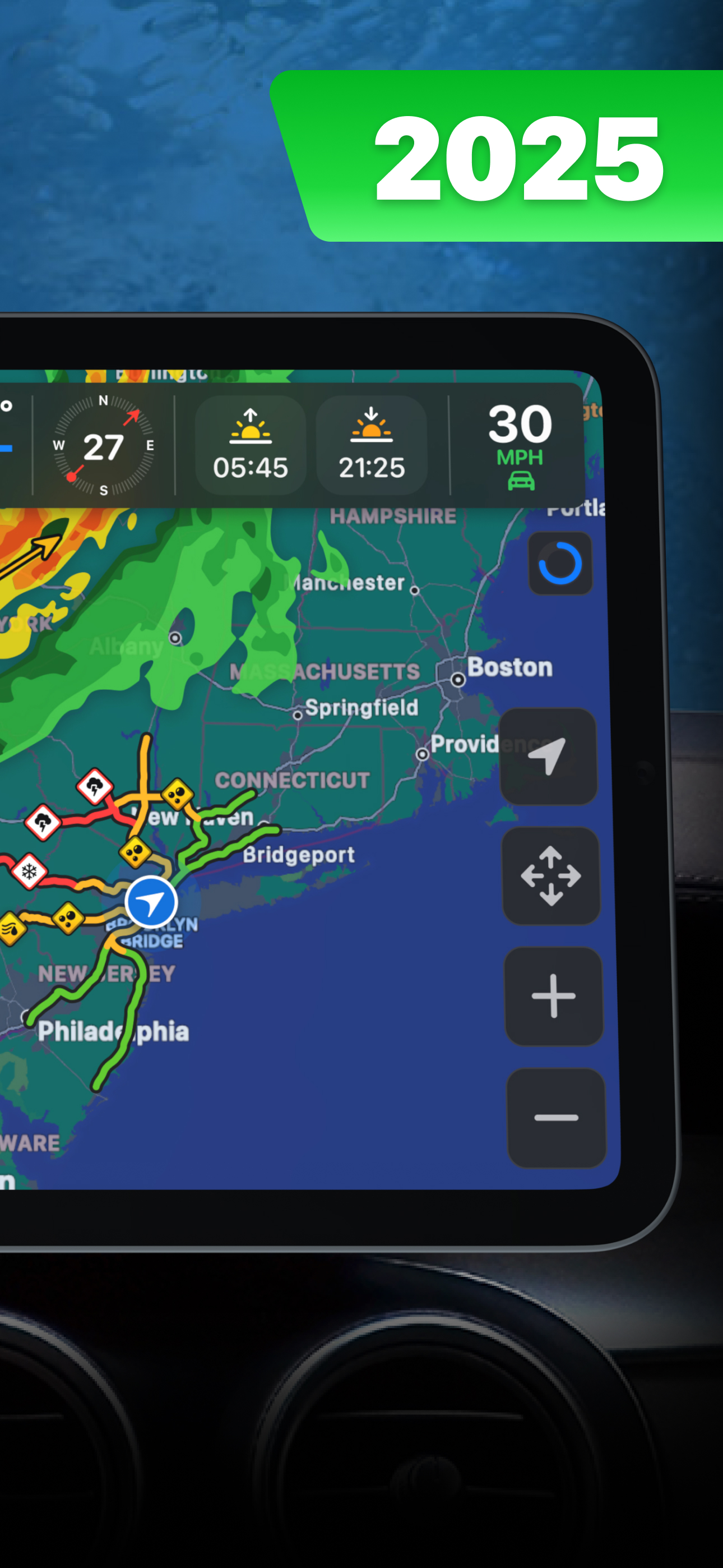
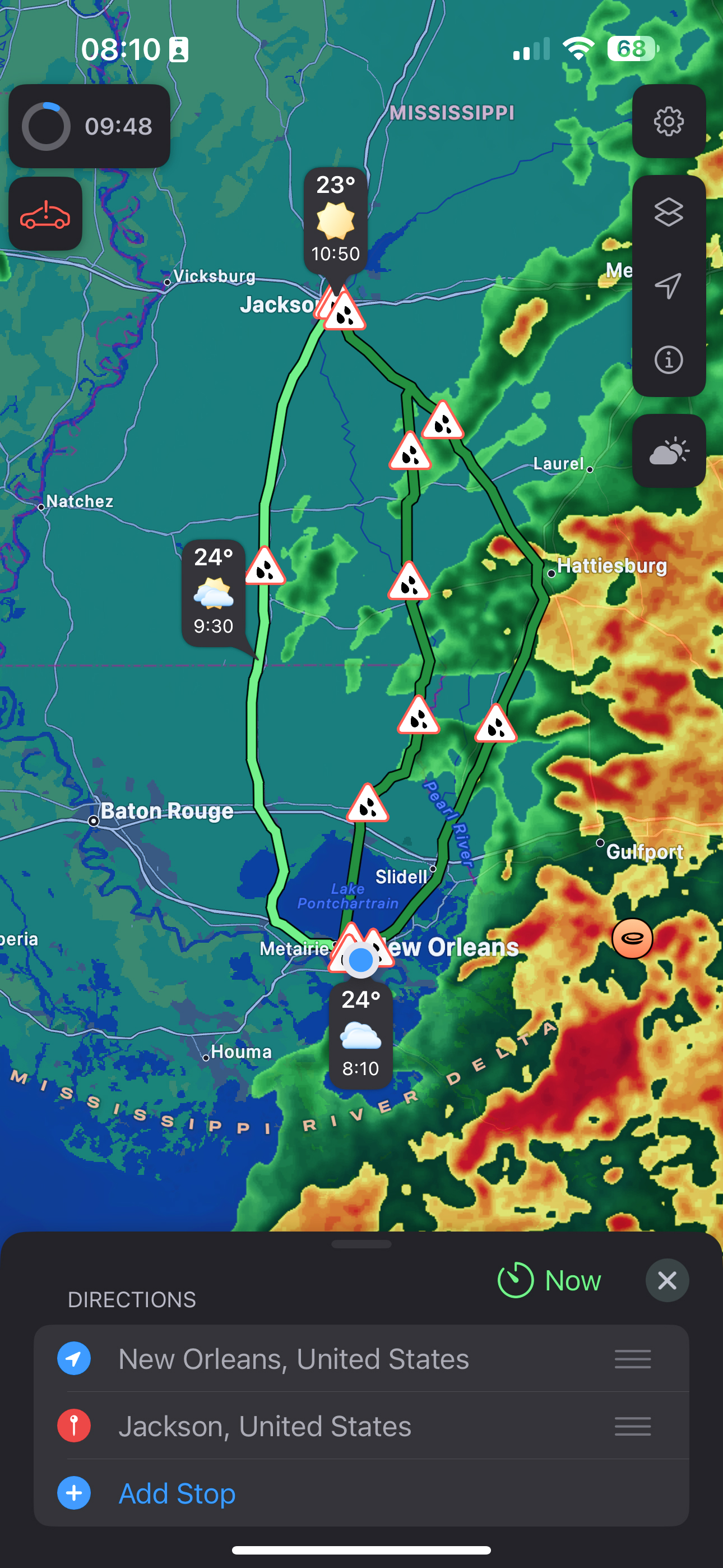
Read the store headline, screenshots and description. What problem is the app promising to solve?
Study the storefront ↗
byss mobile · iOS
Explore the ad evidence, study the storefront, and build your next acquisition hypothesis.
01 / Creative research
Read the store headline, screenshots and description. What problem is the app promising to solve?
Study the storefront ↗Explore apps with direct store-link matches. Compare their hooks and formats without assuming the same approach works here.
Browse observed advertisers ↗Store rankings and revenue estimates describe market context. They do not establish ad spend, conversions or ROAS.
Review the market context ↗02 / Storefront & product
Study the product story and store experience behind the acquisition funnel.




03 / Market context
Keep revenue, downloads and store rankings separate from advertising performance.
Let me preface this by saying I travel the entire. East coast of the United States from New Jersey to Florida every three weeks or so, this product was something I was looking for with active radar for weather, however, before we get to that, the navigation aspect of this was useless. It tried it on a smaller trip (600 miles) this past weekend, for starters, the travel time for this 10 hour drive was supposedly only 5 hours, the navigation route line was so small you could barely see it. In addition, one of the turns was for me to bear left towards a state road instead of just staying on the interstate that was also the same road. I could look past all this, but what took the cake was the radar, I had this set for the top active radar that refreshed every two minutes, and while I was going 30 mph below the speed limit for over twenty minutes due to heavy rain, this garbage app stated that the radar was clear with no chance of rain. All the while requiring me to pay for inferior navigation. Stay away!
This app is working well so far and looks good. The nag banner is annoying and i would gladly upgrade to a subscription level plan to support the app and do away with the banner and and get ten minute updates instead of twenty for around 10-15$ a year but 30$ is too much considering the level of use. As the old adage goes,. Half of something is better than all of nothing. Give us cheapskates a lower entry point.
As the only radar available for CarPlay at the moment I went ahead and subscribed. However features are limited, no loops, no watch boxes. I planned to use this for CarPlay and rely on my regular apps for better weather information. However, just 3 weeks in and I’m already noticing inaccurate radar. Tonight I was driving from west to east with a strong storm line moving west to east behind me. Just as the storm started to hit me, this app was telling me the storm was 20 miles east of my current position. Meaning the storm was already past me even though it was just catching up to me. A minute later radar said it was behind me. Then a few minutes later it was 20-25 miles in front of me. But never with me as I drove through the storm. Confirmed with two different weather apps that the radar was way off on this app.
Introducing the ultimate car Weather Navigation app with the revolutionary weather routing feature. • live Weather Radar on CarPlay screen • weather...
| Name | Price | Type |
|---|---|---|
| PRO Weather Navigation (Weekly) | $4.99 | Weekly |
| PRO Weather Navigation (Monthly) | $7.99 | Monthly |
| PRO Weather Navigation (Monthly) | $12.00 | Monthly |
| PRO Weather Navigation (Monthly) | $14.99 | Monthly |
| Black Friday Promo PRO | $29.99 | Yearly |
| PRO Weather Navigation (Annual) | $39.99 | Yearly |
| PRO Weather Navigation (Annual) | $49.99 | Yearly |
| PRO Weather Navigation (Annual) | $69.90 | Yearly |
| PRO Weather Navigation (Annual) | $99.99 | Yearly |