Check the acquisition promise
Read the store headline, screenshots and description. What problem is the app promising to solve?
Study the storefront ↗
corey hoggard · iOS
Explore the ad evidence, study the storefront, and build your next acquisition hypothesis.
01 / Creative research
Read the store headline, screenshots and description. What problem is the app promising to solve?
Study the storefront ↗Explore apps with direct store-link matches. Compare their hooks and formats without assuming the same approach works here.
Browse observed advertisers ↗Store rankings and revenue estimates describe market context. They do not establish ad spend, conversions or ROAS.
Review the market context ↗02 / Storefront & product
Study the product story and store experience behind the acquisition funnel.



03 / Market context
Keep revenue, downloads and store rankings separate from advertising performance.
Once you select something, most of the time a blank page pops up. You click back and nothing happens. You have to close out the App and then restart it every time. No use for me. Deleted it.
Don’t waist your time downloading this❗️The back button doesn’t take you back . You have to get out of it to go to anything else . When you click on some buttons all it shows is lines. Very disappointed ‼️ Delete ‼️
Back button doesn’t take you back to the selection page. Once you selected a parameter to look at you are stuck in it. Only way to navigate is to reboot your phone each time you want to view something different. I deleted it after 15 minutes of frustration.
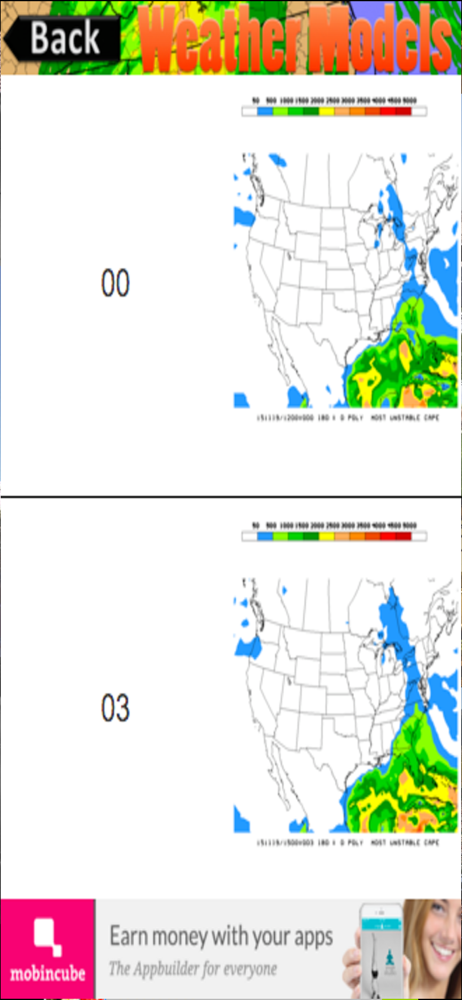
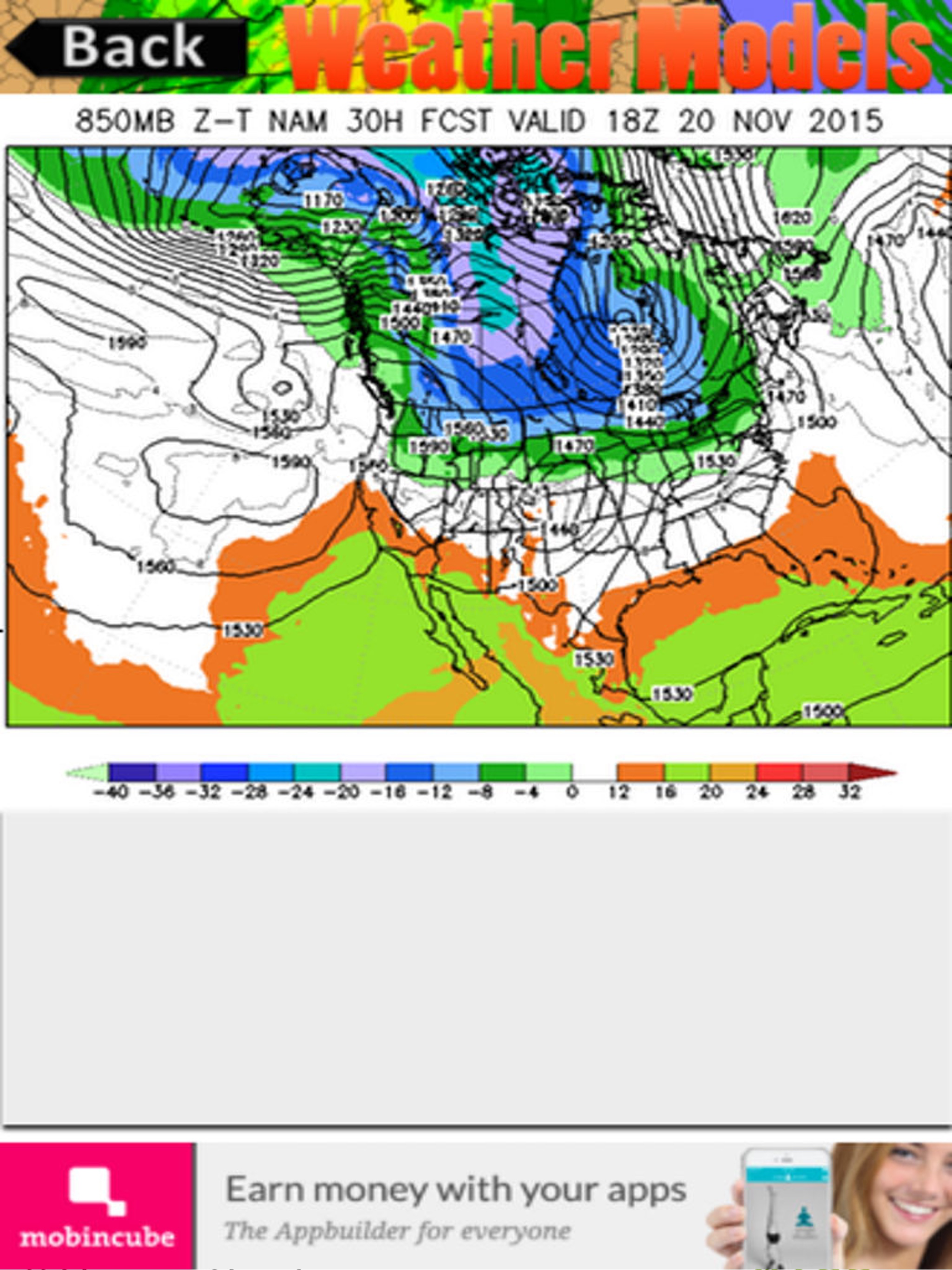
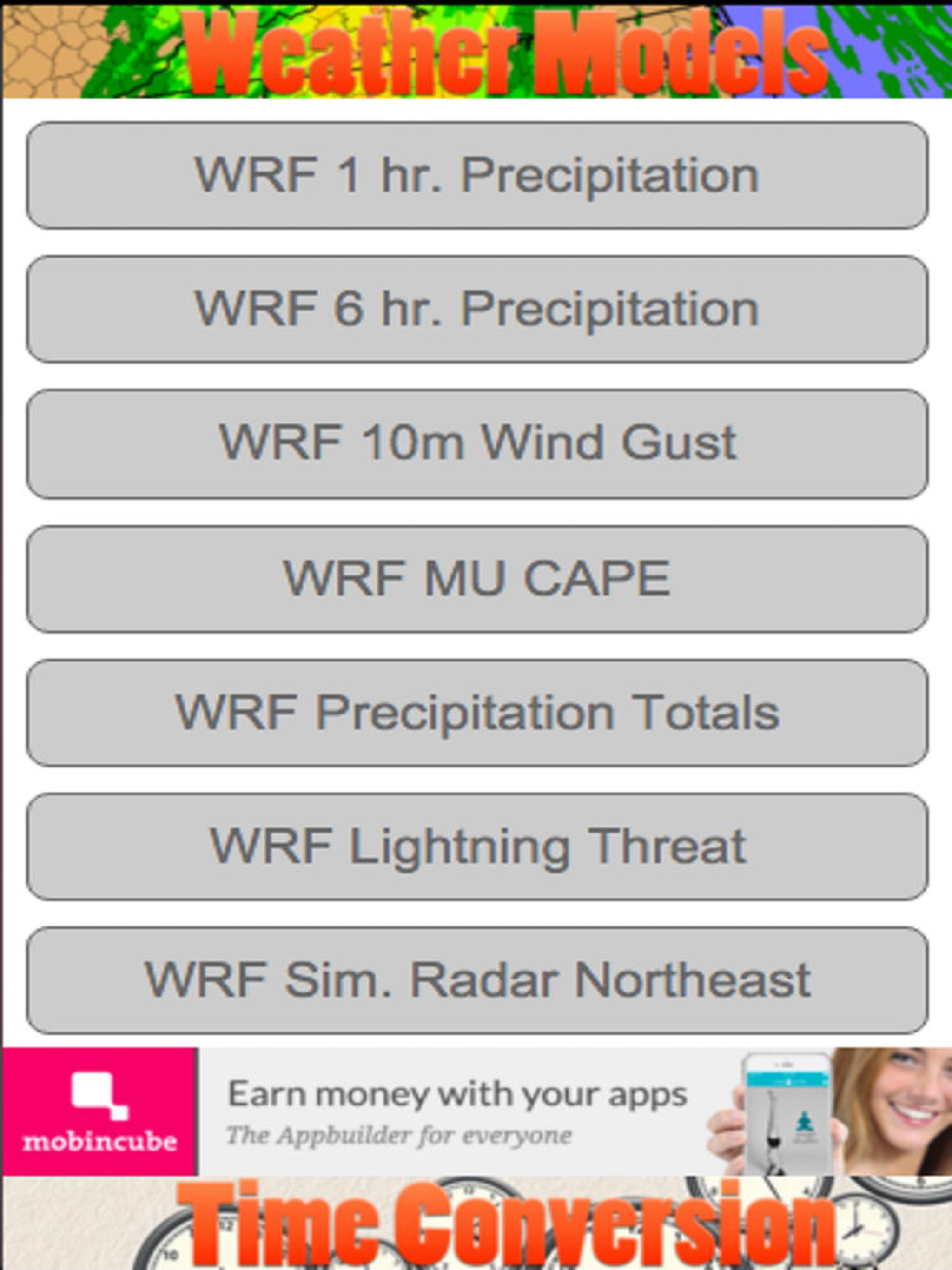
The Weather Models application provides you with maps directly from NOAA. The models currently listed in the application is the GFS, WRF, NAM & HRRR...