Check the acquisition promise
Read the store headline, screenshots and description. What problem is the app promising to solve?
Study the storefront ↗
Stephanie Sabota · iOS
Explore the ad evidence, study the storefront, and build your next acquisition hypothesis.
01 / Creative research
Read the store headline, screenshots and description. What problem is the app promising to solve?
Study the storefront ↗Explore apps with direct store-link matches. Compare their hooks and formats without assuming the same approach works here.
Browse observed advertisers ↗Store rankings and revenue estimates describe market context. They do not establish ad spend, conversions or ROAS.
Review the market context ↗02 / Storefront & product
Study the product story and store experience behind the acquisition funnel.




03 / Market context
Keep revenue, downloads and store rankings separate from advertising performance.
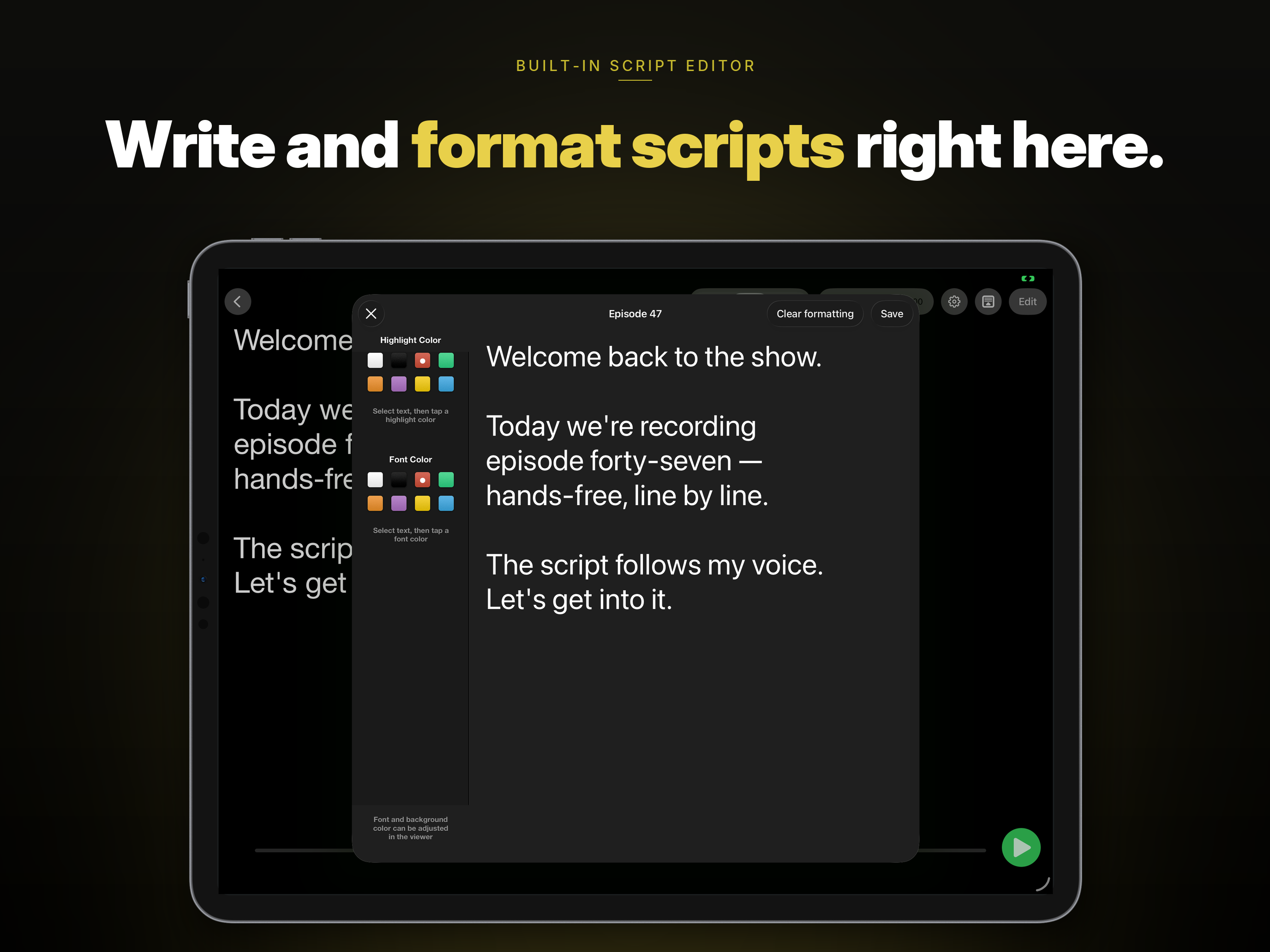
I discovered this app a few years ago. It was great. I wrote my speech and I am able to highlights the words to help me focus. However, this feature disappeared about 2 years ago. I am able to highlight and color each word or phrases. However, once done, saved and switched over to the screen to present my speech. Then, I discovered that 1) the highlighted words and phrases didn’t transfer over to the prompting screen. It has worked since. 2). There’s not support that I can ask for help. Because I am so soused to this app I decide to give the Teleprompter Pro a chance, perhaps, they have updated and solve that problem. If not, adios! Teleprompter Pro!!
App has a feature allowing to use voice to control script scrolling. The voice feature is why we have to pay extra. If paying extra, it would be great if the app recorded also. Other apps record with script overlay and allow for greenscreen replacement and lower thirds placement.
The instructions for importing a script were, "Share your file using the share button and select 'Open with Voice Teleprompter." I eventually translated that to mean, prepare your script on another computer and upload it to (I used Dropbox). Then, with the iPad, go to the uploaded file in Dropbox, and click on share. A dialog box opens on the iPad with choices of who to share the file with. One of the choices is "Open with Voice Teleprompter." I clicked on that and the file successfully loaded into Voice Teleprompter and was good to go. I got it to work, no thanks to the instructions. Works fine now, notwithstanding some of the complaints shared by other reviewers.
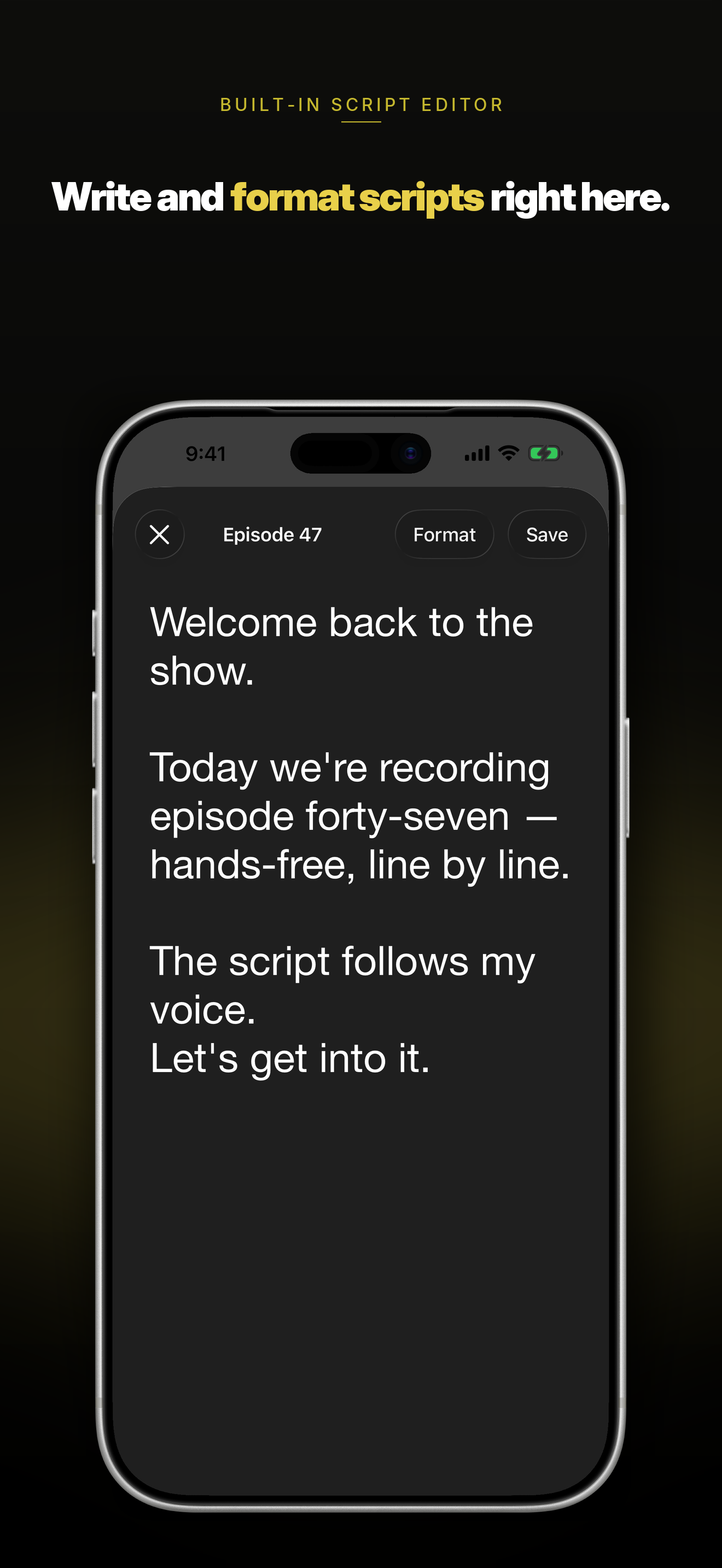
Voice Teleprompter PRO is the iPhone and iPad teleprompter that scrolls with your voice. Speak naturally and the script follows. Stop, and it stops....