Check the acquisition promise
Read the store headline, screenshots and description. What problem is the app promising to solve?
Study the storefront ↗
Nelcea · iOS
Explore the ad evidence, study the storefront, and build your next acquisition hypothesis.
01 / Creative research
Read the store headline, screenshots and description. What problem is the app promising to solve?
Study the storefront ↗Explore apps with direct store-link matches. Compare their hooks and formats without assuming the same approach works here.
Browse observed advertisers ↗Store rankings and revenue estimates describe market context. They do not establish ad spend, conversions or ROAS.
Review the market context ↗02 / Storefront & product
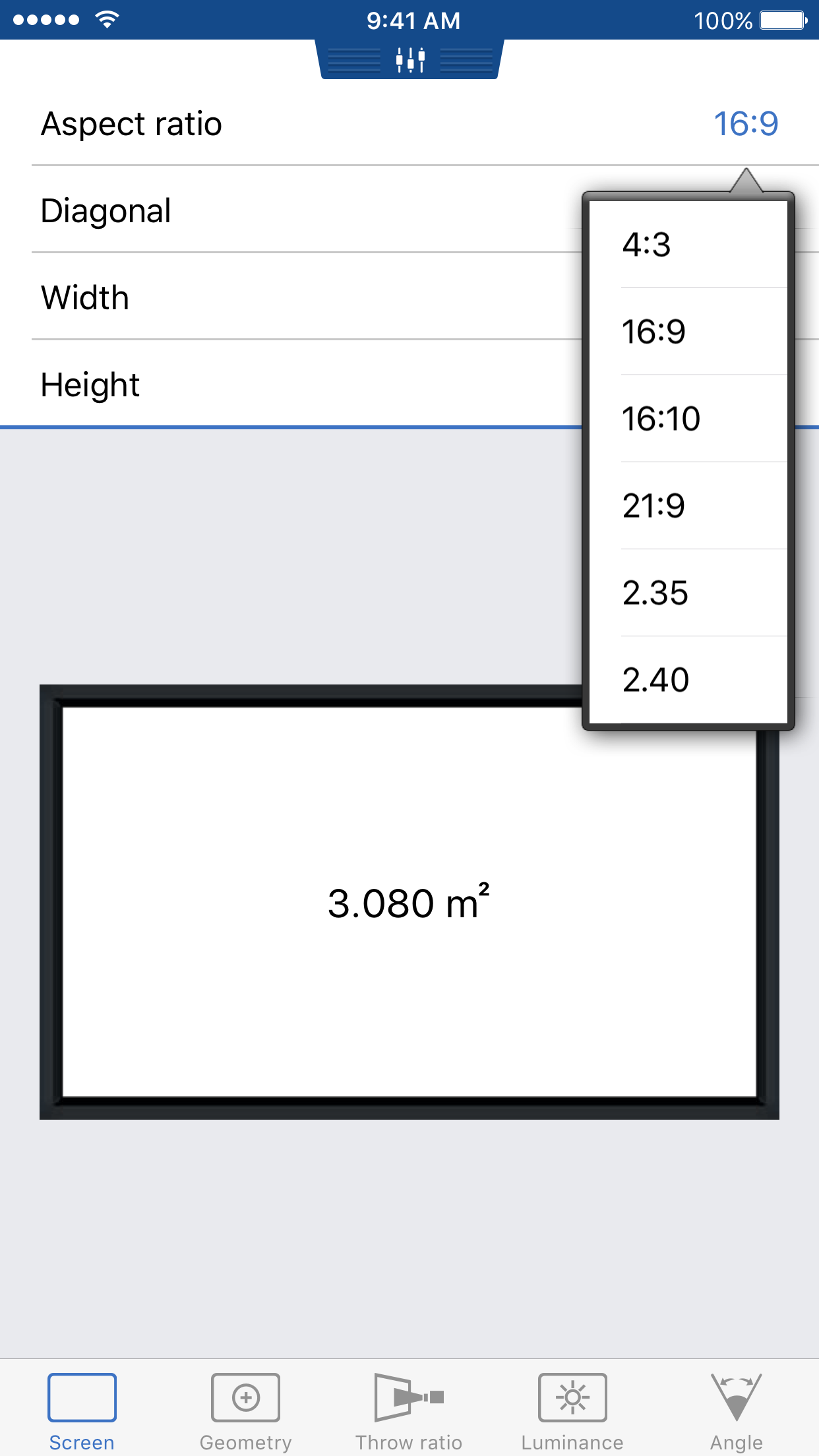
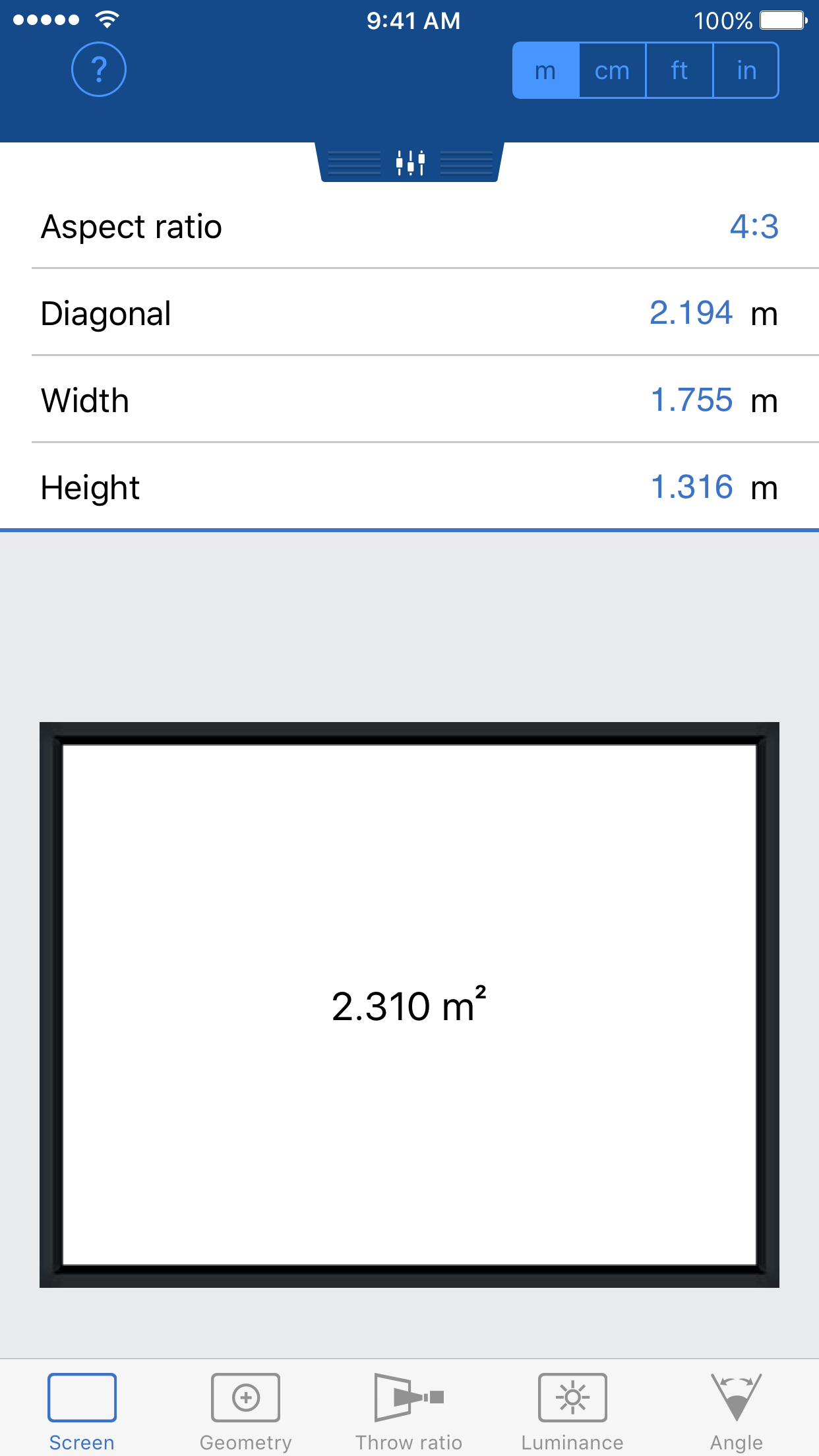
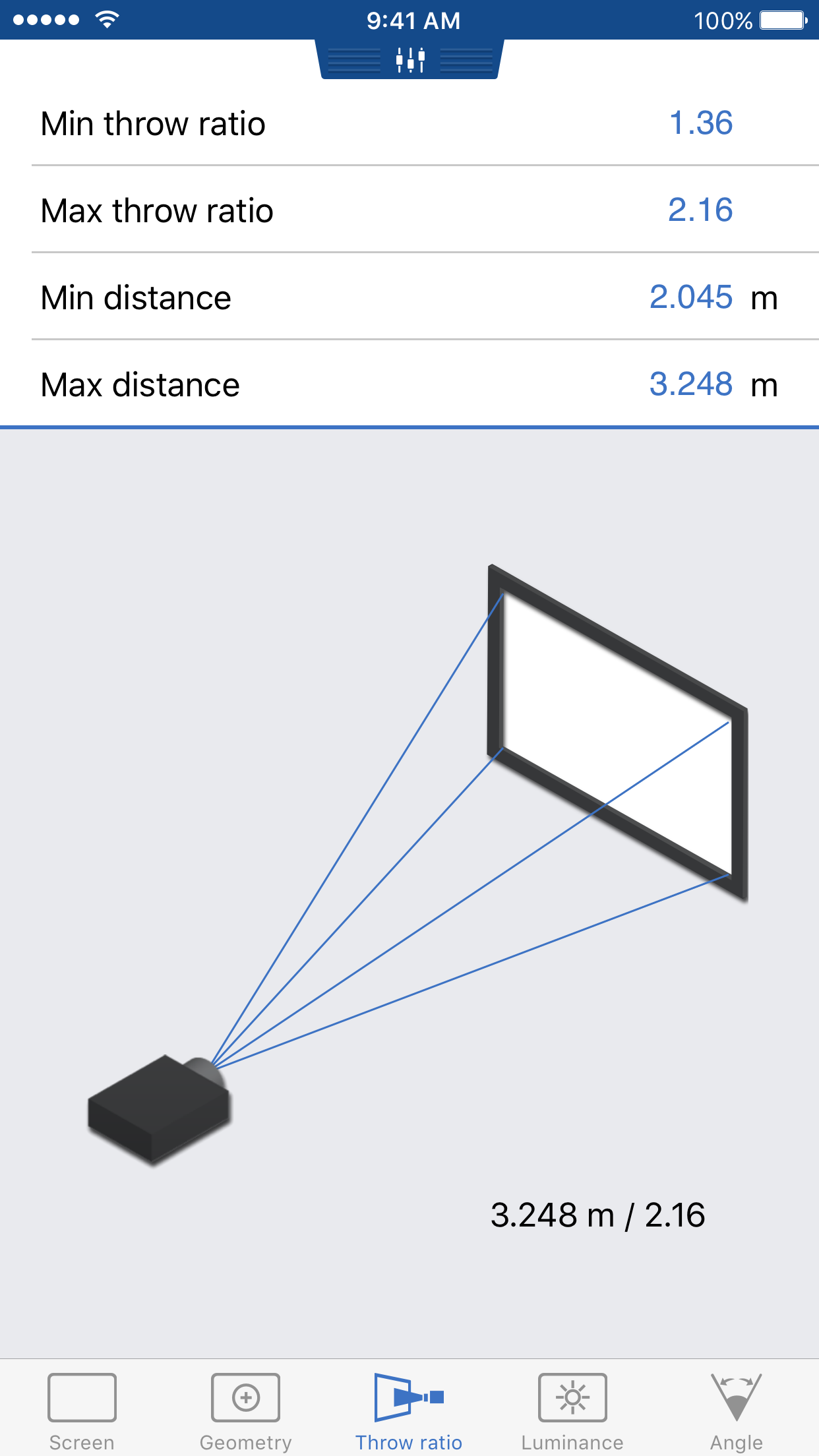
Study the product story and store experience behind the acquisition funnel.
03 / Market context
Keep revenue, downloads and store rankings separate from advertising performance.
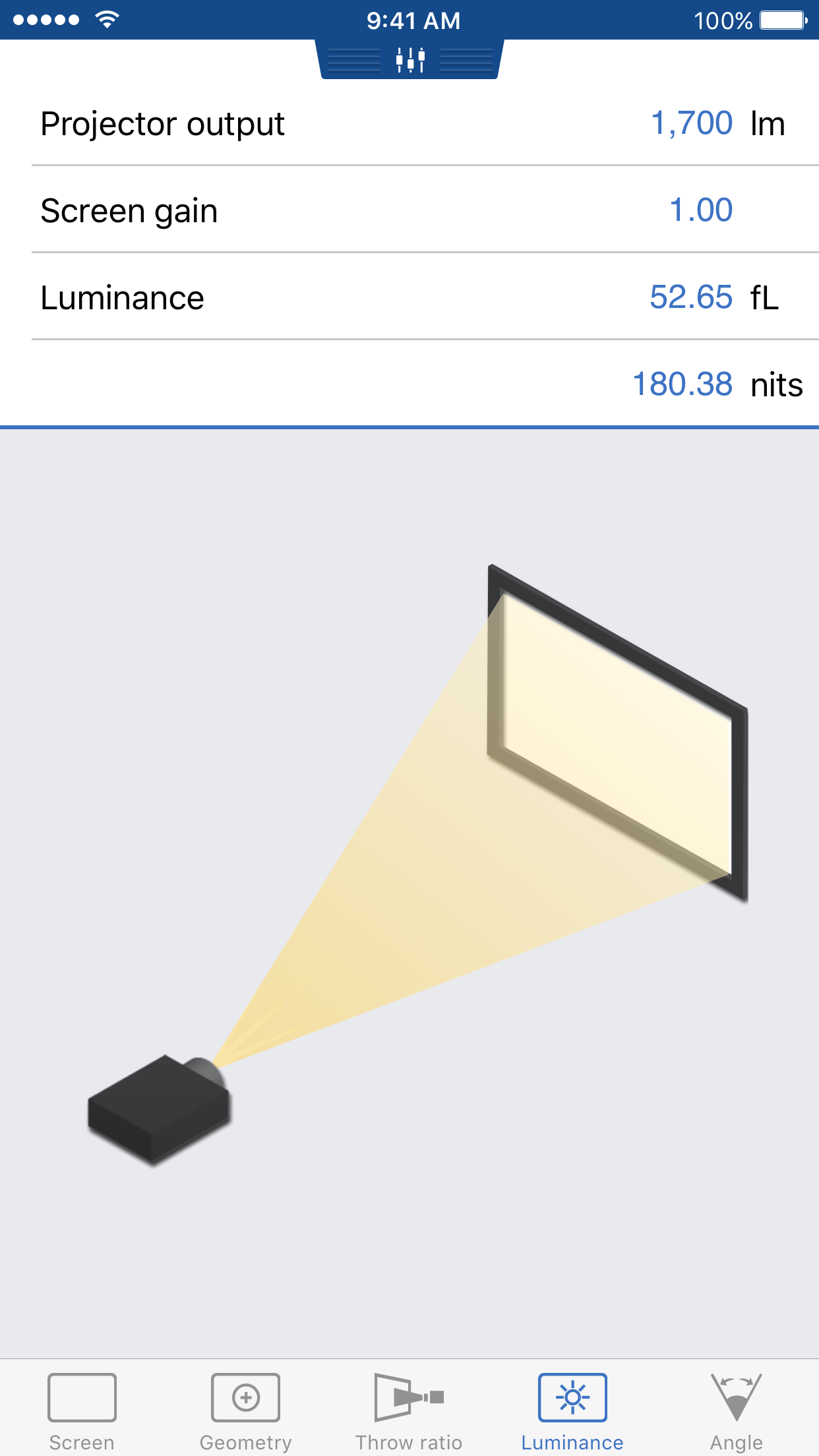
I like the app. It would be helpful, within the luminance tab, to add an option for square footage of screen, that would calculate lumens of projector needed based on the square footage of the screen using industry standard variable based on room lighting.
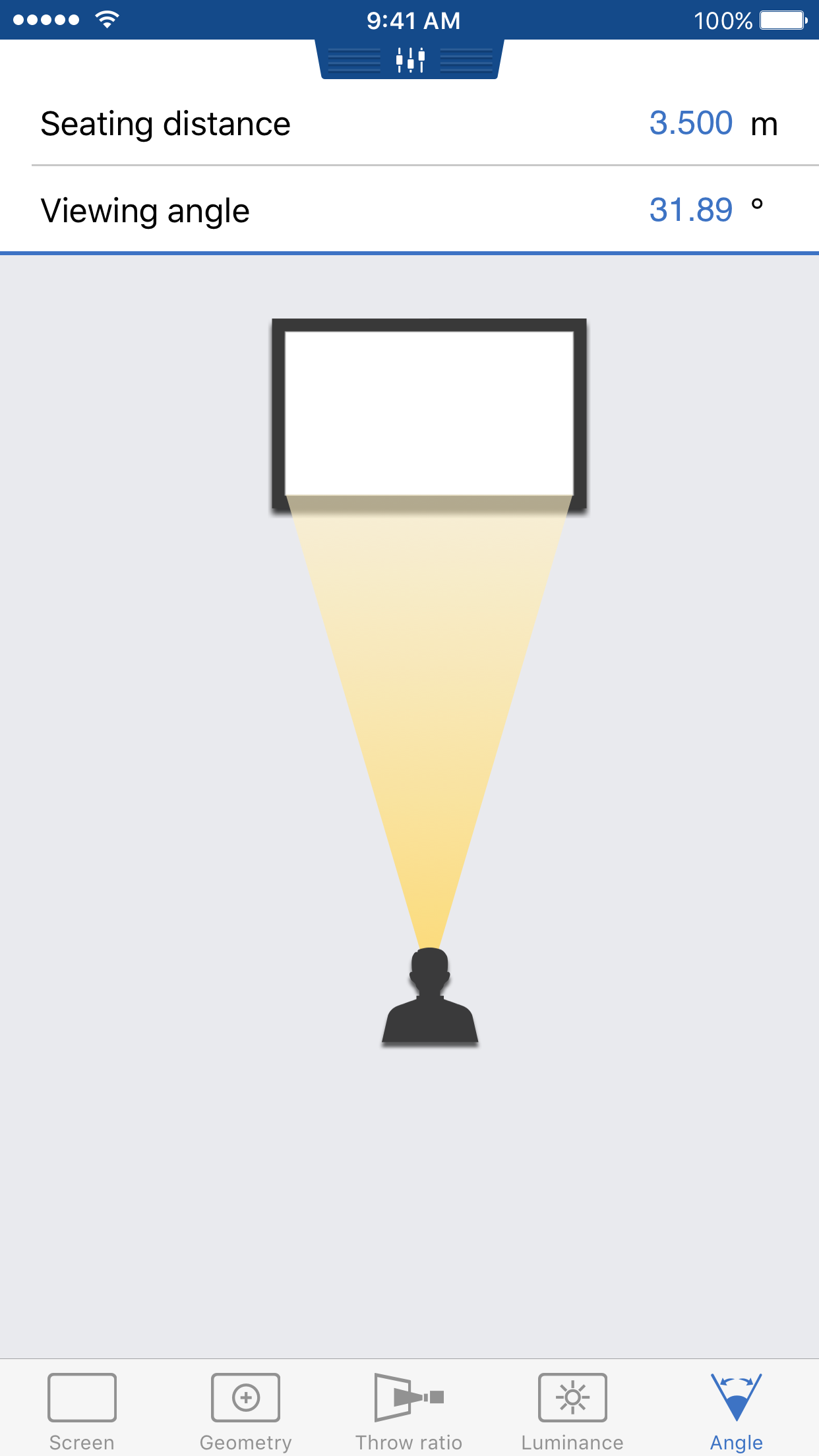
This is the quickest way to get a screen dimension based on aspect ratio that I have found. If you need quick dims in the field then this is a great app to have in hand.
This app is perfect for calculating how well a projector will preform or how bright a projector will need to be to work in a room. I was using an Excel spreadsheet in quick office but is was a pain to use. Thank you for making this app.
VideoCalc is The tool that will help you design Home Theaters in a consistent, quick and easy way. It makes all the tedious calculations a breeze and...