
Check the acquisition promise
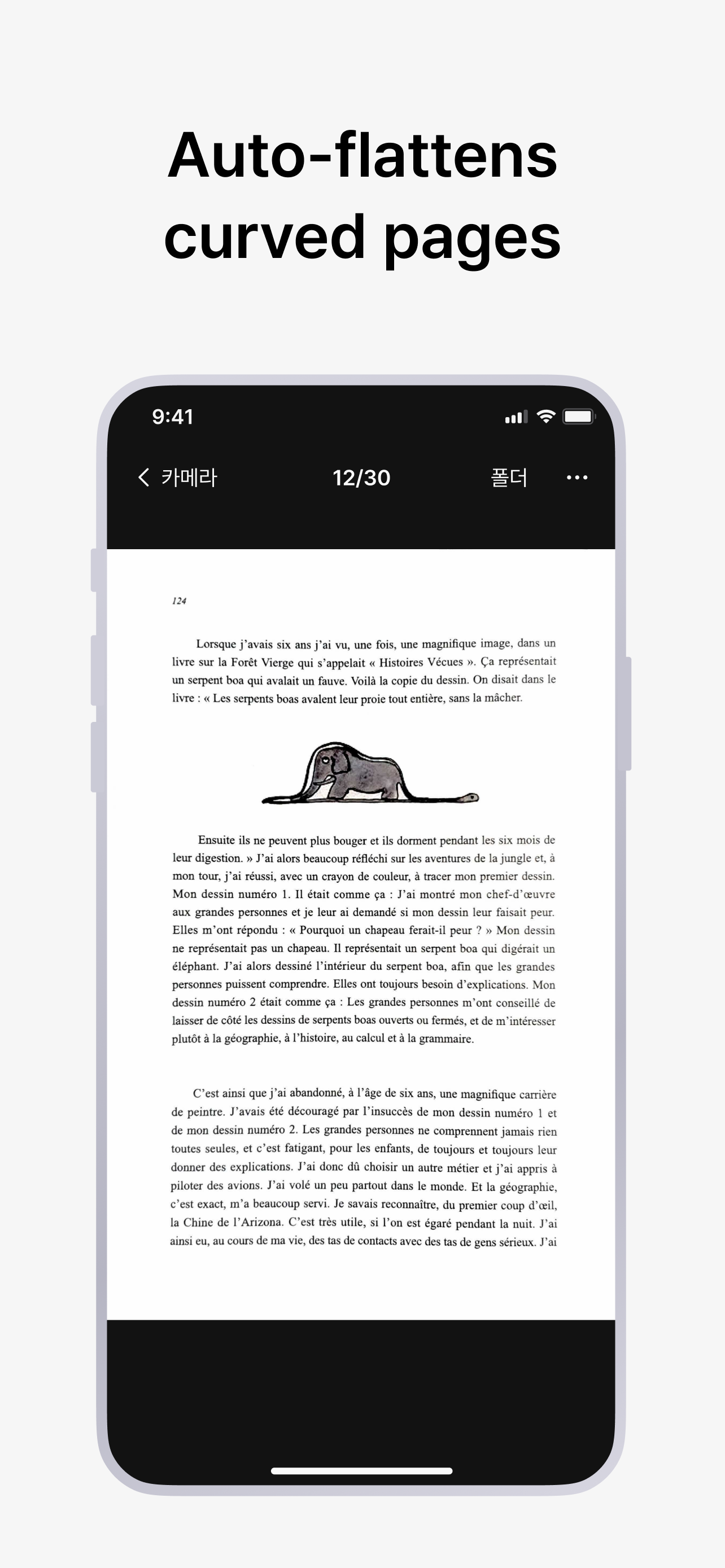
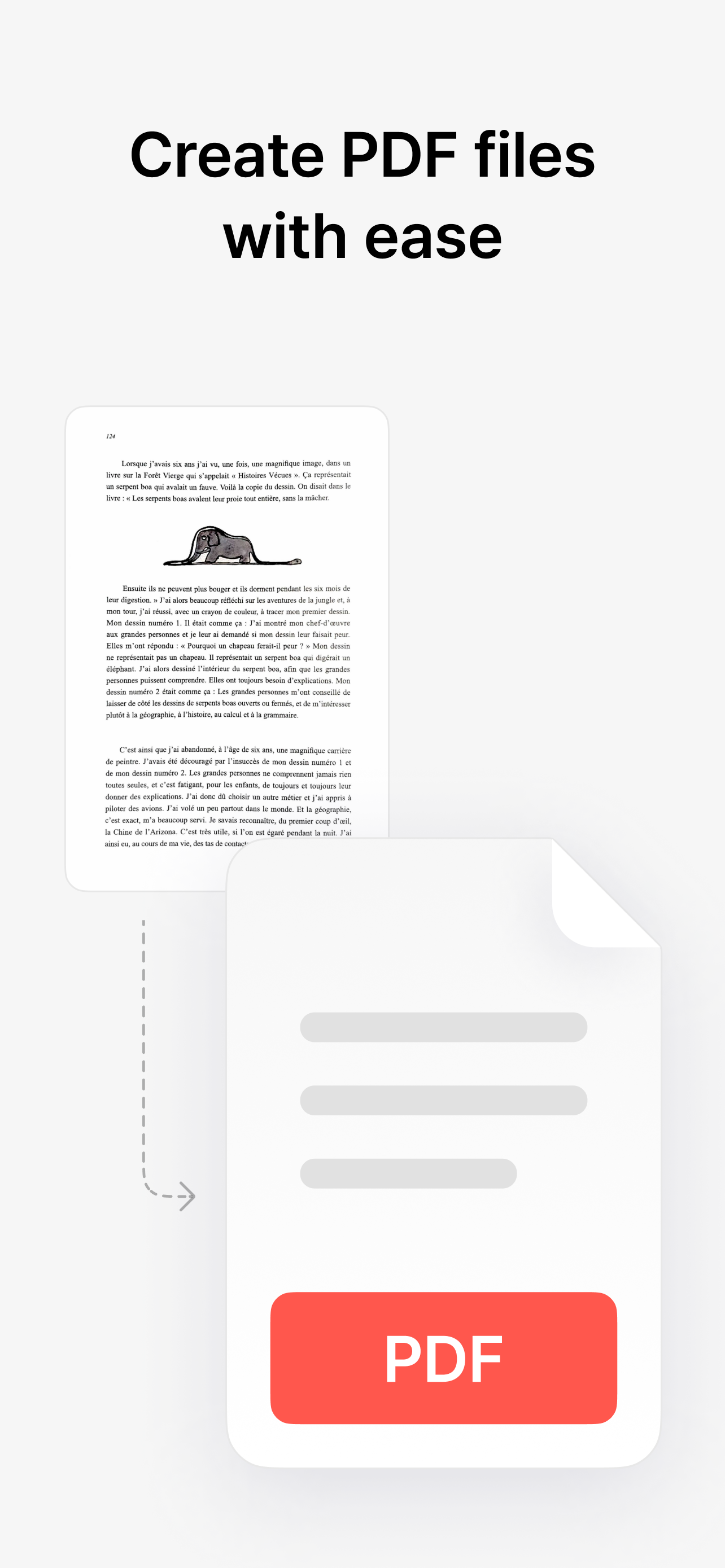
Read the store headline, screenshots and description. What problem is the app promising to solve?
Study the storefront ↗
VoyagerX, Inc. · iOS
Explore the ad evidence, study the storefront, and build your next acquisition hypothesis.
01 / Creative research
Read the store headline, screenshots and description. What problem is the app promising to solve?
Study the storefront ↗Explore apps with direct store-link matches. Compare their hooks and formats without assuming the same approach works here.
Browse observed advertisers ↗Store rankings and revenue estimates describe market context. They do not establish ad spend, conversions or ROAS.
Review the market context ↗02 / Storefront & product
Study the product story and store experience behind the acquisition funnel.




03 / Market context
Keep revenue, downloads and store rankings separate from advertising performance.
vFlat Scan is an incredible tool for scanning, but the current photo import interface is a major bottleneck for power users. Currently, the app uses a custom wrapper for the photo library that is significantly less functional than the standard iOS implementation. If you import photos from an external camera (which many of us do for high-quality scans), the app forces a "Recents" view that sorts by "date added" rather than "date taken," leading to a completely scrambled order. I currently wasted a ton of credits before i realized it was importing them all in the wrong order and wasted 2 hours finding a workaround to keep them in order by creating manual albums in the native Photos app just to get vFlat to recognize the correct chronological order. Also pretty silly it doesn’t let me import jpg scans from Files app either :/. PLEASE PLEASE update the app to use the official Apple PHPicker API or add the following features: Native 'Photo Library' View: Allow us to view the full library sorted by original metadata (Date Taken). Album Search Bar: For users with hundreds of albums, scrolling through a random list is impossible. We need a way to filter/search for specific albums. Standard Sorting: Ensure albums and photos follow the system-default sorting logic rather than the current disorganized layout. Implementing the native Apple Photo Library UI would solve all of these issues instantly, as it already includes search, proper sorting, and a familiar interface that every other major iOS app uses. This one change would make this a 5-star app for professional and high-volume workflows!
At first it didn’t straighten out the lines of a scanned book at all - its most important feature. But when I downloaded the paid version it at least tried. This isn’t a smart business strategy - making the trial version ineffective. But anyway… Even the paid version is not perfect. It is good enough for personal use I suppose, but takes some practice and trial and error to scan flat documents properly, and scanning books fails to create acceptable scans 25% of the time. Text would not be straightened near the spine, or some words would be enlarged or out of focus, or part of the page would be cropped out. You really have to flatten the book pages to get it to work more often that that. So one star lost for that. It loses an additional star for its confusing user interface on both the iPhone and PC. It is awkward to upload scans, view date/time of each one on the PC, and even see which pages go with which documents. On the PC it just shows you a list of all the pages (as JPGs) that you’ve ever scanned. Combining the pages is a very manual process requiring Adobe Acrobat Pro or similar tool. The interface on the phone app isn’t much better. It needs a lot of work.
This app has been a great tool for helping me catch up on reading my physical books. I scan the particular chapter of the book I’m reading. The scans are fast and high-quality. They are also arranged in the correct order. Feature requests : 1. In the ‘Text’ view, pls provide different background modes - eg. A dark mode, sepia page mode, light green like the Kindle app. 2. In the Text mode, please allow edits to correct minor errors in the text recognition. All over, a fantastic app. I look forward to using more Text Recognition with paid credits. I hope the developers listen to the community and update the app with requested features.
Scan thick books perfectly flat—without cutting a single page. Most scanner apps can't handle open or curved books. vFlat can. AI curve correction...
| Name | Price | Type |
|---|---|---|
| Monthly subscription | $3.99 | Monthly |
| Monthly subscription | $4.99 | Monthly |
| Weekly subscription | $4.99 | Weekly |
| 1,000 Text recognition pages | $5.90 | One-time |
| 3,000 Text recognition pages | $10.00 | One-time |
| 10,000 Text recognition pages | $20.00 | One-time |
| Yearly subscription | $35.90 | Yearly |
| Yearly subscription | $39.99 | Yearly |
| Yearly subscription | $39.99 | Yearly |
| EduPlus Yearly Subscription | $39.99 | Yearly |


