Check the acquisition promise
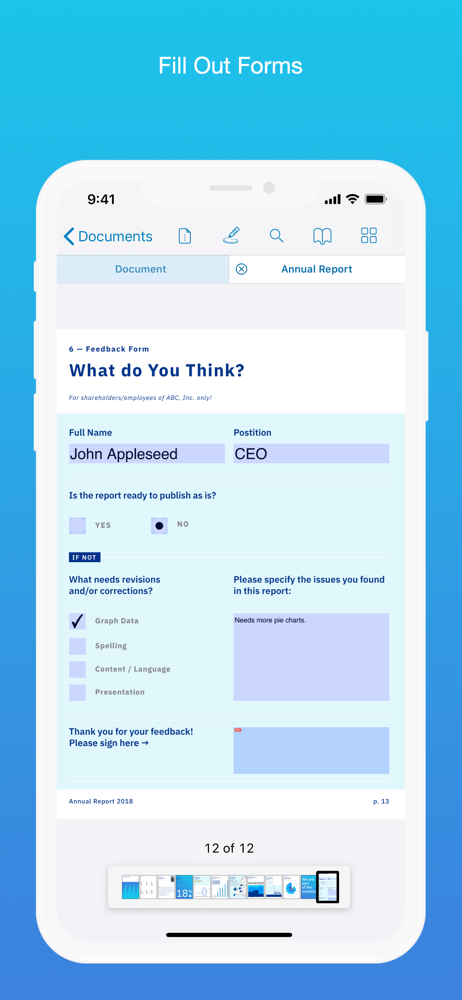
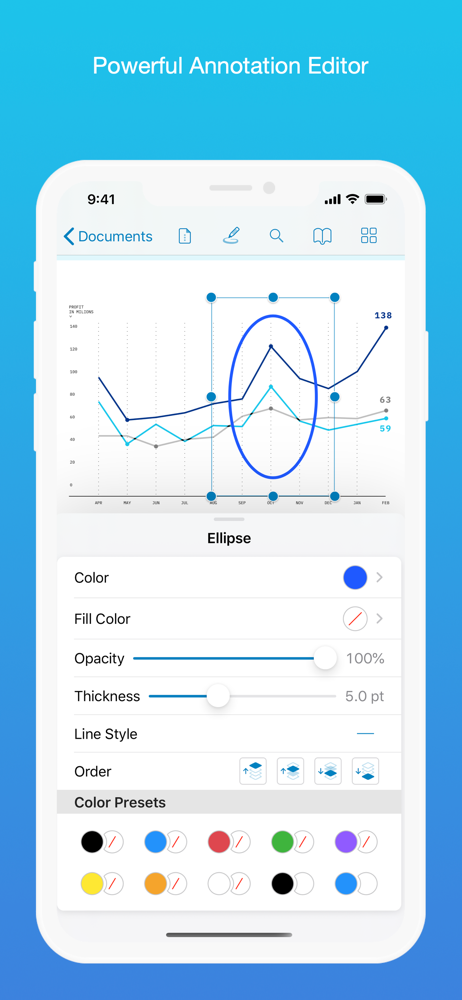
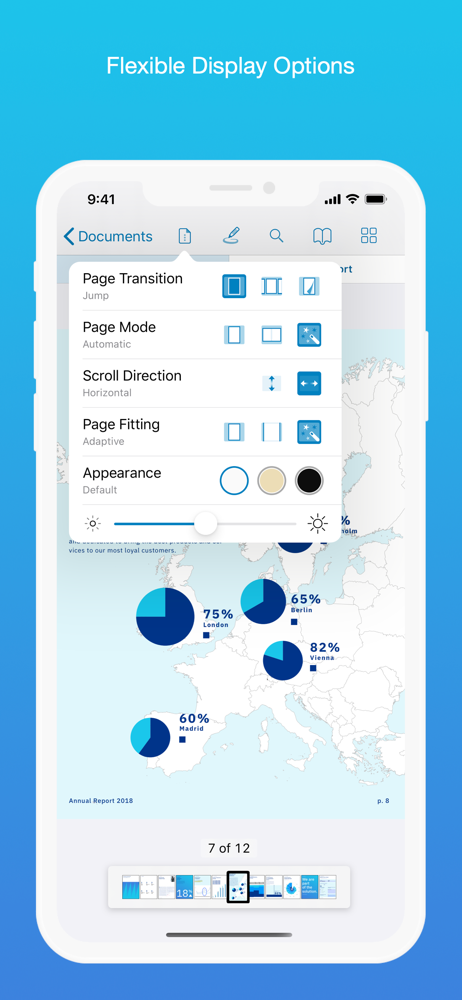
Read the store headline, screenshots and description. What problem is the app promising to solve?
Study the storefront ↗
PSPDFKit GmbH · iOS
Explore the ad evidence, study the storefront, and build your next acquisition hypothesis.
01 / Creative research
Read the store headline, screenshots and description. What problem is the app promising to solve?
Study the storefront ↗Explore apps with direct store-link matches. Compare their hooks and formats without assuming the same approach works here.
Browse observed advertisers ↗Store rankings and revenue estimates describe market context. They do not establish ad spend, conversions or ROAS.
Review the market context ↗02 / Storefront & product
Study the product story and store experience behind the acquisition funnel.
03 / Market context
Keep revenue, downloads and store rankings separate from advertising performance.
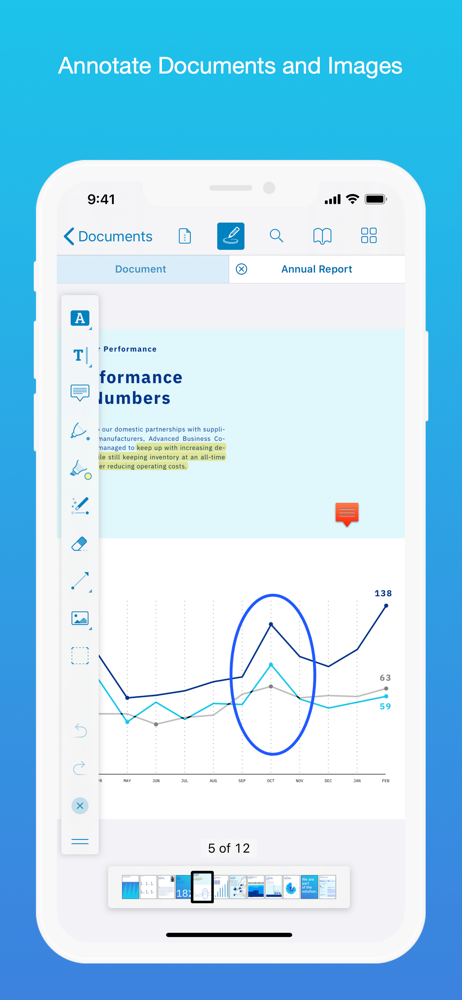
I use PDF Viewer on my iPadPro with the pencil. I extensively use highlighting with different colors being used to represent different concepts. In previous versions, I could simply change the color of an existing highlight by taping on the highlight and choosing the new color. With the latest upgrade, I need to: 1) Tap on the highlight 2) Choose “Style” from the menu 3) Choose “Color” from the next menu 4) Finally select the new color for the highlight This is a hugely negative in my productivity in using of PDF Viewer, so much so that I am looking for a replacement. Perhaps there is a configuration option that allows me to revert back to the previous style. If so, please make it more obvious. I would previously have rated PDF Viewer 4 or 5, but I am now rating it 1 since this is a huge issue for me. ———————- Updated - I am raising my previous rating of 1 star to 5. Per the above, I complained about the change and the developer responded in version 6.2.2 to provide for easier color changes. Perhaps a small issue for mist, but big for me. More importantly, it gives me confidence that the developer is listening and open to accommodating customer feedback.
Having used PDF Expert for a long time I’m ready to find something else due to the ridiculous subscription model and lack of integration with the Mac OS program that PDF Expert has. I tried about a dozen Apps and PDF Viewer was the most pleasant surprise! All the free features here compare with Expert. In fact I prefer some Viewer tools better: the Magic Ink pen, the highlighter behind the text, the full screen viewing with the tool bar to the side, and the ease of opening files (you can go back to the open tabs without opening another file), the Lighter “blend” mode for the pen and the very good color options too; great job! Only a few things I don’t like: 1) the lack of a favorites toolbar (or ability to customize it). Too many clicks to switch between tools. 2) The text highlight tool does not look as nice as PDF Expert. Lose the rounded edges and have a variable text height. 3) The lack of a lasso or snapshot tool (Goodnotes has one and it almost makes that App a better PDF editor than anything else!). 4) the ability to add/create pages from a scan with OCR. If the developers WANT to make something really worth paying for they should offer full ability to edit text and objects within a PDF (original text, not just user added text). Until then I’ll keep searching for the ideal PDF App.
I can’t believe this app!!!!!!! When my friend first recommended it to me, I almost dismissed it, as the app is free and because I’ve never came across any reader app that is even reasonably good and free at the same time. But when I, doubtably, installed and started using it, THIS APP BLOWS MY MIND!!!!!!!!!!!!!!!!!!!!!! First and foremost, and I’ve been searched for an app with this feature on iPad FOREVER — direct access to my PDFs from the iCloud Drive without copying them into the app and the synchronization of my annotation to the original files, AND I’VE FINALLY FOUND IT HERE!!!!! ON A FREE APP!!!!! WHAAAAAAT???????!!!!!!!! Although its paid competitor also have this feature but it’s hidden deep and clearly you are not encouraged to open PDF directly from iCloud Drive, but in this app, the first I see is a browser interface for iCloud files, AMAZING!!!!! And the annotating experience is just so natural and intuitive: the animation for applying highlight is just sublime, and adding a note or comment is just buttery smooth. I am simply not gonna use another app for my PDFs on iPad henceforth. And honestly I’ve never expected to find the perfect PDF reader to be a FREE APP!!!!!!!! Thank you developers for such an amazing experience!!!!!!!!!!!!!!!!! I LOVE YOU GUYS!!!!!!!!!!
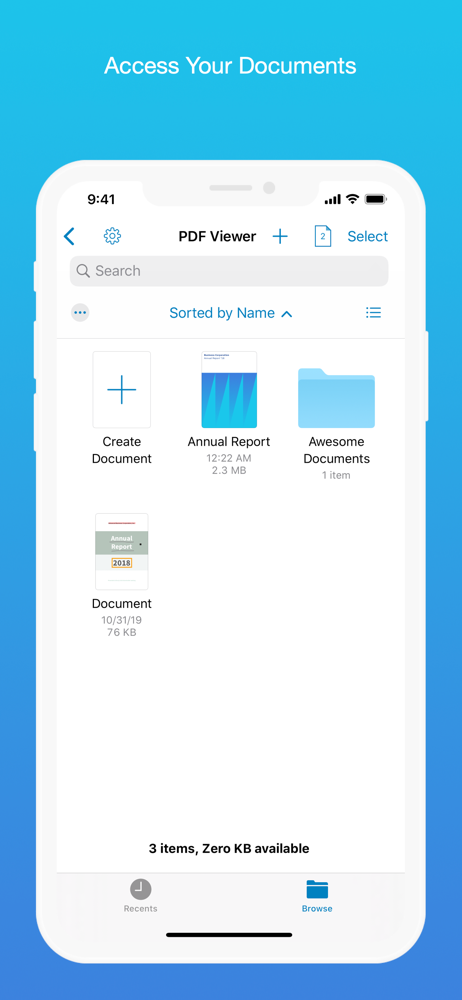
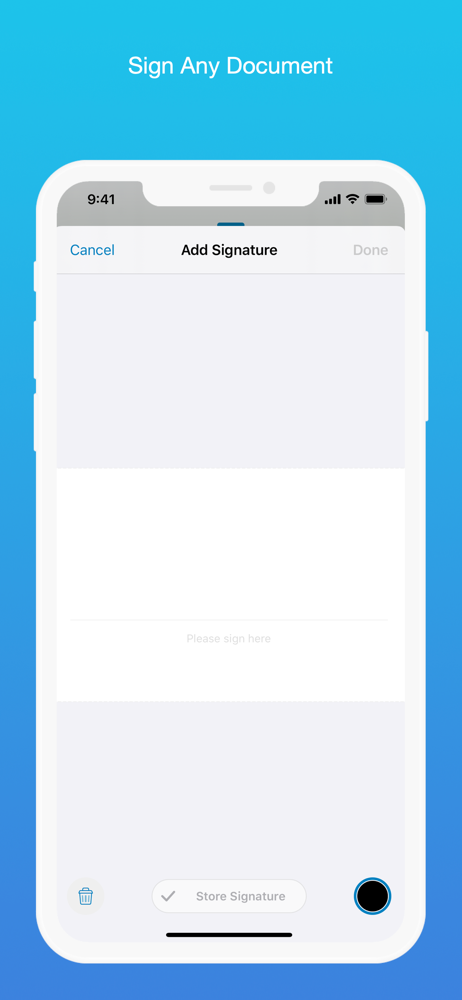
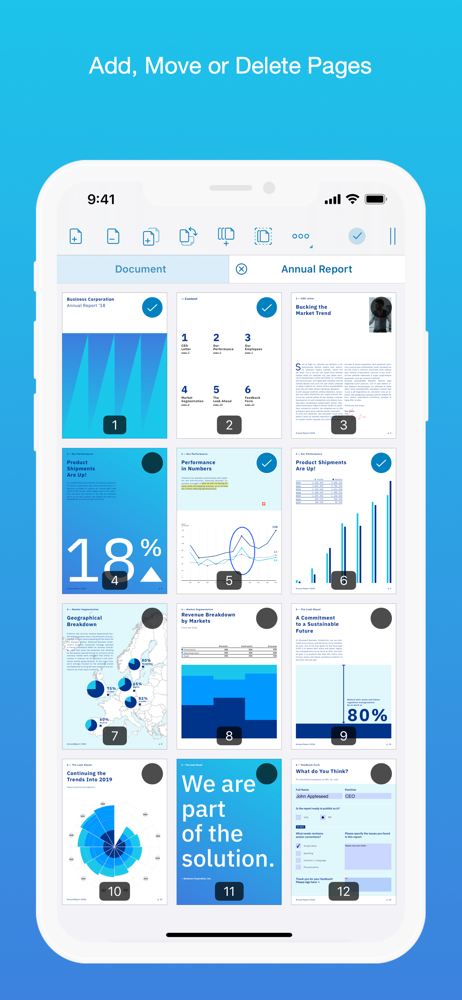
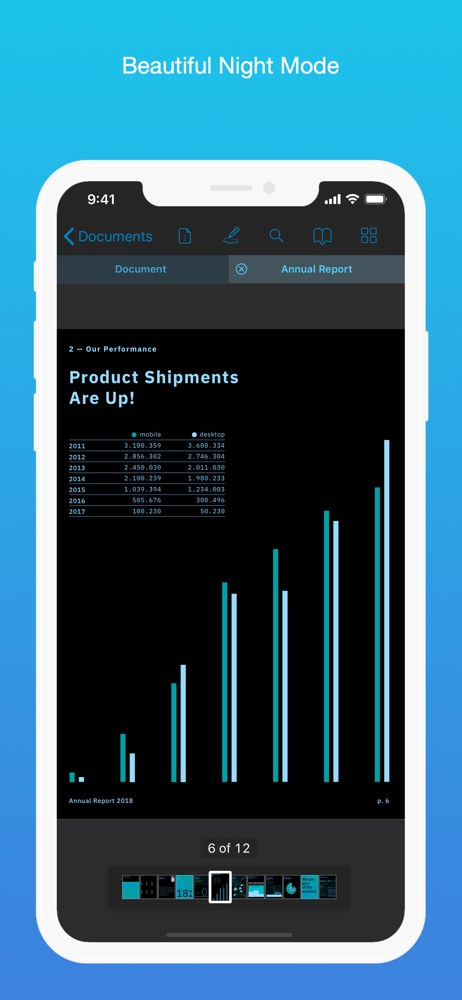
PDF Viewer is a fast and beautiful app, allowing you to view, search, and annotate PDF documents with ease on your iPhone and iPad. Access your files...
| Name | Price | Type |
|---|---|---|
| PDF Viewer Pro 3 Months | $6.99 | Quarterly |
| PDF Viewer Pro Yearly | $19.99 | Yearly |