
Check the acquisition promise
Read the store headline, screenshots and description. What problem is the app promising to solve?
Study the storefront ↗
George Mills · iOS
Explore the ad evidence, study the storefront, and build your next acquisition hypothesis.
01 / Creative research
Read the store headline, screenshots and description. What problem is the app promising to solve?
Study the storefront ↗Explore apps with direct store-link matches. Compare their hooks and formats without assuming the same approach works here.
Browse observed advertisers ↗Store rankings and revenue estimates describe market context. They do not establish ad spend, conversions or ROAS.
Review the market context ↗02 / Storefront & product
Study the product story and store experience behind the acquisition funnel.


03 / Market context
Keep revenue, downloads and store rankings separate from advertising performance.
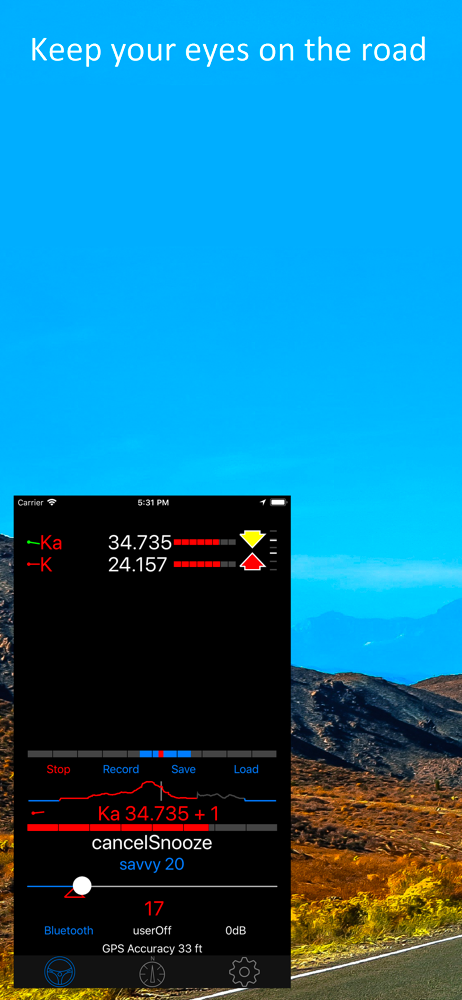
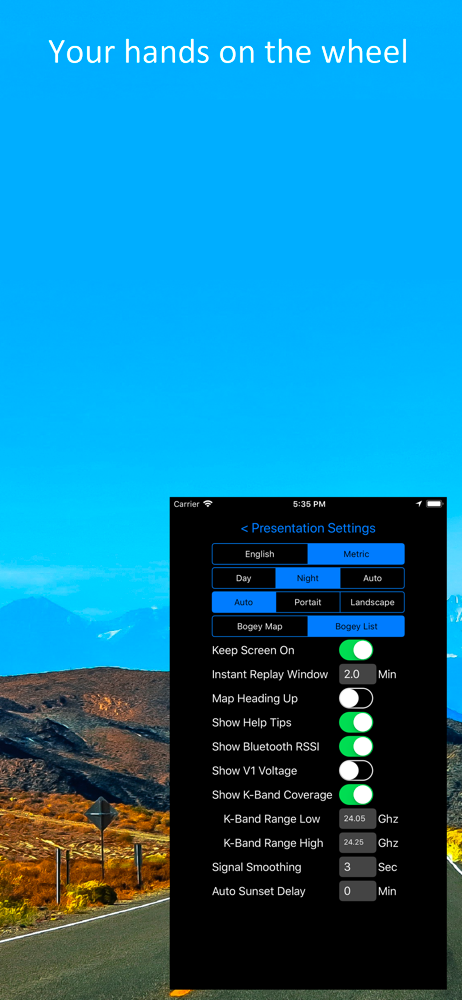
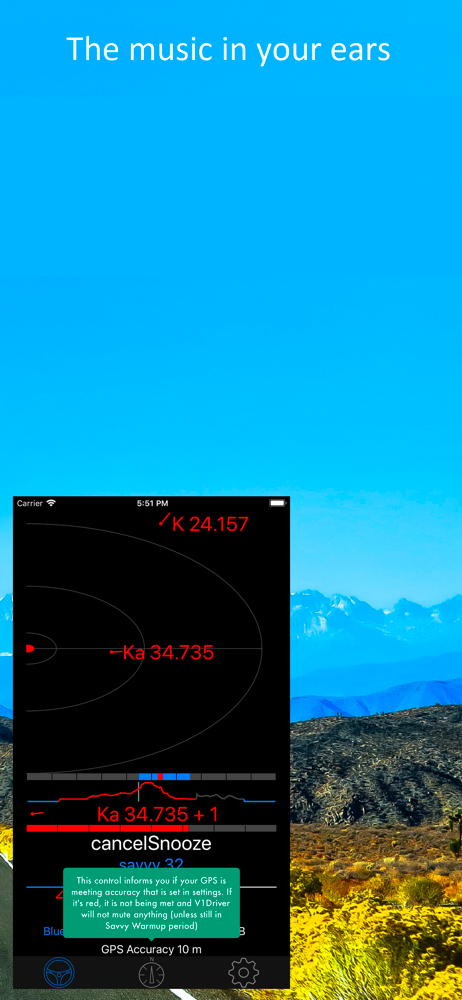
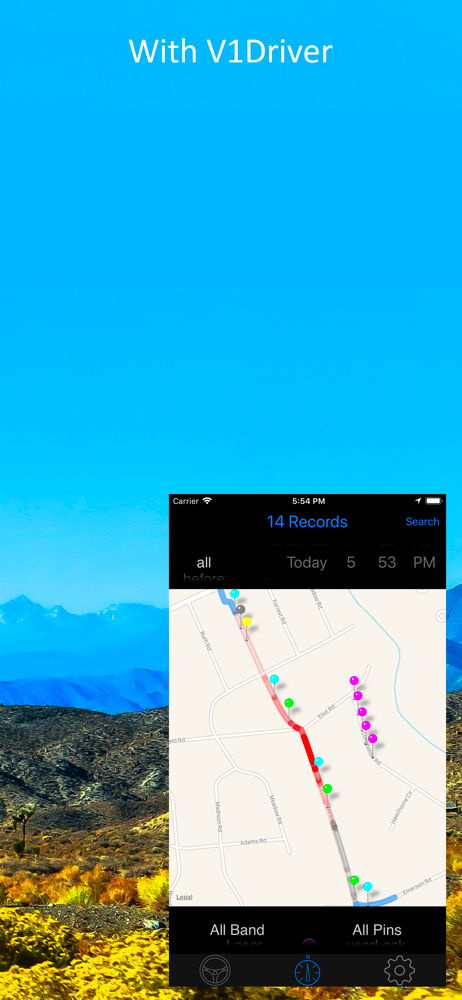
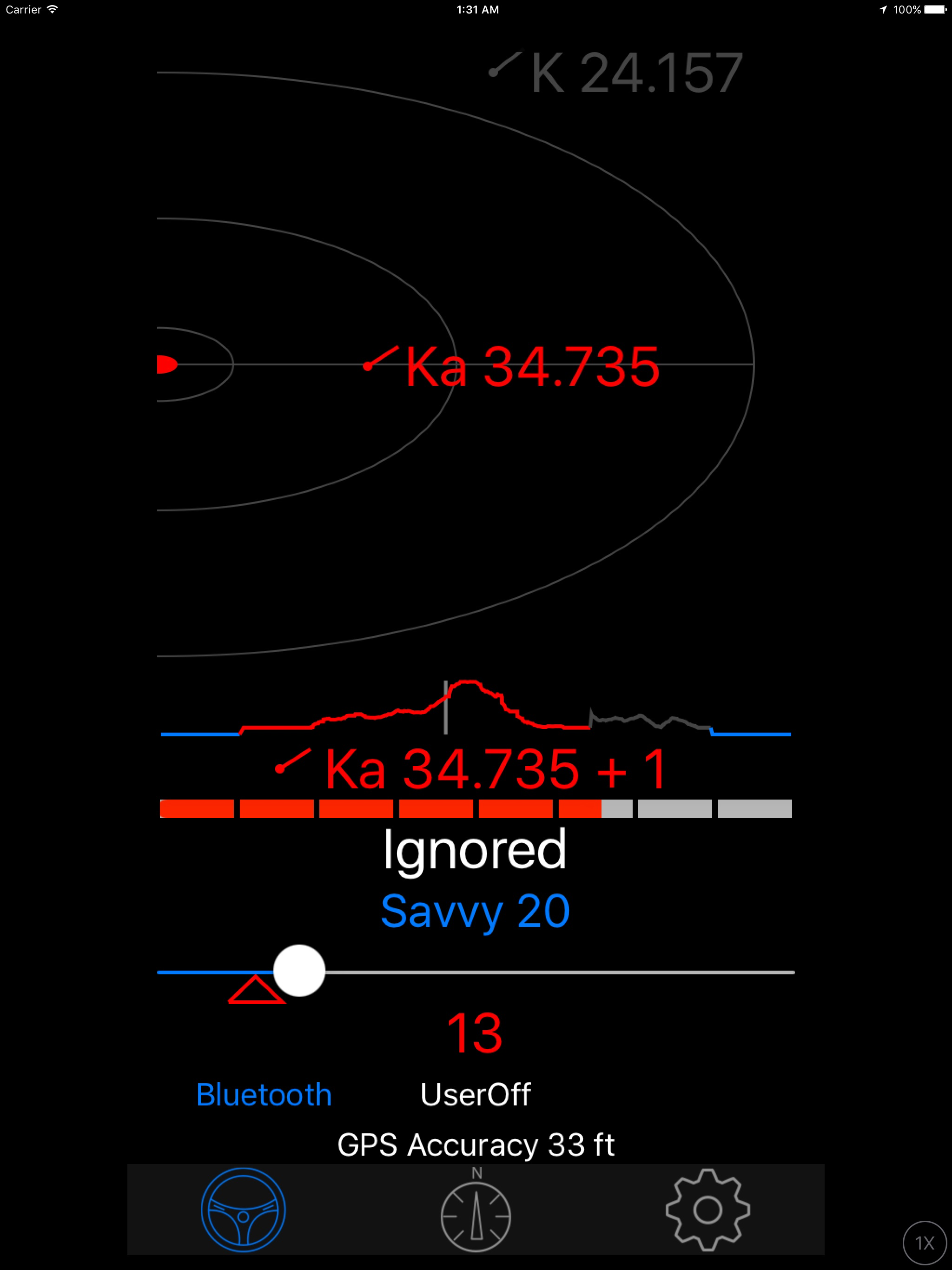
The integration with Valentine’s V1 gen 2 is flawless — including audio while connected to Bluetooth. The audible cues, apple watch notifications and histogram/map are also fantastic and useful teethes —makes up for the lack of GPS in both the v1 and v1 gen2, creating a seamless package that just works, and works well. 👏🏻 Savvy GPS learn is also a game-changer. The level of customization for the enthusiast or expert is simple and no-nonsense. The one or two negative reviewers seem to think this is about “beefing up” the v1 or v1 gen2, when in reality the purpose of this app is to lessen your need to interact with your v1 by providing audible cues and other useful information. It does offer the ability to customize m quite heavily if you should choose to do so - and I can verify the audio touting works flawlessly in any vehicle I have used it in.
I have had a V1 for 20+ years now, and swear by it! I just recently picked up a Gen2, and found out about this app. This is incredible and completes the entire Valentine package. It offers the functionality that you want in a very intelligent way. I tried to figure out the app on my own, and it was a little bit cumbersome… But after watching a couple videos and reading a couple of well written blog posts, it is actually pretty well laid out. My hat is off to the developer. I don’t know if it is possible, as I am not a developer… But I think it would be an absolute game changer if it was at all possible to somehow pull in police location information from Waze, and somehow have the V1 react to it on a GPS based notification service. Maybe allowing Waze to run in the background, to feed information to V1driver… Which in turn would alert on the V1 device. I’m sure it’s not possible, but would be incredible!!
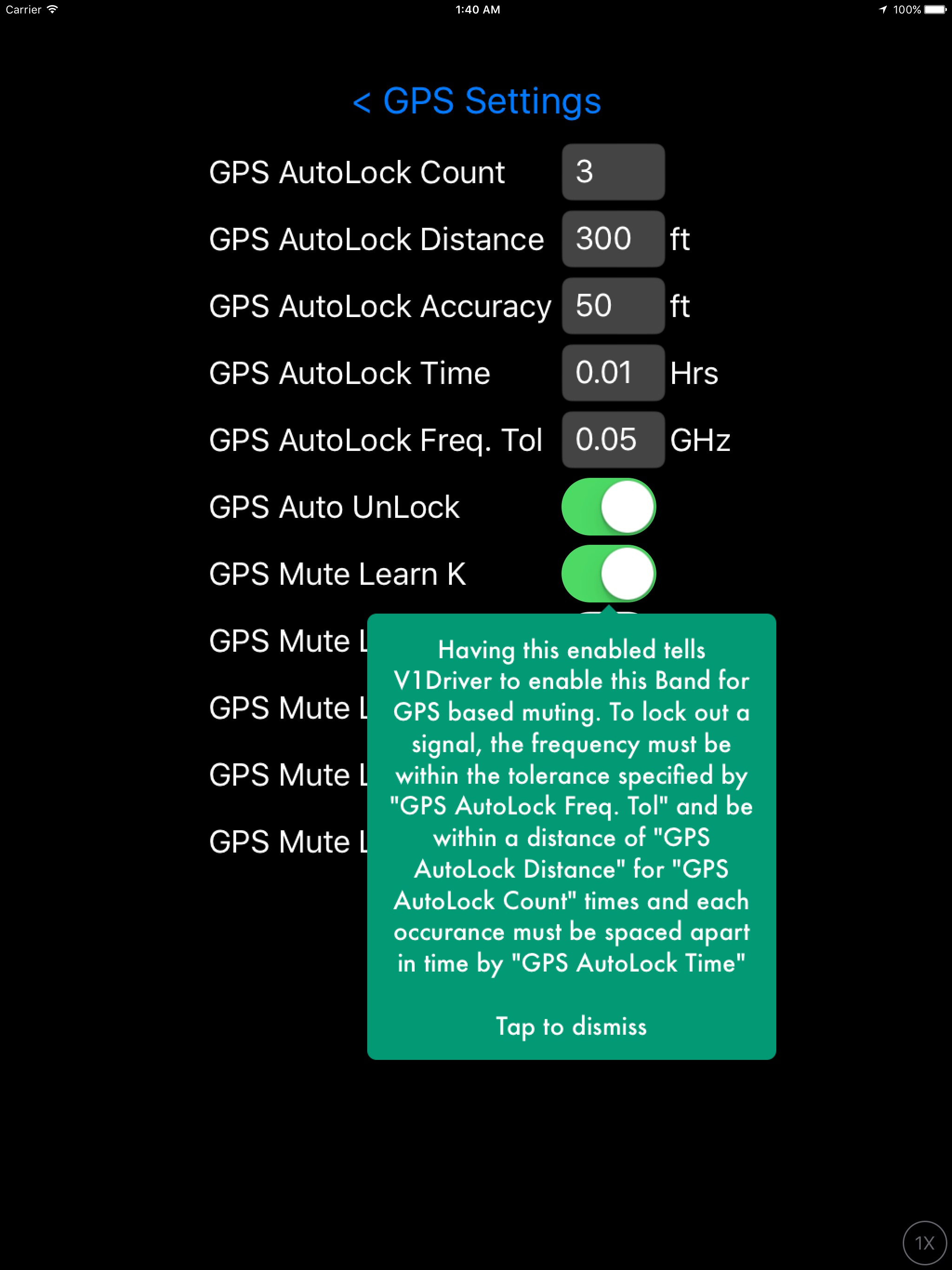
Finally a brain for my V-1 detector. With all of the K band radar noise out there these days this app is a must for V1 owners. I wanted my V1 to mute itself after one initial beep. I have found that one beep is all I need to alert me to a new bogey. This app goes way beyond that by not only muting bogeys but also logging physical location and frequency of a bogey. Eventually the app recognizes the same signal at the same physical location and mutes it permanently. My ride to work has become much more quiet. I also like the Bluetooth feature which ties into my car stereo and gives me verbal alerts if I want them. Also the speed sensing is a nice feature. I was also able to program a one beep alert in the free program "v1 connect" by using the mute out of box feature. Once mute out of box was selected for all bands I configured the box in each band so small no signal could get in the box. This produced a nice one beep alert for any new bogey. Even though I got my desired one beep alert with v1 connect I would still recommend buying this app.
V1Driver is designed to add intelligence to your Radar Detector so you can enjoy your Drive. V1Driver now supports the following Radar Detectors (you...


