Check the acquisition promise
Read the store headline, screenshots and description. What problem is the app promising to solve?
Study the storefront ↗
Angela Mcarthur · iOS
Explore the ad evidence, study the storefront, and build your next acquisition hypothesis.
01 / Creative research
Read the store headline, screenshots and description. What problem is the app promising to solve?
Study the storefront ↗Explore apps with direct store-link matches. Compare their hooks and formats without assuming the same approach works here.
Browse observed advertisers ↗Store rankings and revenue estimates describe market context. They do not establish ad spend, conversions or ROAS.
Review the market context ↗02 / Storefront & product
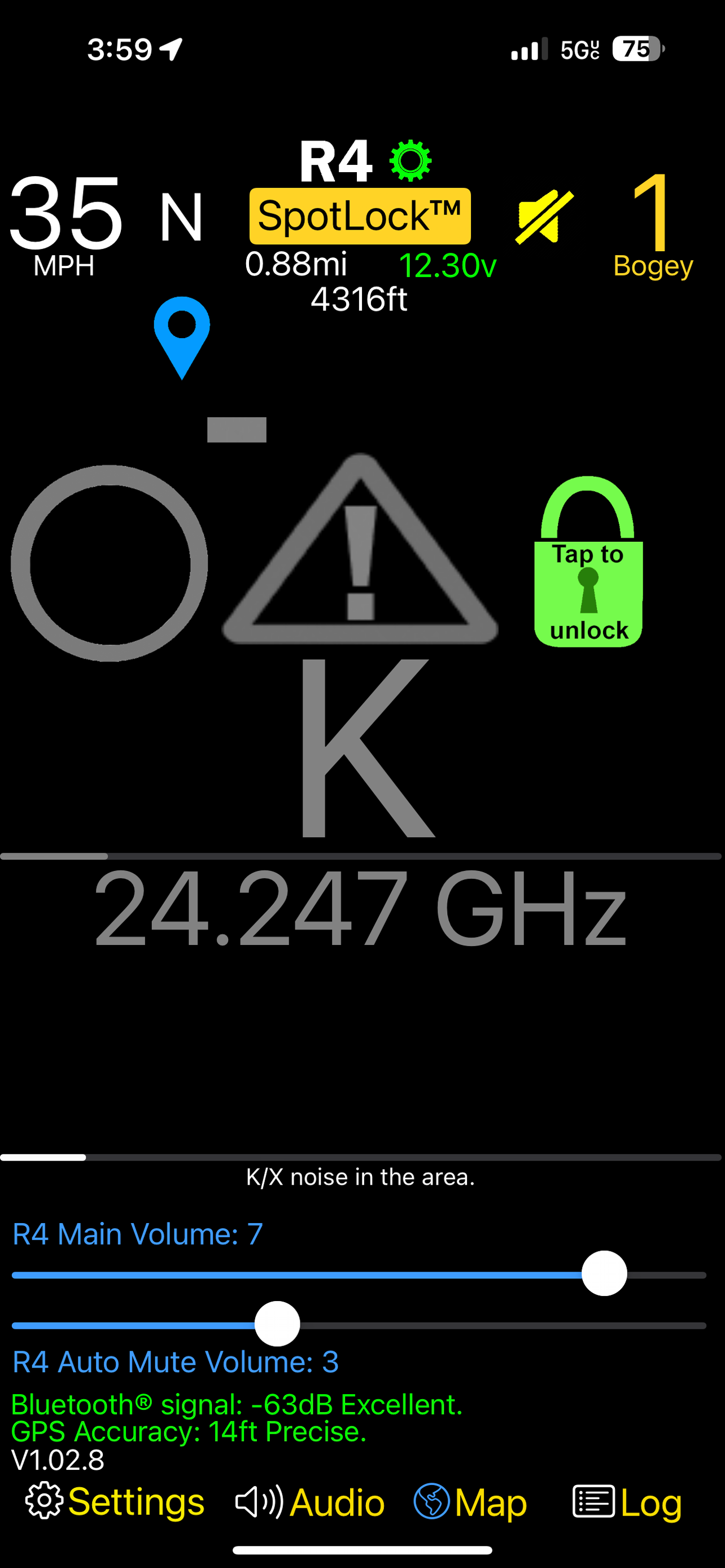
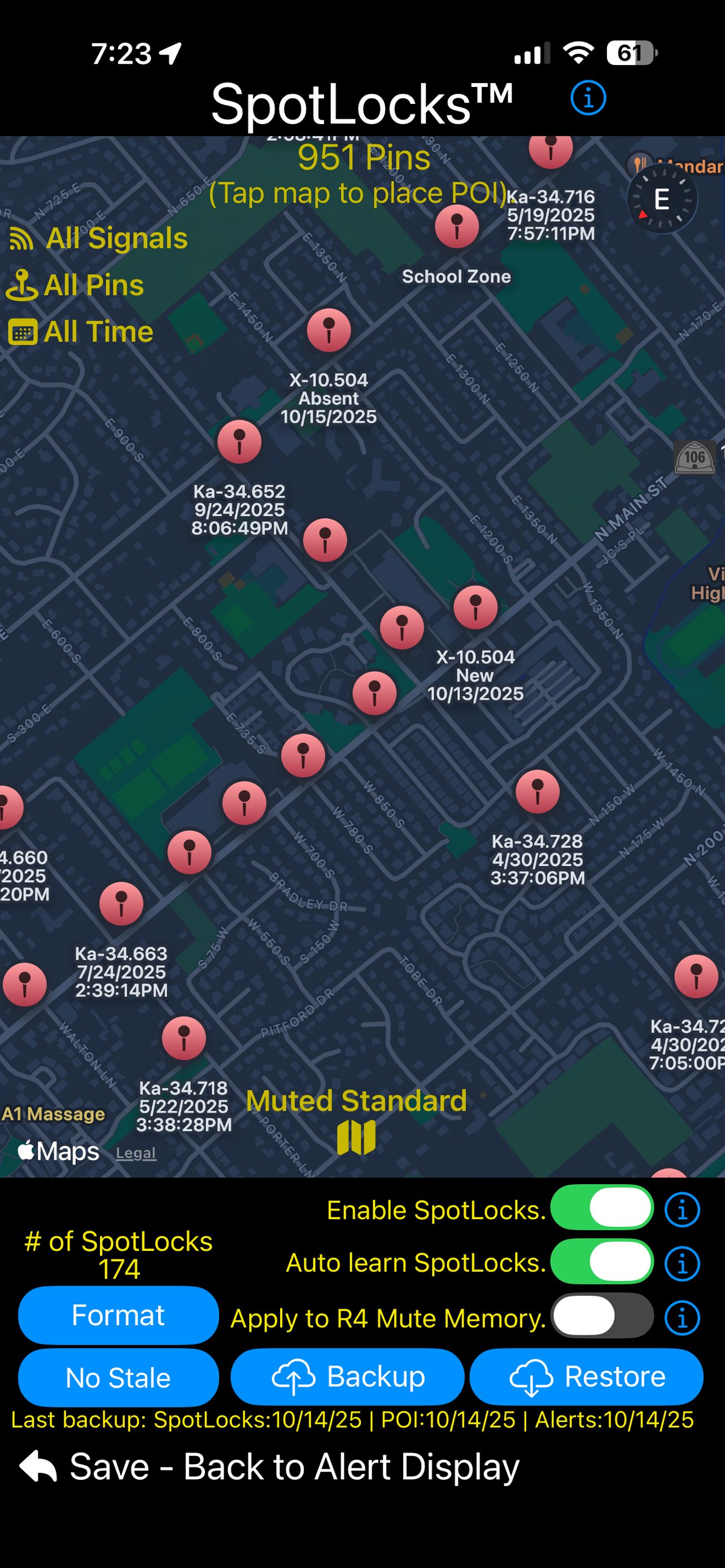
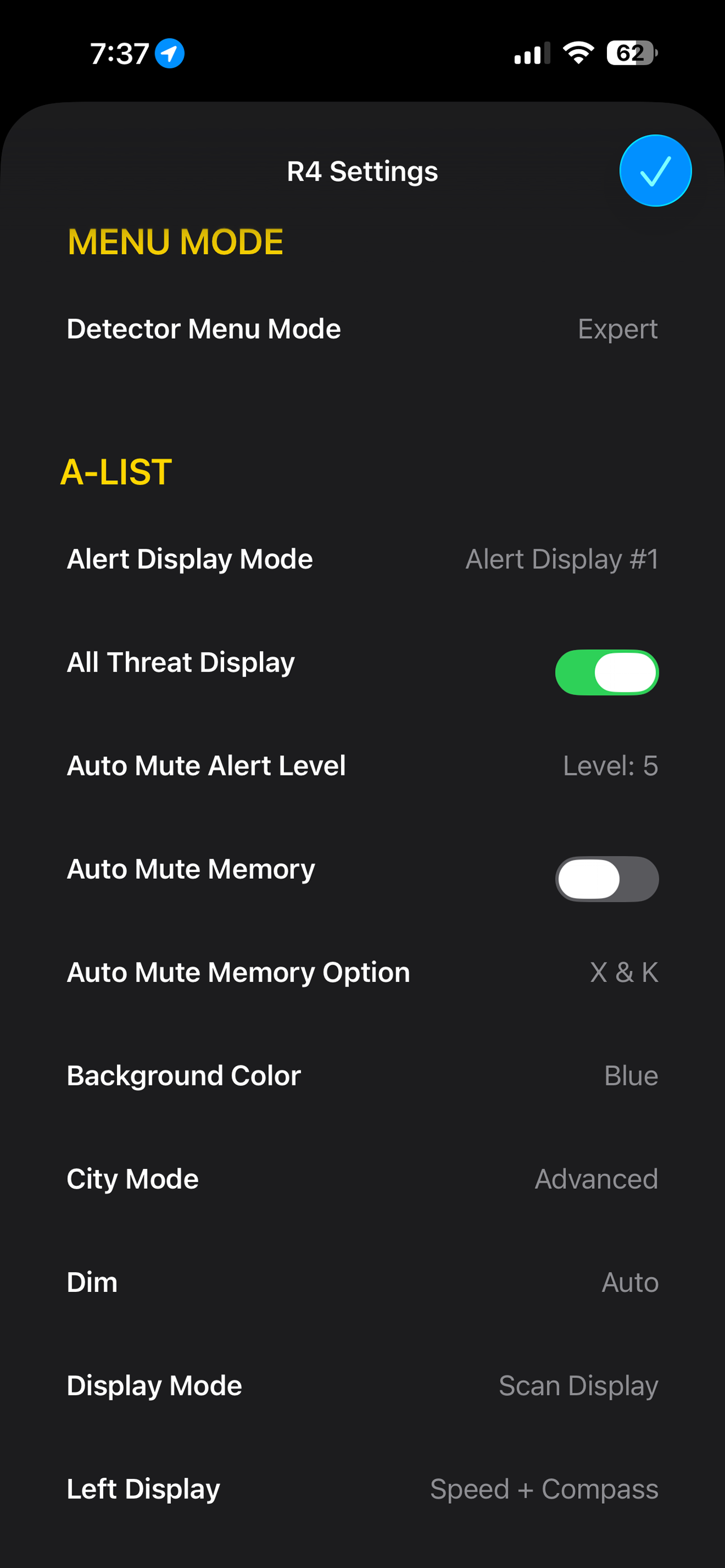
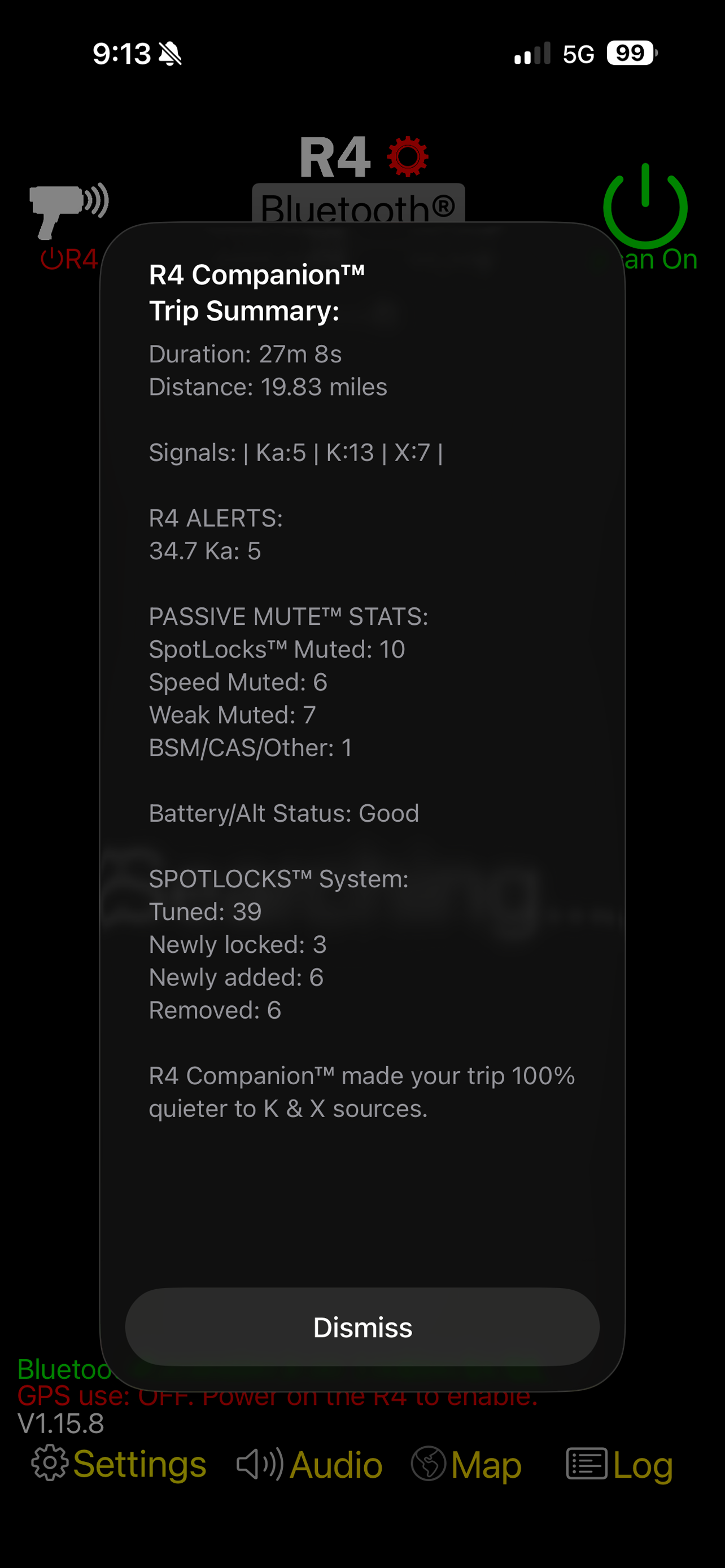
Study the product story and store experience behind the acquisition funnel.



03 / Market context
Keep revenue, downloads and store rankings separate from advertising performance.
Edit: After being advised of the one setting that made me dislike the app was in a different tab. Now the settings I was looking for are now changed I really like this app! Thank you for pointing it out from the Developer and have now given the app a 5 star. I like the look of the app and its functions. I have a big issue with the app changing settings on me automatically. Example is the speed limit warning. Just having the app open and not even going into settings on the app will change it for you every time. Very annoying when on the freeway and get a warning of going over 70mph. I cannot find this setting in the app which means I have to change it on the device every time I open the app. Not easy when driving and the R4 is in a spot not easy to get to. Also not all the settings are available on the app. You get the most of the basic settings. These are reasons why I give it a 2 star.
It is difficult to imagine that this app works so well with just its default settings that it made me believe my R4 wasn’t working properly. The truth is, I was getting a vast number of false alerts that this app helped to mute - while Keeping track in the log for later review. The only thing I haven’t figured out how to do it to use the map function in the app to go back and mark certain spots as false alerts. You can mark the type of alert, but there doesn’t seem to be away to mark as a false alert. Otherwise perfect. The in app settings config for the R4 is very helpful too.
After using the radar alone and trying the this app with it I was amazed how it helps turn downs false signal on normal roads. I do have one feature or bug I still can’t figured out. The city over speed warning comes on even when I turn it pass 60. I want to go faster than 60 and it does it on the toll road too. I have to reset to factory settings to get rid of it. I hope they can tell me how I can turn it off or and fix the bug even when I’m on the highway with speed faster than 60. Update: love this app as they provided instructions how to turn off the speed warning limit. 5star app!
NOTE: R4 Companion™ requires a Uniden R4 or R4w radar detector with US Version 138 (R4) or 121 (R4w) firmware to function correctly. R4 Companion will...