Check the acquisition promise
Read the store headline, screenshots and description. What problem is the app promising to solve?
Study the storefront ↗
Luminant Software, Inc · iOS
Explore the ad evidence, study the storefront, and build your next acquisition hypothesis.
01 / Creative research
Read the store headline, screenshots and description. What problem is the app promising to solve?
Study the storefront ↗Explore apps with direct store-link matches. Compare their hooks and formats without assuming the same approach works here.
Browse observed advertisers ↗Store rankings and revenue estimates describe market context. They do not establish ad spend, conversions or ROAS.
Review the market context ↗02 / Storefront & product
Study the product story and store experience behind the acquisition funnel.


03 / Market context
Keep revenue, downloads and store rankings separate from advertising performance.
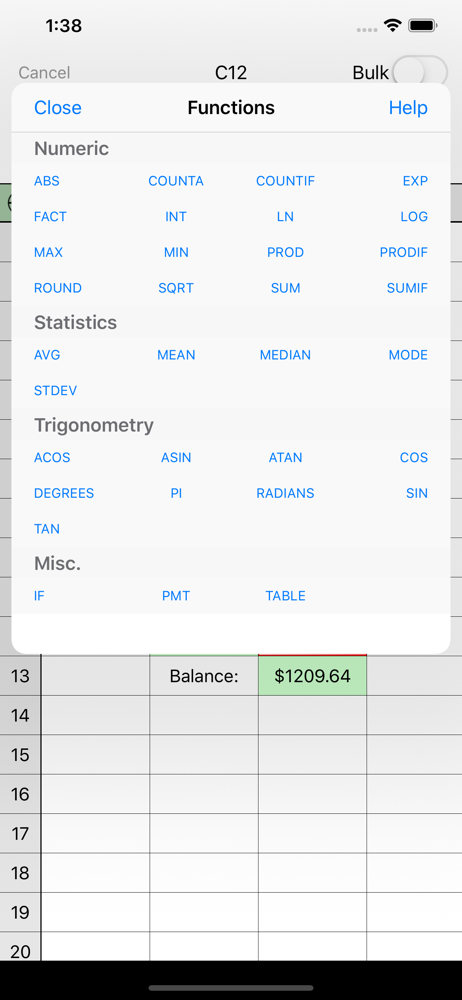
Powerful yet easy to use. I use it for everything, including shopping lists, extensive check-lists and financial analysis. I, however, miss the “cut and paste” inside a cell feature you used to have and ask that you bring it back. With this feature, you can still search the internet by pasting info into your browser copied right from a cell. 🤞 🙏 UPDATE: Thanks for putting back the cut & paste! This makes moving data around much easier and faster. I have a new request for your consideration: add FV (Future Value) to the Functions. Inflation can screw up any budget, but with FV, you can calculate forward easily without having to use a separate financial calculator and then transfer figures back and forth. Thank you so much.
Apple’s Numbers spreadsheet is very useful and easy to use, however, you’re not able to drag a formula past the length of the page (approximately 25 to 30 cells). This means each time you must stop, scroll the page up, and then re-drag it again. This can take a while if you plan to drag it down 1000 cells. I remember the old Microsoft Excell program used to have the capability to do this continuously without limit.
easy to use layout, love the touch field and a popup comes up for options. would be great program, one i would of liked the most so far but, it will not print! every time i try using print, app freezes for awhile before eventually shutting itself down. makes program kinda worthless to me. Also, when you use email option, it acts like you are sending it and then sits in your outbox and never gets sent out, it just continuously tries to send itself out but, never does no matter what email account i use. Maybe you have to pay and upgrade for print feature to work but, i doubt it, upgrade only mentions it is to remove Ads. perhaps, the Ads are preventing print from working, have had a couple other apps with Ads in them not work right until i turned internet off but, i need internet to connect to printer so turning internet off is not an option and paying $3 to upgrade just to find print feature still doesn't work is not an option either unless i know for a fact it would fix print issue for sure!!
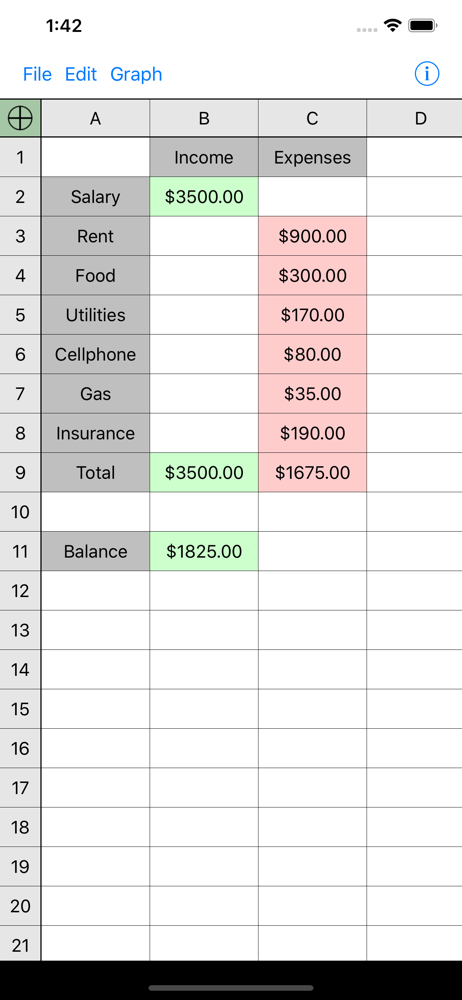
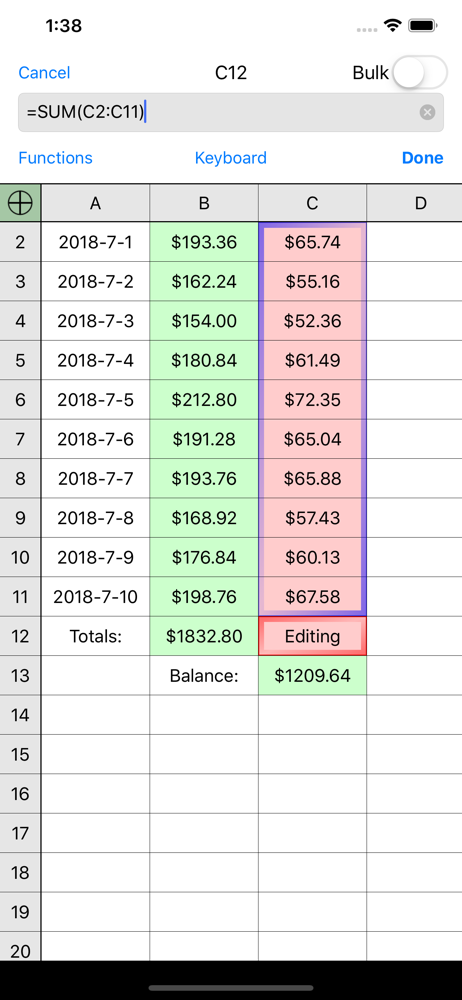
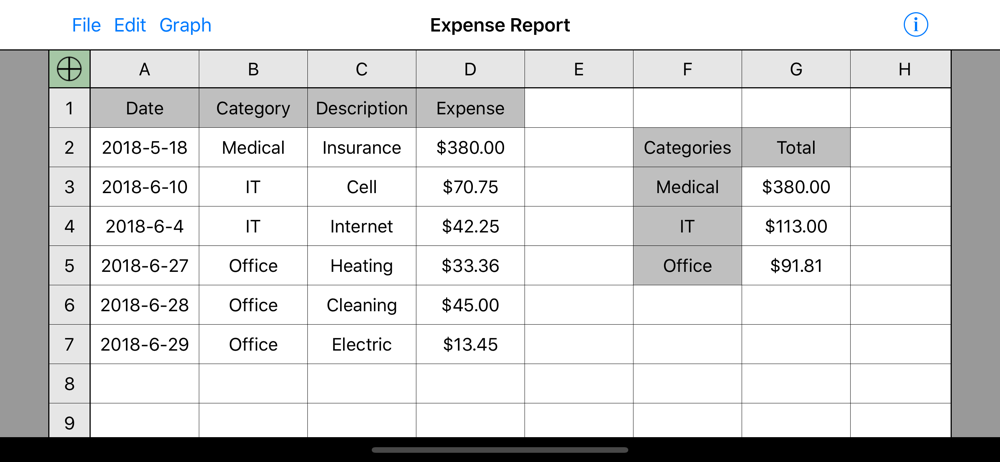
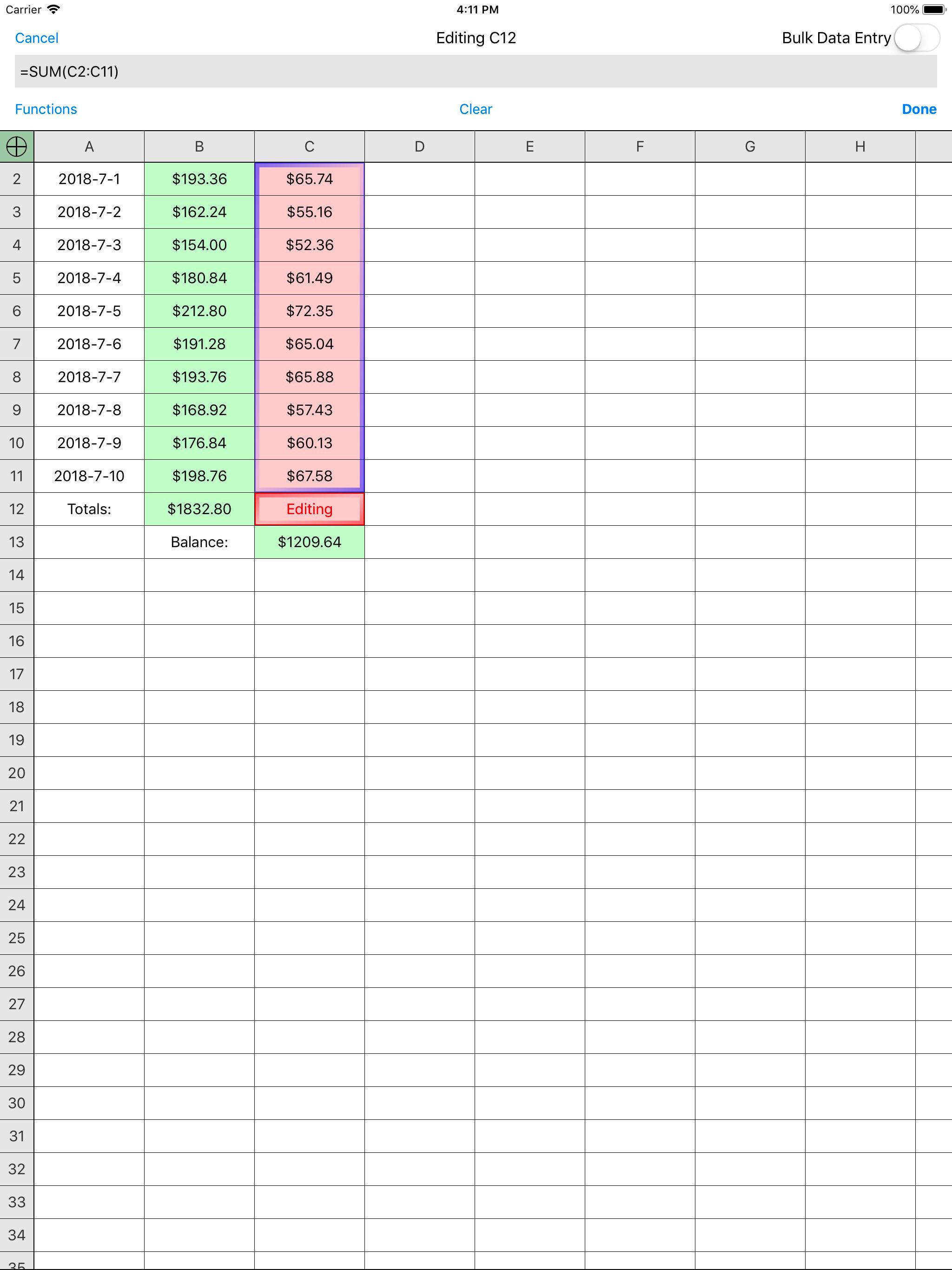
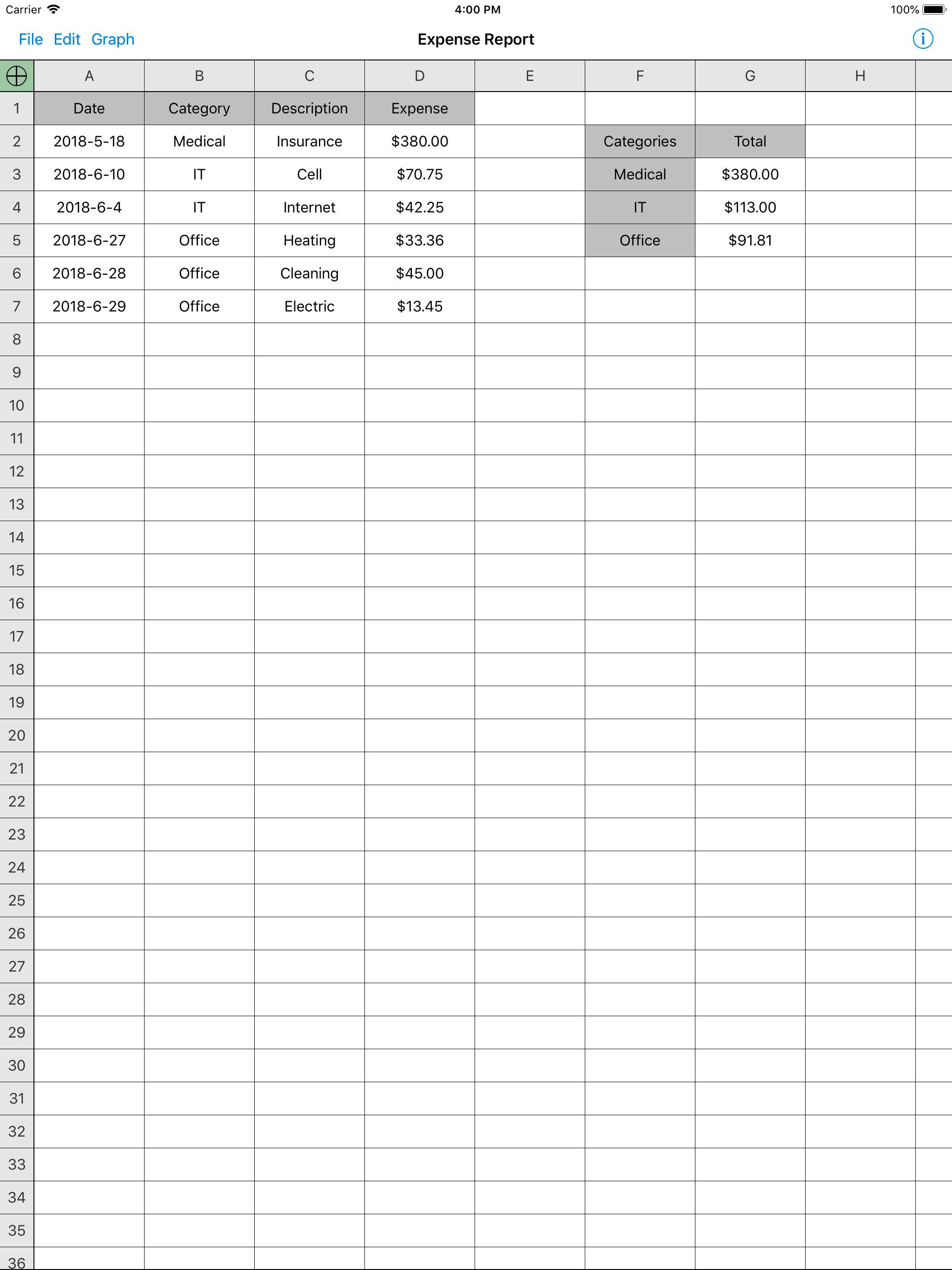
Designed from the ground up for optimal use of the touch interface, Utility Spreadsheet has the number crunching power you need and doesn't make you j...
| Name | Price | Type |
|---|---|---|
| Remove Ads | $2.99 | One-time |