Check the acquisition promise
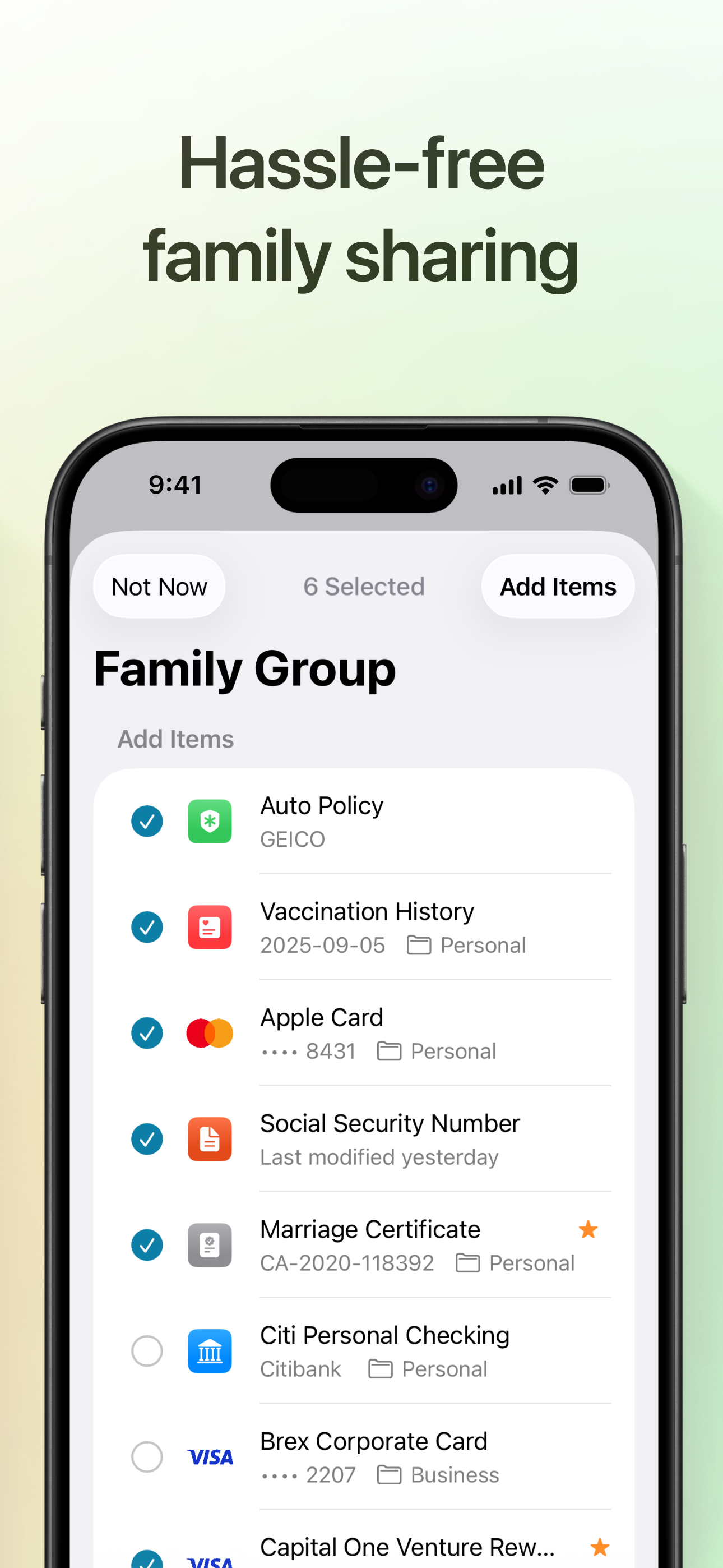
Read the store headline, screenshots and description. What problem is the app promising to solve?
Study the storefront ↗
Foyer Objet Inc. · iOS
Explore the ad evidence, study the storefront, and build your next acquisition hypothesis.
01 / Creative research
Read the store headline, screenshots and description. What problem is the app promising to solve?
Study the storefront ↗Explore apps with direct store-link matches. Compare their hooks and formats without assuming the same approach works here.
Browse observed advertisers ↗Store rankings and revenue estimates describe market context. They do not establish ad spend, conversions or ROAS.
Review the market context ↗02 / Storefront & product
Study the product story and store experience behind the acquisition funnel.



03 / Market context
Keep revenue, downloads and store rankings separate from advertising performance.
If you’ve decided to use Apple’s Password app for your secure logins, then you know that it’s got a limited set of features. Well, Access provides those missing features/types in a near flawless app. The interface, the features and settings, the customization…all are done to make for a must-have complimentary solution to Passwords. With the latest version, it has developed into a robust and stable security program. It even has helpful features like as always-on menu applet and Apple Watch integration. It just feels like an Apple app…or at least what Passswords should be! For 1Password users, this is the missing link to those features and settings you are missing with Apple’s free app.
If you’ve switched to Apple Passwords like so many others, this app is an essential compliment to it, especially if you were used to full-featured systems like 1Password. It feels very native. Honestly, Apple should just buy this guy out or hire him and integrate this into the Passwords app. Bewildering that Apple would even come to market without such features in the first place, but I’m glad this developer stepped in to fill the gap. There’s still a few features that need polishing, but releases have been steady and the app has improved tremendously since I first found it. Pricing is very reasonable as well. I do wish I could change the icons, either by emoji/icon picker or uploading my own for quick visibility while keeping category colors as item backgrounds or a highlight bar. Also, adding custom fields is nice and all, but saving them for reuse and filtering would be even better. Lastly, I have several entries that have multiple license keys attached to them. It’d be nice to see some kind of sub-item formatting for them. Keep up the great work dev!
Update#1: It’s getting better with each release and has reached the point where I am starting to move items over from 1Password. I wish there was closer parity to the features in 1Password but I hope the developer is paying attention and keeps improving the application. Original: There is (apparently) is no way to contact developer as the Help menu is empty and About has not contact information, not even a website or email address There are lots of little things that could be improved but no way to pass along to developer other than here in a review. So… while this app has potential, it needs a lot of more polish in data entry. Resizable windows for data entry, the ability to delete an added field easily, identity address field should be multiline filed, full name in identity should be first, middle and last, etc… etc… so many things that need improvement to be able to move from another app like 1Password) before committing to this app. The Apple security is a plus (over letting a 3rd party handle security) but the data entry should be more Apple-like. I’ll keep watching and hoping it comes along more before I’m ready to move to it. Contacting the developer directly to pass along problems and suggestions would be most welcome.
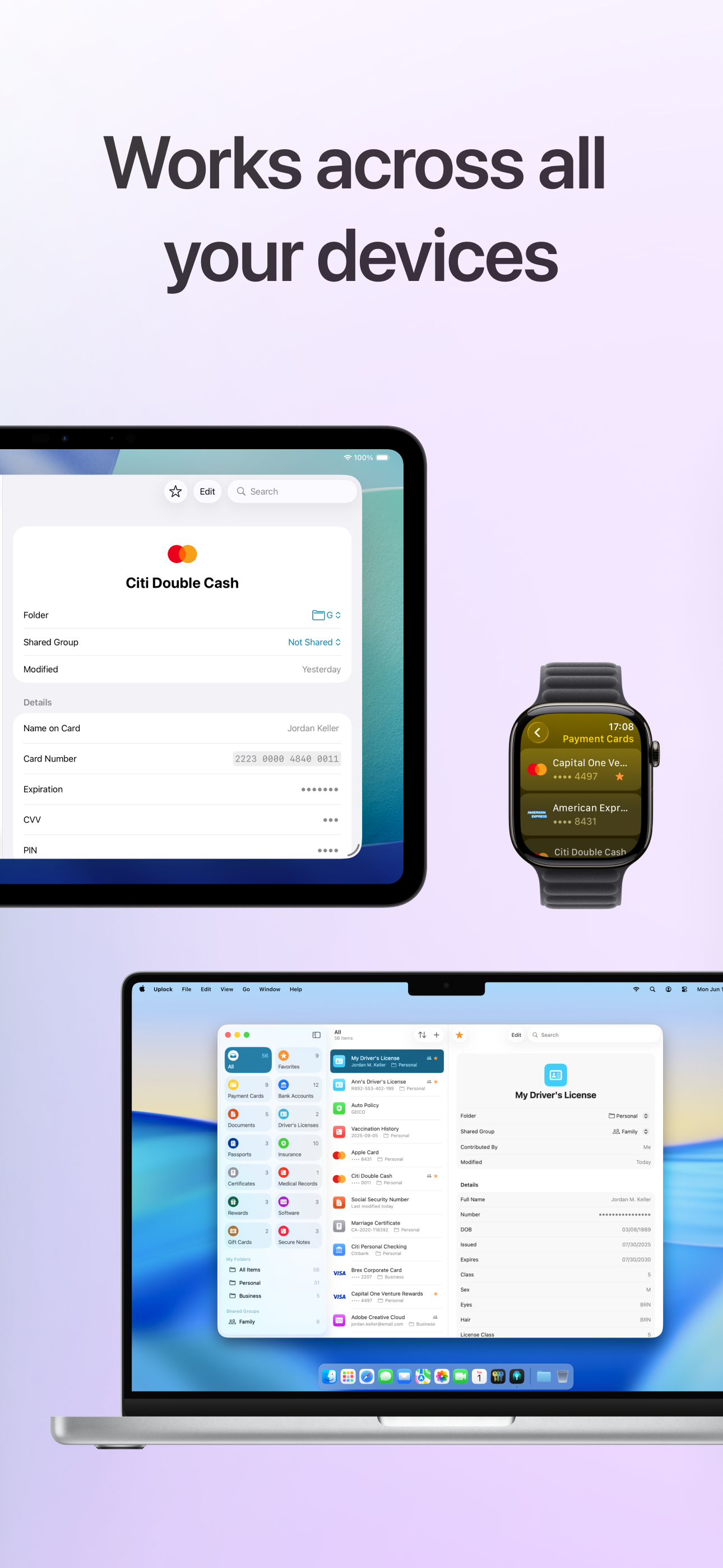
Uplock keeps your important information safe, organized, and always within reach across your Apple devices. Your data syncs through iCloud and never...
| Name | Price | Type |
|---|---|---|
| Uplock+ (Monthly) | $2.99 | Monthly |
| Uplock+ Family (Monthly) | $3.99 | Monthly |
| Uplock+ (Yearly) | $14.99 | Yearly |
| Uplock+ Family (Yearly) | $24.99 | Yearly |
| Uplock+ Individual (Lifetime) | $49.99 | One-time |
| Uplock+ Family (Lifetime) | $89.99 | One-time |