Check the acquisition promise
Read the store headline, screenshots and description. What problem is the app promising to solve?
Study the storefront ↗
Jordan Hipwell · iOS
Explore the ad evidence, study the storefront, and build your next acquisition hypothesis.
01 / Creative research
Read the store headline, screenshots and description. What problem is the app promising to solve?
Study the storefront ↗Explore apps with direct store-link matches. Compare their hooks and formats without assuming the same approach works here.
Browse observed advertisers ↗Store rankings and revenue estimates describe market context. They do not establish ad spend, conversions or ROAS.
Review the market context ↗02 / Storefront & product
Study the product story and store experience behind the acquisition funnel.



03 / Market context
Keep revenue, downloads and store rankings separate from advertising performance.
I love that there is thousands of symbols and digits to choose from! I have already used about 250+ different symbols from here! I think this is an amazing app with an amazing creator, I can’t wait to see what comes in the next updates! 😁😆😄 Question: Is the app logo copyrighted? I’m asking this because I’m making a fandom about your app and I just wanted to know to see if I could add the logo to one of my articles. Thank you for your time, I hope you have a great day! ♡♥︎⭐︎☆★ Edit: Hi, I have another question. When was the HISbD (Help Improve Search by Drawing) feature implemented? Thank you for answering my question, it really means a lot to me ❤️
This keyboard is a real timesaver for entering international currency symbols, foreign language characters and all those commonly-used symbols missing from my ASCII keyboard (°©®¢). The user experience is a bit messy, however. The categories are so large. I suggest more focused categories. For example, a category for greeks, rather than only including them in different big categories like Phonetic and No (number). Also, I would really like to be able to hide Recents from the keyboard because the keyboard real estate is so limited. There is room for 35 visible characters in the keyboard without scrolling. I suggest that the category icons at the bottom of the keyboard be redefined to open an instance of the UniChar keyboard app preloaded to the selected category, allowing in-context selection of any char in that category (not just those set up as visible). That way, the keyboard itself becomes the user’s “favorites”, but any char can be searched for and entered easily without going through copy-and-paste.
I’ve never understood why I never see anyone making use of the vast catalogue of nearly 140,000 standard Unicode symbols available in their social media posts, metadata, or word art. Like replacing standard bullets in our weekly newsletter with ◎ (U+25CE,) — probably my all-time favorite, or using strings of four characters for intro, ad, and station identification spots on our online radio. (☉☉☉☉, for instance.) I’d like to think these uses make their experiences feel just a bit more unique to users — if only unconsciously — but I’d long wondered if I was in fact the last Unicode enthusiast alive. Contrary to what may seem obvious, UniChar’s character selector is by far the more intuitive and efficient of these two separate ways to use it. Even in the free experience, there are simply too many characters in the catalog to reasonably browse in iOS’ old extended keyboard. (For the record, I’d like to note that UniChar is technically a “Reference Application,” but I understand if you can’t bring yourself to use the term.) Across both the seamlessly-interchangeable gallery and list views, the user can very quickly copy a character to the clipboard with 3D Touch, which works so well it’s as if it were meant only for this use from its beginning. In the off chance you’re a longtime lover and devout user of the grander Unicode collection and an iOS user, I hope you’re now experiencing the same sort of petty enthusiasm I felt myself when I discovered it. If not, I hope you’ll take away a desire to explore it. I mean… aren’t these smileys way better than any emoji? ☺︎☺︎☺︎
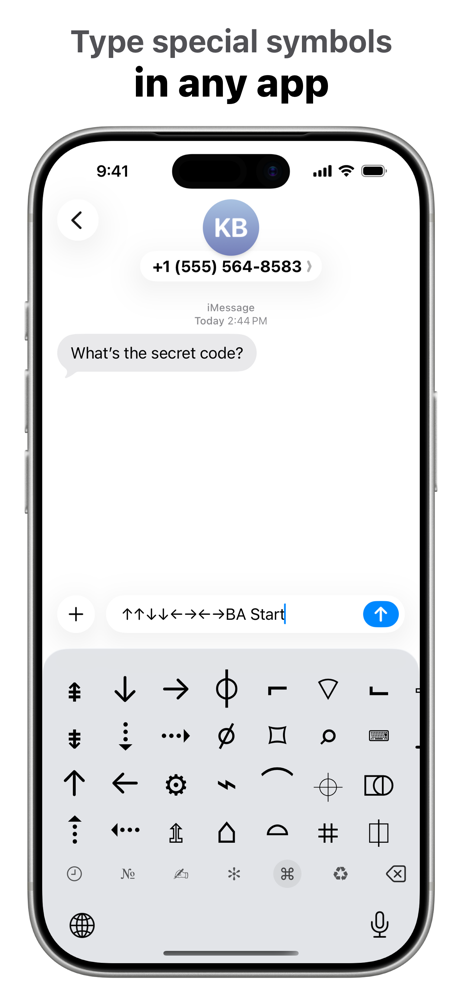
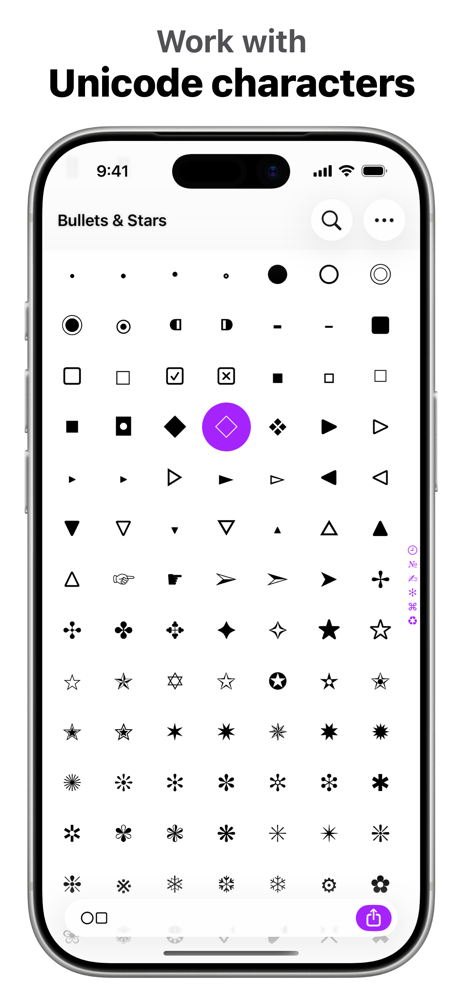
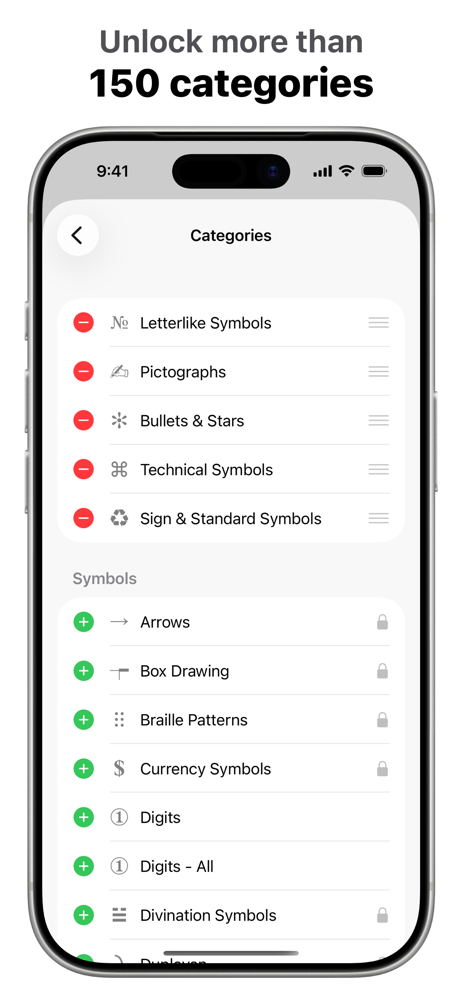
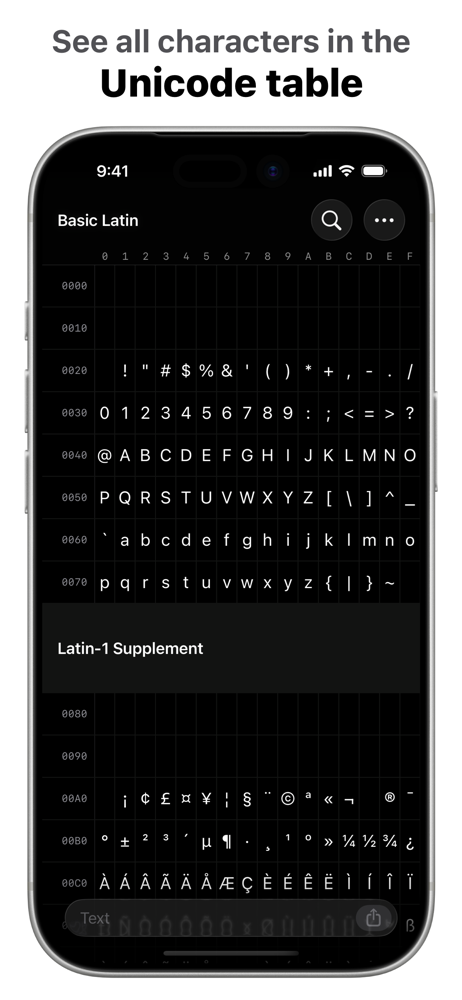
UniChar is a powerful yet beautiful Unicode character app and keyboard that allows you to quickly find, type, and work with special symbols. ◣ “UniCh...
| Name | Price | Type |
|---|---|---|
| All Categories | $9.99 | One-time |