
Check the acquisition promise
Read the store headline, screenshots and description. What problem is the app promising to solve?
Study the storefront ↗
Jordan Hipwell · iOS
Explore the ad evidence, study the storefront, and build your next acquisition hypothesis.
01 / Creative research
Read the store headline, screenshots and description. What problem is the app promising to solve?
Study the storefront ↗Explore apps with direct store-link matches. Compare their hooks and formats without assuming the same approach works here.
Browse observed advertisers ↗Store rankings and revenue estimates describe market context. They do not establish ad spend, conversions or ROAS.
Review the market context ↗02 / Storefront & product
Study the product story and store experience behind the acquisition funnel.




03 / Market context
Keep revenue, downloads and store rankings separate from advertising performance.
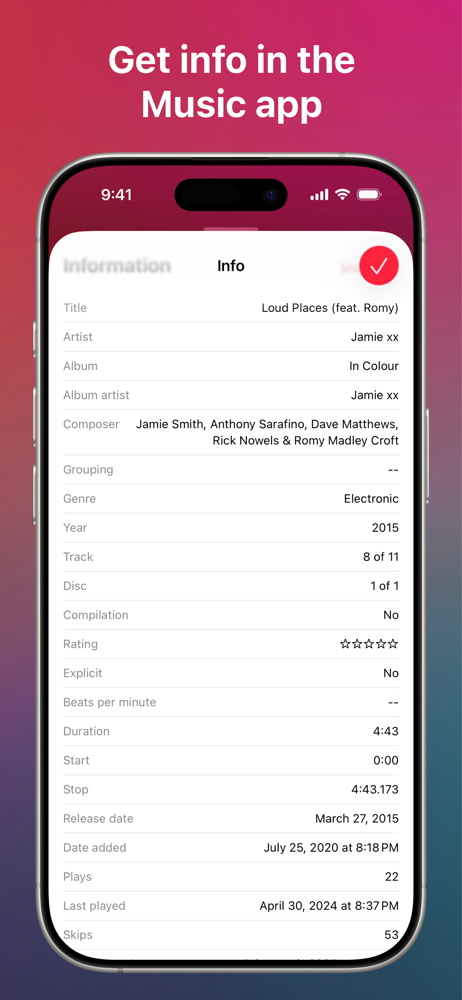
Such a useful app and worth every penny. Imagine a multi-trillion dollar company utterly incapable of doing the simplest things that would make their product better for consumers (you know—kinds like adding play count visibility to a built-in app that’s been around for over a decade). Now imagine a small developer who calmly and instantly solves that problem for $1.99. That is the “Music Info” app, and this is their story.
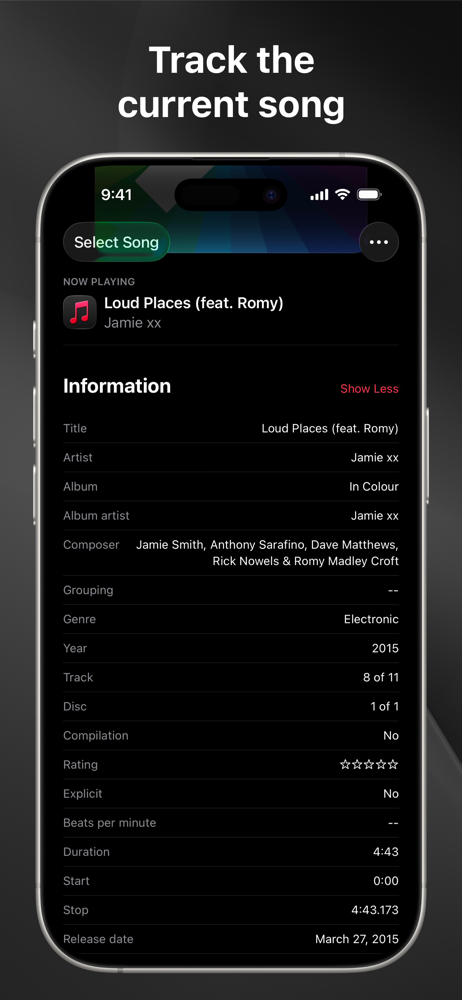
Many generations back the default Music app on iOS was able to display “Custom Lyrics” that a user had added to individual downloaded tracks in their music library. Then, for some reason, Apple took that feature away. The lyrics were still in the songs’ metadata — and could still be viewed in the iTunes app on a Windows or Mac computer — you just couldn’t access them on your mobile device. This app nicely solves this problem (as well as showing all other song metadata as well). While I expected this app to show the lyrics, I was pleasantly surprised by how well it integrates with the music library. It’s a separate app, not added functionality added to the iOS app like a browser extension. However, when launched it becomes aware of whatever song is being played and cycles through its display to show the metadata of whatever track is currently being played. Quite nice. FYI, the app is not a music player and has no ability to edit song metadata. I see no problem with that but it is something to be aware of. This app gets an unconditional five star from me. I couldn’t be happier.
Great job! I have spent decades curating my metadata but could never see it in any other app before, only in iTunes. I don’t use Apple music only my own mp3 files. It would be great if you could add the ability to edit metadata on the iPhone. I use another app to rate songs since the Music player buries the star ratings too deep. You could probably write to that field and others. I’d pay extra for that. Thank you
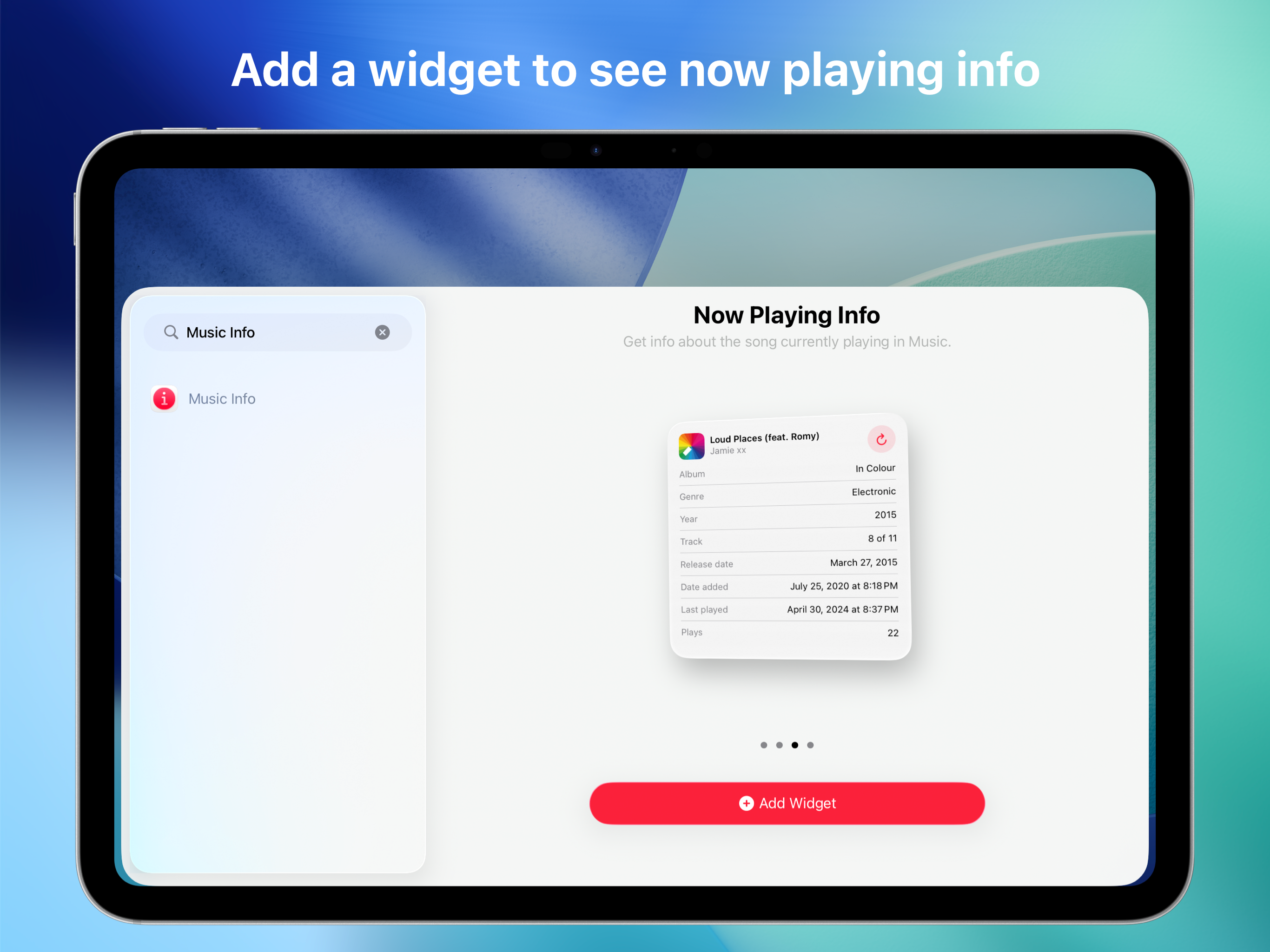
Music Info allows you to view information about songs in your library, including play count, skip count, release date, date added, album artist, compo...


