
Check the acquisition promise
Read the store headline, screenshots and description. What problem is the app promising to solve?
Study the storefront ↗
TravelWifi · iOS
Explore the ad evidence, study the storefront, and build your next acquisition hypothesis.
01 / Creative research
Read the store headline, screenshots and description. What problem is the app promising to solve?
Study the storefront ↗Explore apps with direct store-link matches. Compare their hooks and formats without assuming the same approach works here.
Browse observed advertisers ↗Store rankings and revenue estimates describe market context. They do not establish ad spend, conversions or ROAS.
Review the market context ↗02 / Storefront & product
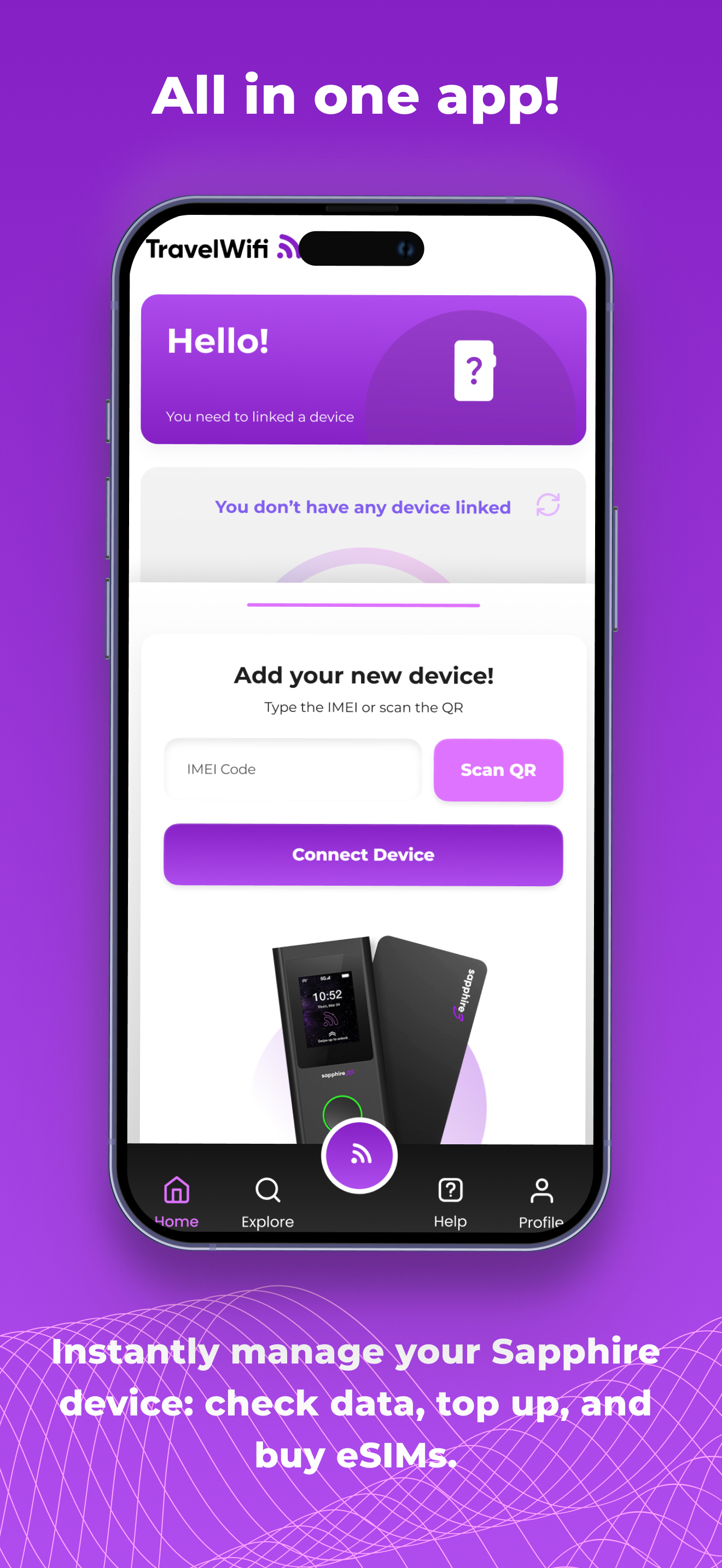
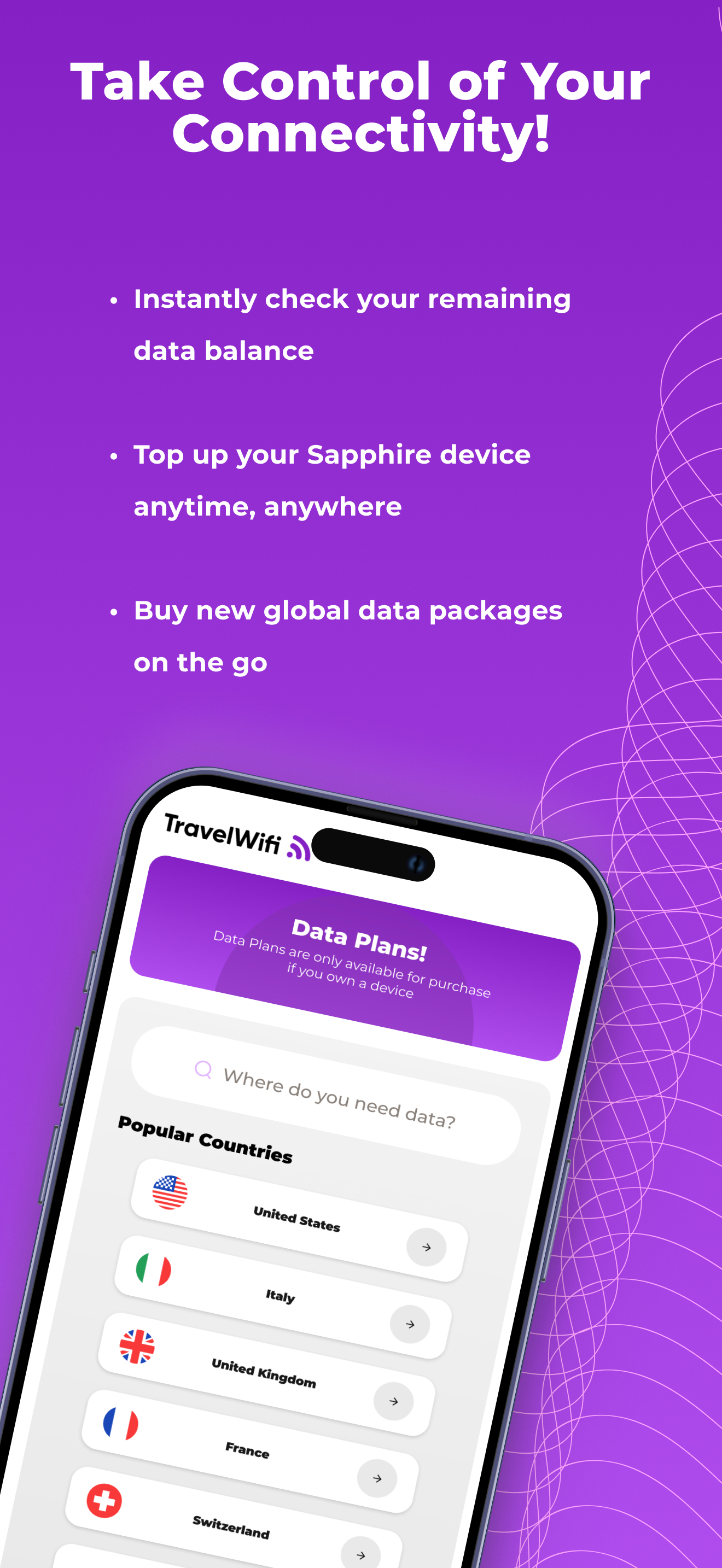
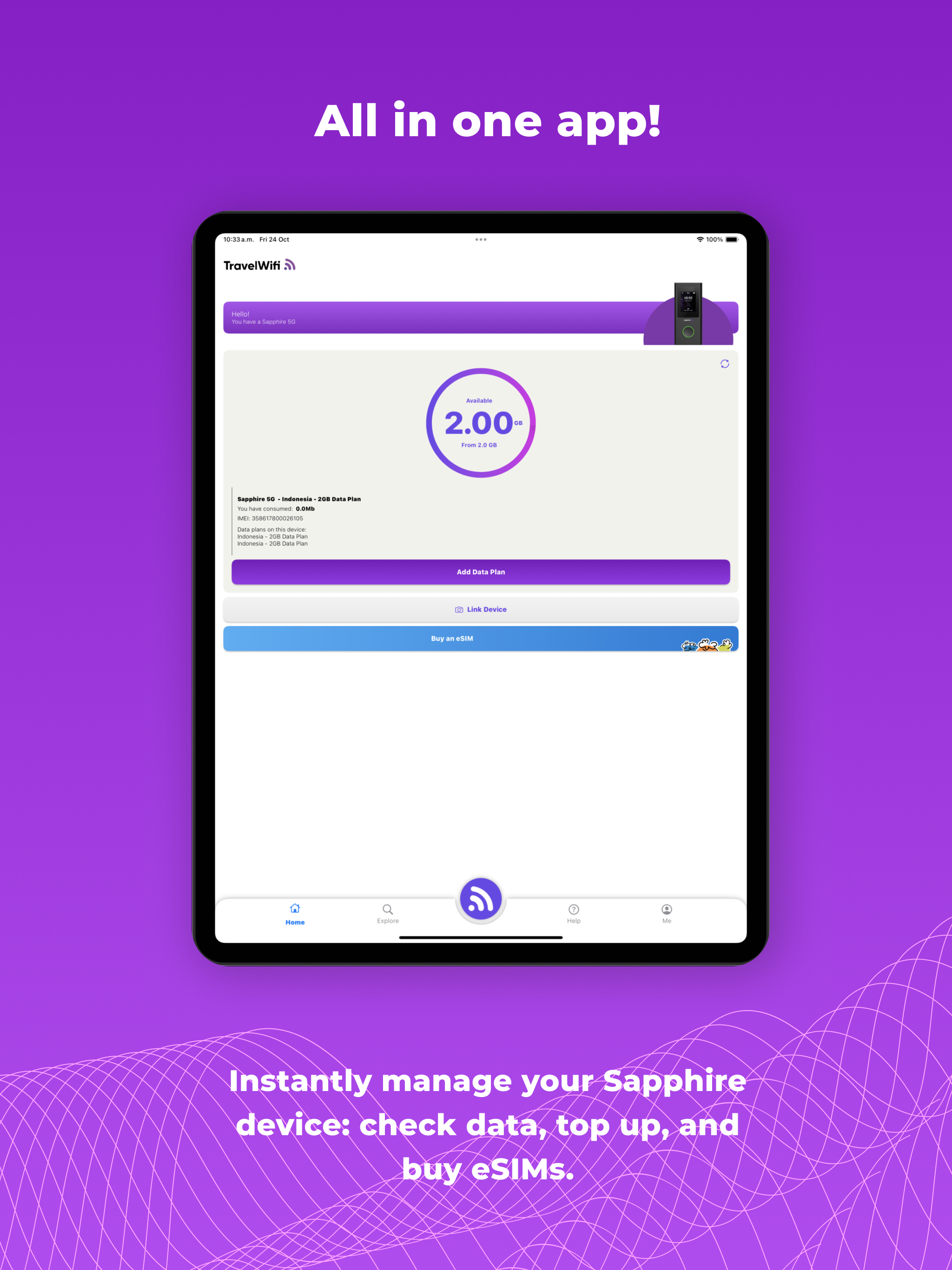
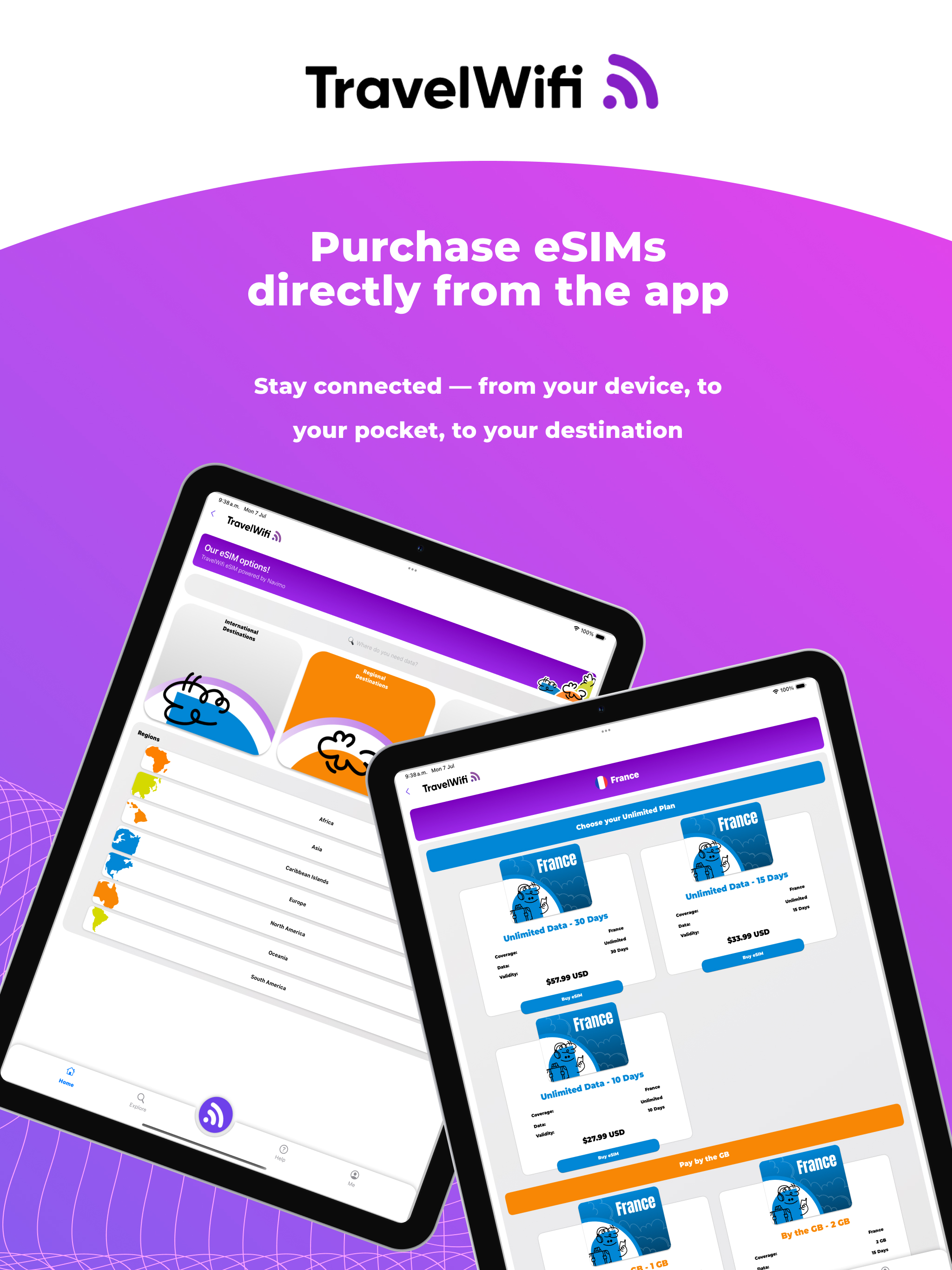
Study the product story and store experience behind the acquisition funnel.




03 / Market context
Keep revenue, downloads and store rankings separate from advertising performance.
I’ve not had good luck with travel Wi-Fi on this trip to the UK and Croatia. Coverage in London was OK but in the countryside. In Croatia, I struggle to get good coverage same as in London. I wrote to Support and they asked me to verify settings which I did. I replied that coverage was poor and the reply was let us know if everything is OK. So I replied that it wasn’t OK. The next reply was let us know if everything is OK. Thus Support wasn’t very helpful.
The latest app update is horrible. The user interface is now extremely confusing to use and I can no longer set priority over which data package I have purchased and want to use. This is going to cause me to lose around $50 of unused data. There’s no way around this by going to the desktop website, either. If it wasn’t broken to begin with, then why change out the entire app works? It almost makes me want to stop using TravelWifi altogether. If my husband didn’t depend on it for his deployment, we wouldn’t even be using it. As soon as we find a better alternative we will no longer be using because it has just become too difficult to navigate.
Ok I’m not proof reading this don’t got time for all that. Ok this is how y’all use the app first off don’t use the travel Wi-Fi app to purchase the data. It doesn’t show up it doesn’t show up until ur in the country or just doesn’t work at all. So if u make the same mistake I did go on the website not the app go to customer service give me the screenshots and let them know but it will show up on the app. Basically they’ll fix it Jose S help me it was quick and easy. Know from now on when u buy data buy it from sapphire app and make sure u have your sapphire linked. Finally this rating is based off of service and what I went thru and how I got around. I do not know how good the service is. But it’s 4G so maybe good maybe bad😂
TravelWiFi is the ultimate app for anyone who loves to travel and needs reliable internet connectivity on-the-go. With TravelWiFi, you can manage data...


