
Check the acquisition promise
Read the store headline, screenshots and description. What problem is the app promising to solve?
Study the storefront ↗
Shajir Kalady · iOS
Explore the ad evidence, study the storefront, and build your next acquisition hypothesis.
01 / Creative research
Read the store headline, screenshots and description. What problem is the app promising to solve?
Study the storefront ↗Explore apps with direct store-link matches. Compare their hooks and formats without assuming the same approach works here.
Browse observed advertisers ↗Store rankings and revenue estimates describe market context. They do not establish ad spend, conversions or ROAS.
Review the market context ↗02 / Storefront & product
Study the product story and store experience behind the acquisition funnel.






03 / Market context
Keep revenue, downloads and store rankings separate from advertising performance.
Thank you for listening to my feedback, definitely improved my experience, but there’s still a few things I would like to see, first I would like to have a eraser size smaller than 5 for more accurate erasing. The zooming feature is a bit janky as sometimes it doesn’t respond that well or the drawing goes out of focus and I can’t drag it back. I’ve also noticed that when you press the undo button enough times when you mess up it kind of blurs the lines that were already on the drawing. Lastly what happened to the delete button for the saved sketches?
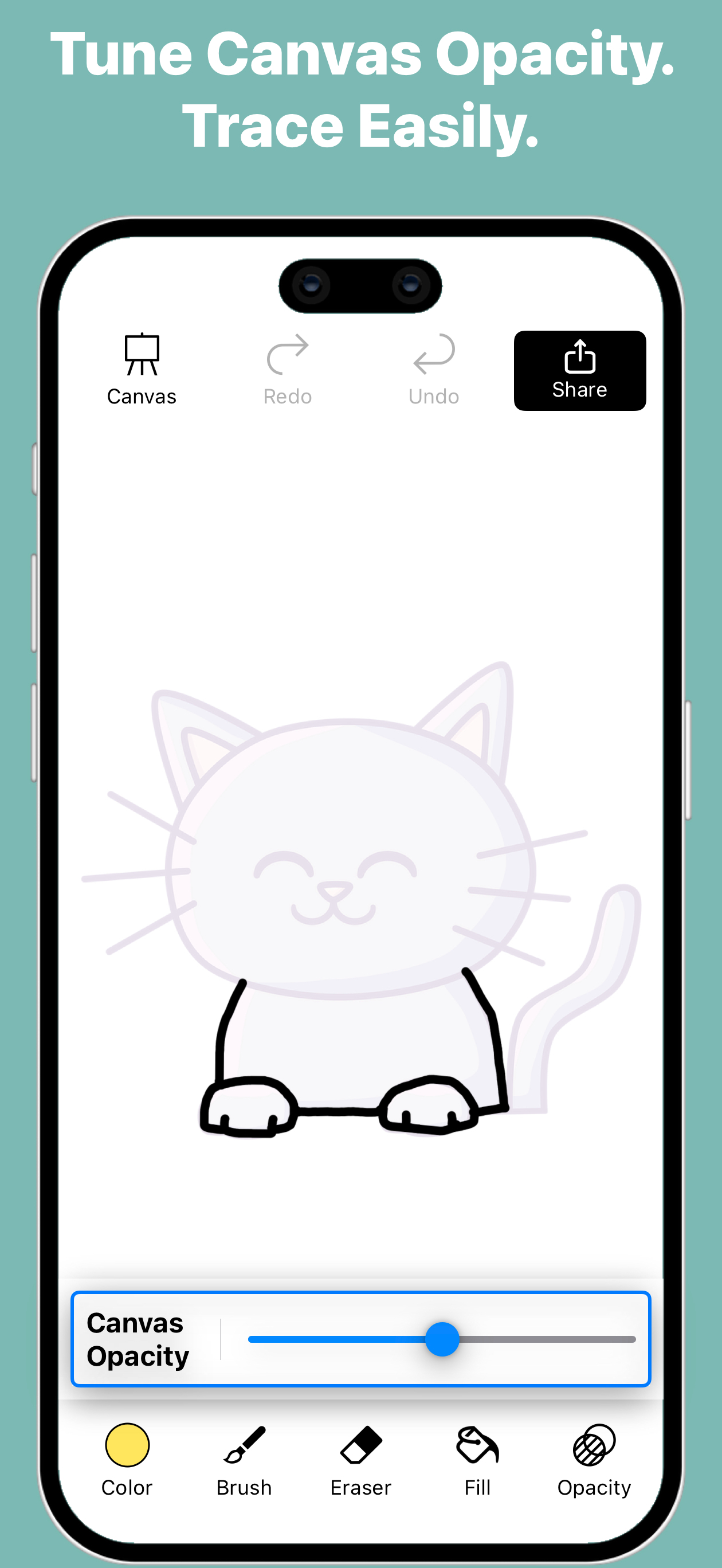
Like the ease of using the pen and being able to enlarge or make smaller. Also ease of opacity helps when you can see what you have done without the image showing through! GreaT! Would like option for a plain background (just white) so you can create your own if desired. And where the drawing is blank the background should not show through unless desired. Perhaps a paint fill pot would help with that. I was sketching a person with jacket on and did not want background to show through. You have a great opportunity with this app. I would pay for the above changes easily it’s worth more! Good luck!
The tracing functionality is simple to use and works well. There seems to be a strange bug using on my iPad Pro. When selecting brushes only a few display. All are selectable, but most of the selection area is just black and I sort of have to guess at which I’m selecting. A similar issue when trying to delete a tracing, the option to duplicate shows up, but not delete. By tapping the other side of the screen I was able to delete, but had to guess where the button was. Works great other than that and those issues are able to be worked around, just odd.
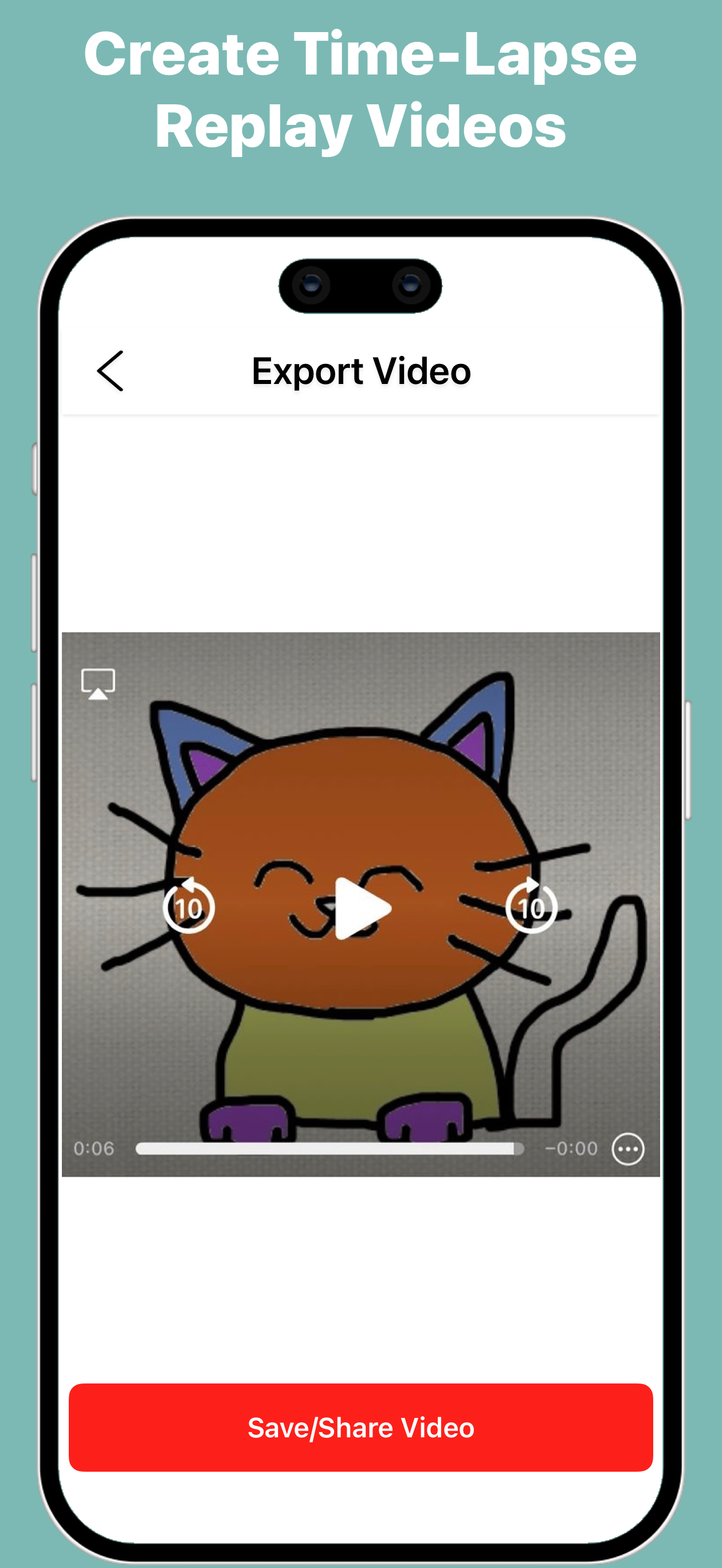
Turn any photo into a sketch with Trace & Sketch - Easy Drawing. Your screen becomes a digital tracing paper — select an image, adjust the transparenc...
| Name | Price | Type |
|---|---|---|
| Remove Ads | $0.99 | One-time |
| Video Export Watermark Pro | $2.99 | One-time |


