Check the acquisition promise
Read the store headline, screenshots and description. What problem is the app promising to solve?
Study the storefront ↗
Amit Verma · iOS
Explore the ad evidence, study the storefront, and build your next acquisition hypothesis.
01 / Creative research
Read the store headline, screenshots and description. What problem is the app promising to solve?
Study the storefront ↗Explore apps with direct store-link matches. Compare their hooks and formats without assuming the same approach works here.
Browse observed advertisers ↗Store rankings and revenue estimates describe market context. They do not establish ad spend, conversions or ROAS.
Review the market context ↗02 / Storefront & product
Study the product story and store experience behind the acquisition funnel.



03 / Market context
Keep revenue, downloads and store rankings separate from advertising performance.
I have a love/hate relationship with this app. I love it because you can do a lot of customization with the widgets - specifically with your own images in the background. I have only found one other app that offers that feature, but that one has vanished for some weird reason. I “hate” this app because it’s buggy and has been for a long while. And the UX is subpar - it could be so much better! The most annoying part is when you are actually customizing the widget, any little adjustment you do (changing the font style/size/color, the title, the theme, the layout etc.) just makes the background image disappear. It is sooooo frustrating! That and the UX and a couple of other things is actually why I went to the other app - but now that one is not really working, so I’m back to this one. But I do also love it because it offers so much more than most todo list apps!
I love this app. I have two lists that I look at every day. First my morning ritual which never changes. I look at it when I wake up and check off the the things to make sure I stay on. The last thing on the list is “check todays list”. I update this list through out the day or before bedtime with things I need to do the next day. This helps to keep me organized, productive and on track with my personal goals. Love that I can have it right in my Home Screen instead having to open an app to see the list. I see it every time I look at my phone.
Let’s me run multiple widgets on my Home Screen for any number of separate check lists I want to keep up with, but don’t want them all jumbled together. It’s great for me with several projects going at once. I can put them in a stack, and flip through them to find the one I need depending what’s happening at the moment. It’s great. The colors and being able to have them graduated let’s me assign two different colors to each one, or solid colors. The developer is very responsive to questions.
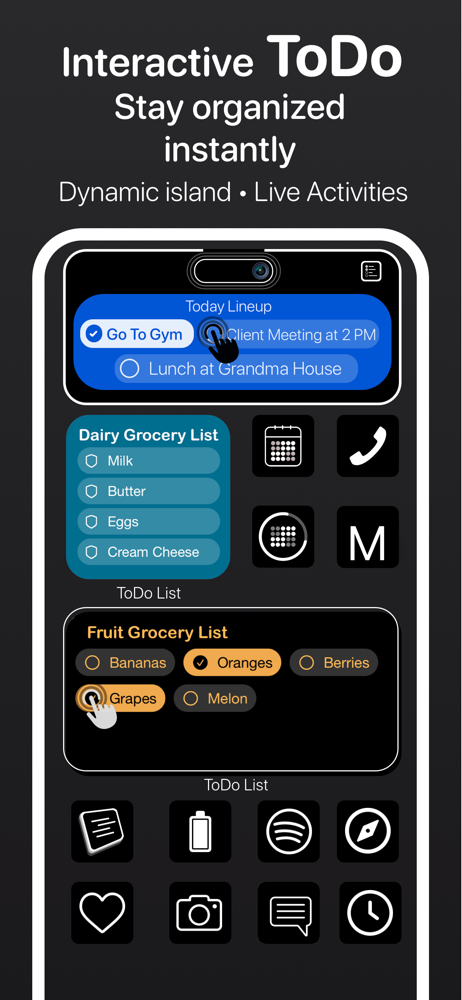
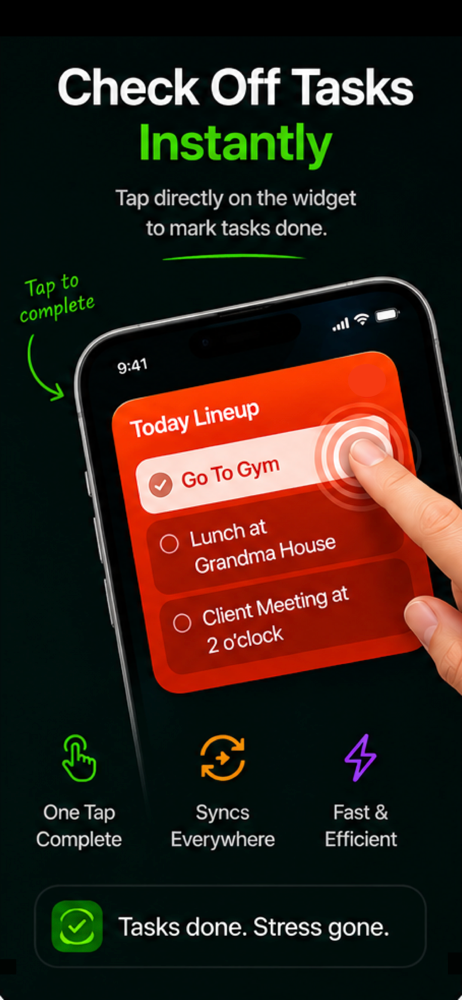
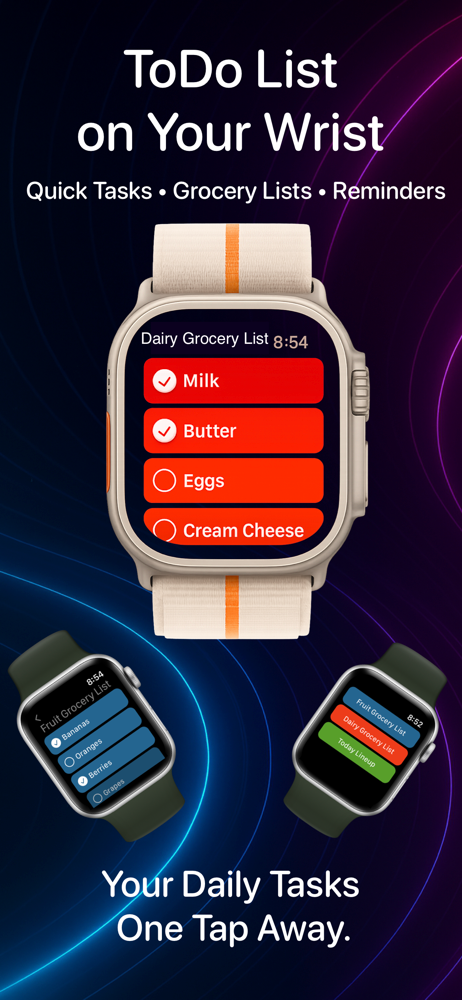
ToDo List Widget for iOS 26 . Your simple interactive widget for unlimited todo list on home screen and your apple watch. Just create a list add tas...
| Name | Price | Type |
|---|---|---|
| To Do List Pro. | $24.99 | One-time |