
Check the acquisition promise
Read the store headline, screenshots and description. What problem is the app promising to solve?
Study the storefront ↗
Tinybeans USA Ltd. · iOS
Explore the ad evidence, study the storefront, and build your next acquisition hypothesis.
01 / Creative research
Read the store headline, screenshots and description. What problem is the app promising to solve?
Study the storefront ↗Explore apps with direct store-link matches. Compare their hooks and formats without assuming the same approach works here.
Browse observed advertisers ↗Store rankings and revenue estimates describe market context. They do not establish ad spend, conversions or ROAS.
Review the market context ↗02 / Storefront & product
Study the product story and store experience behind the acquisition funnel.






03 / Market context
Keep revenue, downloads and store rankings separate from advertising performance.
I’ve been using this app since 2014 when my daughter was born to share photos with family privately. I think it is great! I knocked off a star because my only complaint is that if you miss uploading on a day (or several) and you want to go back and upload later on, it takes quite a bit of scrolling through your camera roll to get there and it would be much more convenient if when you clicked on a day within the app, and selected “upload photos” it took you directly to that day in your camera roll. Sometimes when I have missed several days when life gets busy or we are on vacation, I forget to upload on that day and then later I want to add to them my Tinybeans calendar but when I open my phone and see how much scrolling I have to do, it makes me change my mind. It would also be nice if you could select more than 20 photos at a time, because like I said, if you have to scroll through 200+ photos sometimes to get to that certain day, it’s not something that you’ll be likely to look forward to. So, if you have to do that multiple times just to get back to that day, you’re probably even less likely. Sometimes it is hard to remember which photo I left off on at the 20 photo limit so then I accidentally upload the same photo twice. All in all I really like this app and have been using it for years, I love looking back through and seeing old memories of a certain day and watching my kids literally grow up before my eyes. It is so fun to share these moments with family especially the ones who live far away and can’t be here for many of the milestones.
Update in July 2023: a feature I’ve longed for has been added—the ability to search for photos by caption. There is no better way to save photos and share with close family and friends. Original review: We were introduced to this app by my in laws who used it when my nephews were born (now eight years ago). We loved watching our nephews grow from afar and get a sense of what they were up to day to day. When our daughter arrived three years ago, we knew we wanted to use the same app and had no trouble updating our acct so we could continue to follow our nephews while posting about our daughter (the grandparents also have no trouble following the accts of the cousins). It’s an easy way to share updates with family around the world without using social media and without flooding group text chains. I love seeing the flashbacks and reminders of what we were doing. [NOW OBSOLETE: I wish there was a way to back up the photos with the captions and a way to search photos by caption or description; right now you have to kind of remember the timeframe and scroll to the right place…three years and probably thousands of photos in, this isn’t the most efficient way to ID old favorites.] But I still love the app and it works well for at prime purposes, ie photo journaling and sharing.
I have grown tiresome of social media. And since my first child was born in 2015, I have been posting every baby memory on my social media. I wanted to delete all social media but I couldn’t because all my memories were there. So I started searching for something that could help me get everything organized and safe! Enter, TinyBeans! It has been very easy to navigate. I usually go to my social media page and search through my timeline. When I see a memory I copy it, check the date, and go input it into my TinyBeans app. I love that you can adjust the date yourself for older memories you forgot to put in. All of my children’s memories are now organized and safely saved. And I love that I can also share with family, especially those who don’t have social media. I do wish for some adjustments though. I wish that family could add to the calendar as well. My kids grandparents take lots of photos of them and I would love for them to go in and add them in. And if that is possible, maybe have a “share with parents only, or share with everyone” option. That way not everyone can see those memories? Not sure if that makes sense but my kids grandparents fight and I’d rather them not see each other’s photos 😅 but would still like for them to be all added. I also wish there was a newsfeed page option where you can just see new things added vs a calendar look. That way you can be updated on what is new. Other than that, it’s a great app and I highly recommend it
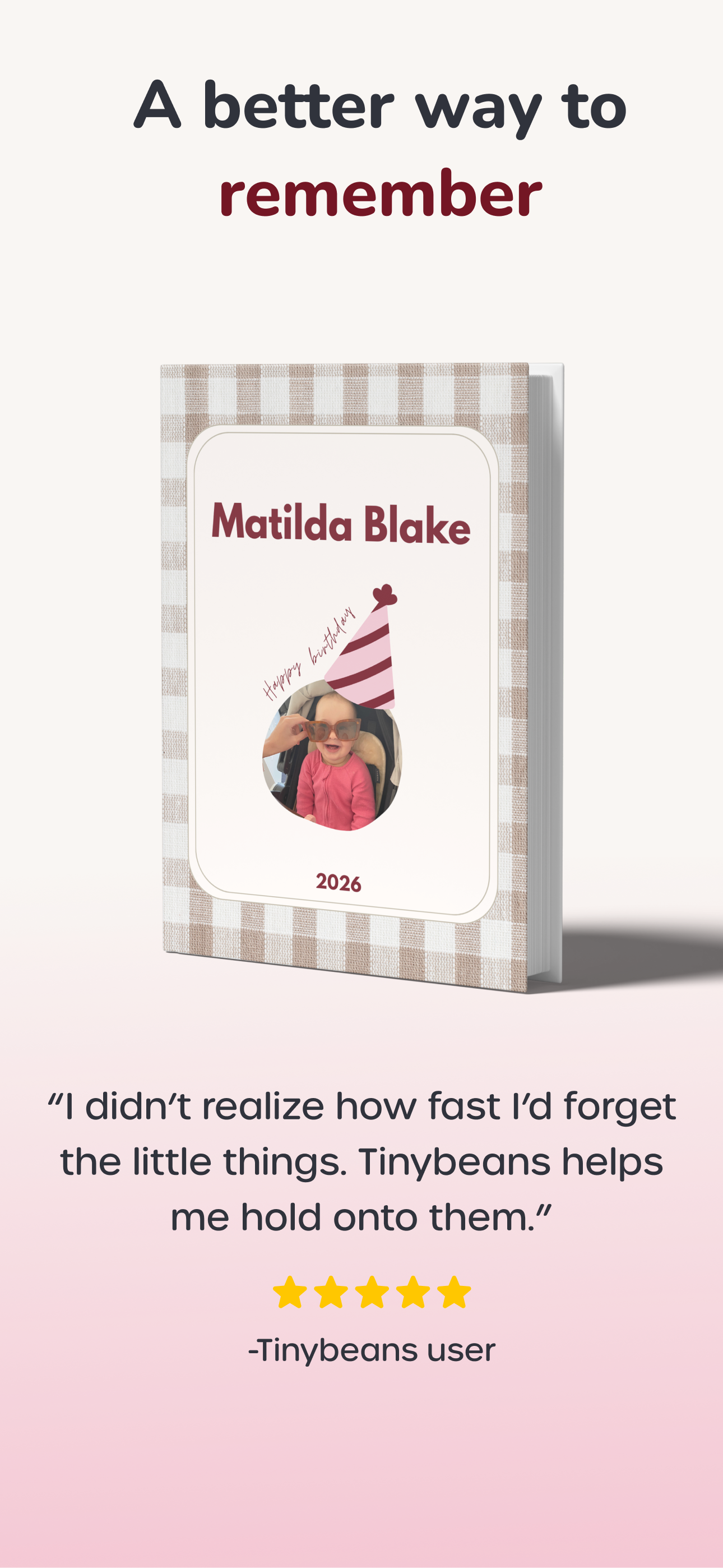
A better way to remember. Tinybeans is a private family journal that helps you capture the everyday magic—first steps, messy meals, bedtime giggles—a...
| Name | Price | Type |
|---|---|---|
| Tinybeans+ Legacy Subscription (Monthly) | $4.49 | Monthly |
| Tinybeans Plus Subscription (Monthly) | $7.99 | Monthly |
| Tinybeans Family Album Premium (Monthly) | $7.99 | Monthly |
| Tinybeans Plus Subscription (Monthly) | $7.99 | Monthly |
| Tinybeans Subscription (Monthly) | $7.99 | Monthly |
| Tinybeans+ Legacy Subscription (Annual) | $39.99 | Yearly |
| Tinybeans Plus Subscription (Annual) | $74.99 | Yearly |
| Tinybeans Subscription (Annual) | $74.99 | Yearly |
| Tinybeans Subscription (Annual) | $74.99 | Yearly |
| Tinybeans Plus Subscription (Annual) | $74.99 | Yearly |


