Check the acquisition promise
Read the store headline, screenshots and description. What problem is the app promising to solve?
Study the storefront ↗
The Charles Schwab Corporation · iOS
Explore the ad evidence, study the storefront, and build your next acquisition hypothesis.
01 / Creative research
Read the store headline, screenshots and description. What problem is the app promising to solve?
Study the storefront ↗Explore apps with direct store-link matches. Compare their hooks and formats without assuming the same approach works here.
Browse observed advertisers ↗Store rankings and revenue estimates describe market context. They do not establish ad spend, conversions or ROAS.
Review the market context ↗02 / Storefront & product
Study the product story and store experience behind the acquisition funnel.



03 / Market context
Keep revenue, downloads and store rankings separate from advertising performance.
The app over all is great. It has a lot too offer. But there is one issue that happens frequently enough the that it has caused me to one star. The app repeatedly logs me out staying “the session has ended, please log in to continue” the log in screen comes up and I have to type in my password etc and get logged in. This has cost me money in more than one occasion and it always seems to happen right as I’m about to exit a position that is going against me. I be been luck that the moves weren’t more violent and didn’t go further against me while I was getting logged back in. Very irritating. I’ve also had times where I sent and order and it just did t go anywhere. It was like the order never existed after I hit the send button. So I missed a lot of good entries and exits due to this. But besides those too issues I do really like the app. I do wish the would add a few quick execution button on the same screen as the chart…. So you do t have to toggle over to the order tab and hit “send” are you sure “yes”. That’s a 3 step process and a lot can happen in those 3 steps that can cost u money. I suggest 3 execution buttons buttons be added somewhere on the chart tab that can be customized to what type of orders the execute. Similar to the way you can assign hot keys on the active trader tab of the desktop version.
Love the platform and what it offers but am extremely frustrated with all the technical problems. There’s been countless instances where I’ve placed buy or sell orders that do not go thru. When you check it the color is lighter, it does not allow you to cancel it or make any changes, the order is not acknowledged resulting in enormous losses as you end up having to resubmit orders for a higher price or take a loss on the sales price. When the frozen order doesn’t allow you to cancel or change it, you have to submit a new order for a different price, suddenly the old order (which can sometimes take minutes at a time) suddenly activates and you end up with duplicate orders resulting at even further losses. Another costly problem is when you set trailing stops or stop limits and the stock breezes through it without selling. There’s been numerous other issues but those are the most predominant and costly issues. Of course It’s never Ameritrade the takes the loss, it is the user. If there weren’t so many technical problems I would really enjoy the program and frankly I’m shocked that there hasn’t been lawsuits from all the customers that have incurred monumental losses because of these problems.
There is so much more information and charts to analyze than Robinhood. You can change so many settings and dive into finding your own investment strategies. This app is very intimidating at first compared to Robinhood, but I strongly encourage you to dive in. Start simple by creating your watchlists. Then when want to purchase click on trade in upper right corner. It will already be set to 100 shares and instead of changing it with the +\- simply click directly on the number 100 to type the exact number of shares. Then either buy it at the market price which is if the lock icon is unlocked or lock the lock and click directly on the price and type the exact price you want to limit buy it at. Click send or confirm in upper right and your order is underway. If your order goes through then you can view your portfolio under positions tab at bottom next to watchlists. Next to that you can check on or cancel your orders under the orders tab. Hope this helps you get the confidence to give it a try. So far I love TD Ameritrade one week in.
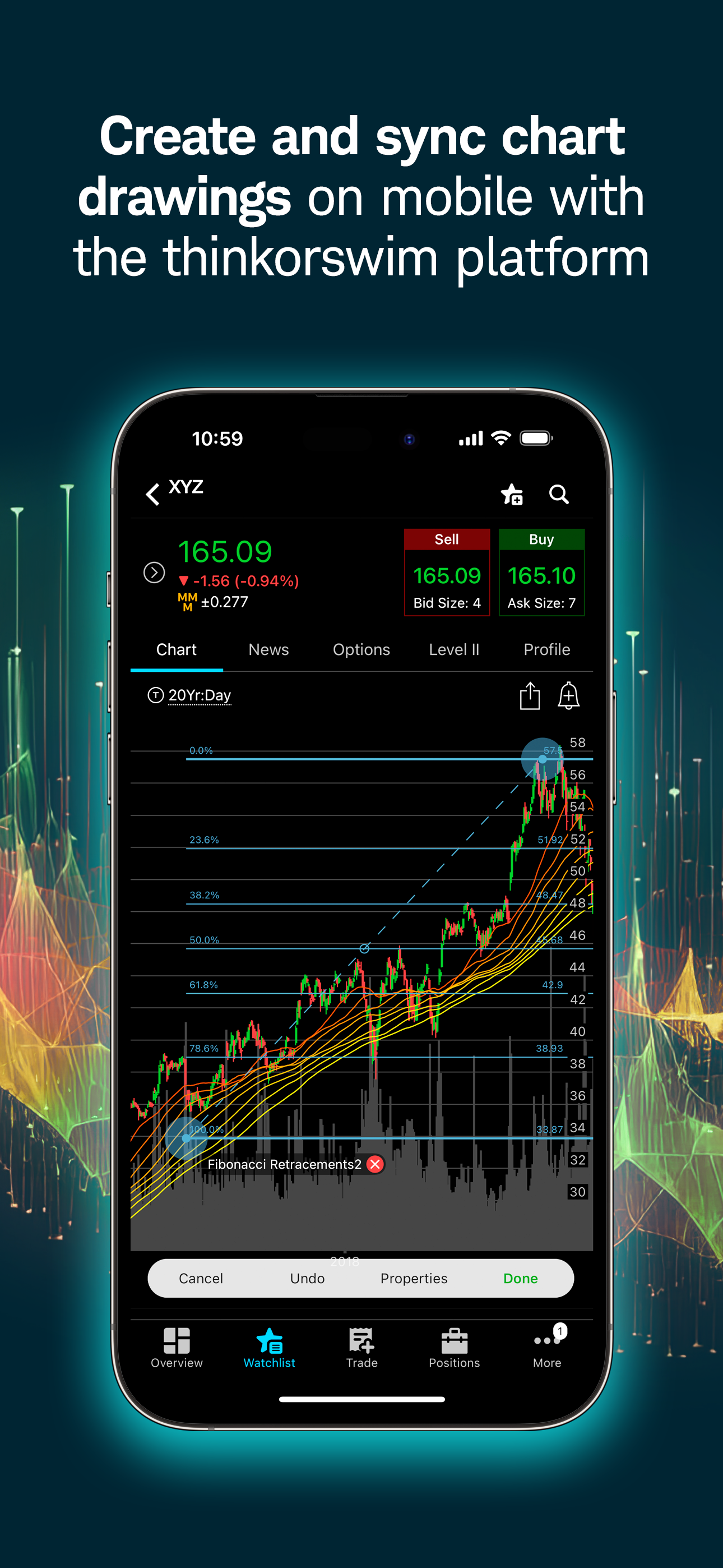
Put the power of thinkorswim® in your pocket with our trading app. Manage positions; find quotes, charts, and studies; get support; and place trades e...