
Check the acquisition promise
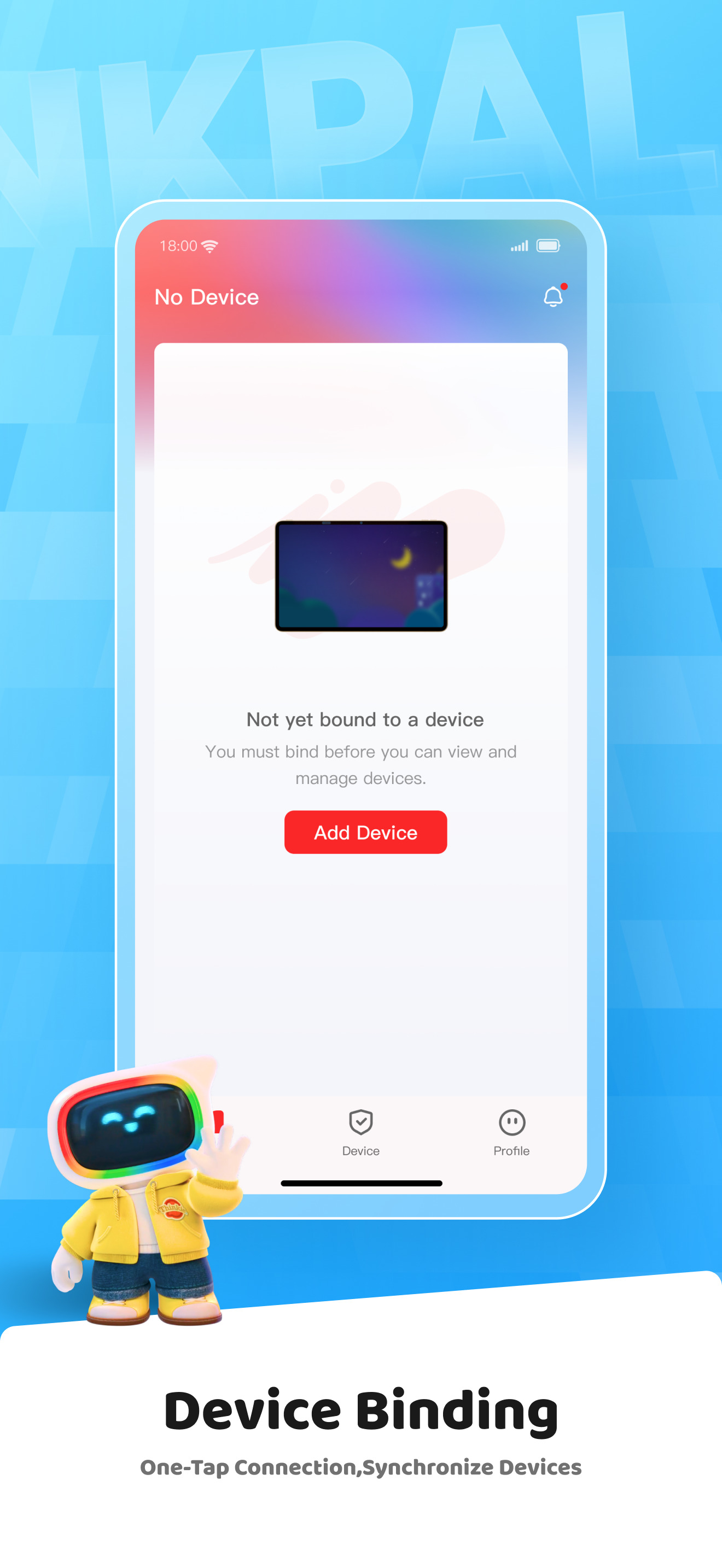
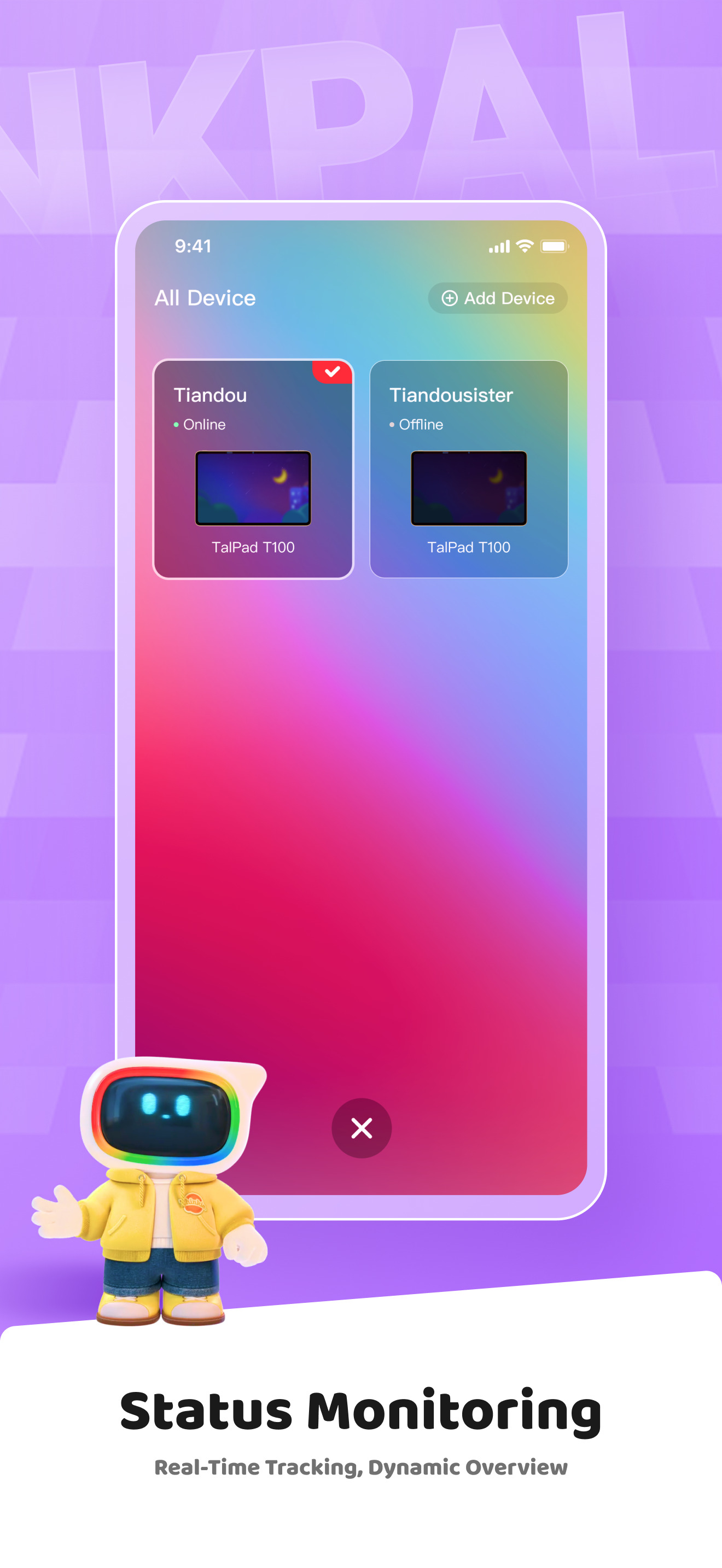
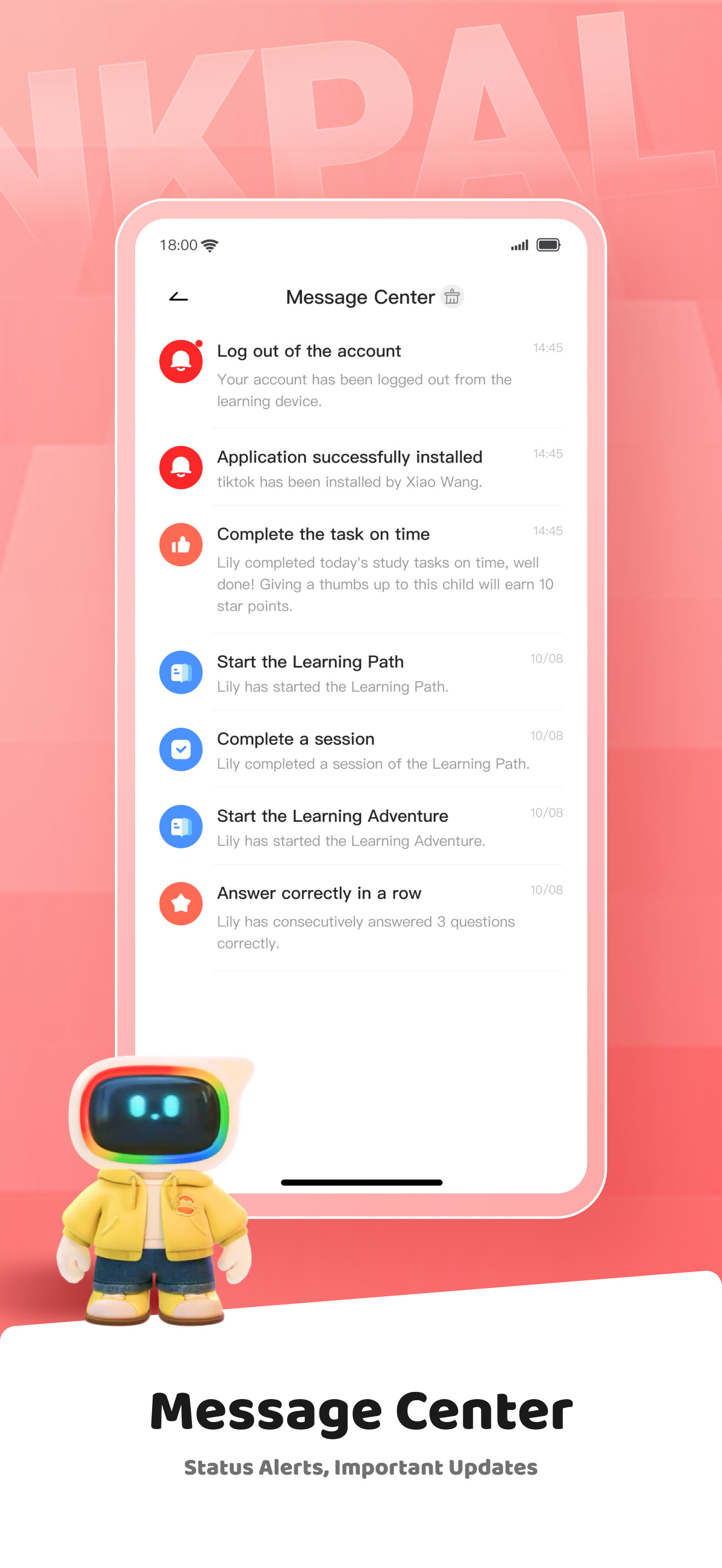
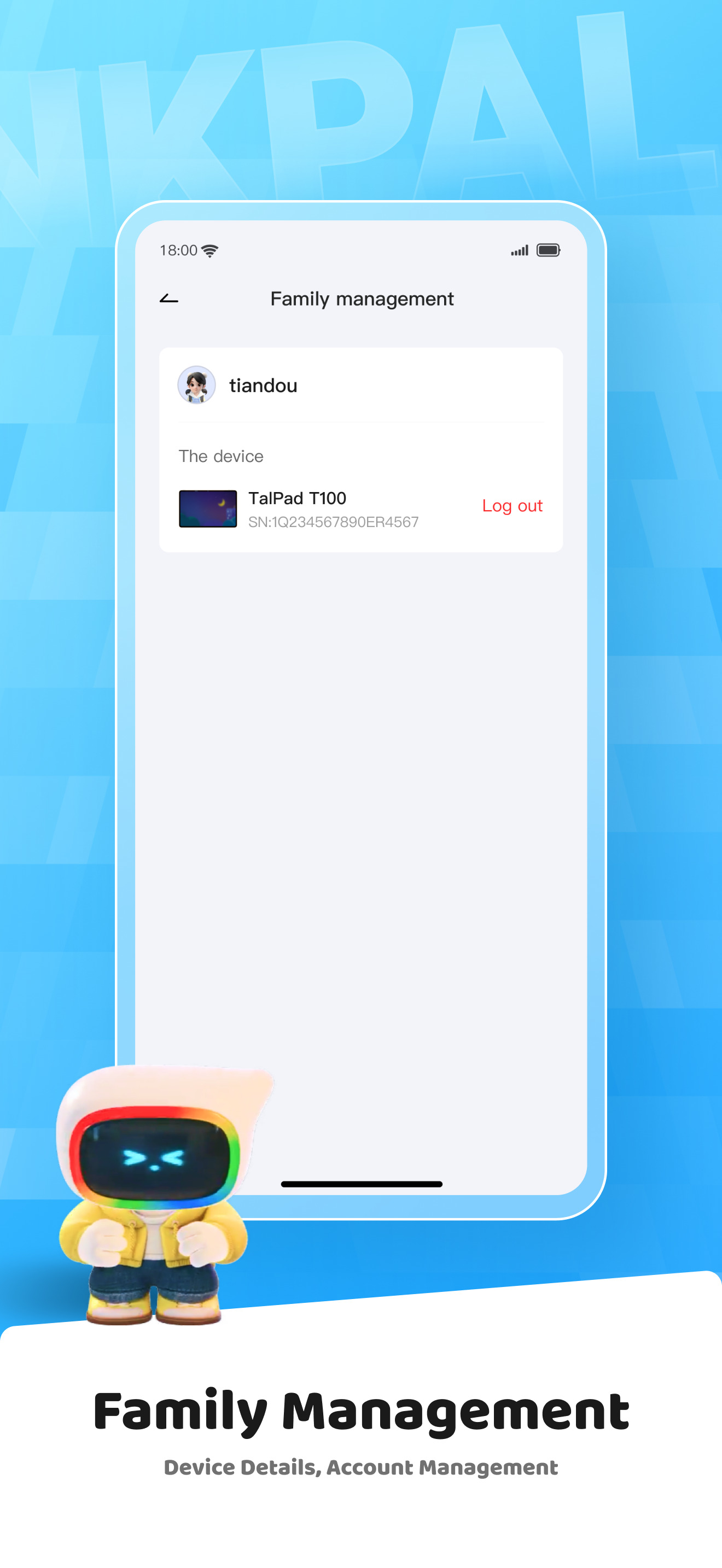
Read the store headline, screenshots and description. What problem is the app promising to solve?
Study the storefront ↗
TAL INTERNATIONAL HEADQUARTER PTE. LTD. · iOS
Explore the ad evidence, study the storefront, and build your next acquisition hypothesis.
01 / Creative research
Read the store headline, screenshots and description. What problem is the app promising to solve?
Study the storefront ↗Explore apps with direct store-link matches. Compare their hooks and formats without assuming the same approach works here.
Browse observed advertisers ↗Store rankings and revenue estimates describe market context. They do not establish ad spend, conversions or ROAS.
Review the market context ↗02 / Storefront & product
Study the product story and store experience behind the acquisition funnel.

03 / Market context
Keep revenue, downloads and store rankings separate from advertising performance.
Per Pawpal directions: “Search and Install Think Academy Connect from the App Store. 2) Open the app and scan QR code below. I downloaded the app. When I open app, it asks me to sign up. I sign up and log in. All the app says is “no network.” It has no functionality. I cannot scan QR code, cannot pair app with the Pawpal. I am on home wifi. My network is active. This app is completely useless.
I’m having trouble logging in. It says I need to read and agree to the privacy policy but there’s nothing to check off and the app doesn’t have an update. I used to be logged in so not sure how this happened. I also opened the privacy policy and tha didn’t work. I thought there would be more updates to both the app and the pawpal.
My child adores their PawPal but I need the device to be able to turn off or go into ‘Sleep mode’ at a scheduled bedtime. I also need to be able to remotely turn the device off or turn the volume down using the TA Connect app.
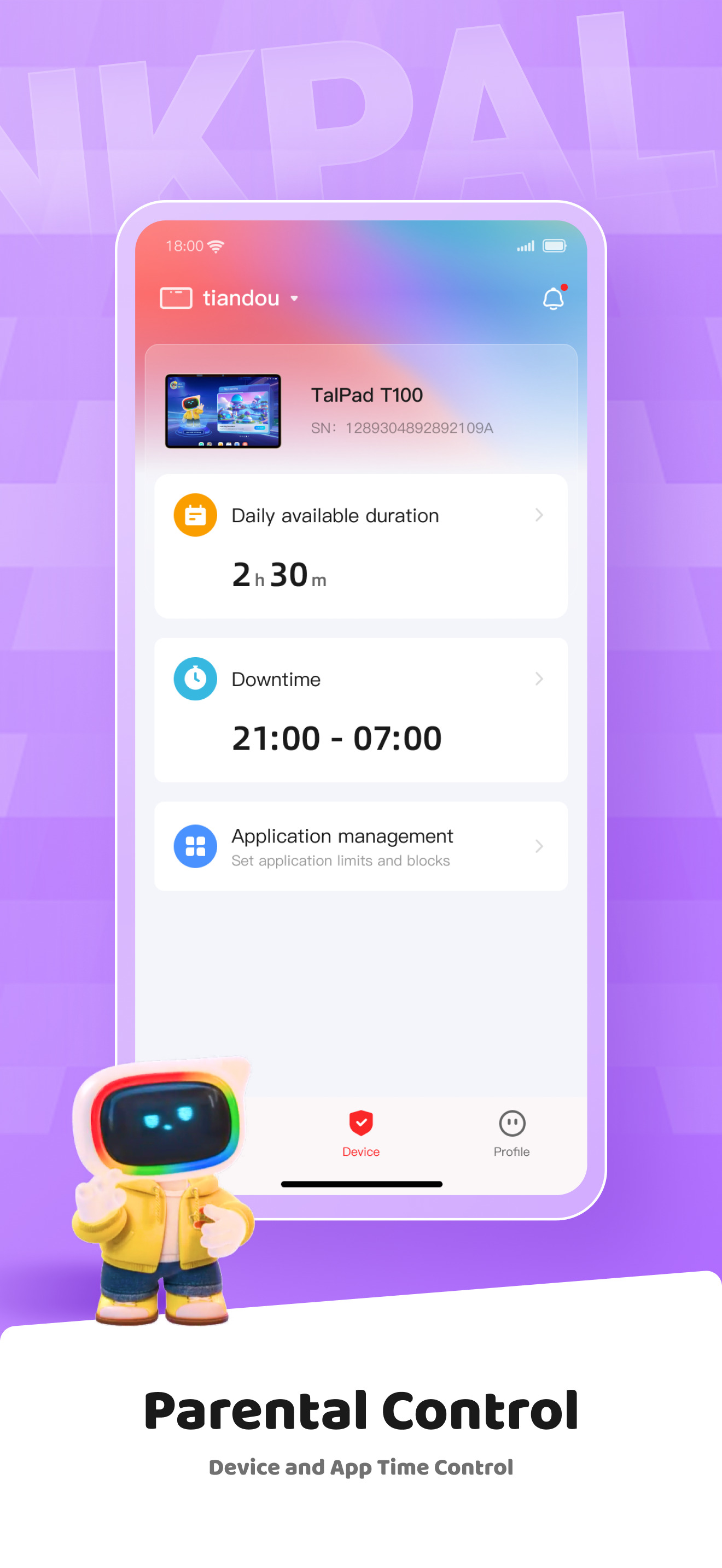
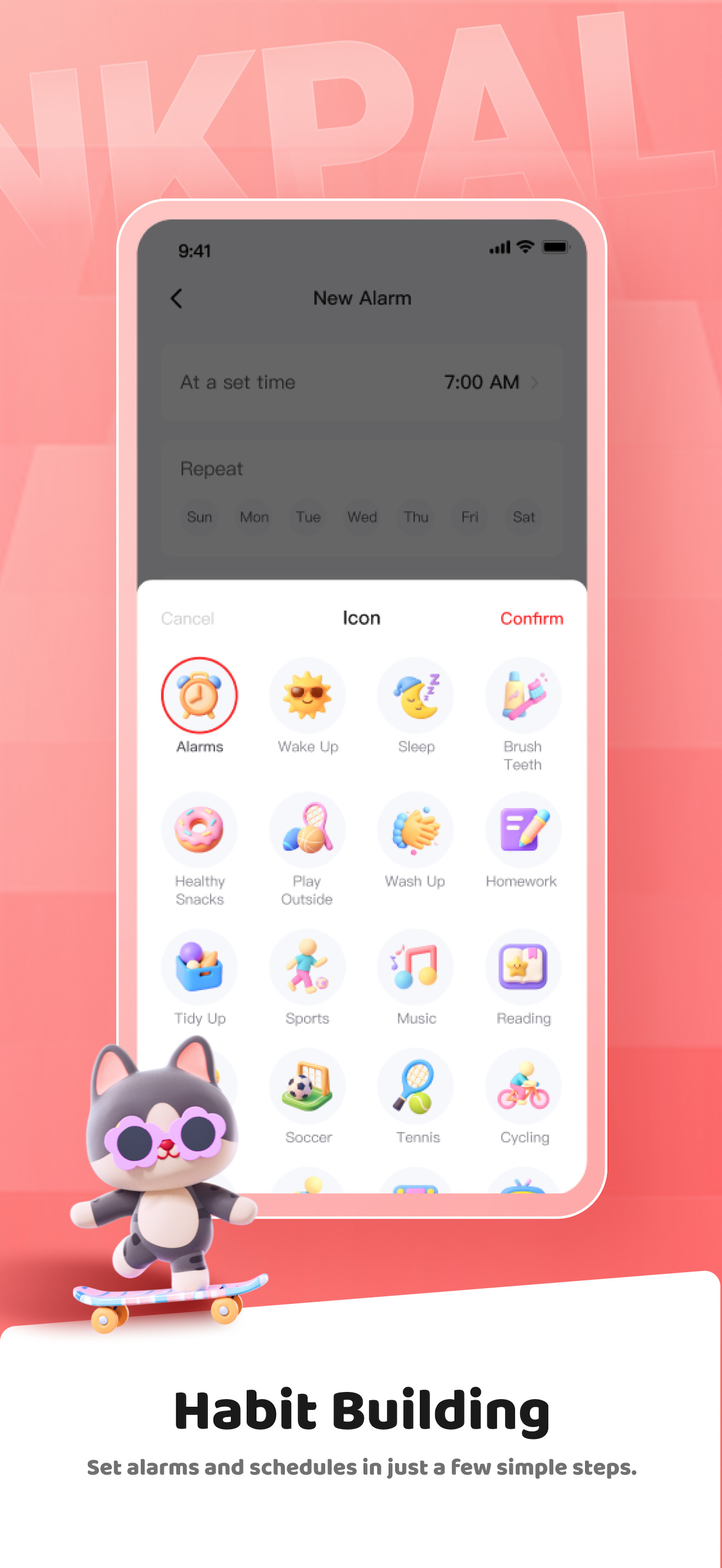
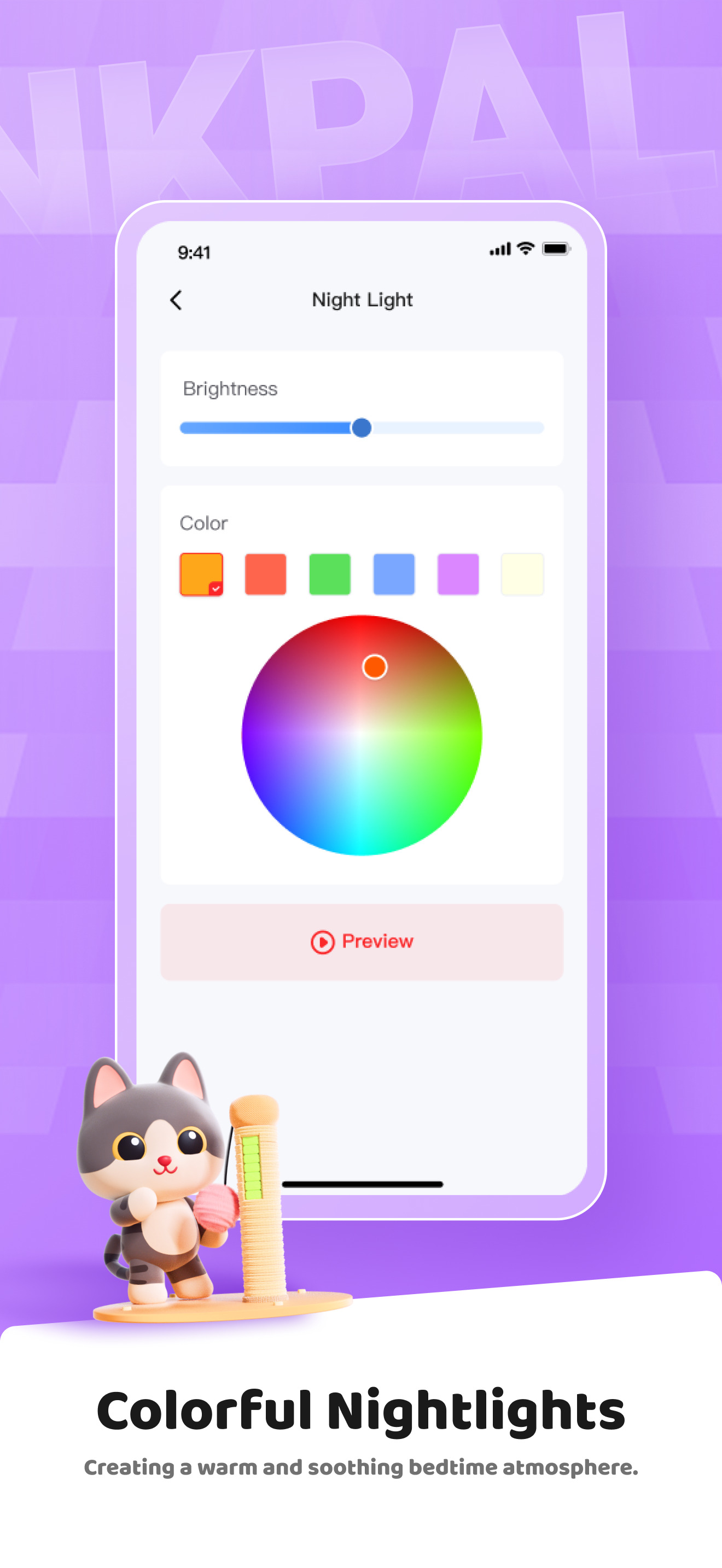
What can you do with Think Academy Connect? Think Academy Connect manages and controls TalPad & PawPal. TalPad Features. 1. One-Tap Connection, Bound...


