Check the acquisition promise
Read the store headline, screenshots and description. What problem is the app promising to solve?
Study the storefront ↗
Jumsoft · iOS
Explore the ad evidence, study the storefront, and build your next acquisition hypothesis.
01 / Creative research
Read the store headline, screenshots and description. What problem is the app promising to solve?
Study the storefront ↗Explore apps with direct store-link matches. Compare their hooks and formats without assuming the same approach works here.
Browse observed advertisers ↗Store rankings and revenue estimates describe market context. They do not establish ad spend, conversions or ROAS.
Review the market context ↗02 / Storefront & product
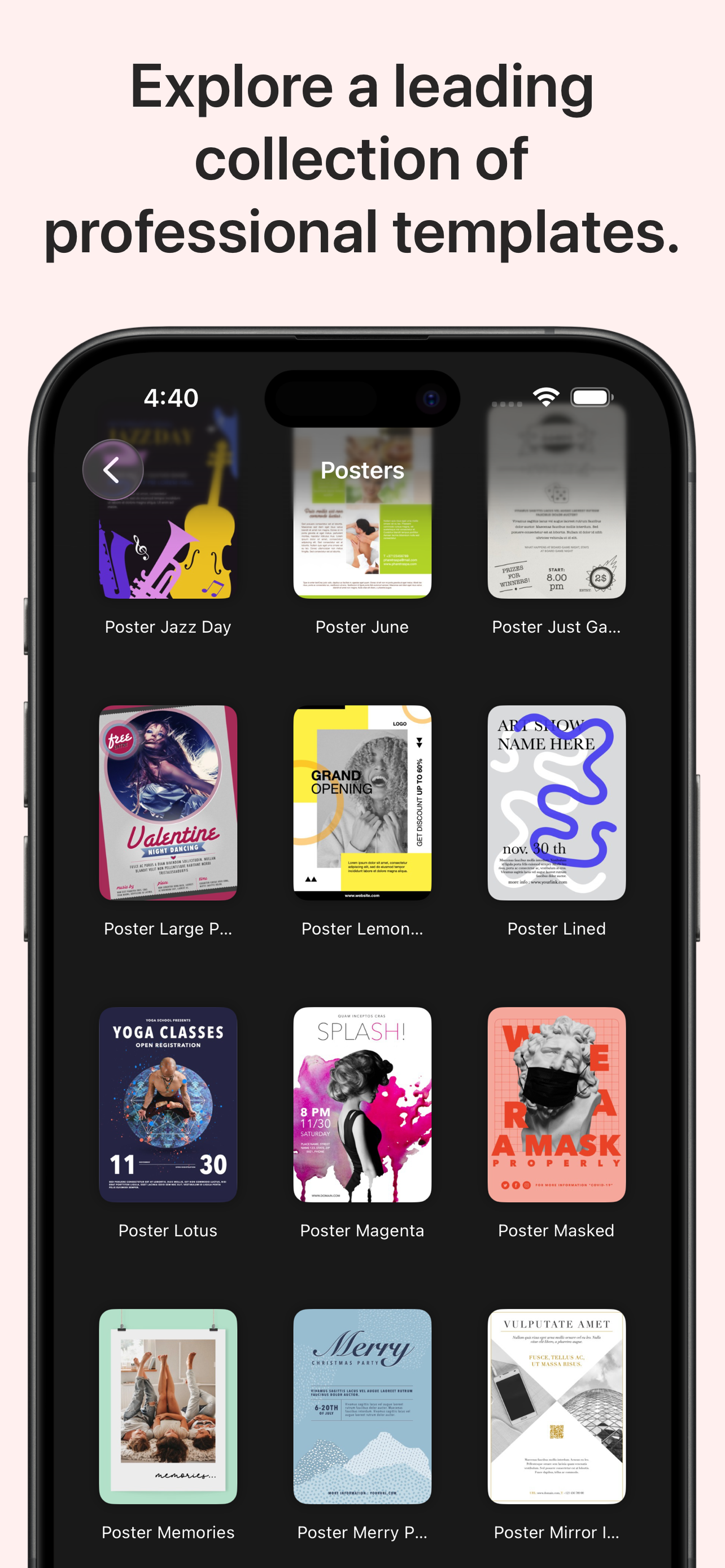
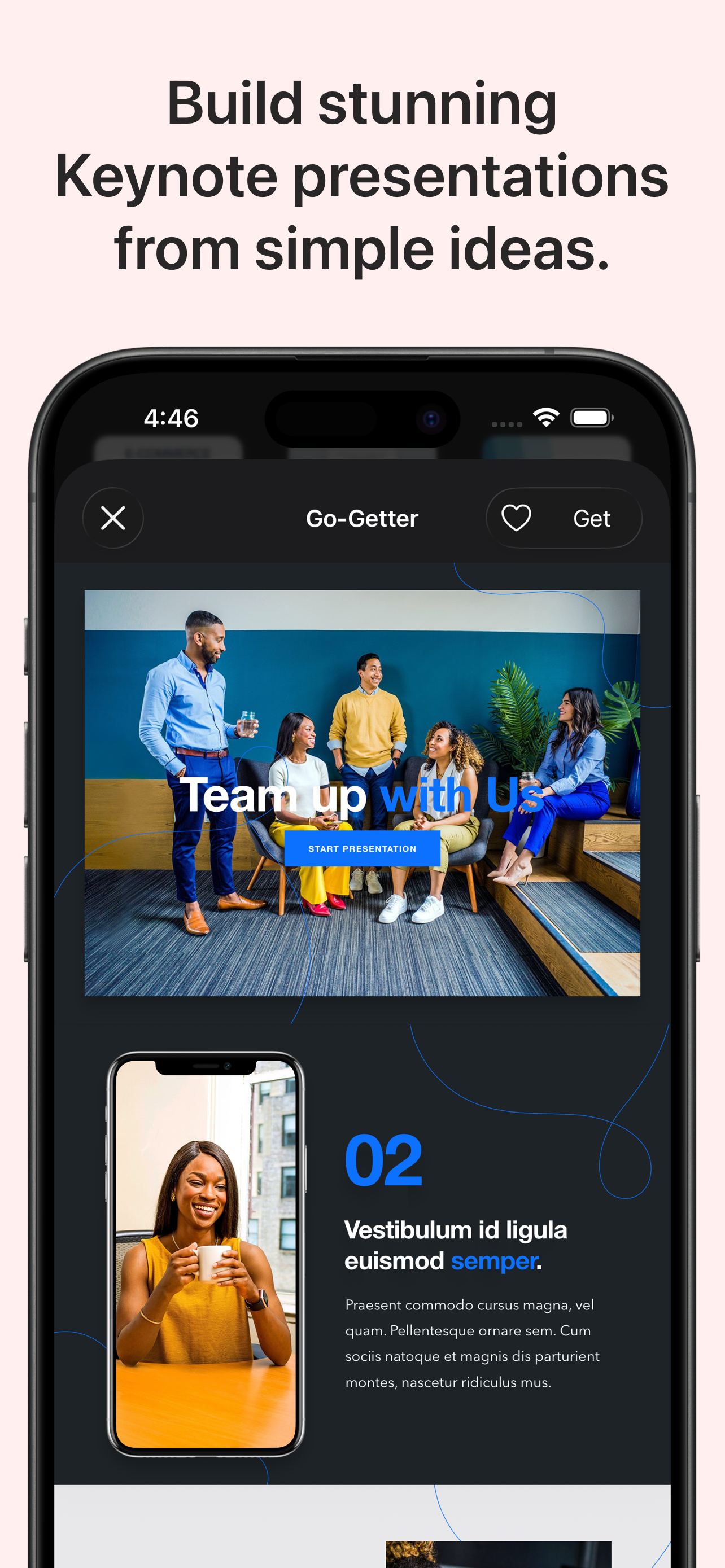
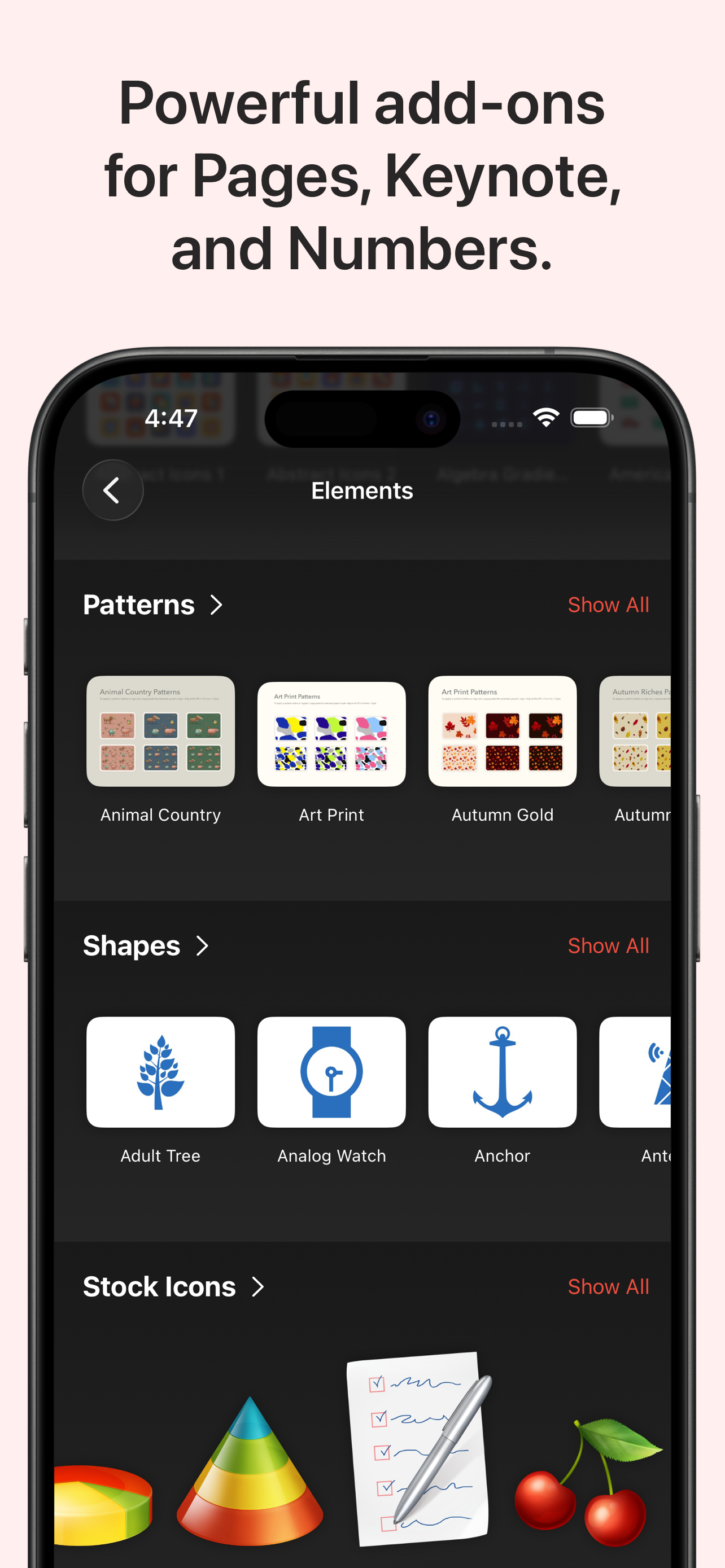
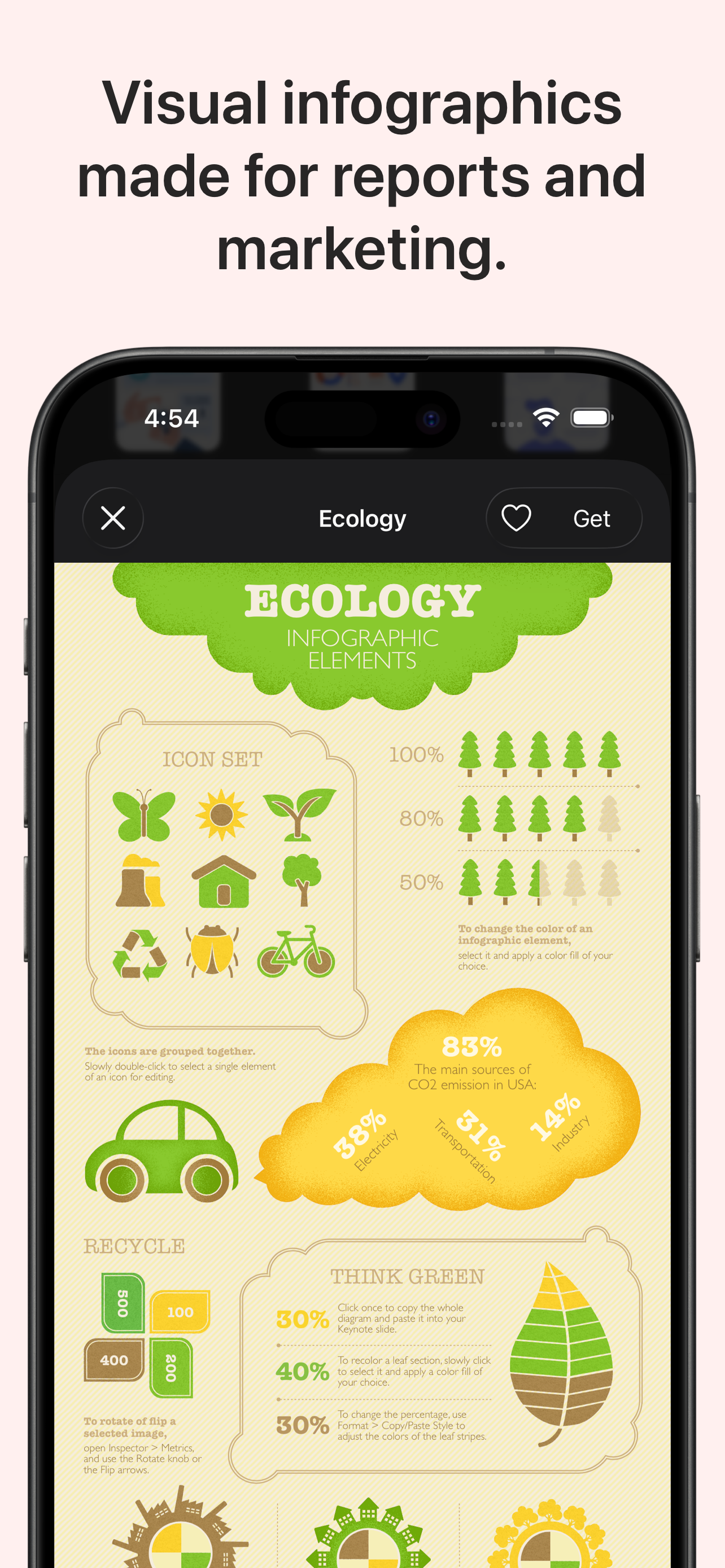
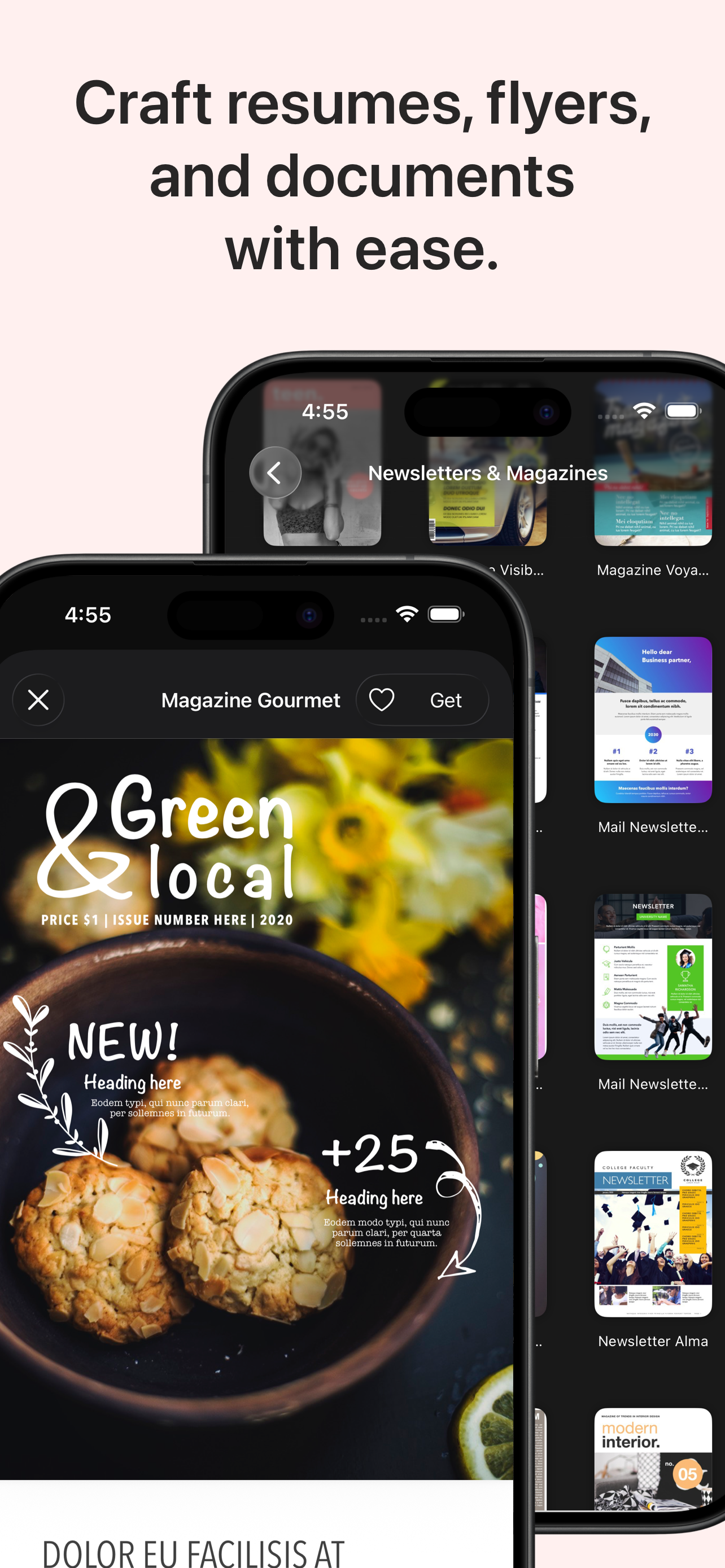
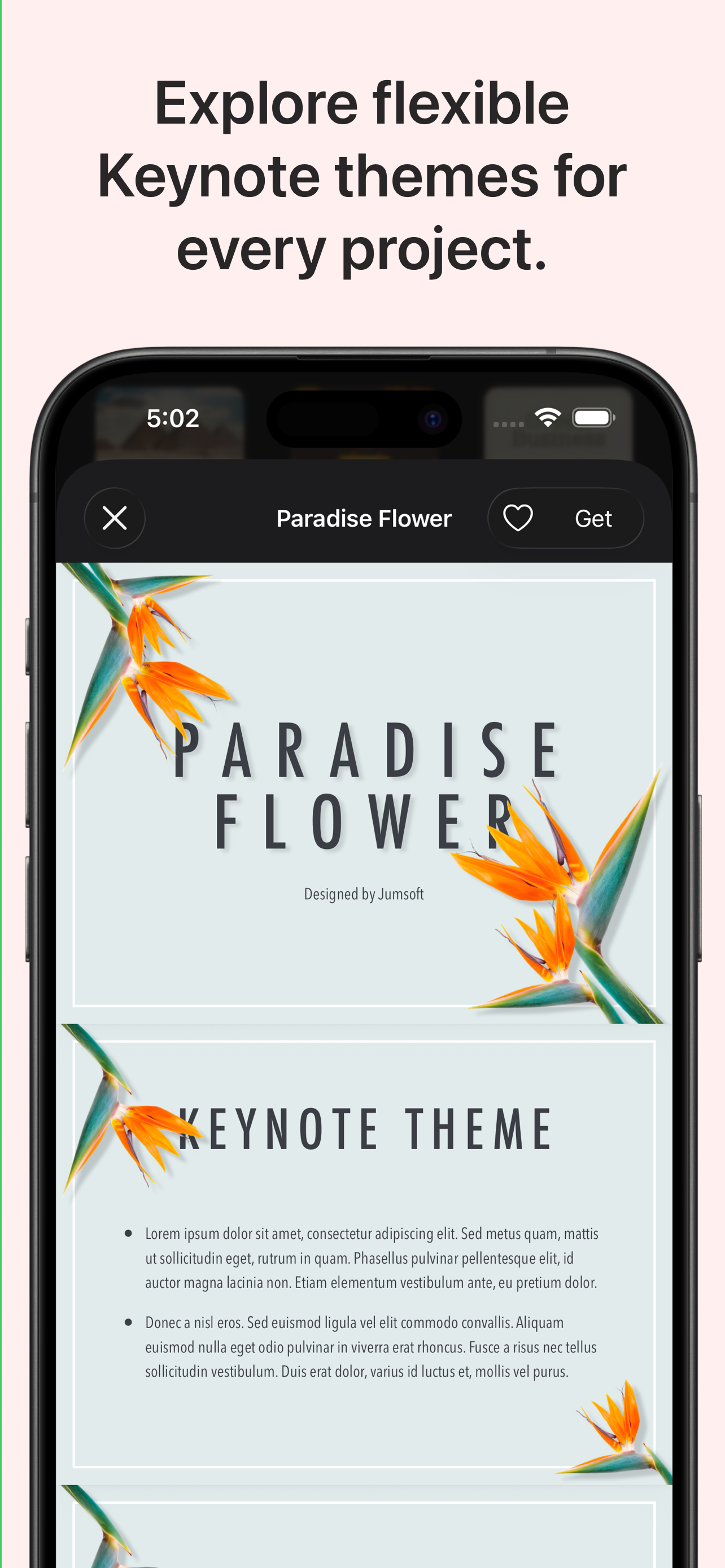
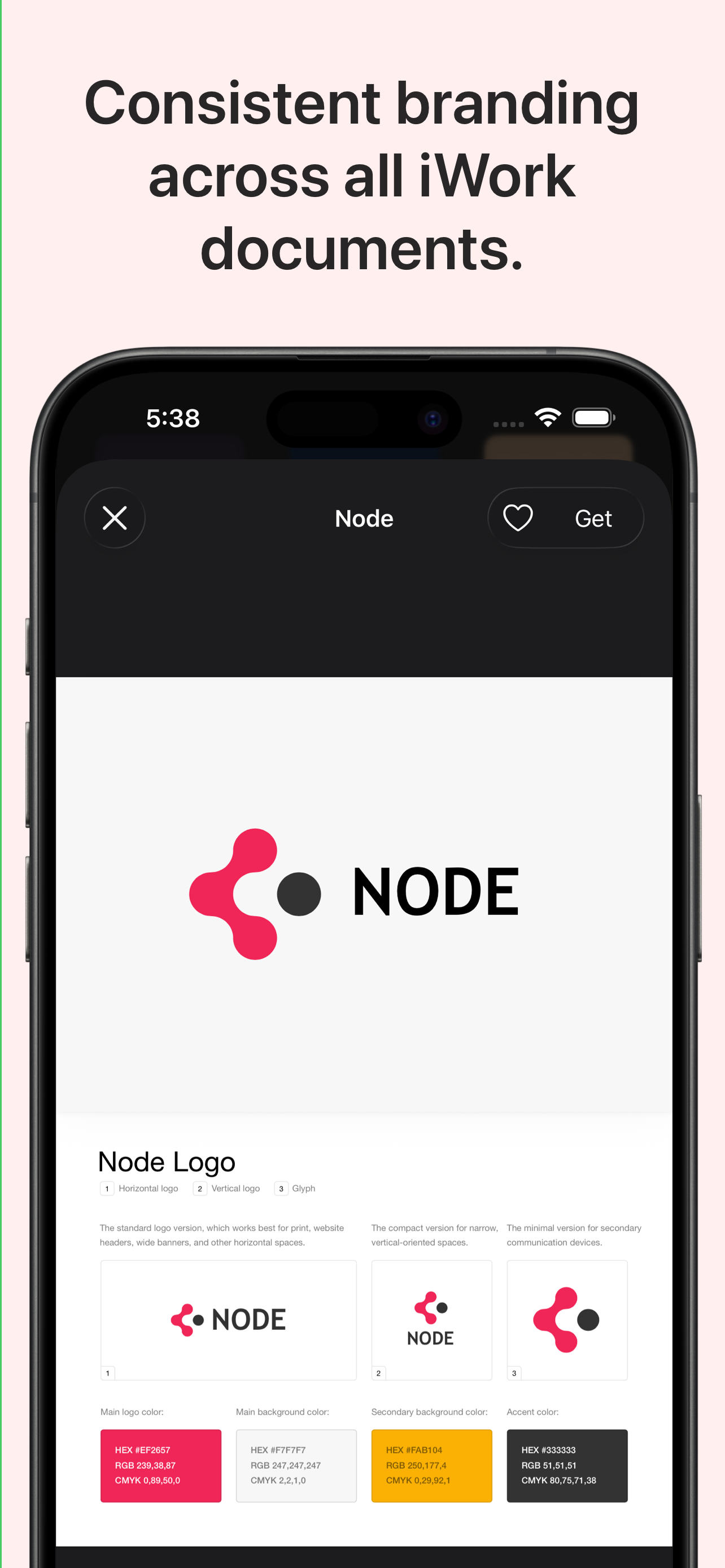
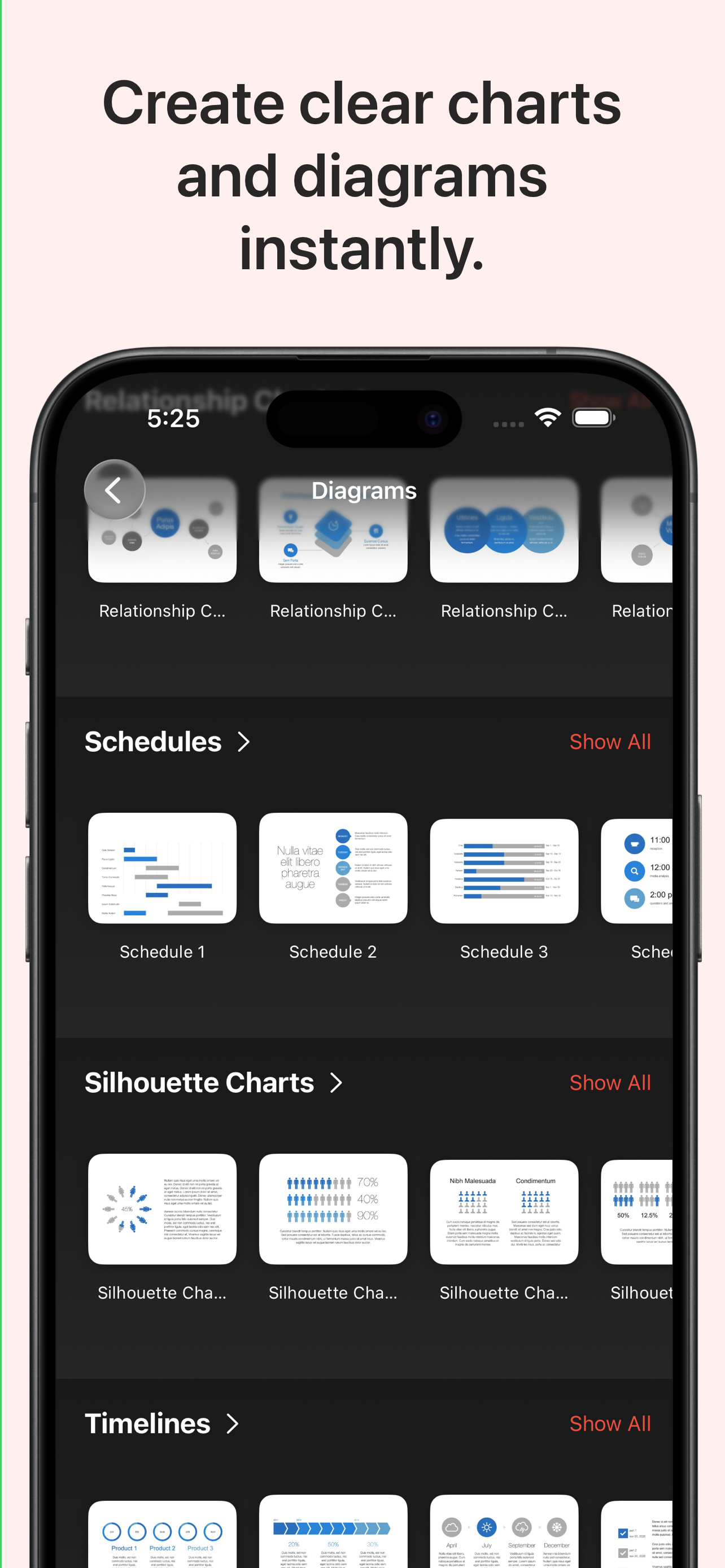
Study the product story and store experience behind the acquisition funnel.
03 / Market context
Keep revenue, downloads and store rankings separate from advertising performance.
I saw the update notificiation, and saw the beginning of the notice: "We're changing our model and making Toolbox for iWork Universal..." My heart sank a bit – a number of apps I use and love have started switching to "you bought our app on all your platforms, and depend on it, and now we're adding a 'Premium Subscription'." I feared the worst. Imagine my delight when Jumsoft unlocked all the things I love about Toolbox on my Mac, so that I can now use all those same features on my iPad. Toolbox makes the work of creating beautiful presentations, documents, flyers, brochures just effortless. I end up looking like a really good amateur graphic designer, and my work looks amazing. Being able to do all that work now on all my devices? That's just icing on the beautiful cake.
Maybe it’s just me, but any time I open up Toolbox for iWork it takes forever to load and slows down my comptuer to a cralw, usually setting CPU usuage up toe 80% or more. When I’m going to use it I literally have to shut down anything else non-essential, leave it all alone for a few minutes (perfect time to walk away and make some coffee) and when I come back it’s usually loaded and more usable. It still locks up here and there while using it but after the initial load time it’s workable. The content is really great, but like some people have said in other reviews, some of the templates just aren’t intuitive and get overly complicated. It you take the time to mess around with a layout before trying to actually create your item, you should be fine. I mainly use this for the book templates for creating ebooks and documents for clients. While they are relatively easy to use one thing I find really frutrating is the lack of pre-made page layouts in many of them. Most have 4 or 5 pages and that’s it, and they aren’t easy to replicate (not like iBooks Author where you can select the template of a page and add it wherever you need it in a document. And above all I really just want to see regular additions of new templates. It does get a little boring using the same things over and over.
I like the look of many of these templates. They are useful for many different situations, and graphically quite nice. However, after using them for several years, I’ve grown increasingly frustrated that the templates (especially for Keynote) are overly complex, and not that easy to use. Many of them seem to be designed for a very specific type of presentation, and if your presentation doesn’t fit that, then it requires lots of work to edit all the masters to get it to fit. Also, many of the slides are complex and decorated with all sorts of fancy looking charts and widgets that don’t fit the typical use. Where’s a plain text slide with bullets, for when we need that? Sure - I can create a master for that, but that slows the workflow down a lot. I have started out multiple times trying to use templates that “looked good” but given up due to lack of time for playing with and adjusting everything. Jumsoft could readily fix this by including some basic slide templates with each design. If they’d fix this issue, I could give it 5 stars rather than 3.
Templates for Creator Studio is the ultimate content creation toolkit for creators, influencers, social media managers, and small businesses. With ove...
| Name | Price | Type |
|---|---|---|
| Lifetime | $9.99 | One-time |
| Monthly Subscription | $9.99 | Monthly |
| Yearly Subscription | $69.99 | Yearly |