Check the acquisition promise
Read the store headline, screenshots and description. What problem is the app promising to solve?
Study the storefront ↗
Occipital, Inc. · iOS
Explore the ad evidence, study the storefront, and build your next acquisition hypothesis.
01 / Creative research
Read the store headline, screenshots and description. What problem is the app promising to solve?
Study the storefront ↗Explore apps with direct store-link matches. Compare their hooks and formats without assuming the same approach works here.
Browse observed advertisers ↗Store rankings and revenue estimates describe market context. They do not establish ad spend, conversions or ROAS.
Review the market context ↗02 / Storefront & product
Study the product story and store experience behind the acquisition funnel.



03 / Market context
Keep revenue, downloads and store rankings separate from advertising performance.
This is ALMOST a working easy space measurement app. I tried the room measurement scanner...first off, it takes forever to map the floor surface even in highly lit rooms. Then when that was done, I started to drop the points to note the corners of the room...but for no apparent reason, the app MOVED the points around as I circled. When I came back to the first point to close the outline, it had somehow been moved like two feet to the left and about a foot off the ground. Utterly useless. And the tutorials make no mention of this problem or any way to compensate for or stop it. This is yet another failed attempt at an easier spatial mapping app for a phone. I literally could have measured all three bedrooms and living room of my new house with a pencil, pad and old fashioned measuring tape in the time it took me to finally get a single (wrong) scan of a single room. Junk.
This app has an EPIC concept that has been well implemented in a smooth, easy to use app. After installing I did a few test measurements around home with a traditional tape measurer in hand to double check the app’s results. The app’s measurements were consistently about an inch off, thus the knock in stars. For my layperson purposes the app gets close enough and I will continue to use it with hopes that continued dev will improve accuracy. To the makers: Thanks for your hard work and for finally replacing the clunky tape measurer I can never seem to find when needed!
Well, this app would be amazing if it worked. However it’s failed the first 3 simple tests I gave it. The measurements it gave were simply inaccurate, and badly so. For example, the displayed measurement of the ground in front me read 4’5” in the app. I pulled out my tape measure and measured it, and the true distance was 6’. A measuring tool that doesn’t deliver accurate measurements is useless. If I wanted an approximation I could do that by eye. Also, this tool doesn’t measure vertical surfaces, which is what would come in vastly more helpful. Being able to measure a vertical line that would be physically inaccessible to me to measure with a tape measure- that’d be awesome! This app has no such functionally. Measuring horizontal surfaces in front of me can easily be done more accurately with a simple tape measure. I reserve it one star because I haven’t yet tested the 3D room builder. That may be a more handy tool- approximate measurements in that case may be “good enough”.
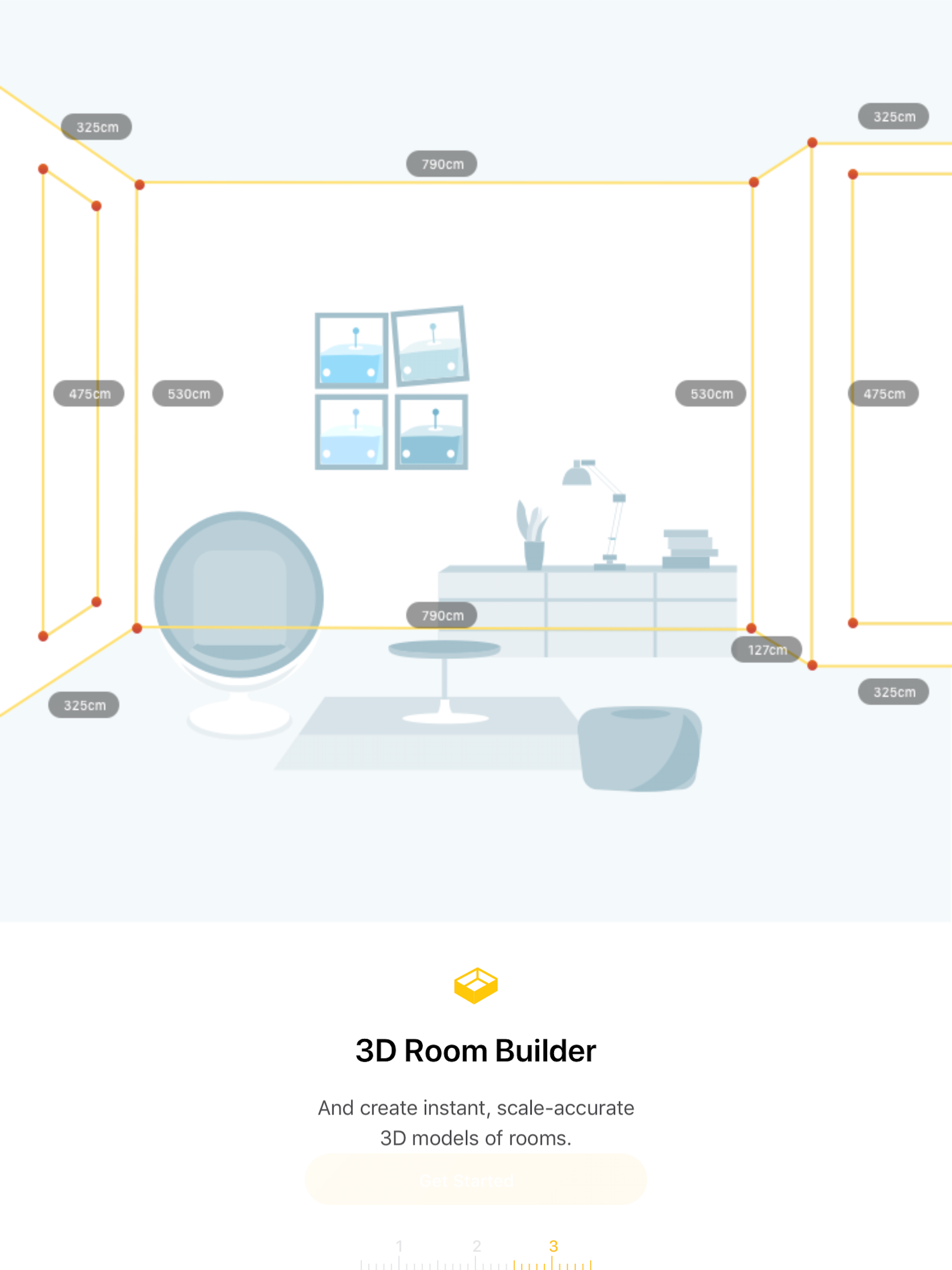
Meet TapMeasure, the spatial utility that combines computer vision and AR, creating a whole new way to capture and measure your space. ▶ 3D Room Buil...