Check the acquisition promise
Read the store headline, screenshots and description. What problem is the app promising to solve?
Study the storefront ↗
Thomas Tsopanakis · iOS
Explore the ad evidence, study the storefront, and build your next acquisition hypothesis.
01 / Creative research
Read the store headline, screenshots and description. What problem is the app promising to solve?
Study the storefront ↗Explore apps with direct store-link matches. Compare their hooks and formats without assuming the same approach works here.
Browse observed advertisers ↗Store rankings and revenue estimates describe market context. They do not establish ad spend, conversions or ROAS.
Review the market context ↗02 / Storefront & product
Study the product story and store experience behind the acquisition funnel.



03 / Market context
Keep revenue, downloads and store rankings separate from advertising performance.
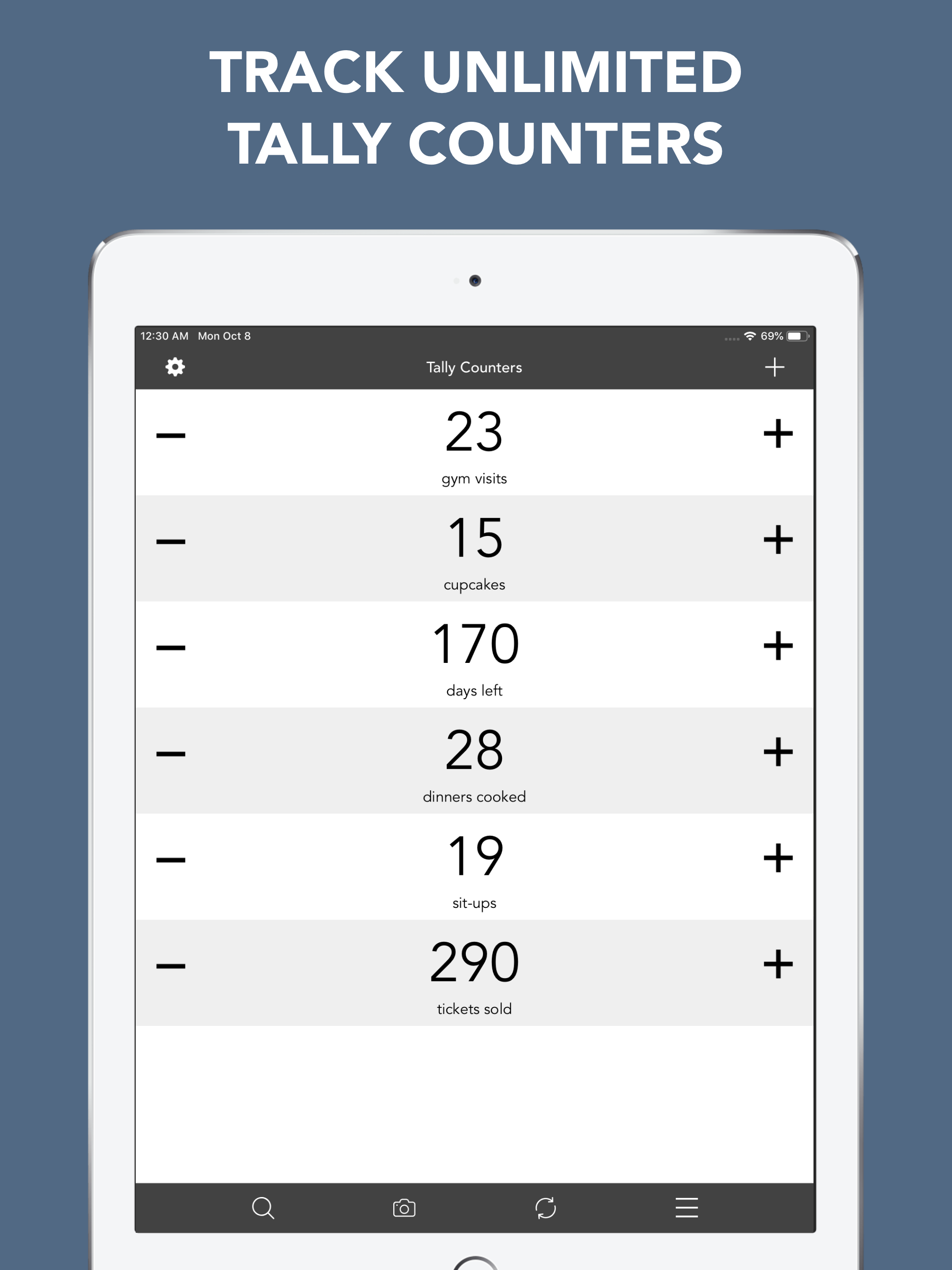
I’m hopeful that the app will stop nagging after this review. From the moment I opened the app after paying, I was frequently interrupted by the following prompt, “Note from developer This app was made by a college student. Please, please, please rate and review my app. A good review gives me the power to continue updating this app and make it even better for YOU. It only takes a couple of seconds:)” The options provided are “Later” and “Now”. When I finally got sick of clicking “Later” I found that “Now” is not a functional button. The app is fairly simple and works well. I wish there was a way to prevent the pop-up that focuses on a single counter, because I often accidentally trigger that function and it interferes with counting. I would rated this app five stars if the above mentioned annoyances were resolved.
Needed a simple counter to insert into a video. This counter is perfect for that. It uses nice clean font with the option of a plain background. It supports multiple counters which can be named. The start, increment and decrement values can be set for each counter, and there’s a handy reset (with confirmation) if needed. I used the iPhone screen recording feature to capture the count as the events happened on a playback screen on another device, then edited to fit into the Picture in Picture. While the increment buttons are nice and big (which helps when running a counter while looking at something away from the phone) I think a great feature would be to repurpose the hard volume buttons as clickers, this would be useful when running the counter in a dark, shaky environment, like a moving car. Great utility app to have in your toolbox!
This is a fantastic application! It does exactly what I wanted to do, which is record the number of minutes that I've practiced piano per day, and count my crunches and squats per day, and count the number of times I go swimming per week. Plus other stuff. I just press the reset button every week. I use multiples of five for piano minutes, and leave piano at zero, and click up for when I practice. But for exercise repetitions, I set the counter on an even number, like forty, and go down by twos throughout the day. This way i remember how many I'm at on that particular day. The app lets you set things this way so you don't have to set it up each time. There are customizable options like that. I AM GLAD I BOUGHT THIS APP. I'm using an iPad Pro as well as an iPhone, and they both sync together. I also love how I can use pictures in the background for this app – it makes me want to open the app and see the picture. I imagine I'm in the scene of the picture, or makes me feel like I've set a theme for my practice session or whatever else it is that I decide to count. I'm sure this app is useful for other things that I haven't thought of, but that's how I use it. I am glad I bought this app.
Tally Counters is a personal counter to let you easily track unlimited things in your life USE IT FOR EVERYTHING: • How many hours did i paid for?...