
Check the acquisition promise
Read the store headline, screenshots and description. What problem is the app promising to solve?
Study the storefront ↗
Solitaire, Mahjong and Sudoku Company · iOS
Explore the ad evidence, study the storefront, and build your next acquisition hypothesis.
01 / Creative research
Read the store headline, screenshots and description. What problem is the app promising to solve?
Study the storefront ↗Explore apps with direct store-link matches. Compare their hooks and formats without assuming the same approach works here.
Browse observed advertisers ↗Store rankings and revenue estimates describe market context. They do not establish ad spend, conversions or ROAS.
Review the market context ↗02 / Storefront & product
Study the product story and store experience behind the acquisition funnel.



03 / Market context
Keep revenue, downloads and store rankings separate from advertising performance.
The developer contacted me and clarified that they had not intentionally taken any features from my original version and there must have been a bug or glitch in the program. I do have all of my features back and am a satisfied customer. PREVIOUS UPDATE: I had complained that features I had paid for had been moved to the subscription version only. I started using the new Notes app instead. I noticed that many many others were complaining of the same thing. We were talking tonight about feeling ripped off and I went into the app to show friends the issues we had…. I was surprised to find that all of my previous features are BACK! It appears at least for now that the authors have reconsidered and realized that they shot themselves in the foot. My review has now gone back to the opinion that this is the best scanning app I have used for my phone. If the authors come up with some cool new features, I will probably be willing to pay (once - not a $10 subscription) to upgrade. Thank you writers of the app for rethinking the business model. You have a happy customer back.
Thank you for making a really nice app. Mainly, I am looking for a scan/ocr app to easily apply ocr to existing documents on iOS. SwiftScan does it and does it very well: powerful ocr compared to my experience with scanner pro and scan hero. I love the in-app text search after ocr. I wish for a more robust import feature, where I can easily import in SwiftScan from all three sources (camera scan capture, existing photos, existing documents) into one file, like PDFpen scan+ by Smile did very well before they discontinued ocr. Compiling scans from different sources into one file is currently a pain. For your R&D reference, the first step in my workflow is compiling the scan from different sources like hand-written notes, photos and existing docs (add, remove, reorder pages and make light edit). Then ocr my compilation, export the file, create a hyper-link to the file, reference that link on calendar, continue to work and add to the file at a later time from again the same three sources of camera, photos and documents. It will be so nice if I can make SwiftScan my one and only stop in compiling my scans/notes. I appreciate any insights and tips.
**update-they changed the name from scanpro and have now gone to subscription payment. It used to be 10-20 bucks and you were done now they want 3 dollars a month. My glowing review is going to change if they don’t grandfather in all of us who purchased pro. I hate subscriptions. Charge me a one time price for your software, one that is fair to you the developer-I don’t expect it to be cheap, but please stay away from these monthly subscriptions. Easily keep all receipts together from travel and organize in iCloud. Easily make copies of all important documents and organize in iCloud folder. Use your phone to scan and immediately access it from your mac or iPad. Fantastic app. One of my favorites. A must have. Business travel tip: on a business trip FORCE yourself to scan every receipt the second you get it, whether at hotel checkout, restaurant, airport, gas station, everything you spend. It takes two seconds to do this. Just make it part of your routine —sign the check at dinner, pull out your phone and scan. Two seconds. Set up the scans to be named with the date automatically and you can add additional words at time of scan or later. If you do this, it makes doing expense reports or invoicing an absolute breeze. Everything is in a folder on your icloud, accessible from your mac or anywhere. I use to dread gathering receipts and doing expense reports. Not anymore. This app makes it easy.
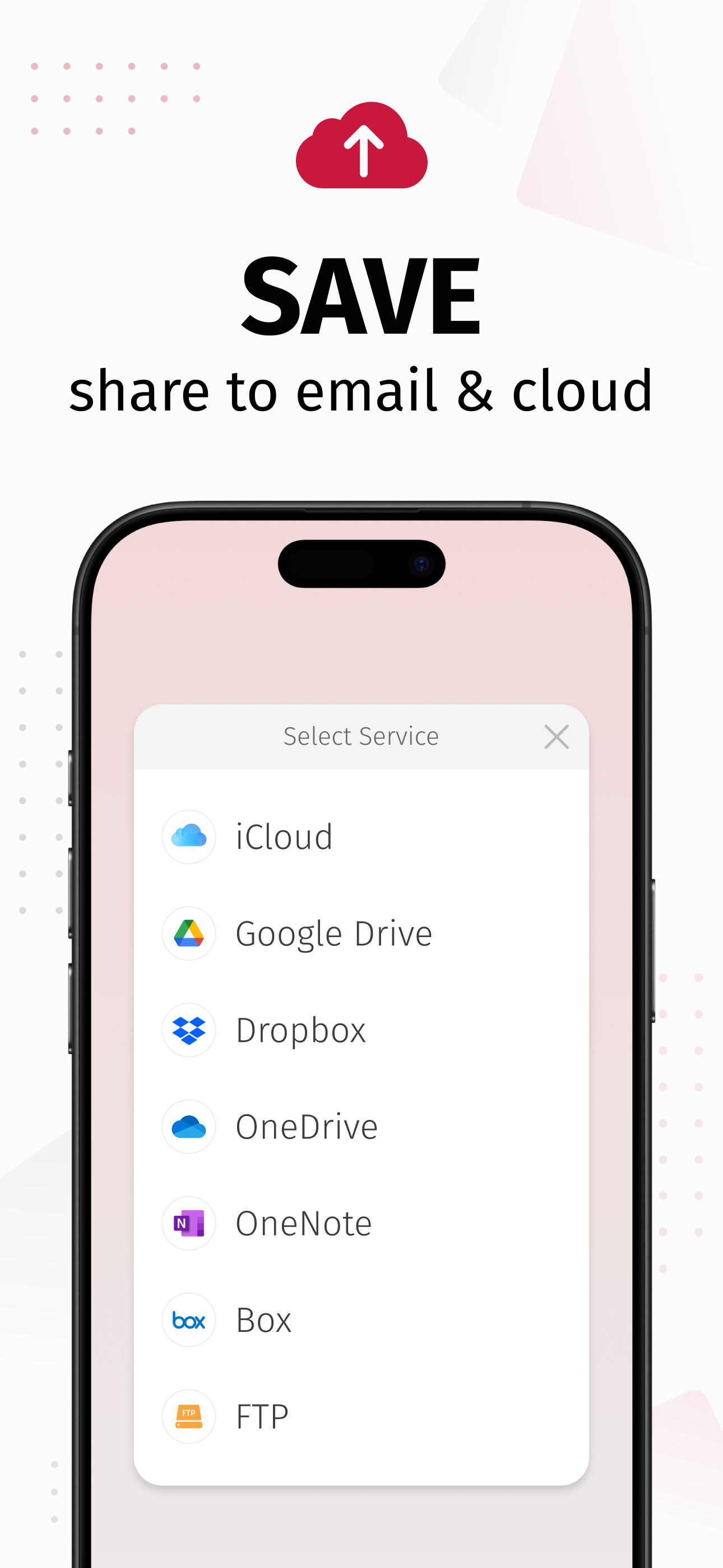
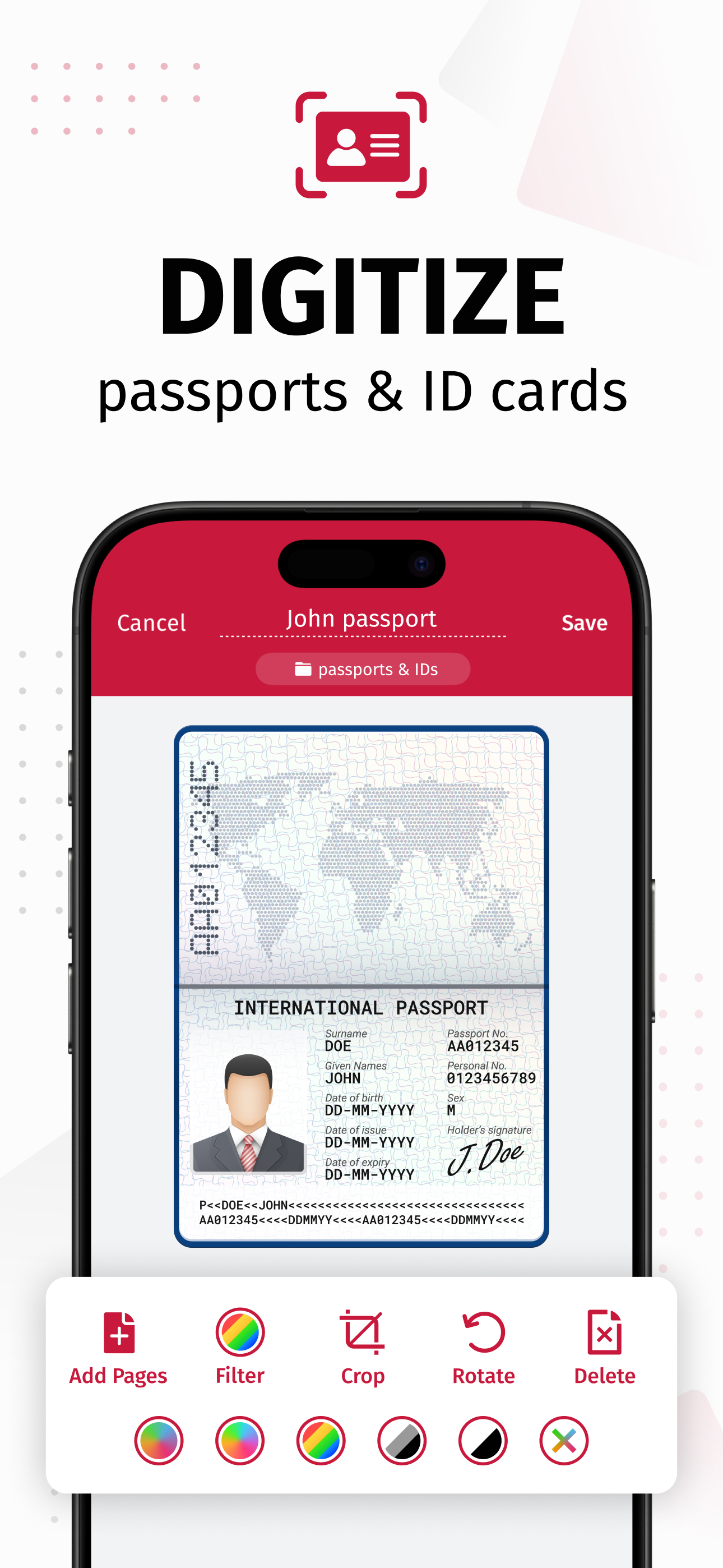
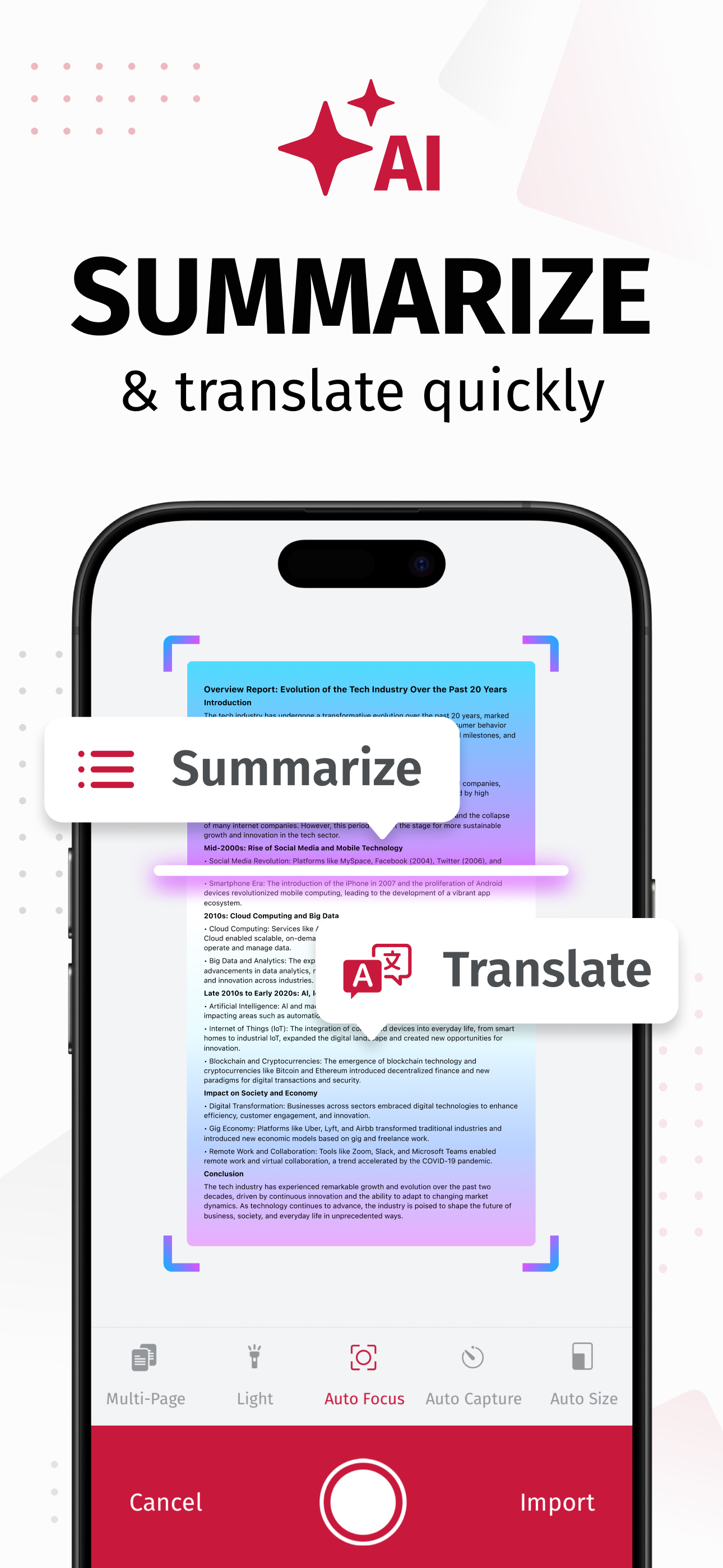
SwiftScan AI is the best mobile scanner app for documents and QR codes. Create free, high-quality PDF or JPG scans with just one tap. Use smart AI Too...
| Name | Price | Type |
|---|---|---|
| Credits to Fax from iPhone | $1.99 | One-time |
| SwiftScan Pro 40 | $3.99 | One-time |
| SwiftScan VIP Monthly | $5.99 | Monthly |
| SwiftScan Pro-Full Scanner App | $6.99 | One-time |
| SwiftScan Plus Monthly | $7.99 | Monthly |
| SwiftScan VIP-Full Scanner App | $8.99 | One-time |
| SwiftScan Plus Monthly | $9.99 | Monthly |
| SwiftScan VIP Annual | $34.99 | Yearly |
| SwiftScan Plus Annual | $59.99 | Yearly |
| SwiftScan Plus Annual | $59.99 | Yearly |


