
Check the acquisition promise
Read the store headline, screenshots and description. What problem is the app promising to solve?
Study the storefront ↗
Roni Music · iOS
Explore the ad evidence, study the storefront, and build your next acquisition hypothesis.
01 / Creative research
Read the store headline, screenshots and description. What problem is the app promising to solve?
Study the storefront ↗Explore apps with direct store-link matches. Compare their hooks and formats without assuming the same approach works here.
Browse observed advertisers ↗Store rankings and revenue estimates describe market context. They do not establish ad spend, conversions or ROAS.
Review the market context ↗02 / Storefront & product
Study the product story and store experience behind the acquisition funnel.




03 / Market context
Keep revenue, downloads and store rankings separate from advertising performance.
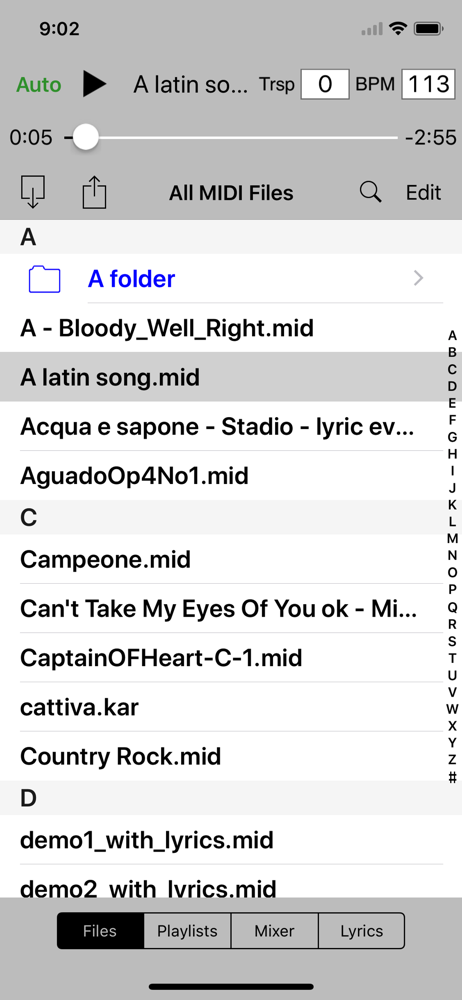
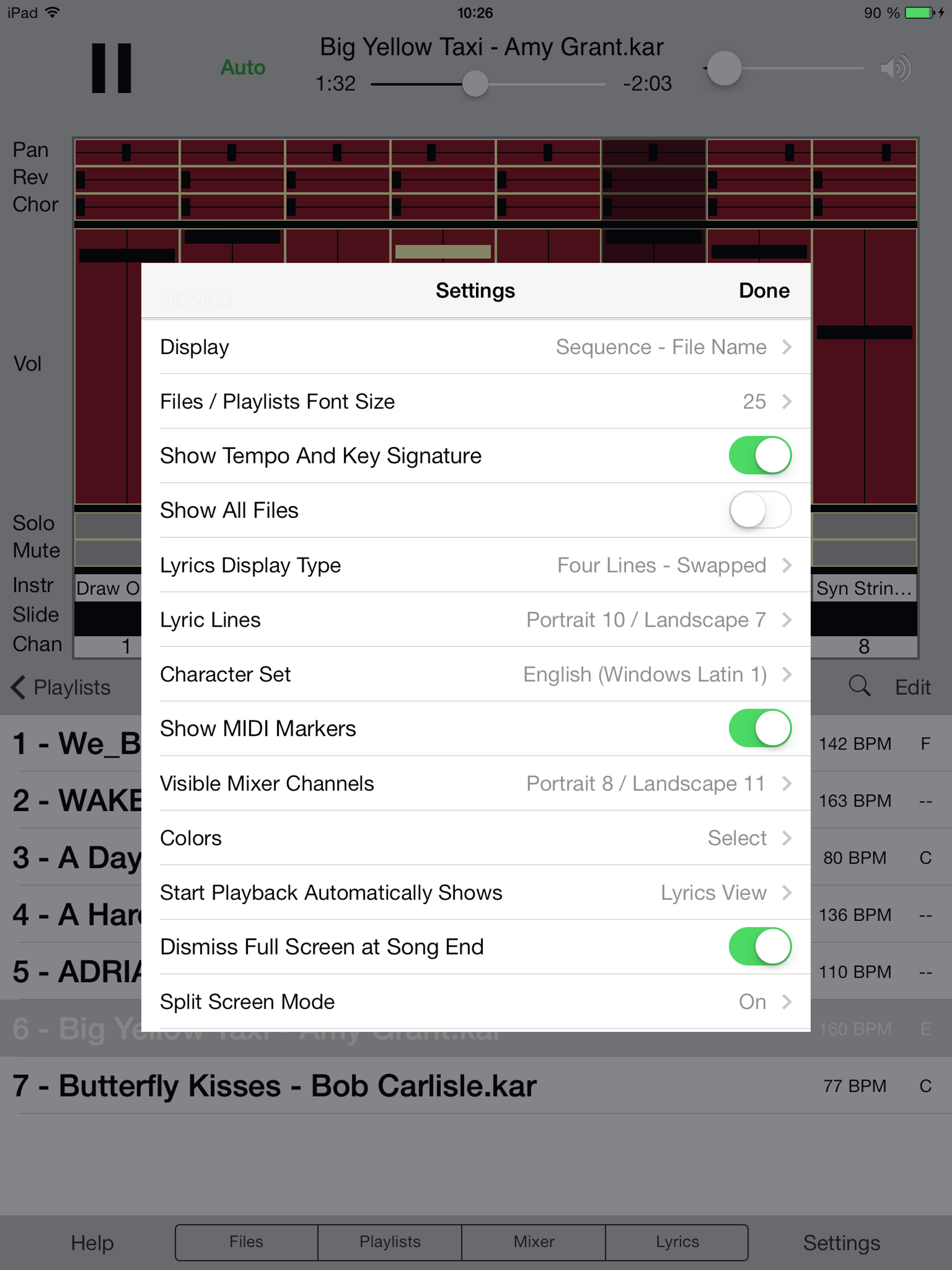
I’m the developer of Melody Run and Beat Bounce games. These two games rely on midis and I occasionally need to edit files on my phone but couldn’t find any simple app to change volume, instrument etc quickly. This app does it very well and much more… Pros: - a good file system that you can import and manage multiple files. - easy and quickly accessible player - loooots of settings - import your own soundfont Cons: - it wasn’t clear how to import soundfont. I thought the import file was just for midis. If I were the developer, I would have separate “import midi”, “import soundfont” buttons in related places. - UI looks old. It’s probably developed more than 5 years ago - it’s not clear what in app purchase offers. There is no save button. When you have multiple midis, it automatically plays the next midi and previous changes are deleted. There should be a paywall screen shows the price, what IAP offers and when a file is saved, changes are deleted. - doesn’t export to mp3 file :( But overall, this exceeds my expectations!
I have used Sweet MIDI Player to play MIDI files with exterior hardware synths for years. Can you please make it possible in an update to type in a patch number where the instruments are listed? Only having a list of software instruments makes it real tricky to deal with hardware knobs if you want to use a synth patch on a hardware synth. Would like to have a song playlist played on my hardware without making very clumsy sounding adjustments every time a song starts. Some synths have over 300 patches so it would be very useful to be able to save patch numbers on Sweet MIDI Player. Thank you
To developer: You can easily use this software with a MIDI Bluetooth device. I use PianoDisc. I have recently purchased a new iPad that is being used explicitly with the PianoDisc system and a Yamaha MIDI piano. I am having trouble transferring the software purchase from my old iPad to my new one. My initial try was to use family sharing to restore my purchase. I cannot get this to work. Please indicate how I can transfer the software purchase of pro over to my new iPad. Thank you for your assistance with this.
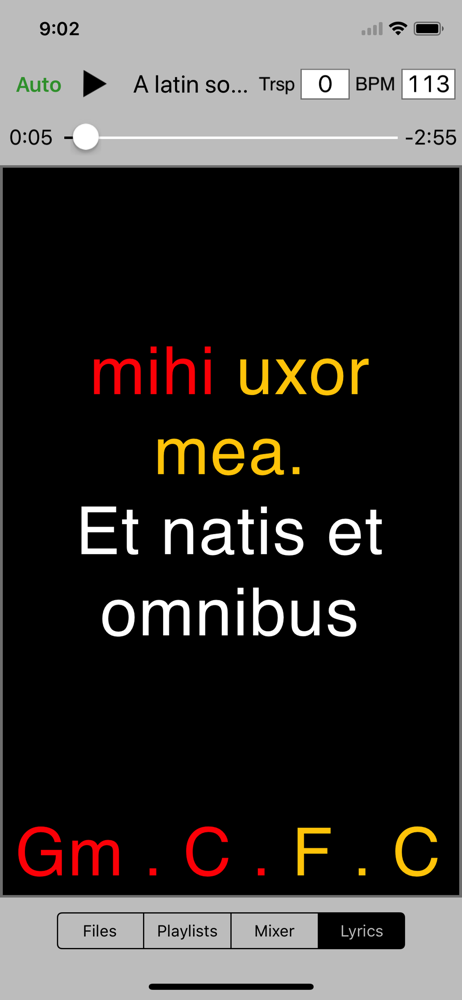
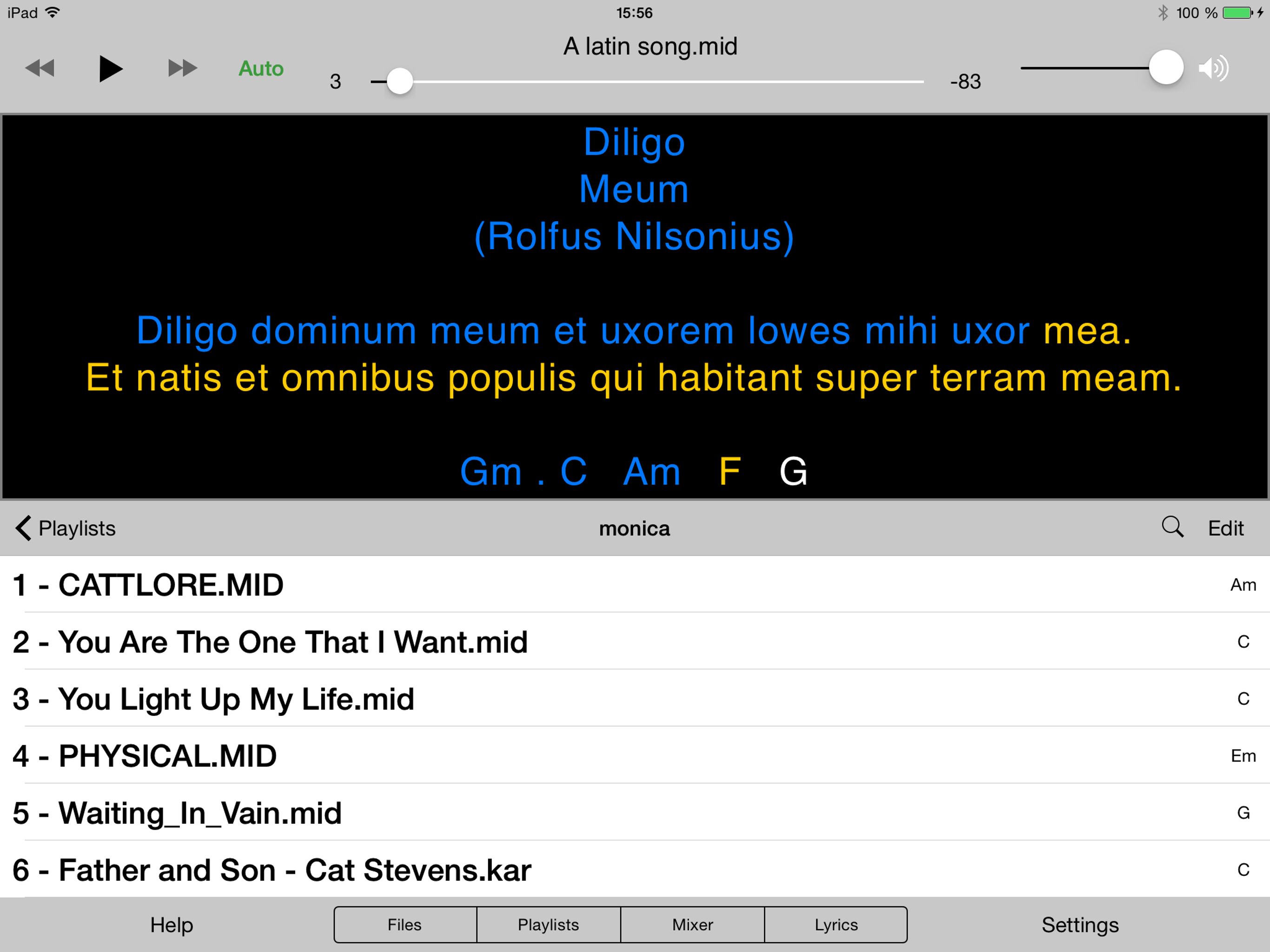
Sweet MIDI Player is a MIDI player for not only auditioning all types of MIDI files, but for modifying the MIDI files themselves. Use its mixer-like...
| Name | Price | Type |
|---|---|---|
| Upgrade to full version | $14.99 | One-time |


