
Check the acquisition promise
Read the store headline, screenshots and description. What problem is the app promising to solve?
Study the storefront ↗
Supra · iOS
Explore the ad evidence, study the storefront, and build your next acquisition hypothesis.
01 / Creative research
Read the store headline, screenshots and description. What problem is the app promising to solve?
Study the storefront ↗Explore apps with direct store-link matches. Compare their hooks and formats without assuming the same approach works here.
Browse observed advertisers ↗Store rankings and revenue estimates describe market context. They do not establish ad spend, conversions or ROAS.
Review the market context ↗02 / Storefront & product
Study the product story and store experience behind the acquisition funnel.



03 / Market context
Keep revenue, downloads and store rankings separate from advertising performance.
For four months, my Supra eKey app showed a bright red alert saying: “Payment Required – Tap to pay.” Assuming I hadn’t been charged, I delayed calling customer service — only to later find I was being billed monthly the entire time, even though I couldn’t access the service. When I finally reached support, they admitted my account was affected by a known glitch on their end. The app was incorrectly showing “payment due” even though I was current on billing, and my account was actually active the whole time. Despite admitting this was their error, Supra refused to offer a refund or even a credit for the four months of unusable service. I was told the case was closed and “no further correspondence will be provided.” I rely on this service for work as a REALTOR®, and I expect a basic level of accountability from any business I pay monthly for. Supra failed to deliver a working product, charged me anyway, and refused to make it right. If you’re a real estate professional considering this service, be warned: • Their support is unresponsive. • Their app misrepresents billing status. • They take no responsibility for internal failures. Extremely disappointing from a company that provides essential tools to working agents.
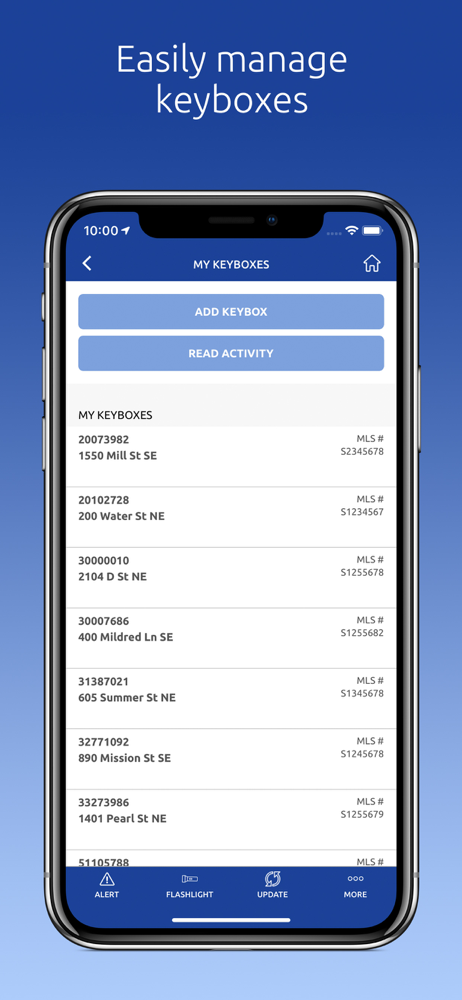
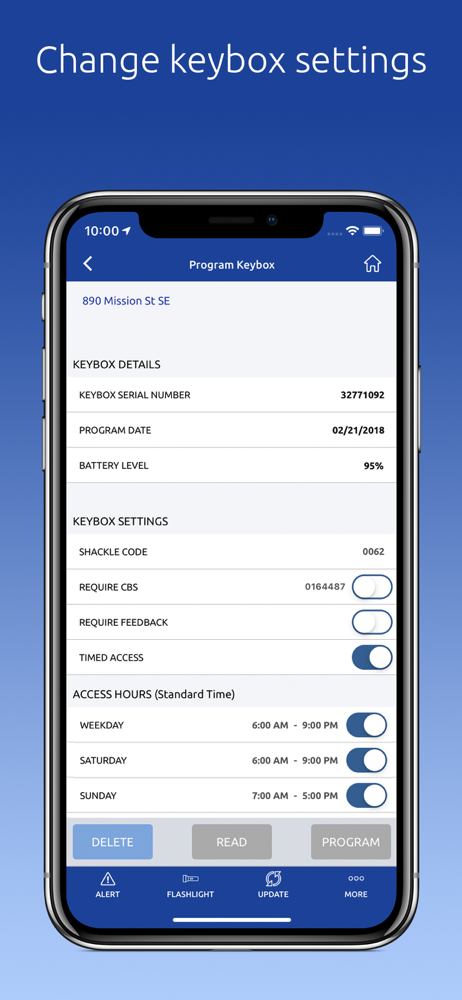
I am a listing agent that uses all the functionality of this app (and the old one) on a regular basis. However, the new app is terrible! Now, when programming boxes for new locations it’s nearly impossible to see what you’re typing while you’re trying to actually type in the highlighted field. The keyboard gets in the way of the field that you’re supposedly trying to enter data into. Additionally, setting opening and closing hours doesn’t always work properly. Weekend appointments don’t seem to be able to be set to the half hour. Clearing the lockbox data doesn’t seem to work despite the program telling you it works.
Having used both systems, I can assure anyone thinking about getting this app that they should go ahead and do it immediately. This app is as simple as they come, works perfectly, updates nearly instantaneously - even on the go - and has never failed me once. The previous system, where I had to carry an extra little device, was really a pain. A couple of times I had forgotten the device and then had to run back home, being totally embarrassed in front of my clients (which I deserved!). I realize this is my fault, but nonetheless, there it is. With this new app, I never have a situation like that, the lockbox is opened up, it’s just a non-issue, as it should be. I heartily encourage my fellow realtors to get this app ASAP. As to why some people have chosen to pan this app in the reviews, I cannot say. It makes no sense to me. Perhaps it is folks from another app company trying to sabotage this app, but I really have no idea. All I can say is that it makes no sense to trash this app because it works perfectly!
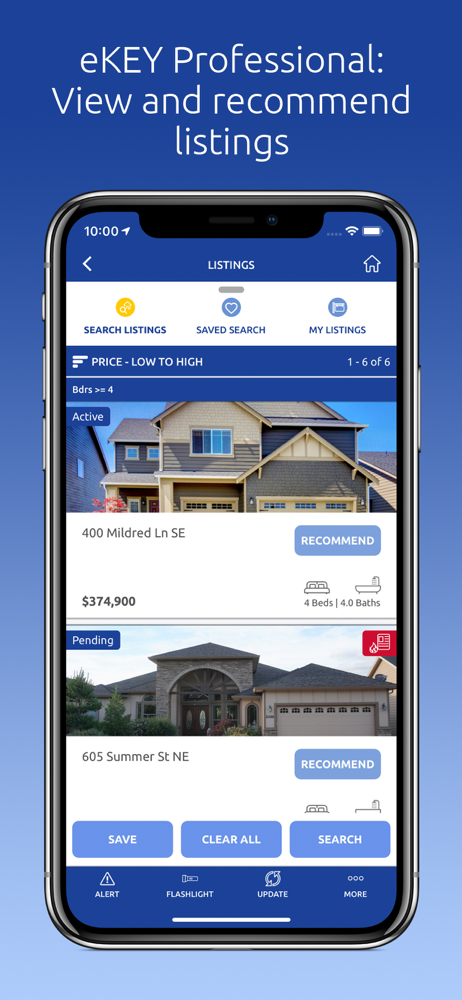
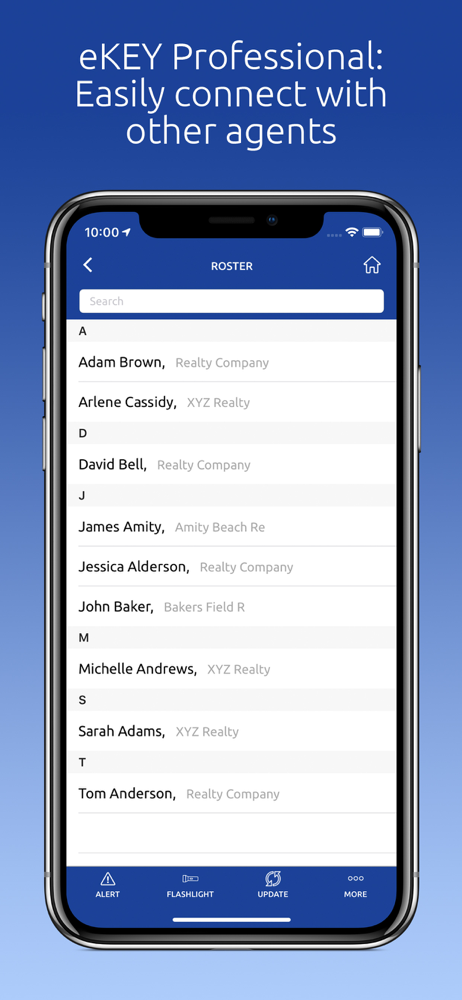
Use your phone as your lockbox key! The Supra eKEY app allows real estate professionals efficient, authorized access to listings. Open lockboxes easil...


