Check the acquisition promise
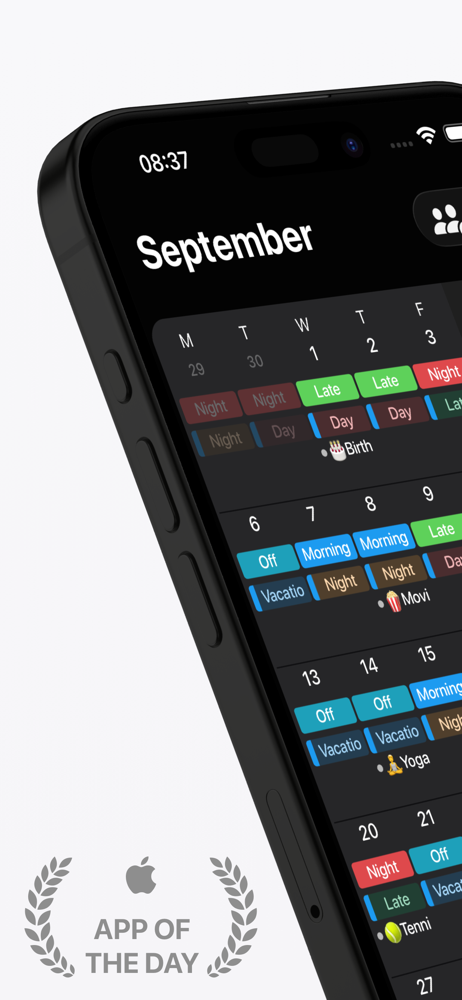
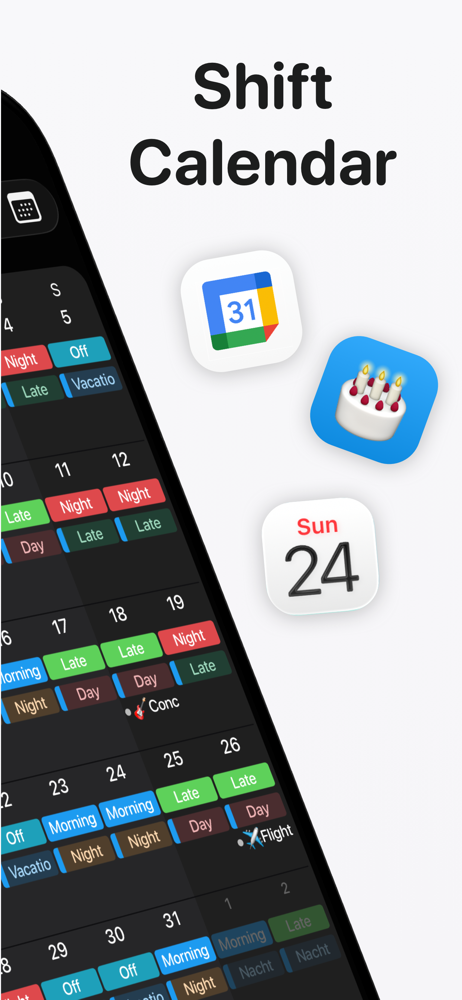
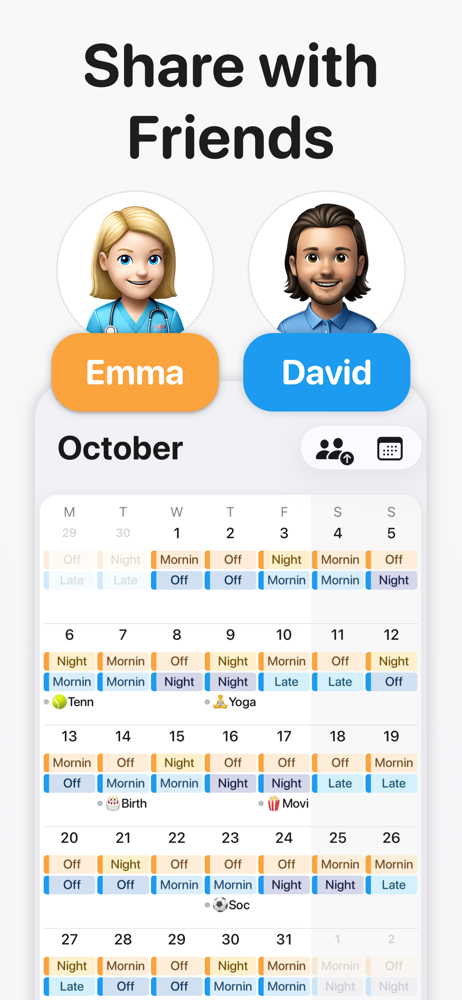
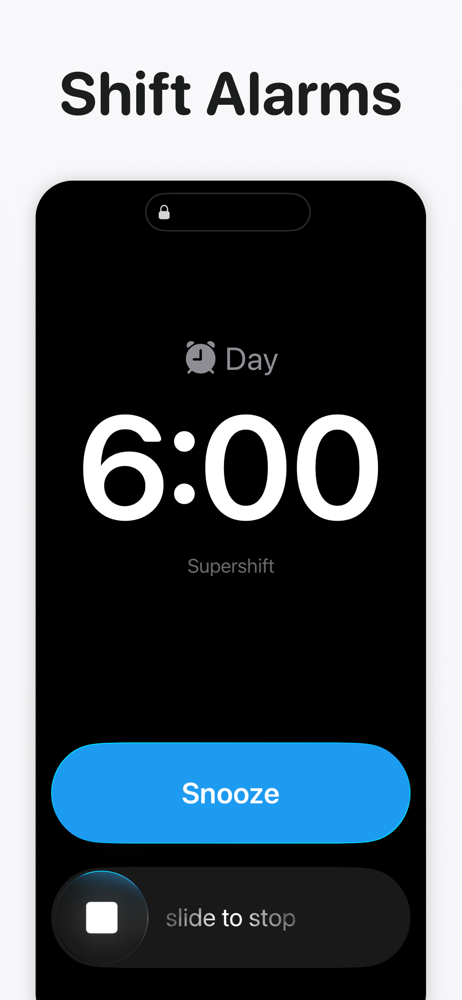
Read the store headline, screenshots and description. What problem is the app promising to solve?
Study the storefront ↗
Supershift GmbH · iOS
Explore the ad evidence, study the storefront, and build your next acquisition hypothesis.
01 / Creative research
Read the store headline, screenshots and description. What problem is the app promising to solve?
Study the storefront ↗Explore apps with direct store-link matches. Compare their hooks and formats without assuming the same approach works here.
Browse observed advertisers ↗Store rankings and revenue estimates describe market context. They do not establish ad spend, conversions or ROAS.
Review the market context ↗02 / Storefront & product
Study the product story and store experience behind the acquisition funnel.



03 / Market context
Keep revenue, downloads and store rankings separate from advertising performance.
Worth the money! This app integrates with the Apple iOS system without any incident. It shares immediately to the calendar on your phone and to anyone that you have shared your calendar with. My husband finally talked me into putting my calendar on the phone (instead of a handwritten agenda) when I switched positions at work. He is a retired Veteran who sees a lot of specialists in and out of the VA system. He does go to some of his appointments on his own and needs to know when I have days off to schedule future appointments , since I am not readily available to chat or text while working. The only downside is that any changes I do (since it integrates into your regular calendar app on the iPhone) he has to accept on his end of the iPhone shared calendar. Which he said if I do a lot of changes it does get kind of frustrating. Lol. Overall amazing app that I will continue to use indefinitely! Highly recommend
I am a nurse who works here and there in a clinic through the week and jus picked up a local travel job. This keeps me in line with both jobs and activities my grand babies have going on. I’ve used another app for a while but kept noticing after I put my days in it started shifting them forward or backward a day. And now they want monthly subscription, Forget that. I like you can put several appts on one day and color coded to match the job or activity. Definitely buying the full version. Very happy with it. UPDATE….I have had this app a little over a year now, and I would be completely lost without it. It does everything I need, like color coding my work schedule (2 jobs) to my special occasions even tracking when my monthly bills are due. Pay the 7.99 it’s absolutely worth it to keep your life in order. Can’t say enough great things about it. Thanks guys from shift nurses everywhere!!
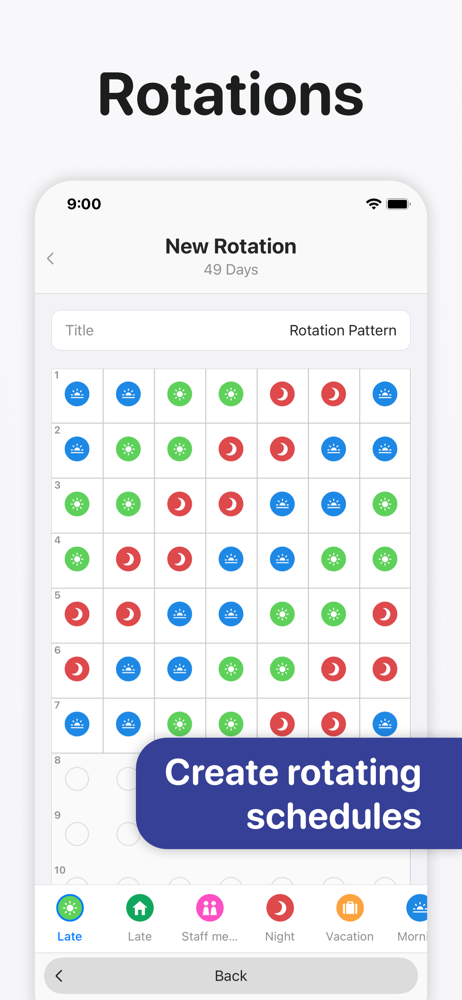
If you work an assortment of different shift schedules this is THE ONE to use. Tried several others that just weren’t flexible enough to match my work schedule. We run four shifts, twelve hours a day, six days a week. You can work A shift Monday, Wednesday; then D shift Tuesday; C on Saturday; and B shift on Thursday. Sunday is always off, but days off bounce around through the weeks. Adding that kind of schedule by the normal way you add to a calendar can be frustrating and time consuming. This solves that, because your fixed shift hours are saved and instantly available. Being able to add your schedule to your phones calendar makes it easy to share your schedule by simply having the app drop the schedule into one of your already shared iPhone calendars. Any changes made in the app instantly appear in the phones calendar. Overall, I can only say it’s perfect for me. The only things I don’t like is there’s no provision for adding break or end of shift alerts. You have to take the additional steps to add these in whatever calendar you have added the shifts to.
Supershift is the world's most downloaded and highest-rated shift calendar app on iOS. It is built specifically for nurses, doctors, paramedics, polic...
| Name | Price | Type |
|---|---|---|
| Supershift Pro Monthly | $3.99 | Monthly |
| Supershift Pro Yearly | $9.99 | Yearly |
| Supershift Pro Lifetime | $39.99 | One-time |