Check the acquisition promise
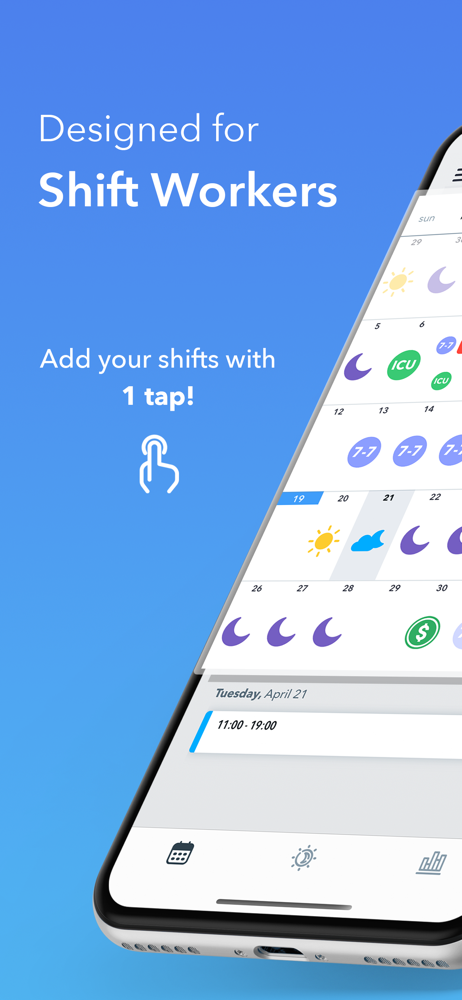
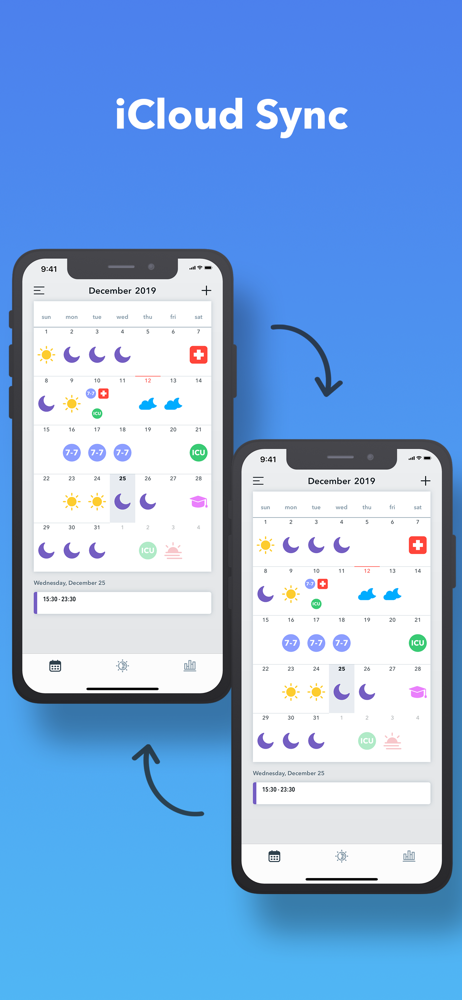
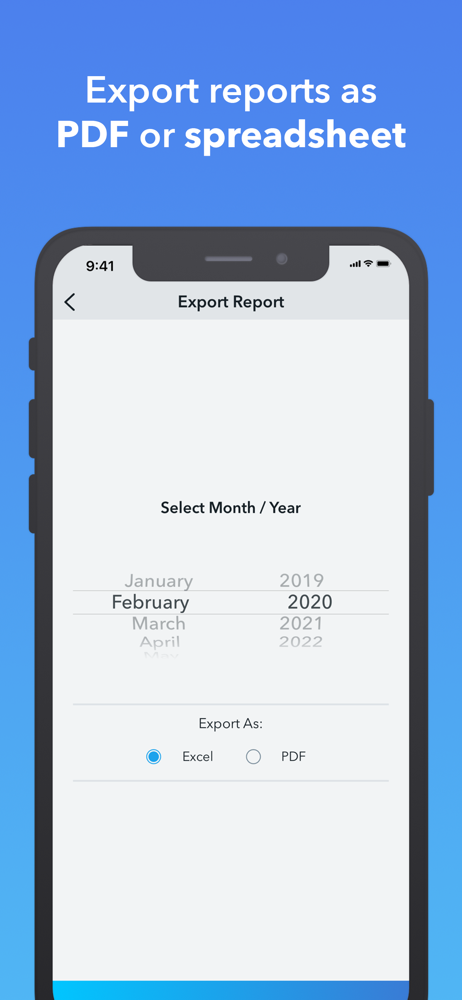
Read the store headline, screenshots and description. What problem is the app promising to solve?
Study the storefront ↗
Arife Tuba Baskurt · iOS
Explore the ad evidence, study the storefront, and build your next acquisition hypothesis.
01 / Creative research
Read the store headline, screenshots and description. What problem is the app promising to solve?
Study the storefront ↗Explore apps with direct store-link matches. Compare their hooks and formats without assuming the same approach works here.
Browse observed advertisers ↗Store rankings and revenue estimates describe market context. They do not establish ad spend, conversions or ROAS.
Review the market context ↗02 / Storefront & product
Study the product story and store experience behind the acquisition funnel.



03 / Market context
Keep revenue, downloads and store rankings separate from advertising performance.
I’ve been using Shift Calendar for a while now, and it’s made a huge difference. I used to manually enter every single shift, but the rotation feature now saves me so much time. It’s super helpful being able to track my hours and earnings, and I really like the custom icons—it makes everything easy to read at a glance. If you work rotating or irregular shifts like I do, this app is a total game-changer.
I used to take pictures of my schedule but, I believe if you pay a few dollars for premium, I have preset icons for shift pickups (cause I get paid more those days), and approved pto time icon (so I can keep track of how many vacation time I’ve used up), so I can easily just tap the icons in the calendar. Worth it because I can calculate and make sure my check matches what my calendar says
This app is very user friendly and convenient. I love that you can create a couple different shifts (example 10am - 6pm, 8am - 4pm) and then have them readily available to just populate the calendar. Saves more time vs having to enter shifts on each individual day every week. And even better the widget combined with the ability to make different shifts different colors allows me to see right away whether I’m opening, closing, mid, etc. Love it!
EASY SHIFT INPUT Adding a shift is as simple as tapping on the calendar. An entire month could be filled up in a few seconds. Feel free to customize a...
| Name | Price | Type |
|---|---|---|
| Shift Calendar Pro (Annual) | $2.99 | Yearly |
| Shift Calendar Pro | $2.99 | One-time |
| Shift Calendar Pro (Annual) | $4.99 | Yearly |
| Shift Calendar Pro | $6.99 | One-time |
| Shift Calendar Pro | $6.99 | One-time |