
Check the acquisition promise
Read the store headline, screenshots and description. What problem is the app promising to solve?
Study the storefront ↗
siranet GK · iOS
Explore the ad evidence, study the storefront, and build your next acquisition hypothesis.
01 / Creative research
Read the store headline, screenshots and description. What problem is the app promising to solve?
Study the storefront ↗Explore apps with direct store-link matches. Compare their hooks and formats without assuming the same approach works here.
Browse observed advertisers ↗Store rankings and revenue estimates describe market context. They do not establish ad spend, conversions or ROAS.
Review the market context ↗02 / Storefront & product
Study the product story and store experience behind the acquisition funnel.


03 / Market context
Keep revenue, downloads and store rankings separate from advertising performance.
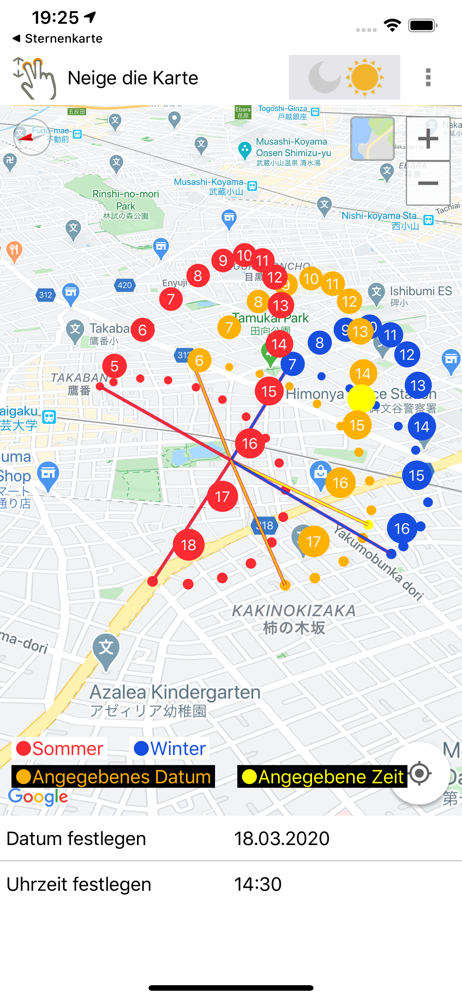
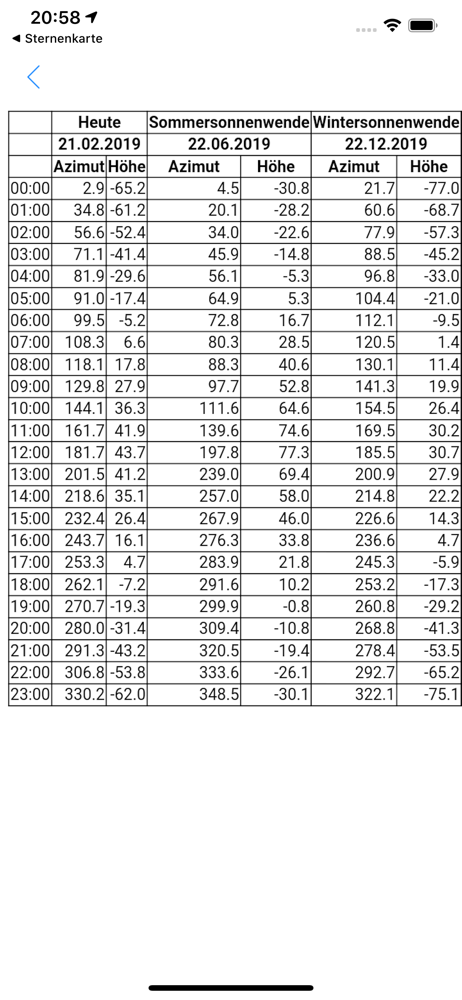
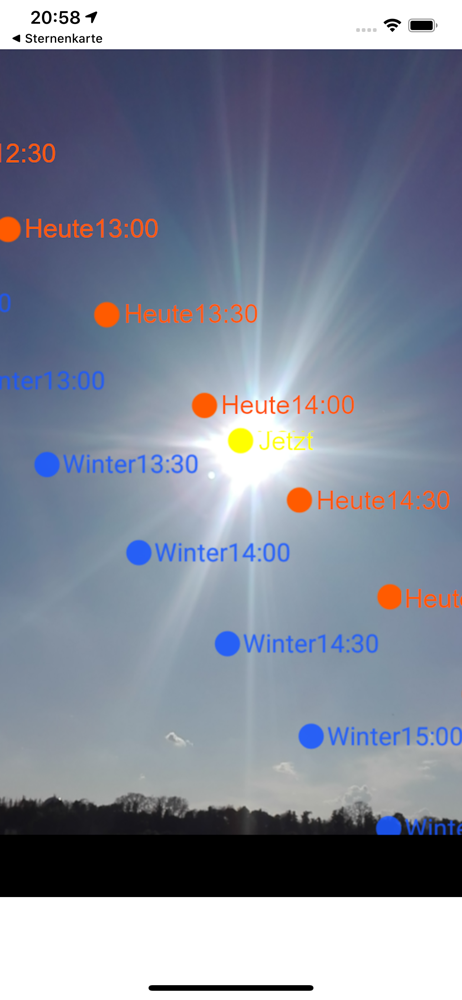
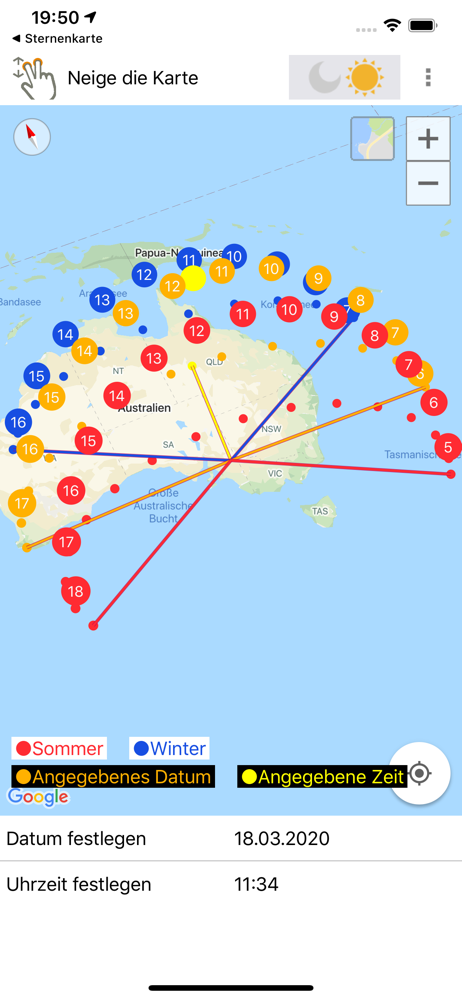
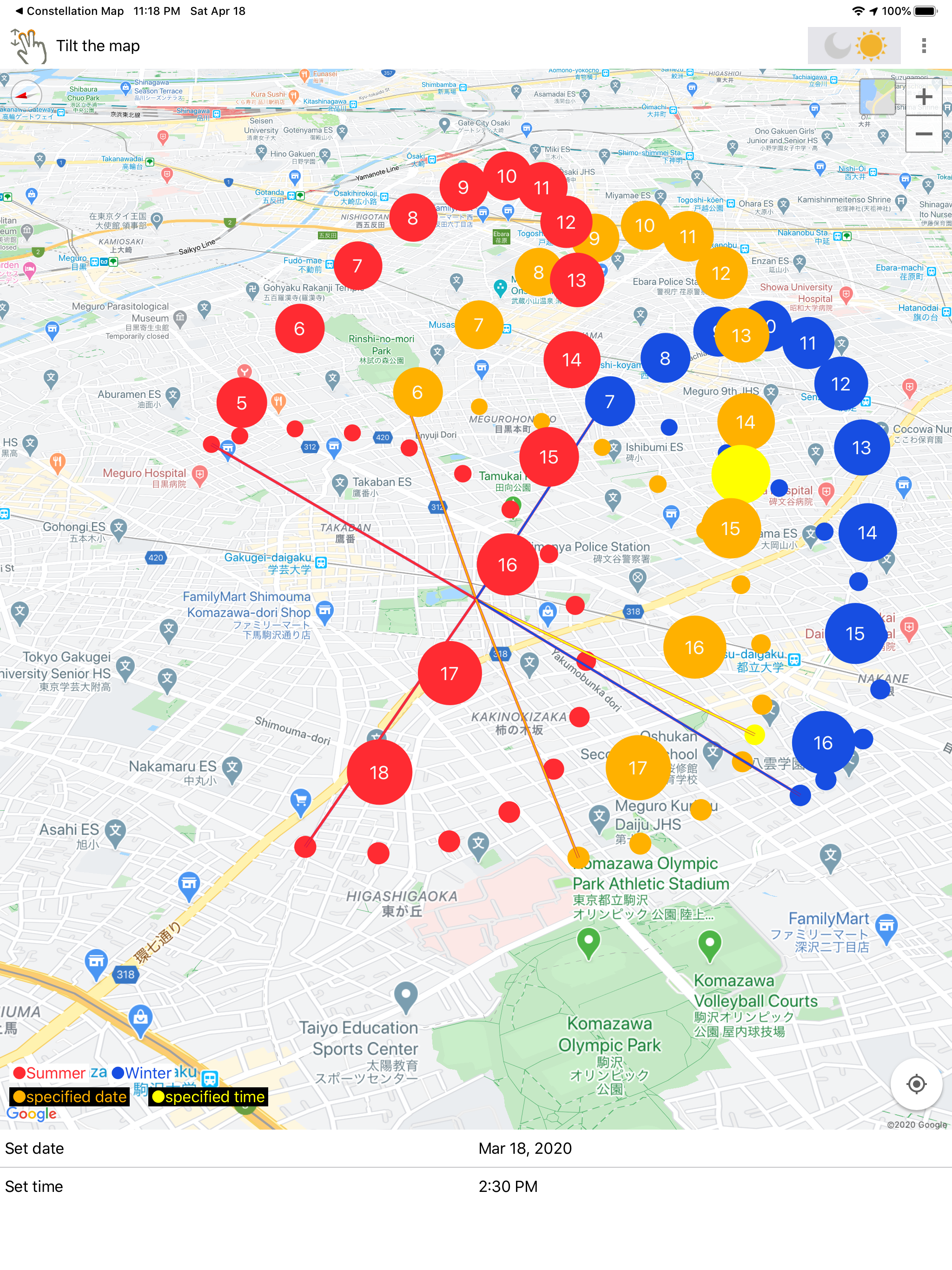
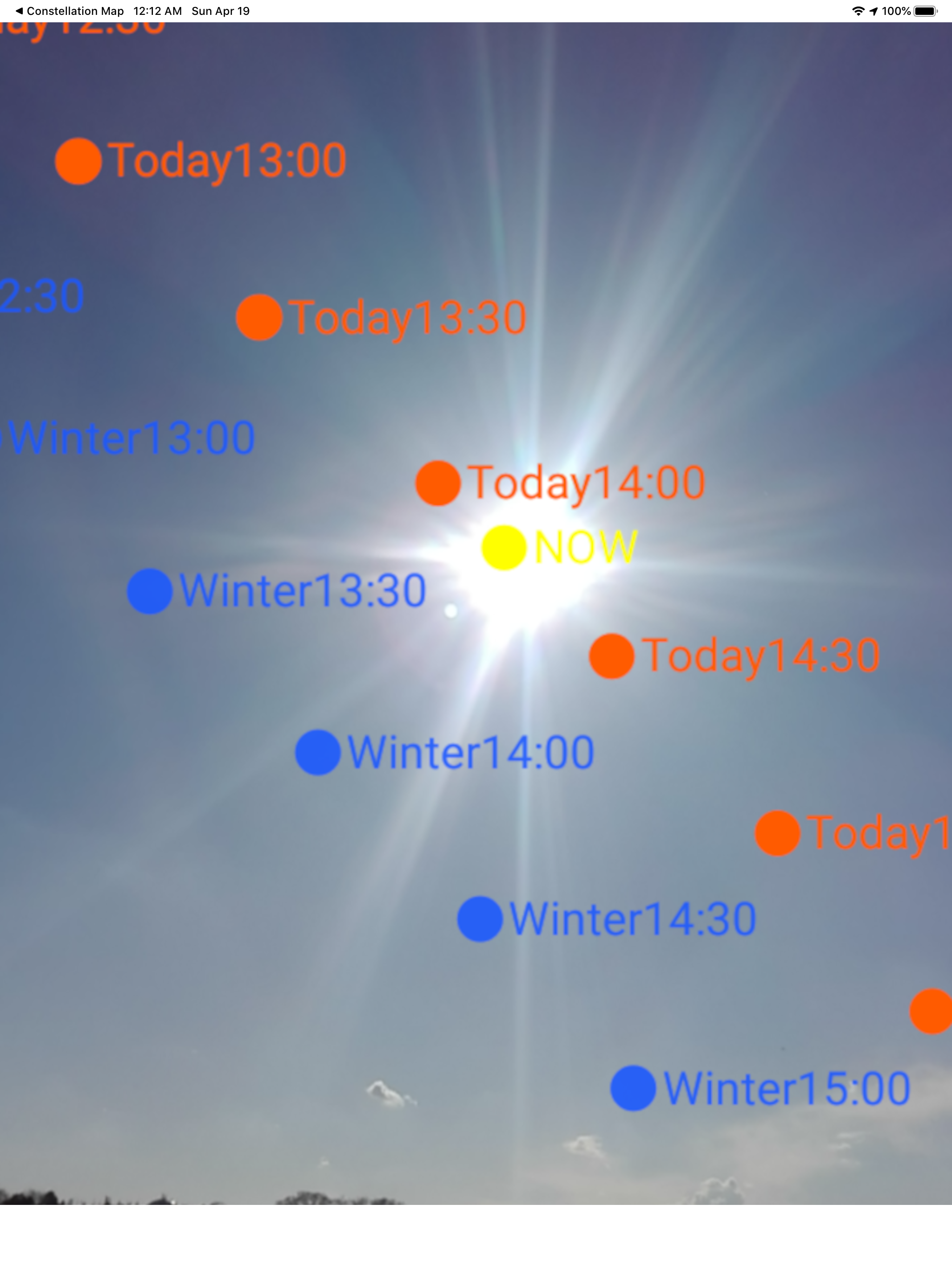
This is one of those apps (probably the only app tbh) where you’re searching for something on AppStore, find it, open the app, and it just does the thing. The first thing they it does is a screen with an “AR” button that you tap and see the sun path today, winter, and summer. That’s it. No login. No micro transactions. No settings to worry about. No need to even set the date to analyze the path for the future — the summer and winter ranges is visually enough. Bravo to the developer for actually caring about their user.
Downloaded this app to help plot whether solar panels would benefit our property with the neighbors’ overgrown trees. The AR functionality is great for accomplishing this task, and you can specify Days/Months/Years to see specific sun patterns - which is really awesome. However, setting a user specified time period yields sun path values of “specified date” in the AR output. I was taking multiple screenshots (per month) on top of my roof and had to tag the photos in my phone to log the date/time. Just pass the selected date value into the AR output - simple JSON value add. Also, the time period is in 24 hour format. Please add a toggle that lets us view the AR results in 12 hour format too. Another quirk is the “Send Feedback” option under Settings. It doesn’t work. So, I have to post this review and hope the App Store developer sees my improvement suggestions.
If you live in a cooler region (from the Pacific Northwest all the way to the Atlantic Northeast) this app will be a game changer in terms of laying out your garden. When we bought our property, I simply adopted the space that was already laid out for planting but I was not terribly successful because some items got too much sun and other things did not get enough sun. Imagine my surprises when I discovered this app existed!! Understanding where the longest exposure is, the hottest and the coolest etc I can plan out my vegetable locations to give the ones who need the most sun in the FULLL sun locations, and those that don’t require as much sun can fill in the sections that get less sun. Brilliant. Thank you to who ever made this tool available!!
With this application you can see the location of the sun changing with the season. Point the device to the sky, this application will display the pos...
| Name | Price | Type |
|---|---|---|
| Remove ads 1 month | $1.99 | Monthly |


