Check the acquisition promise
Read the store headline, screenshots and description. What problem is the app promising to solve?
Study the storefront ↗
Mohit Nandwani · iOS
Explore the ad evidence, study the storefront, and build your next acquisition hypothesis.
01 / Creative research
Read the store headline, screenshots and description. What problem is the app promising to solve?
Study the storefront ↗Explore apps with direct store-link matches. Compare their hooks and formats without assuming the same approach works here.
Browse observed advertisers ↗Store rankings and revenue estimates describe market context. They do not establish ad spend, conversions or ROAS.
Review the market context ↗02 / Storefront & product
Study the product story and store experience behind the acquisition funnel.




03 / Market context
Keep revenue, downloads and store rankings separate from advertising performance.
Update 2026: I am reducing my rating to one star since the app has not been updated in almost a year. When I reached out several times, emails go unanswered and when they are, it is “an update is coming shortly.” With no actual updates as promised. This is sad since this was one of the better apps. —————— Update 2024: I have knocked down my rating because I am still waiting for features that should be basic. Really I need a skip button for subscriptions that I am not getting but want to be able to not mark them as paid. I thought maybe I would do this and then delete the entry but nope, there is no option for this. It is very frustrating to not be able to easily see how much I have coming up. I might have to start looking for a new product. ——————I have been on the search for the perfect app that allows you to track subscriptions without having to enter bank information or pay upfront. This one seems promising. I am not sure what the difference between folders and tags are. The image import using URL does not work. I do wish to see a skip button. No app has this and I have no idea why. Sometimes I do not plan to get the subscription and I wish I could have that reflected in my total. Just press skip and it goes to the next cycle date and subtracts from the total. I am liking this app due to the calendar feature. I do wish that I could set up manual calendars (i.e. enter my own dates and then be able see which subscriptions fall within those dates) to get a better picture per pay date.
The app does what you would expect and provides useful information about spending. Features that I have not seen in other subscription app are: folders, tags, trials. I think trials could be implemented better though. Common periods for trials are a few days to a few months. I would like to enter the information for the trial and the information if I don’t cancel the trial at the same time. If I don’t cancel then the normal subscription would become active and I would like to see what the new subscription’s overall effect to expenses would be. It would be nice if there was a simple (e.g. no icons) formatted pdf report that could be printed for record keeping (or shared with others like a partner or accountant).Also you cannot put in an end date - for example if you decide to cancel your subscription there is no way to indicate that in the app.
I like how easy it is to add new entries and the logo gets filled in. I’d love to see options to upload your own photo icon for subscriptions that aren’t already in the database, and an expansion of the list to include automatic expenses like recurring charitable contributions and retirement account contributions. In the meantime I’ll just use custom tags. I’d like to see a “duplicate entry” option for similar expenses that will populate the fields but allow you to make the couple of changes for the other entry. If I could group certain tags together into a breakdown of “essential expenses” and “non-essential”, that would be awesome to see where I could make changes to my budget if need be.
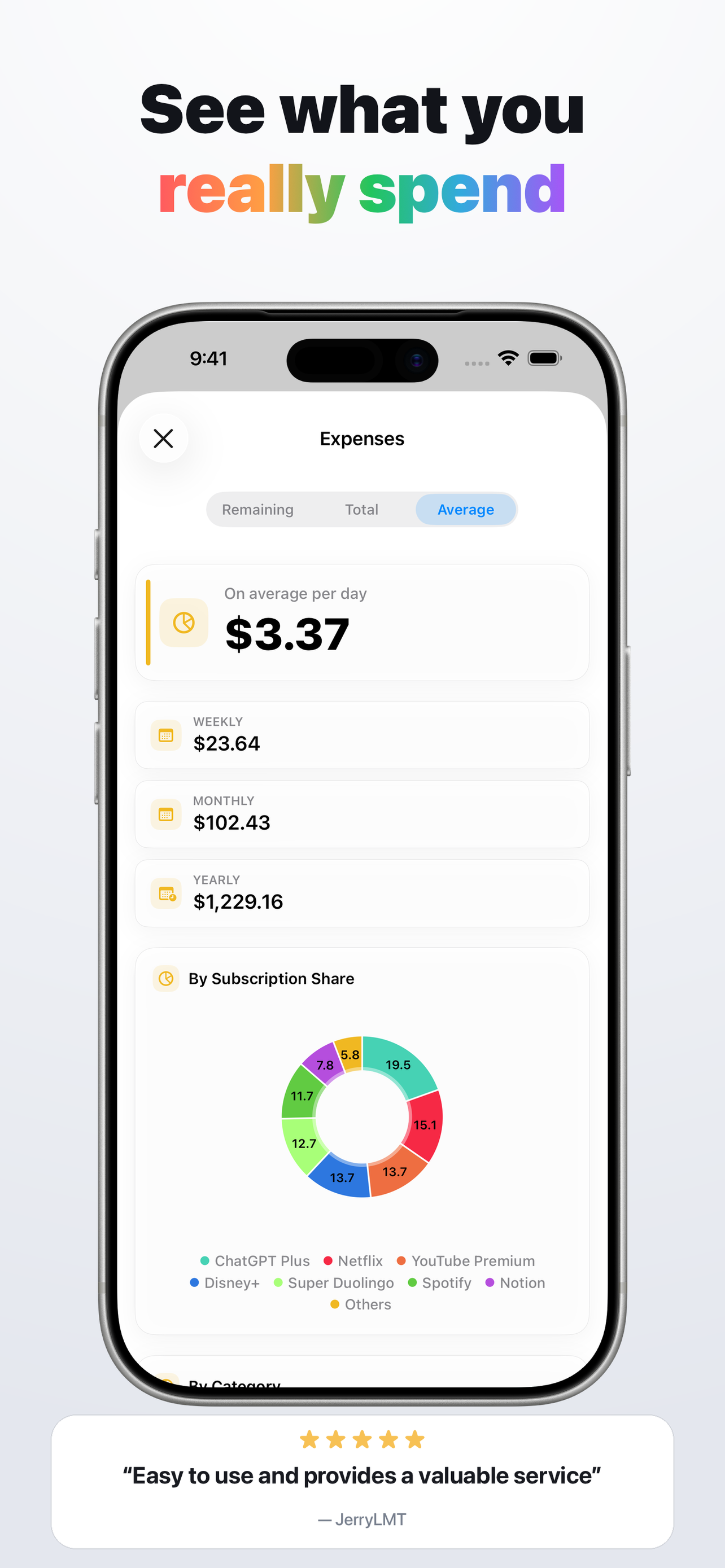
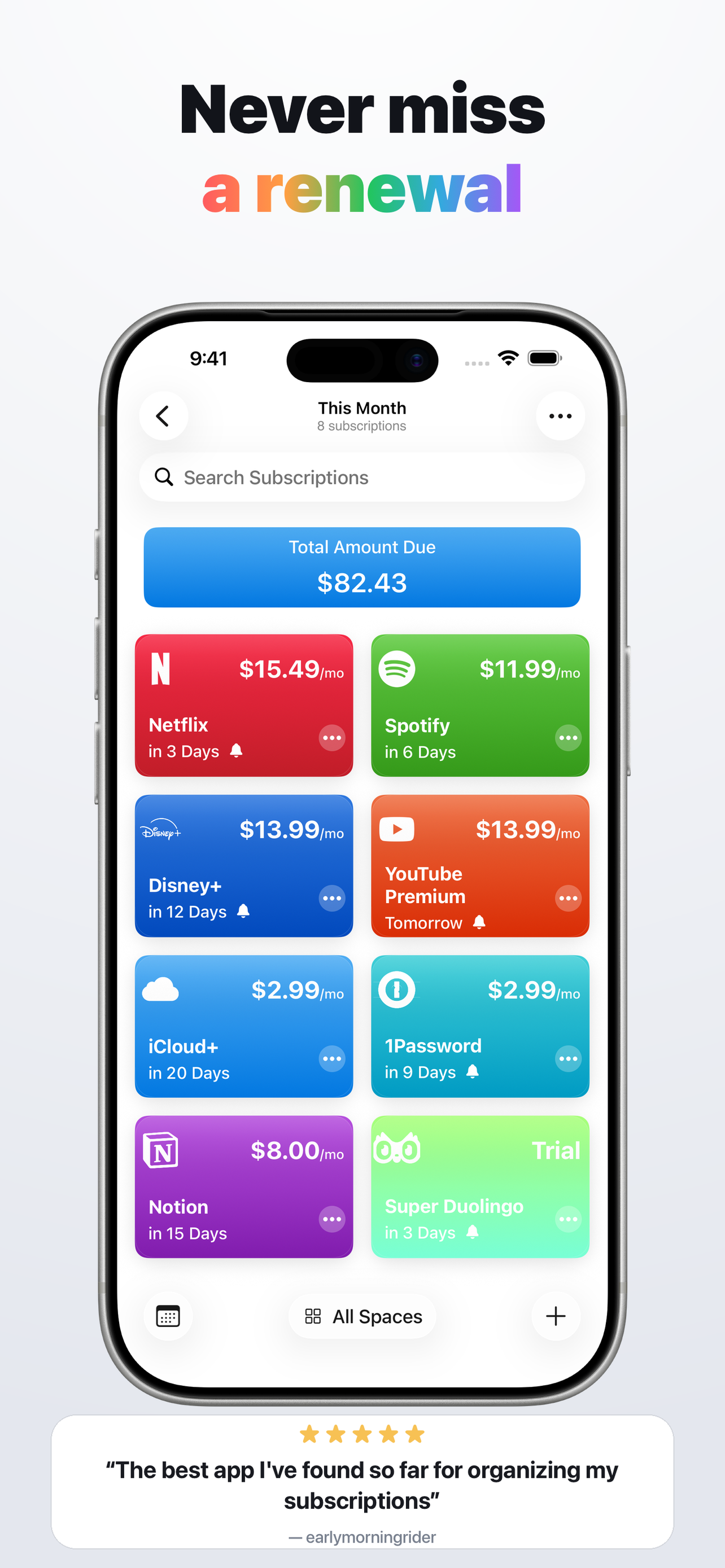
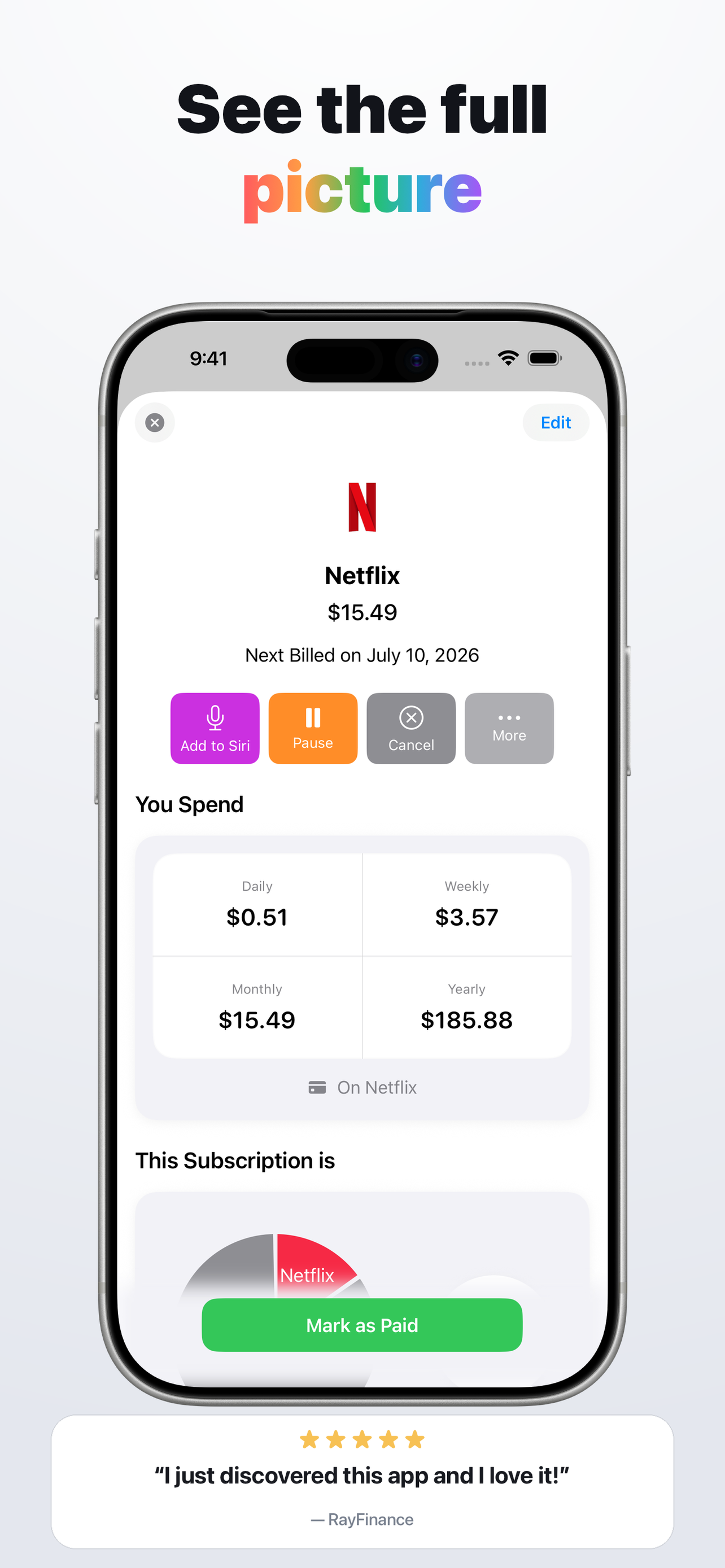
Subtrack is a gorgeous and powerful privacy-friendly subscriptions and expenses tracker. Never miss a due date. - Add subscriptions from a pre-added...
| Name | Price | Type |
|---|---|---|
| Buy me a Coffee! | $0.99 | One-time |
| Buy me Lunch! | $2.99 | One-time |
| Buy me Pizza! | $4.99 | One-time |
| Subtrack Movie Ticket Tip | $6.99 | One-time |
| Subtrack Pro | $8.99 | One-time |
| Subtrack Pro (For Family) | $14.99 | One-time |