
Check the acquisition promise
Read the store headline, screenshots and description. What problem is the app promising to solve?
Study the storefront ↗
Sansi · iOS
Explore the ad evidence, study the storefront, and build your next acquisition hypothesis.
01 / Creative research
Read the store headline, screenshots and description. What problem is the app promising to solve?
Study the storefront ↗Explore apps with direct store-link matches. Compare their hooks and formats without assuming the same approach works here.
Browse observed advertisers ↗Store rankings and revenue estimates describe market context. They do not establish ad spend, conversions or ROAS.
Review the market context ↗02 / Storefront & product
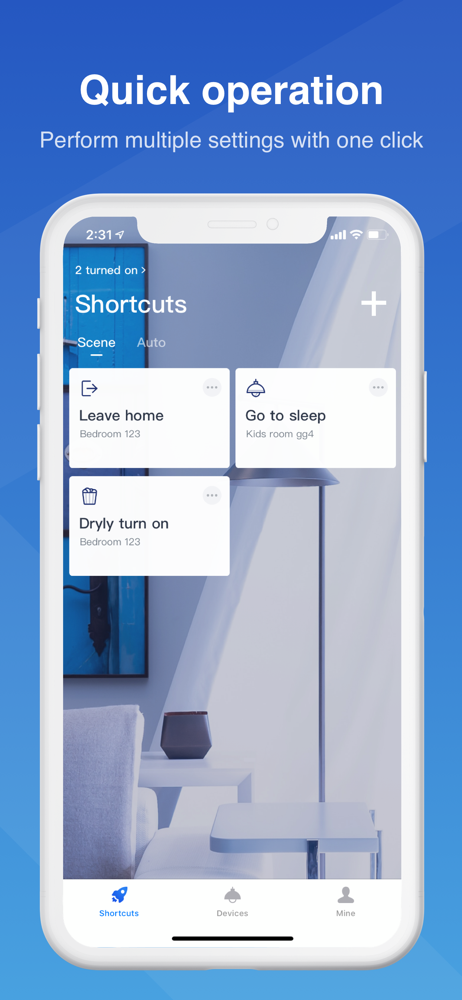
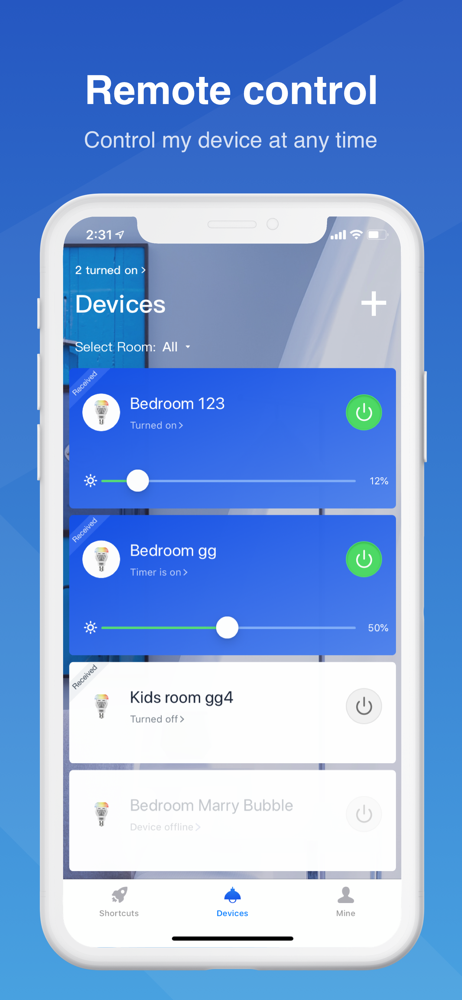
Study the product story and store experience behind the acquisition funnel.


03 / Market context
Keep revenue, downloads and store rankings separate from advertising performance.
Although I'm using this app with a pair of light bulbs that were packaged together, I had to set up each bulb separately on the same fixture. Not easy, since each bulb has a different Wi-Fi address. You can establish SCENES for the bulbs that will turn them on and off together - but that's two DIFFERENT scenes. Setting up Google Home with the Sansi bulbs simplified operation: voice control and the apps' on and off buttons worked reliably UNTIL Home lost contact with the Stellar server. Reinstallation always stalls when I reach the point where Google asks to connect with Stellar: "Something went wrong," Google tells me. I'll say.
App depends on pinging their server when you open it. If their server goes down (& it has) you cant control your bulbs. When its working, basic operation is simple but the advanced features could use improvement. Its got color mixing & fading down but I’d like to see the ability to save custom colors & edit the potentially cool automations. Biggest thing is the server ping. What a bad idea.
This was replacing my Phillips bulb that was only white. Unlike that one my wifi did not automatically detect this. To connect to this bulb you have to disconnect from your internet and connect directly to this bulb as if it were your router. So you can't use both at the same time, anytime you want to change a color or turn it off/on you have to switch networks, which is disappointing but not a deal breaker I suppose. It only takes a few seconds to switch networks in your phone in Settings > Wifi. Yet it doesn't detect it until minutes later. The colors are good, very rich. Yet the only bright one is white. So the brightness could be a lot better.
Stellar - The smart way to control your Sansi bulbs. The Stellar Wi-Fi app allows you to turn your Sansi smart bulbs on and off wirelessly through Wi...


