Check the acquisition promise
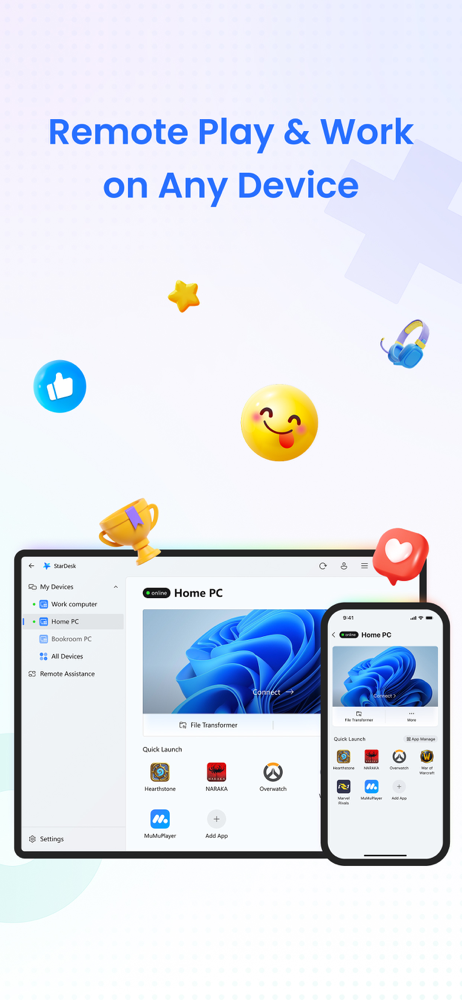
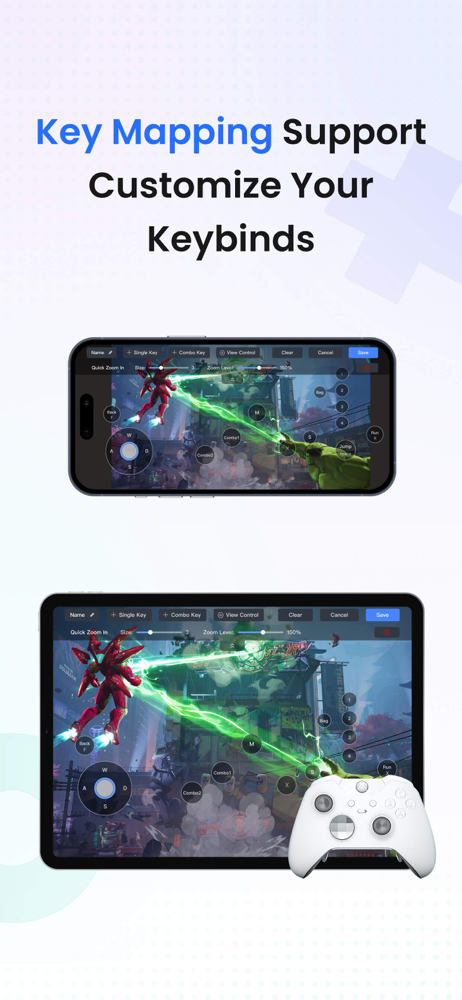
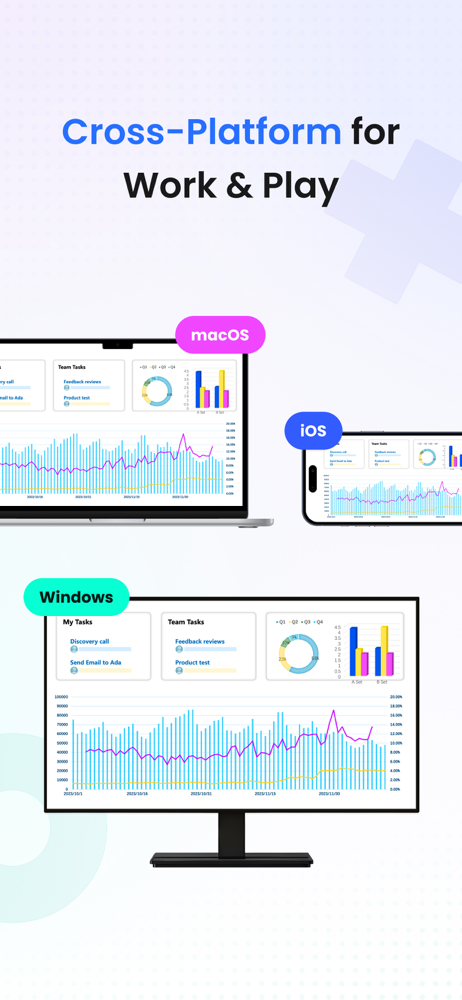
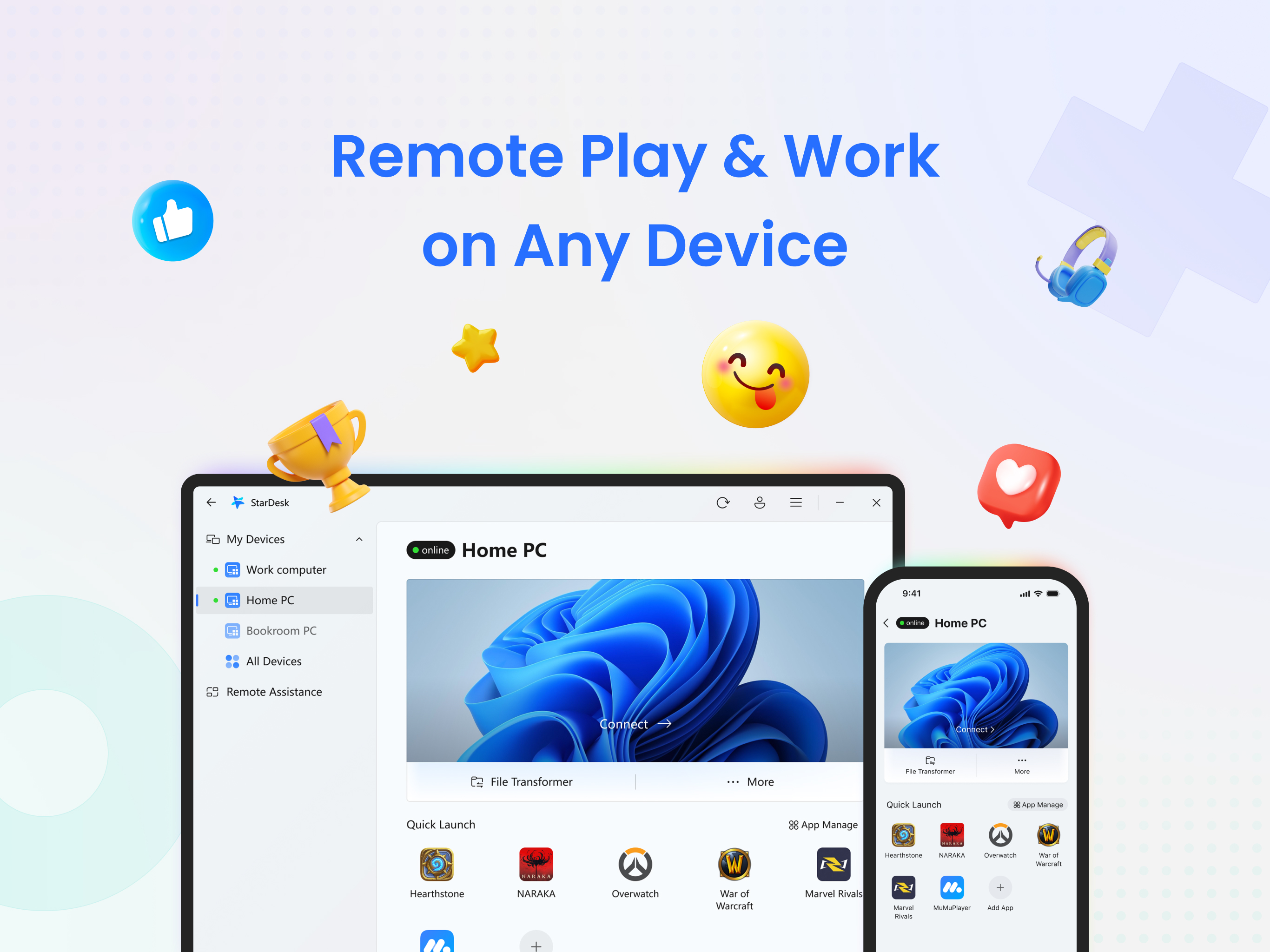
Read the store headline, screenshots and description. What problem is the app promising to solve?
Study the storefront ↗
GearUP Portal PTE. LTD. · iOS
Explore the ad evidence, study the storefront, and build your next acquisition hypothesis.
01 / Creative research
Read the store headline, screenshots and description. What problem is the app promising to solve?
Study the storefront ↗Explore apps with direct store-link matches. Compare their hooks and formats without assuming the same approach works here.
Browse observed advertisers ↗Store rankings and revenue estimates describe market context. They do not establish ad spend, conversions or ROAS.
Review the market context ↗02 / Storefront & product
Study the product story and store experience behind the acquisition funnel.



03 / Market context
Keep revenue, downloads and store rankings separate from advertising performance.
I’ve had this app for quite a while now and I use it daily. I have a high end pc at home but while I’m at work if I want to do something on my iPad or phone its very limited but using star desk, its like I’m on my pc at home. I don’t rate a lot of things but this I felt was worth taking the time. Absolutely love it. Just make sure that you have star desk set to auto start when your pc restarts I made that mistake once on a trip we lost power and I wasn’t able to access it after my pc restarted. Just have it start with windows and it will never be an issue.
If you’re just looking to check something via remote once every 20 minutes or so this is the way to go. However, if you change screen focus or close and try to reopen the app in that time you will be disconnected and stuck in an optimizing loop unable to connect until you close the app for more than 20 minutes. Multi-monitor support is miss or miss. Sometimes it detects them early. Mostly the app is confused as to why someone would even bother having additional screens. Shifting between touch screen and zoom functionality is unintuitive and the app will decide when it lets you utilize those controls. Been using for several months. For it to work satisfactorily you need to ensure the window you want up is on your primary monitor, make sure you turn off touch controls or risk minimizing the window you want to work with, don’t rotate your phone, and make sure you have a plan to accomplish everything or be ready to remotely browse to answer a simple question otherwise try again in 20 minutes. So if you don’t mind being mildly frustrated, routinely setback, and asking yourself why did you leave your other monitors on…. 10/10 no notes. If you are quick to anger and just want things to work…. Maybe don’t.
This app is really impressive. I love how I can remotely access my PC and still play with friends or work on school tasks even when I’m only using my phone. It makes everything so much more convenient, especially when I’m not at home but still need access to my files or games. What stands out the most is how smooth the performance is compared to other apps I’ve tried. There’s very minimal lag, and the controls feel responsive, which makes a huge difference whether I’m gaming or doing something more productive. The connection is stable, and I don’t constantly have to deal with disconnects or delays like with other remote apps. Overall, it’s a reliable and efficient tool that really helps me stay connected to my PC anytime, anywhere. It’s definitely one of the better apps out there for remote access
StarDesk – Powerful Multi-Platform Remote Desktop Control your PC or Mac remotely from iOS, Mac, Android, or Windows devices. Perfect for remote work,...