
Check the acquisition promise
Read the store headline, screenshots and description. What problem is the app promising to solve?
Study the storefront ↗
Filippo Maguolo · iOS
Explore the ad evidence, study the storefront, and build your next acquisition hypothesis.
01 / Creative research
Read the store headline, screenshots and description. What problem is the app promising to solve?
Study the storefront ↗Explore apps with direct store-link matches. Compare their hooks and formats without assuming the same approach works here.
Browse observed advertisers ↗Store rankings and revenue estimates describe market context. They do not establish ad spend, conversions or ROAS.
Review the market context ↗02 / Storefront & product
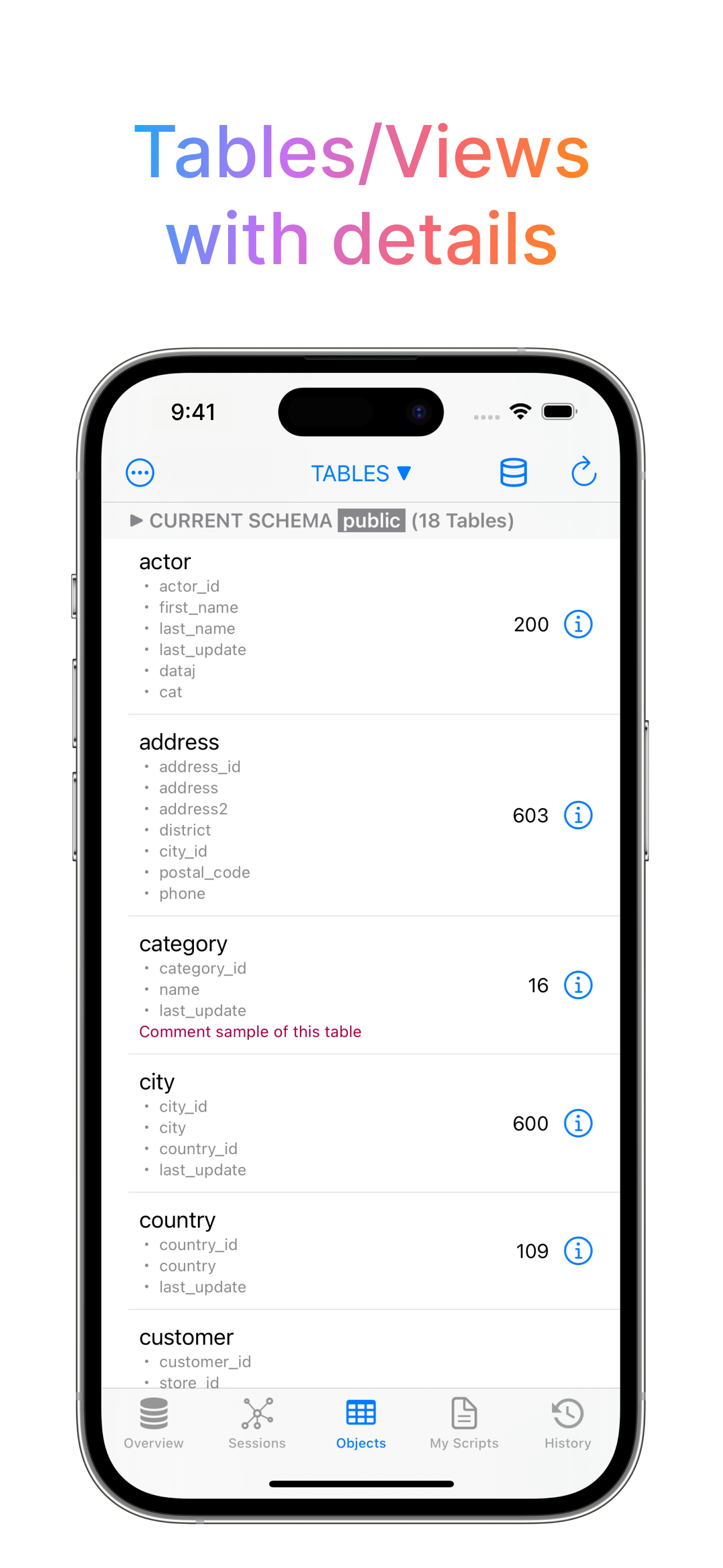
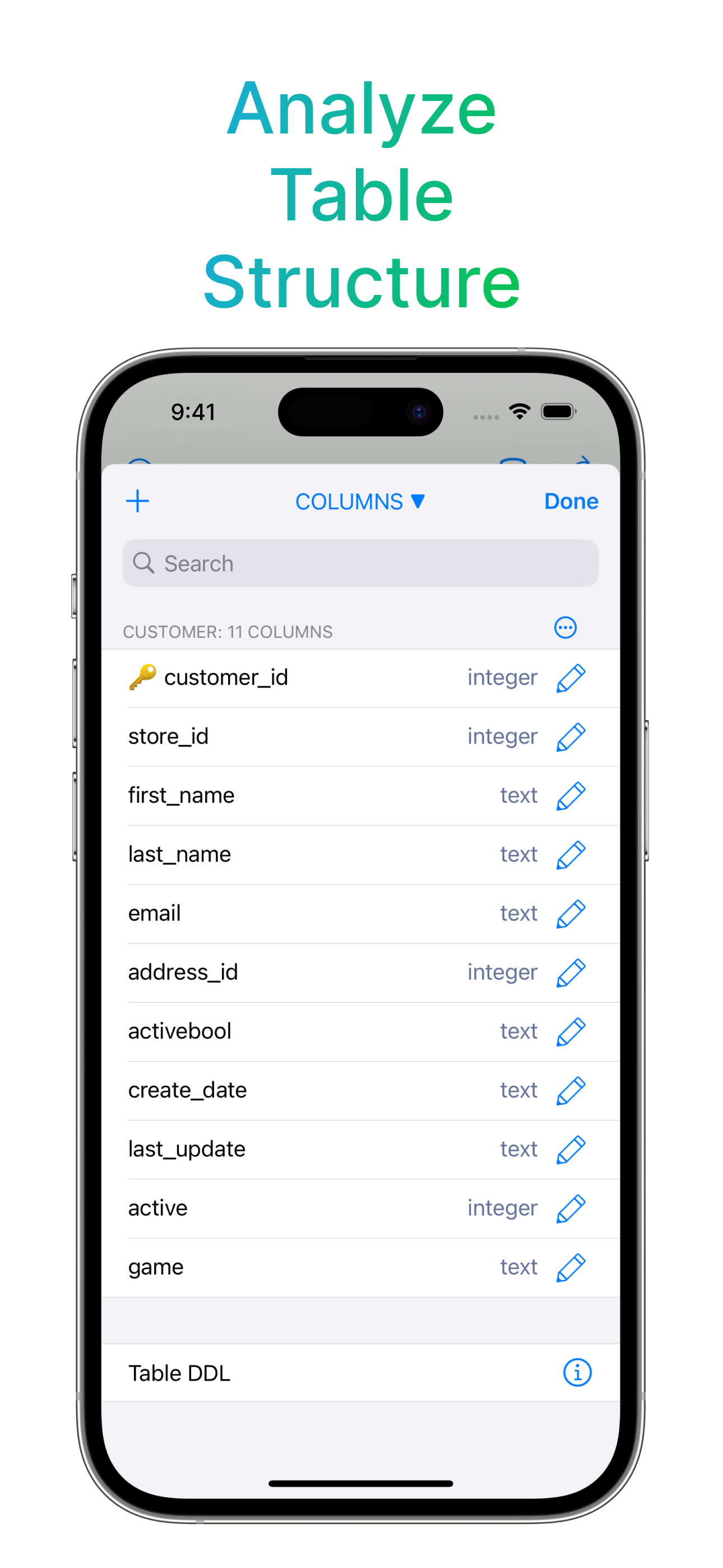
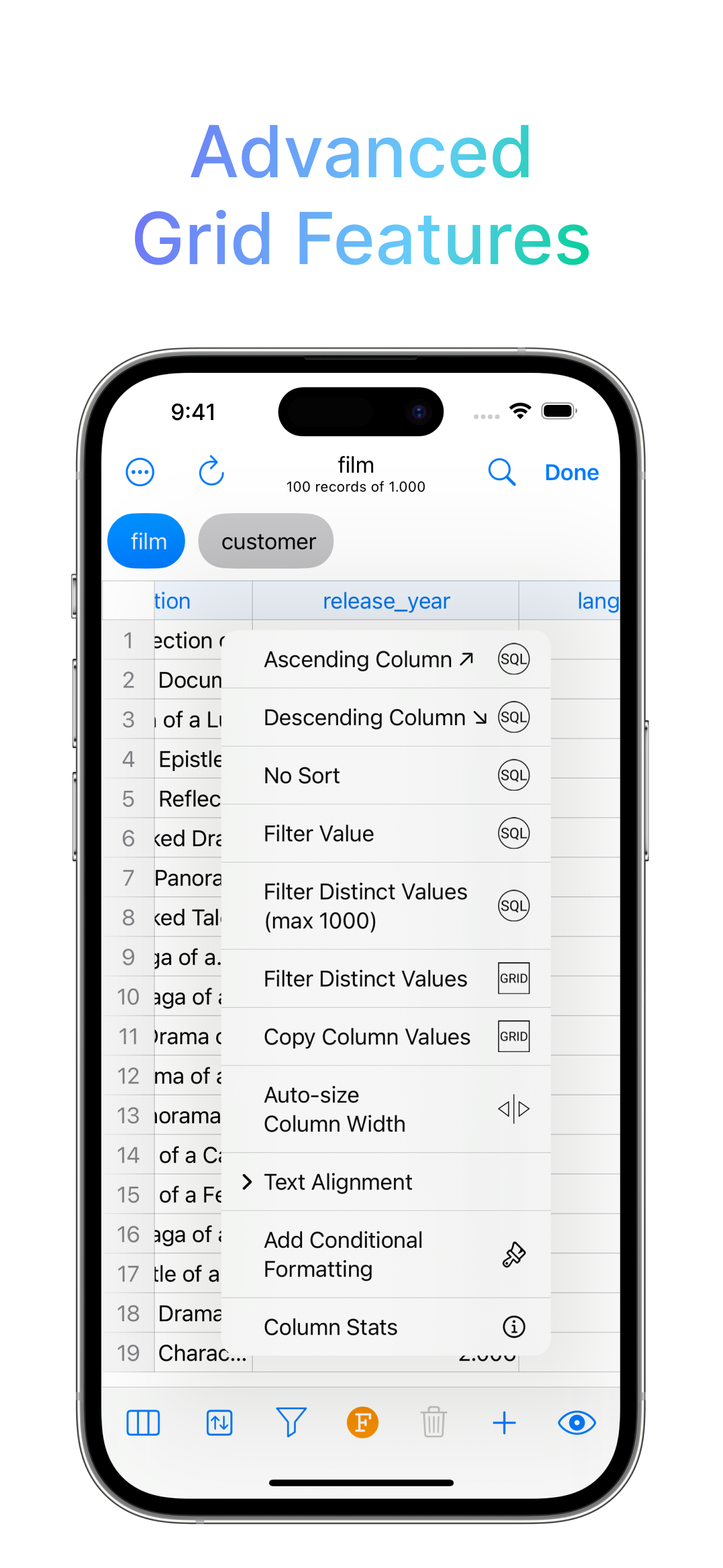
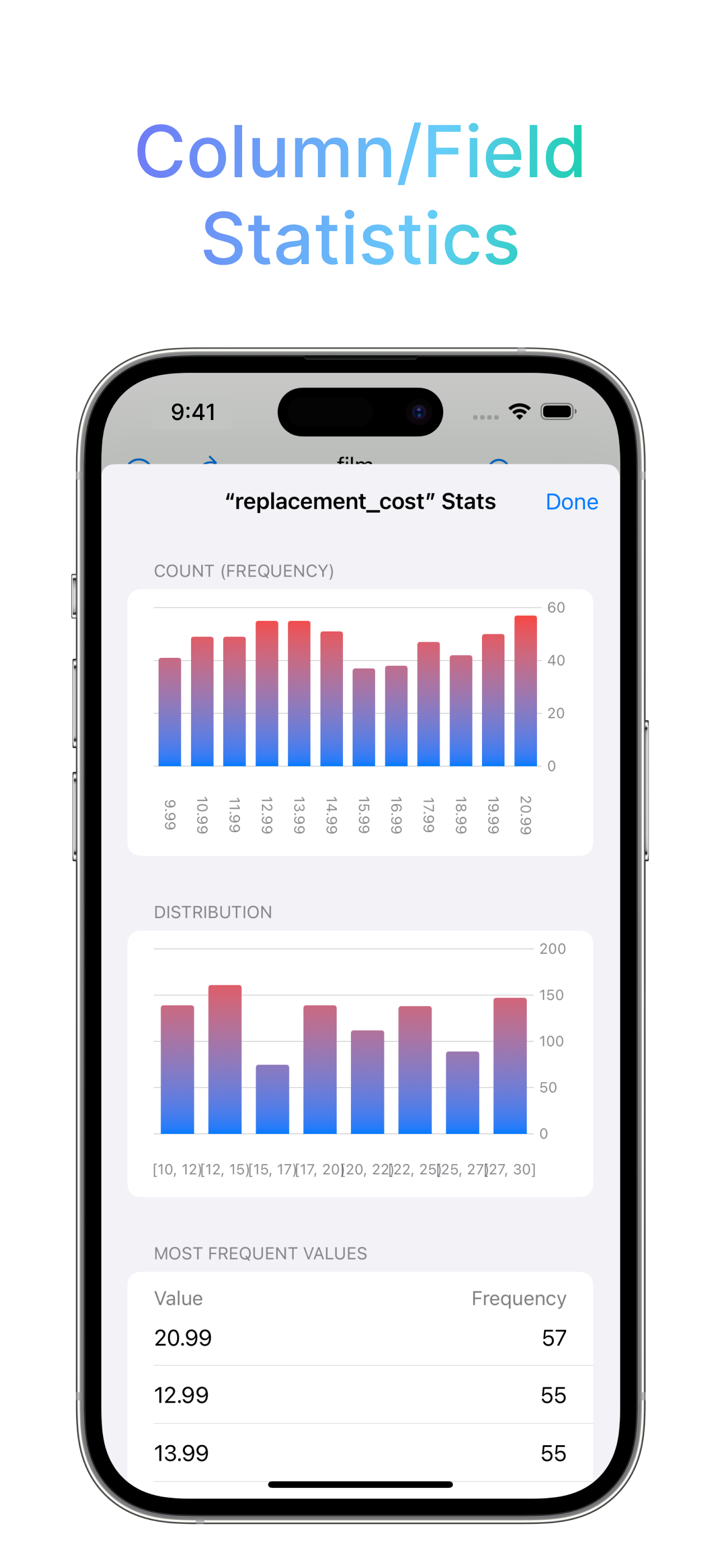
Study the product story and store experience behind the acquisition funnel.



03 / Market context
Keep revenue, downloads and store rankings separate from advertising performance.
For the newbie like I was, sqlite is designed to be serverless; i.e., its databases are in files that the app has direct access to, so its more client-file than client-server. You need only this app and some storage space that Files can access. The UI is a little convoluted but you get used to it. Foreign keys are supported if you use "pragma= foreign_keys on" (since sqlite v 3.6.19) and the proper sqlite syntax described in sqlite docs "Foreign key support" page. The Apple shortcuts actions are the primary attraction here ONCE you understand their syntax ➞ a few working examples would be worth a hundred pages of documentation and hours of trial & error! I may give it 5 stars for functionality once I figure how to use all the actions. I would love to see some simple but elegant configurable form styles that could be used on the iphone.
I am so so very pleased— with the results from, and everyday productivity— that has been facilitated by this wonderfully designed and highly refined application. For years, now, I have loved SQLmobile, and this is an app I will stand beside until the end. As a freelance organ sampleset developer, the world of relational database architecture becomes absolutely critical to go about correctly, and this fully-fledged app hits every point desirable for any query, transactional statement, or workflow tweak you could need. I’ve long since happily migrated my local databases into this app from their former editors and the projects have been a breeze ever since. Absolutely CHOOSE THIS APP!
I need to text search 758,411 rows with 7 columns, but unfortunately, the search query runs every keypress, which means it seems promising with a page size of 1000 rows, but with a page size of 1,000,000 rows, the app lags for like 10 seconds every letter you type of your search query. If you could please just wait until the user stops typing to run the query over the page, then it would be a five star app. Also, I think the default of 1000 rows per page makes sense, except when you search for something and find no results, in that case, it could be better to automatically search the next page(s) all the way to the end. Just asking because I have a humongous medical database and need to type a symptom to find all the rows with that symptom easily. Thank you for making this app!
DB Compass for SQLite allows you to access your SQLite databases. You can manage your data with a very clean and simple iOS user interface. FEATURES...
| Name | Price | Type |
|---|---|---|
| PRO FEATURES | $9.99 | One-time |


