Check the acquisition promise
Read the store headline, screenshots and description. What problem is the app promising to solve?
Study the storefront ↗
Filippo Maguolo · iOS
Explore the ad evidence, study the storefront, and build your next acquisition hypothesis.
01 / Creative research
Read the store headline, screenshots and description. What problem is the app promising to solve?
Study the storefront ↗Explore apps with direct store-link matches. Compare their hooks and formats without assuming the same approach works here.
Browse observed advertisers ↗Store rankings and revenue estimates describe market context. They do not establish ad spend, conversions or ROAS.
Review the market context ↗02 / Storefront & product
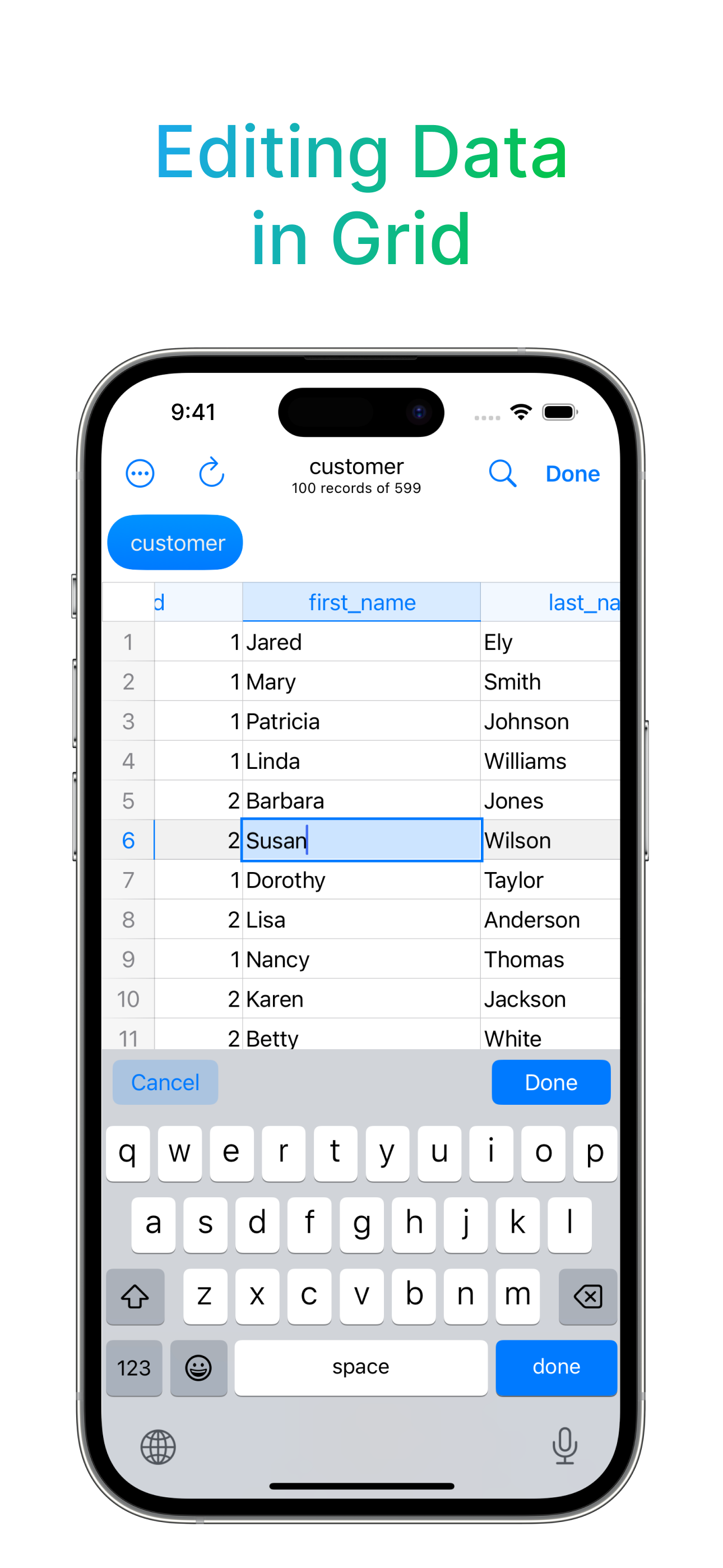
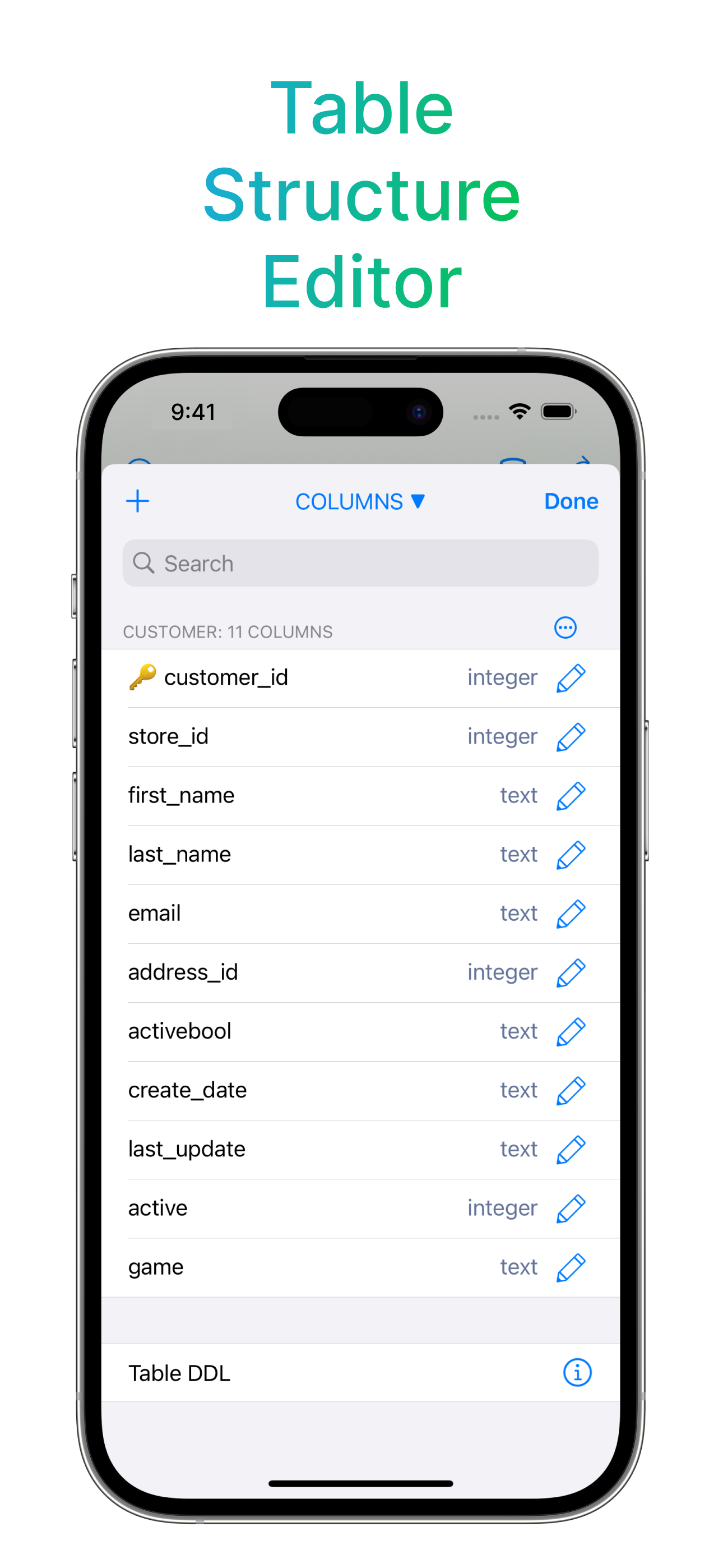
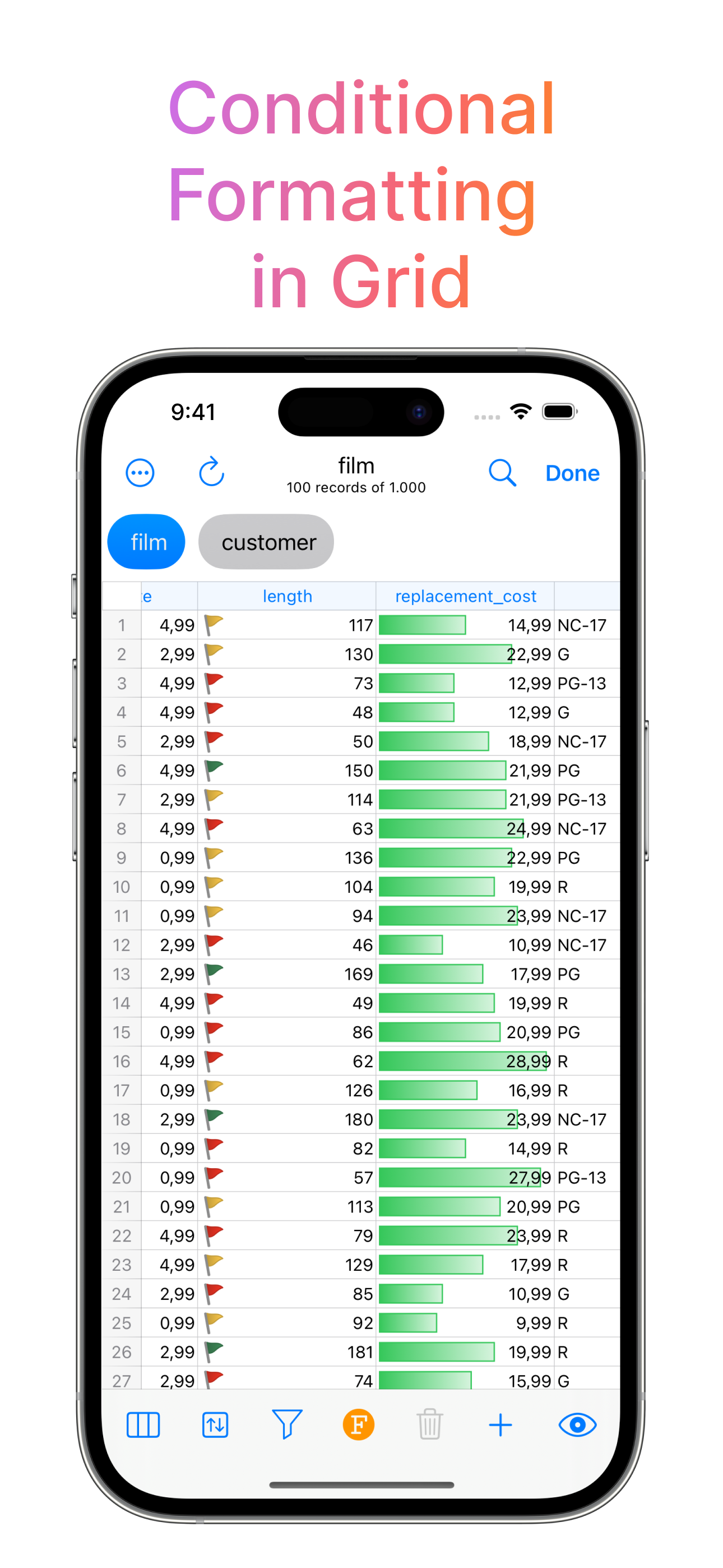
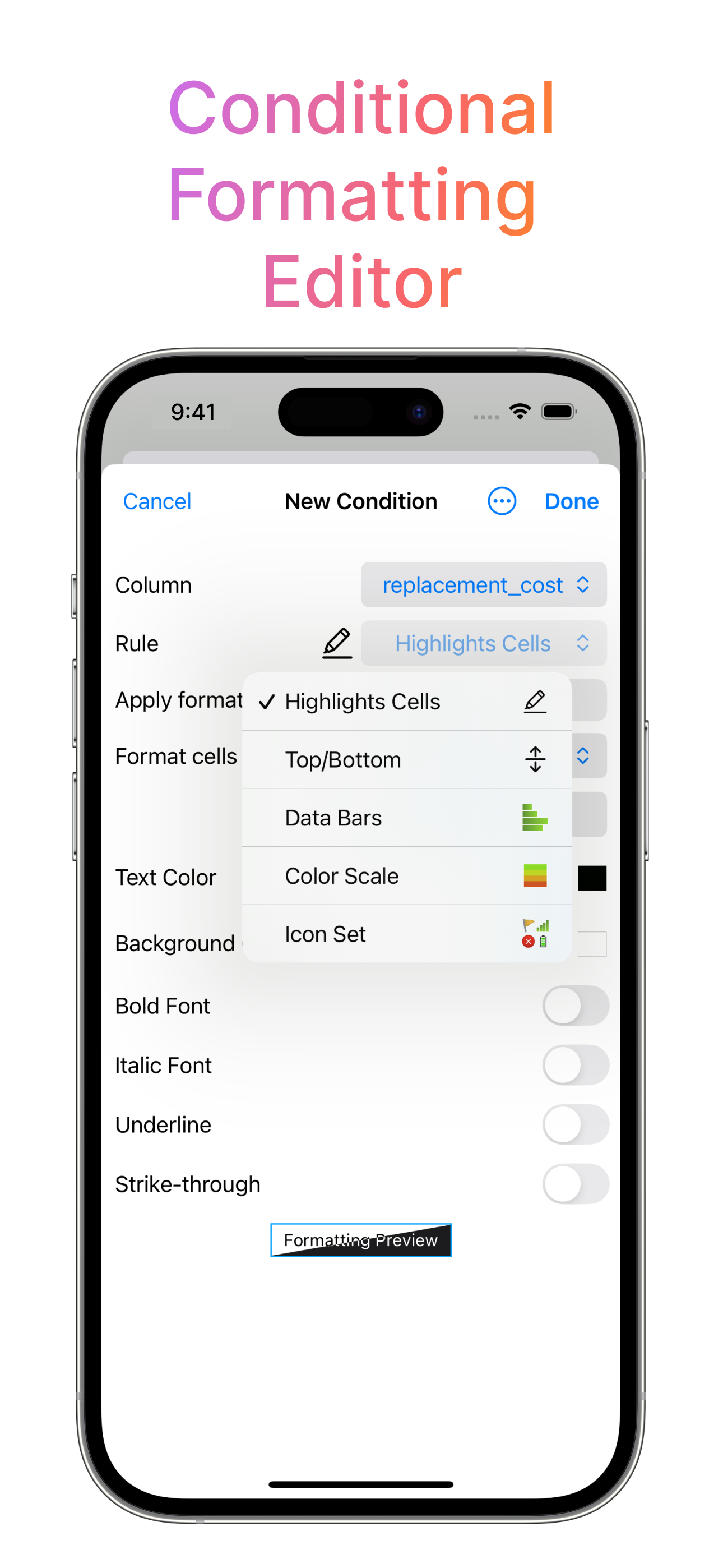
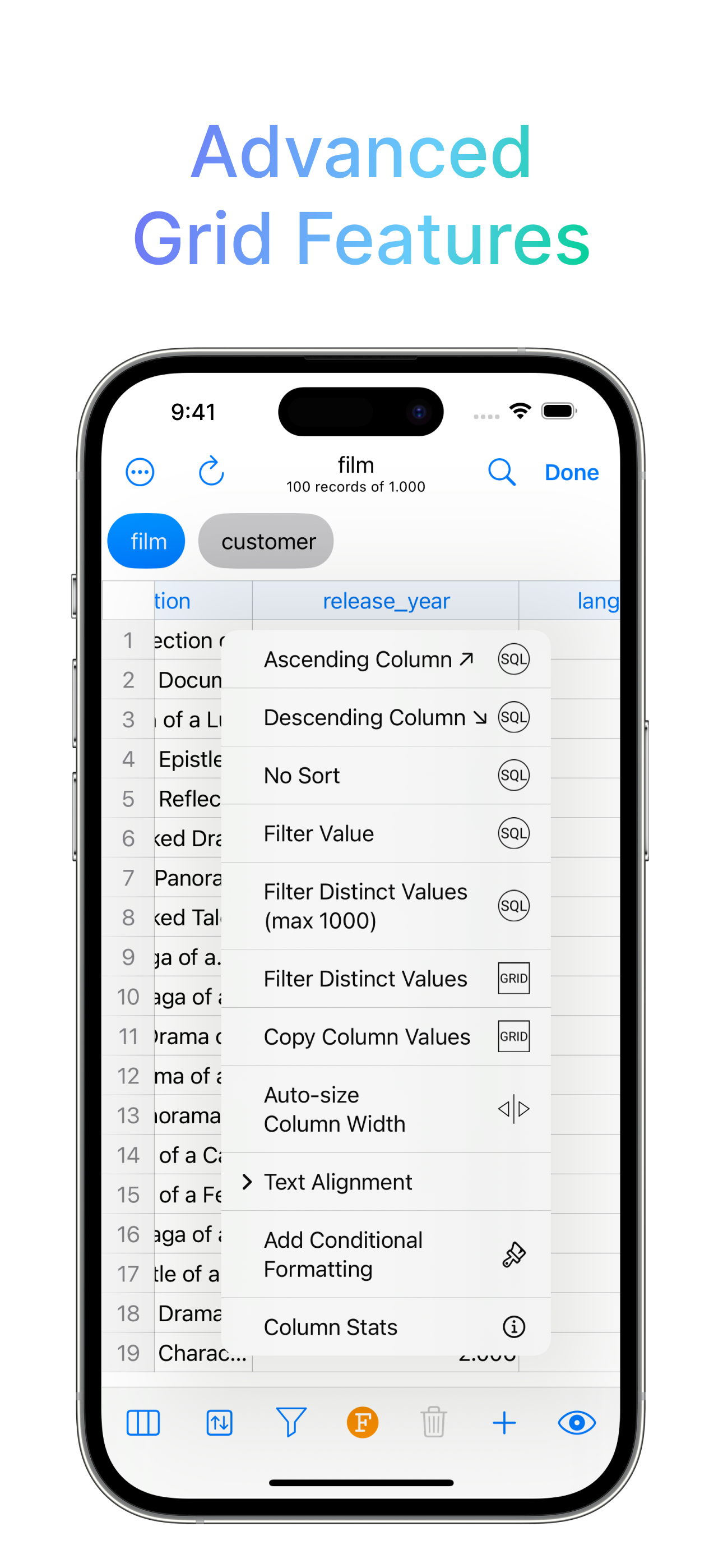
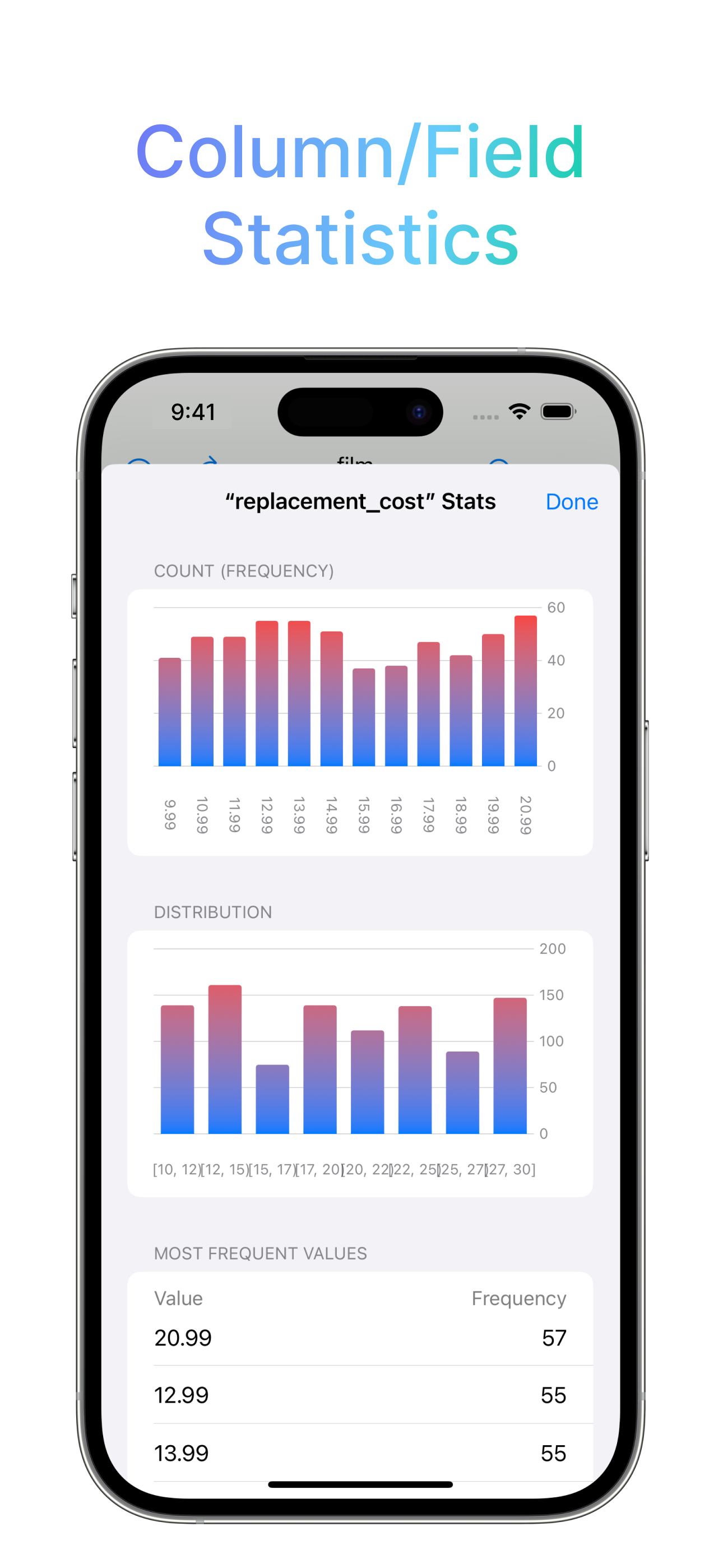
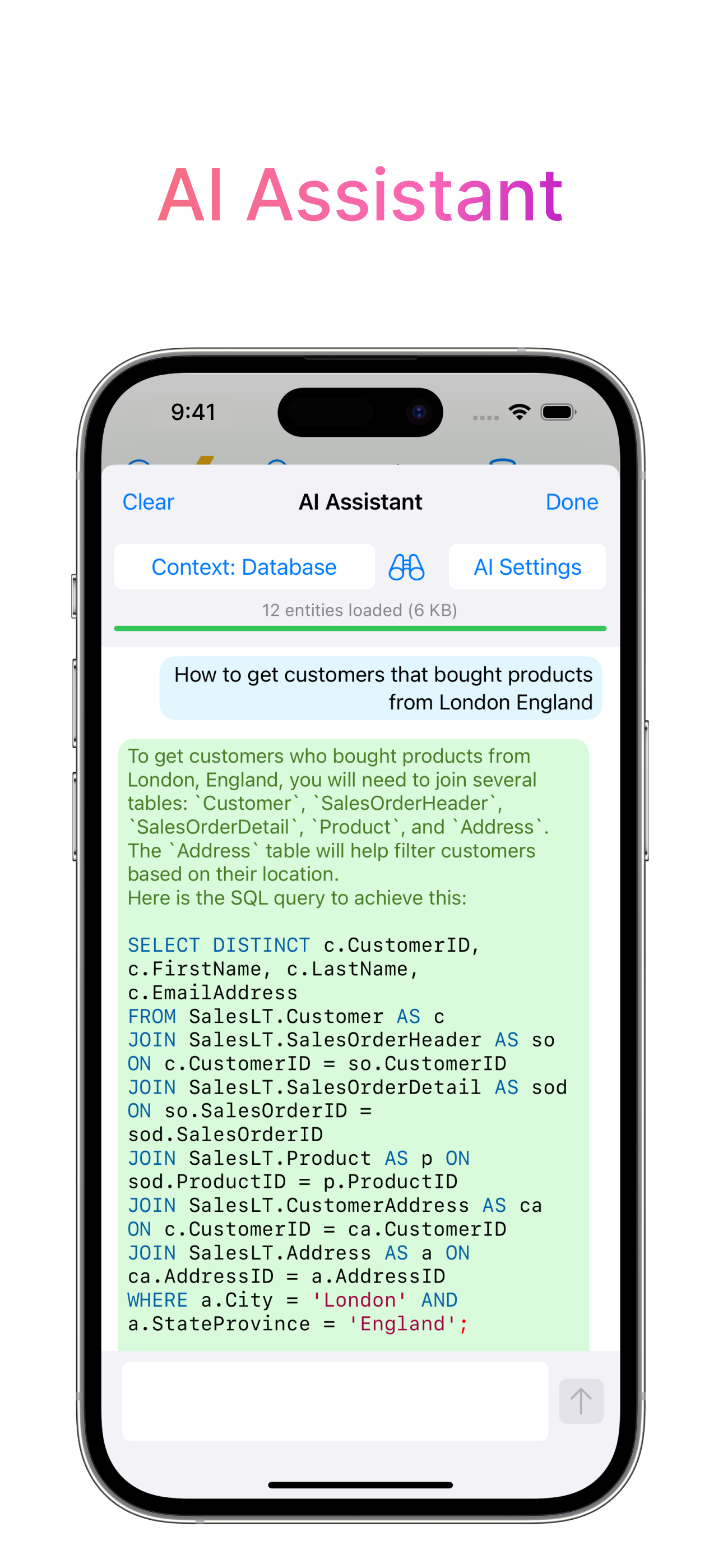
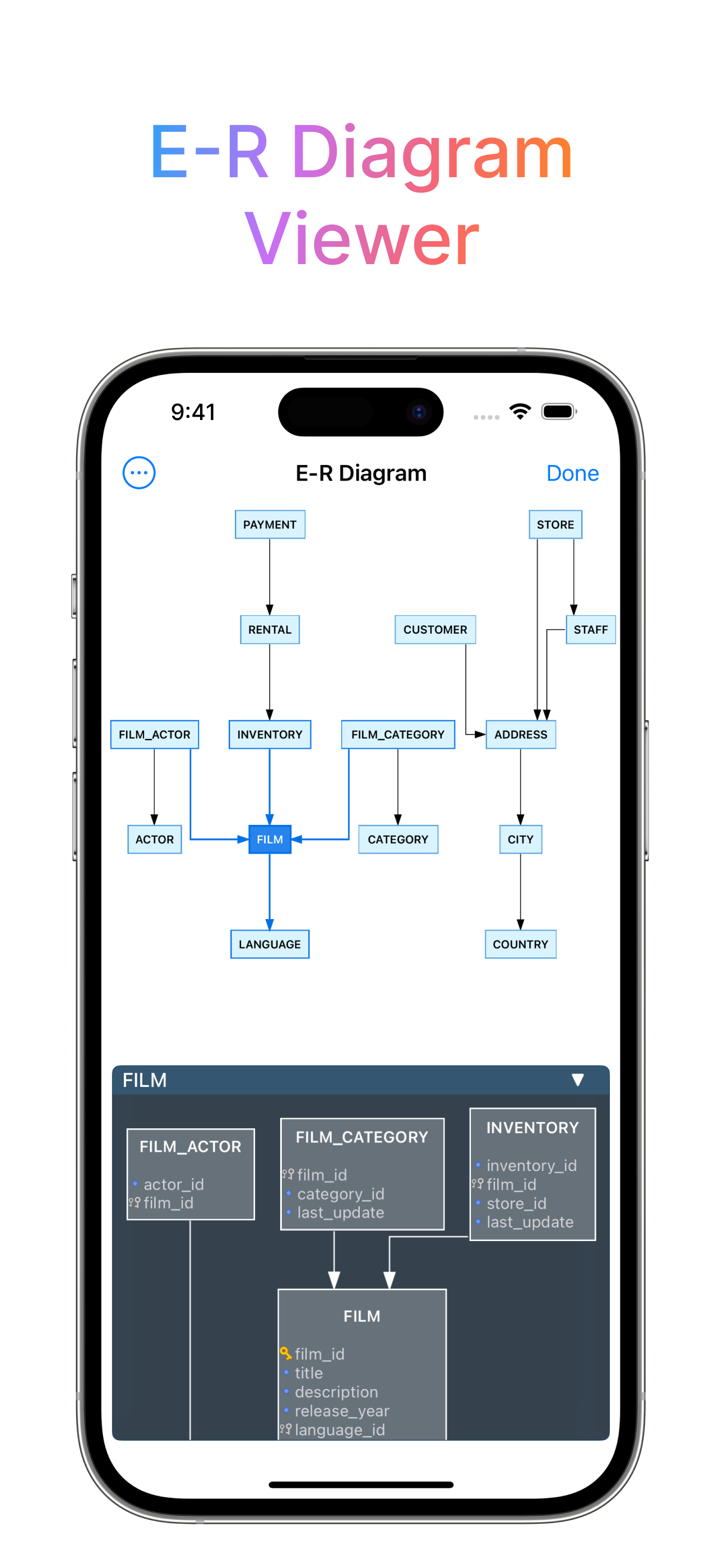
Study the product story and store experience behind the acquisition funnel.
03 / Market context
Keep revenue, downloads and store rankings separate from advertising performance.
It works, as others have mentioned it’s not “perfect” but it gets the job done when you need to access your databases on the go. Displays a form entry for your stored proc’s arguments too which is nifty! It’s all better than trying to manipulate psql through a terminal app on iOS thats for sure. And for a good price too.
Look, for the price, you’re not going to do better. The competition have enterprise-level subscription rates. This app has a fantastic hobbyist-level price. And that’s what I am, so it’s the only viable option for iPad as far as I can see. It works. It runs queries. It connects and reconnects beautifully. I’ve been creating tables, inserting data, parsing tens of thousands of records without trouble. It crashes sometimes (but brings all your saved queries right back up). The interface can’t run an individual query, only everything that’s in the current window. The query and the results are in different “tabs” but you can’t switch from the query tab to the results tab without exiting the tab because of the keyboard-helper bar along the bottom (the one that’s still there even when you’re on a hardware keyboard). So it lacks polish, sure, but it’s WAY faster and easier than typing out the queries from the CLI. And again, check out that outstanding price!
Very good postgresql support. But I bought because it is one of the few solutions able to work with Redshift. Seems to support about 90%. Which is good enough for emergency support on the go. Hopefully this helps others.
DB Compass for PostgreSQL allows you to access your PostgreSQL database directly and without any server setup. You can manage your data with a clean a...
| Name | Price | Type |
|---|---|---|
| PRO FEATURES | $9.99 | One-time |