
Check the acquisition promise
Read the store headline, screenshots and description. What problem is the app promising to solve?
Study the storefront ↗
KineMaster Corporation · iOS
Explore the ad evidence, study the storefront, and build your next acquisition hypothesis.
01 / Creative research
Read the store headline, screenshots and description. What problem is the app promising to solve?
Study the storefront ↗Explore apps with direct store-link matches. Compare their hooks and formats without assuming the same approach works here.
Browse observed advertisers ↗Store rankings and revenue estimates describe market context. They do not establish ad spend, conversions or ROAS.
Review the market context ↗02 / Storefront & product
Study the product story and store experience behind the acquisition funnel.





03 / Market context
Keep revenue, downloads and store rankings separate from advertising performance.
so like i’ve been using springs ever since it came out and i like it. it’s straight up a straight copy of capcut layout wise, but effects, text, and basically everything is the same as kinemaster. as a kinemaster (old version+ new) user and creator, being honest, the only reason i use springs is because i can remove the outro TvT i hate you that you have to but pro to get the watermark removed so i just use spring… yeah other than that KINEMASTER ON TOPPPP
I really like Spring as it is quite similar to CapCut but it’s also similar to kinemaster! And I think that it’s easy to understand but it’s also kinda advanced? There are features that I’m still figuring out! (And I’ve had this about 2 years now) But I think that all the features add more of an ability to make good stuff with difforent things! Of course it’s not perfect nd comparing it to other things it’s not the best. Like on other things I like all the simple transitions like just a fade or more fonts that just makes it look really pretty!
Although it’s got everything from Kinemaster, I prefer this editor better. I find it more user-friendly and easier to navigate, along with being able to edit without turning my phone to the side each time I open a project. I also like that we can switch between orientations within the editor instead of having to make another project to do so. I tried CapCut out alongside this, and I wasn’t as impressed with what CapCut had to offer. There’s a few more options that Spring offers that makes it stand out as the more professional app for video editing. I still have a few projects left in Kinemaster to work on, but I’m more than likely going to make the switch to Spring soon after I’m finished.
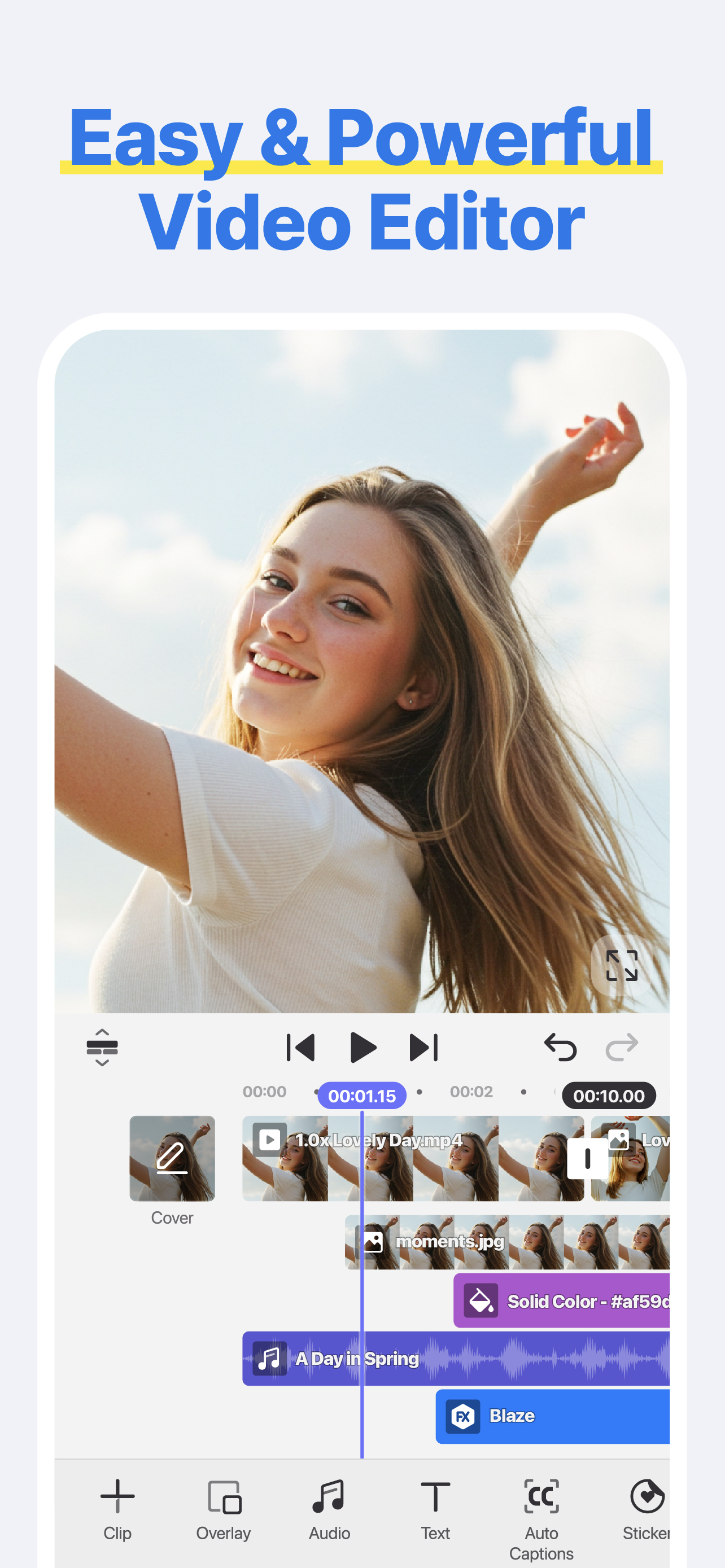
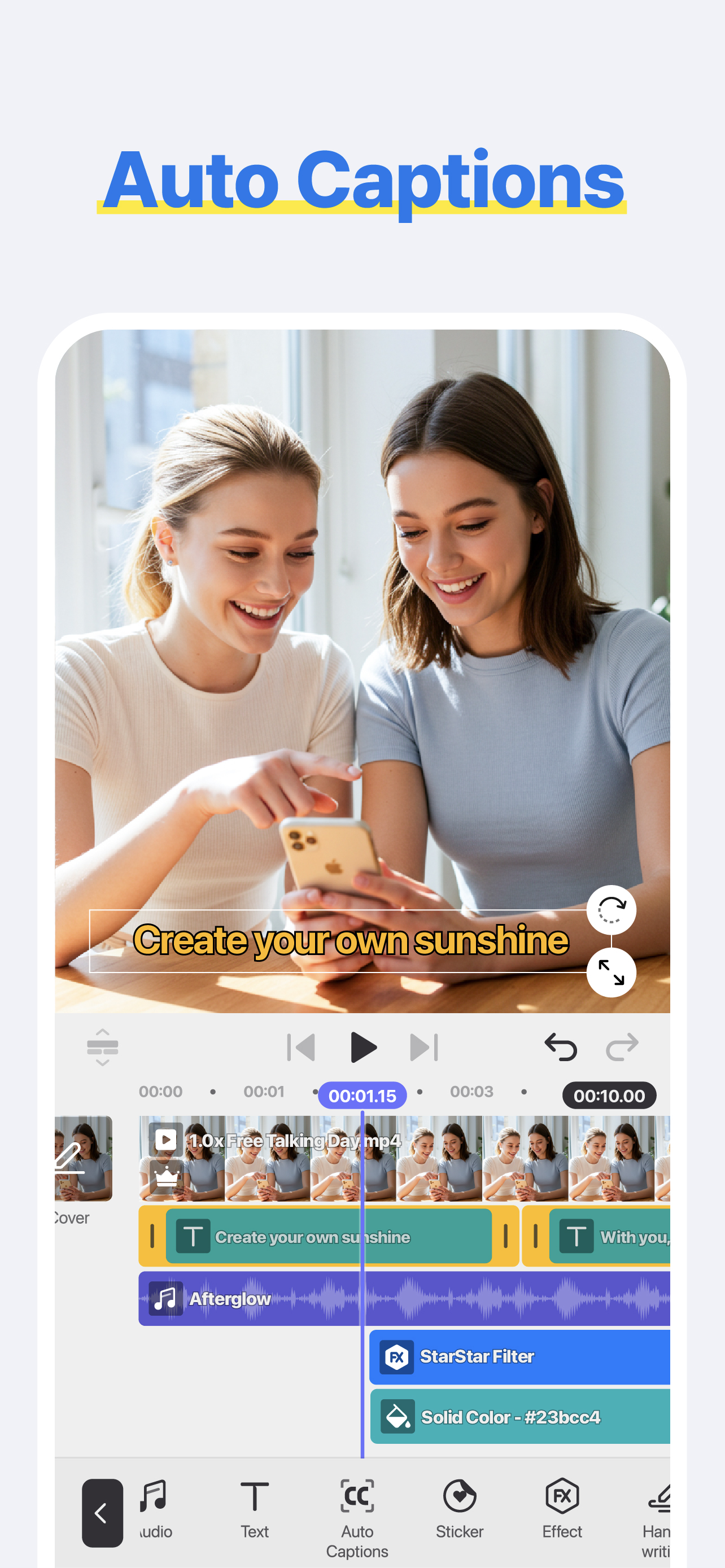
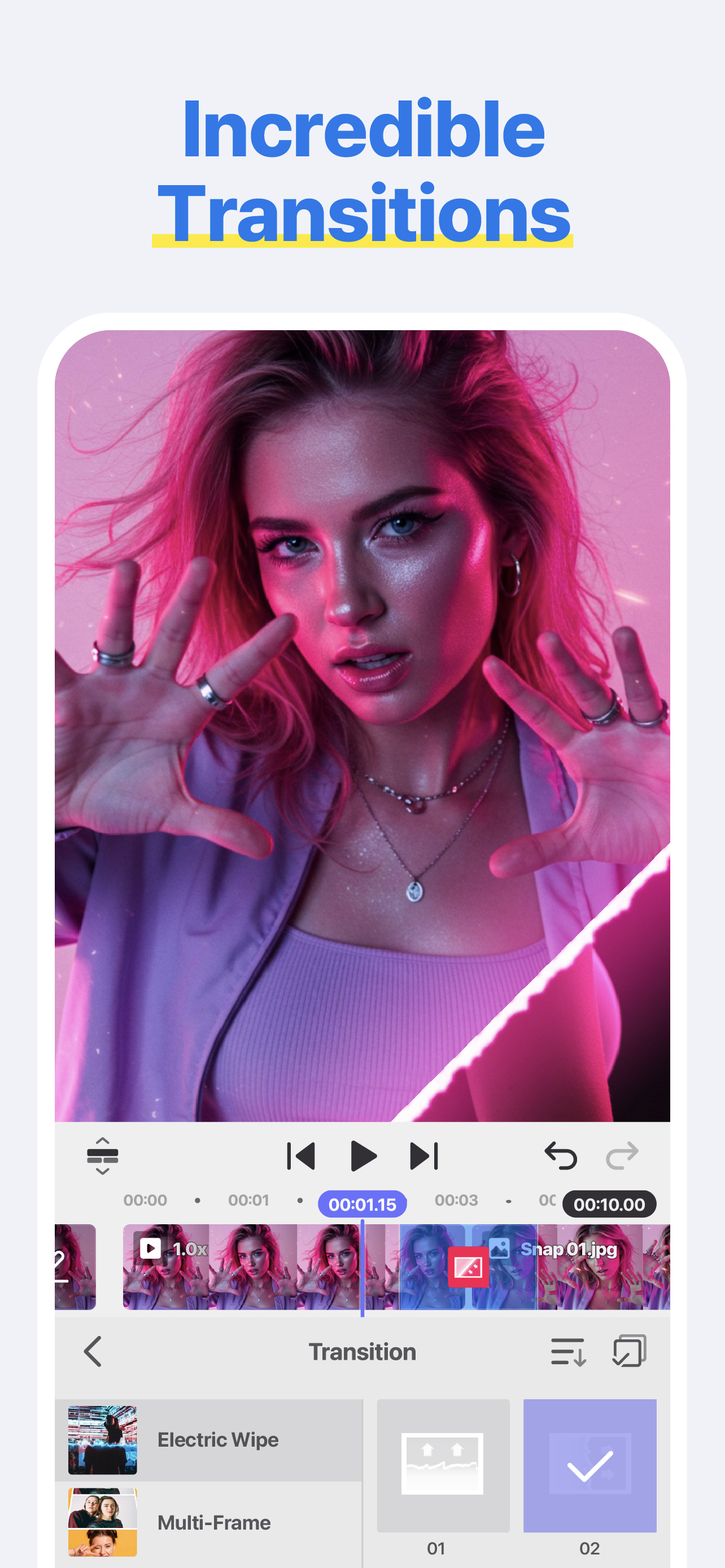
[ Make Your Videos Your Way! ] ● Cut, combine, caption, overlay, and animate! ● AI tools make editing easy ● No watermarks, no sneaky purchases ● Supp...
| Name | Price | Type |
|---|---|---|
| Premium (Monthly) | $5.99 | Monthly |
| Premium (Monthly) | $5.99 | Monthly |
| Spring's Premium(Monthly) | $9.99 | Monthly |
| Premium (Annual) | $39.99 | Yearly |
| Spring's Premium(Annual) | $49.99 | Yearly |


