Check the acquisition promise
Read the store headline, screenshots and description. What problem is the app promising to solve?
Study the storefront ↗
SensusTech LLC · iOS
Explore the ad evidence, study the storefront, and build your next acquisition hypothesis.
01 / Creative research
Read the store headline, screenshots and description. What problem is the app promising to solve?
Study the storefront ↗Explore apps with direct store-link matches. Compare their hooks and formats without assuming the same approach works here.
Browse observed advertisers ↗Store rankings and revenue estimates describe market context. They do not establish ad spend, conversions or ROAS.
Review the market context ↗02 / Storefront & product
Study the product story and store experience behind the acquisition funnel.
03 / Market context
Keep revenue, downloads and store rankings separate from advertising performance.
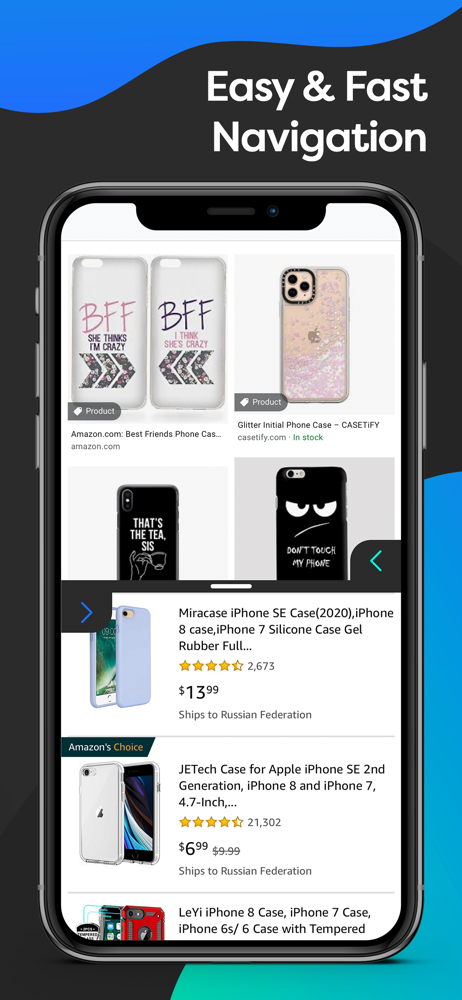
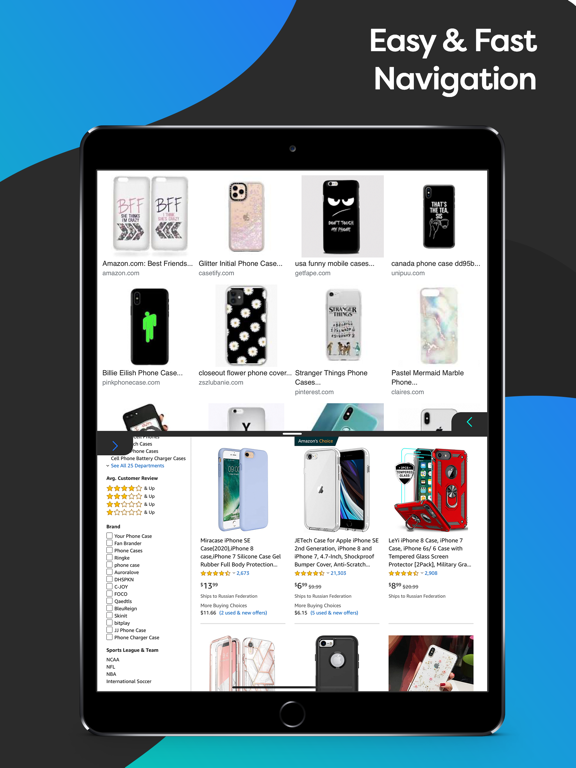
I don’t know how other users use your application. Personally, I use it as a good way to create screenshots by comparing the two articles I need on the Internet on one screen. I just open the two necessary links in Google, leaf through the necessary section of the article in both links and make a screen. I really appreciate this opportunity, it literally works for me, try to do something similar. Tnx a lot!
Download this app now!! After switching to the T-Mobile phone I missed my split screen so much! This was so easy to download and easy to use! One long press on the home button and Bam... Split screen with all my apps
This app is really good. I've been looking for a split screen app for a while now I've this app is amazing. All you have to do is hold the back or overview button and split screen occurs.
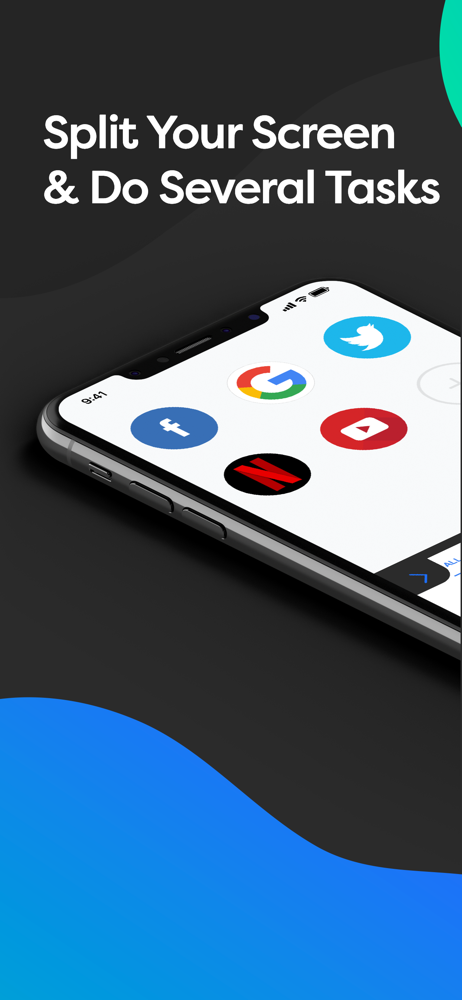
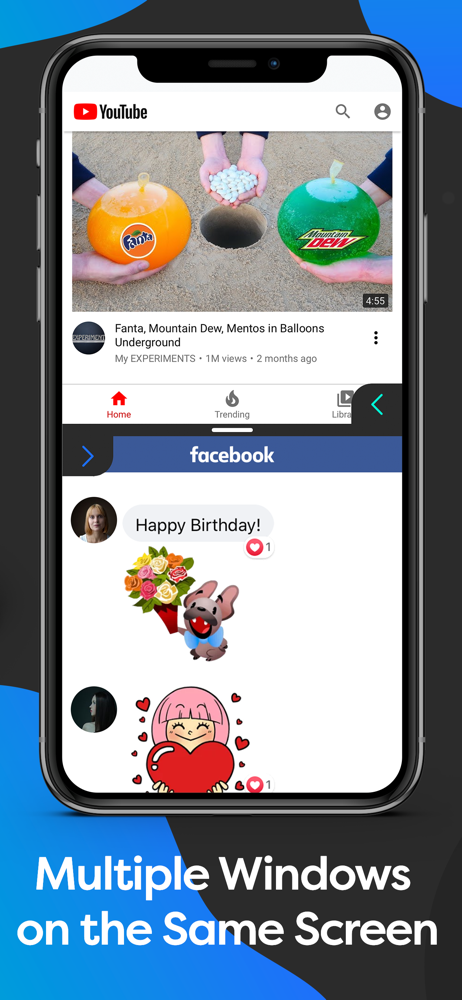
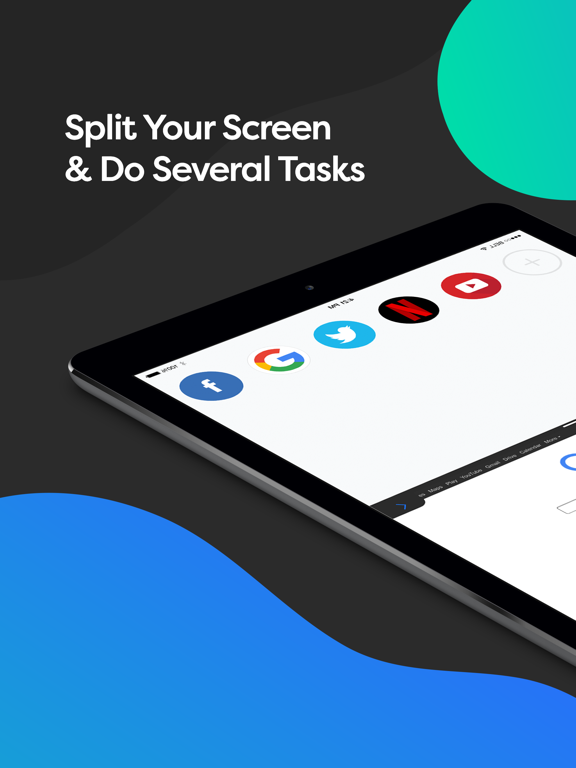
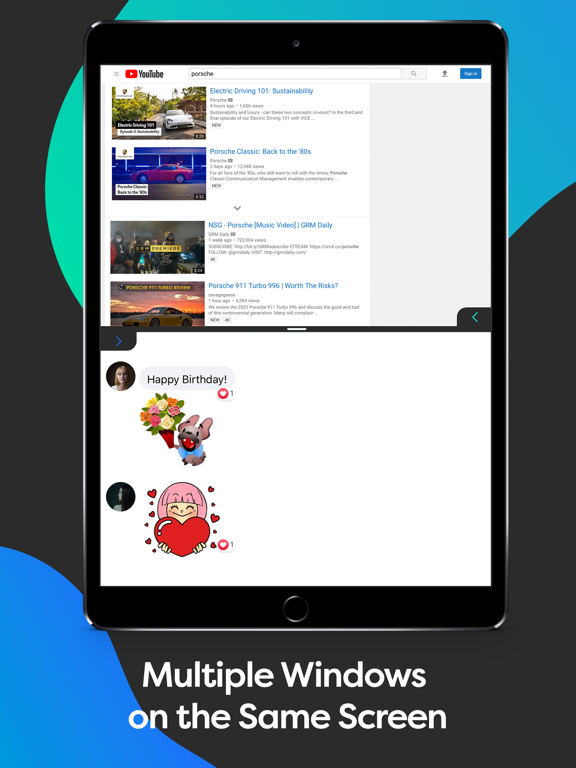
Split It - is the simple app that allows you to browse two websites simultaneously (side by side) on any iOS device. It is the fastest way to multitas...
| Name | Price | Type |
|---|---|---|
| Split It - Premium | $9.99 | One-time |
| Split It - Lifetime | $29.99 | One-time |