Check the acquisition promise
Read the store headline, screenshots and description. What problem is the app promising to solve?
Study the storefront ↗
Govarthani Rajesh · iOS
Explore the ad evidence, study the storefront, and build your next acquisition hypothesis.
01 / Creative research
Read the store headline, screenshots and description. What problem is the app promising to solve?
Study the storefront ↗Explore apps with direct store-link matches. Compare their hooks and formats without assuming the same approach works here.
Browse observed advertisers ↗Store rankings and revenue estimates describe market context. They do not establish ad spend, conversions or ROAS.
Review the market context ↗02 / Storefront & product
Study the product story and store experience behind the acquisition funnel.




03 / Market context
Keep revenue, downloads and store rankings separate from advertising performance.
okay so the ads can be irritating, but for me it doesn’t bombard me with it It does what it says it does and doesn’t expect a subscription for it, I’ve downloaded at least 6 other apps that claim to do this only for them to expect a subscription and have way too many ads. Giving it 5 stars for not lying and being easily accessible!
This is a great app! It works 100% of the time. The design is simple, it’s easy to use, and it works on handwriting too. I’ve written things out on paper and I’m now able to transfer it into text without having to type it out. I highly recommend this app for anyone who doesn’t like re-typing things!
Pros -Pretty simple to use and navigate -Actually does what we expect it to do painlessly -Saves your imports -You can edit the text within the app and export finished product - I’ve found the ads only slightly annoying so far :) Cons -I haven’t figured out the purpose of the IMAGE tab that appears at the bottom once I’ve imported my image. -There is no mention of the above or other features in the How To. You just have to play with it to figure out what else it can do besides convert image-to-text. -I’d pay a small, one-time fee to use this app or simply remove adds but the upgrade price ($6/mo or $60/yr) is unreasonable for a casual user that probably will not need more than the limited amount of scans per day. -Used it about 4x now and it shut down once however I was able to just open it back up and pick up where I left off without losing my scan -Could use an undo button when you are editing text. Still giving it 5 stars despite the minor cons because the app actually works and is very useful.
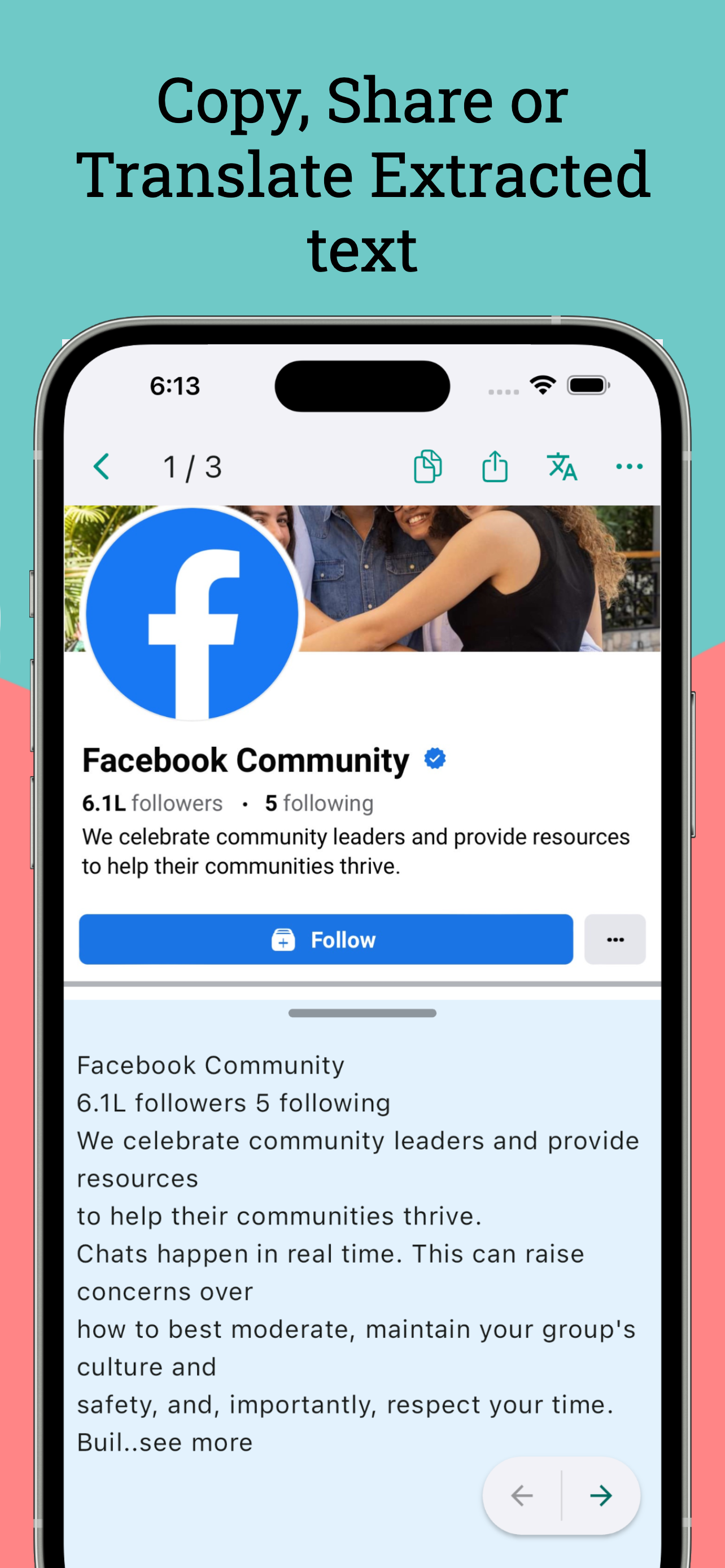
The default long press to copy text on a mobile screen or image does not always work. This app helps you extract text/words from a mobile screen by sh...
| Name | Price | Type |
|---|---|---|
| Extra Scans | $0.99 | One-time |
| Unlimited Scans Monthly | $5.99 | Monthly |
| Unlimited Scans Yearly | $59.99 | Yearly |