Check the acquisition promise
Read the store headline, screenshots and description. What problem is the app promising to solve?
Study the storefront ↗
Sony Corporation · iOS
Explore the ad evidence, study the storefront, and build your next acquisition hypothesis.
01 / Creative research
Read the store headline, screenshots and description. What problem is the app promising to solve?
Study the storefront ↗Explore apps with direct store-link matches. Compare their hooks and formats without assuming the same approach works here.
Browse observed advertisers ↗Store rankings and revenue estimates describe market context. They do not establish ad spend, conversions or ROAS.
Review the market context ↗02 / Storefront & product
Study the product story and store experience behind the acquisition funnel.


03 / Market context
Keep revenue, downloads and store rankings separate from advertising performance.
Sony CRE-C20 hearing aids are nice high quality devices but the app needs improvement. The app apparently chooses one of 6 pre-defined profiles for the left and right HA based on the results of the hearing test in each ear. The app then provides adjustments for sound balance, volume and tone. There is no way to know which profile has been selected for each ear or to adjust the applied profile to improve speech understanding in noisy environments. I would suggest incorporating the ability to apply speech understanding adjustments to the HA’s by the user once they have been set up by the app. Speech understanding in noisy environments is probably the number 1 complaint from hard of hearing people. I’ve tried the Apple Airpod-2 hearing app and it performs much better for speech, conversation and television with airpods than the Sony app with my CRE-C20’s.
I am 33 and set these up for my 84 year old grandmother. I was impressed with the initial setup however the app has several major flaws in my opinion. 1) Sony asks you to turn off Bluetooth during initial setup, but how do you reconnect the hearing aids to the app for changes after leaving the app? I do not live with my grandmother and upon returning to her house days later, the app did not reconnect to the hearing aids, even after removing and reinserting the batteries. We had to complete the initial setup again to reconfigure. 2) After choosing the “Loudness” with the red and blue bars, Sony presents “Volume.” How is Volume different than Loudness? Very confusing to go from red and blue bars to the Volume Bar. We left Loudness on 7 (1 level down from 8 default) and then on the next screen Volume was back to 8. While we like the small form factor going to look at the Bose hearing aids to see if their software is better. Sony please improve your app.
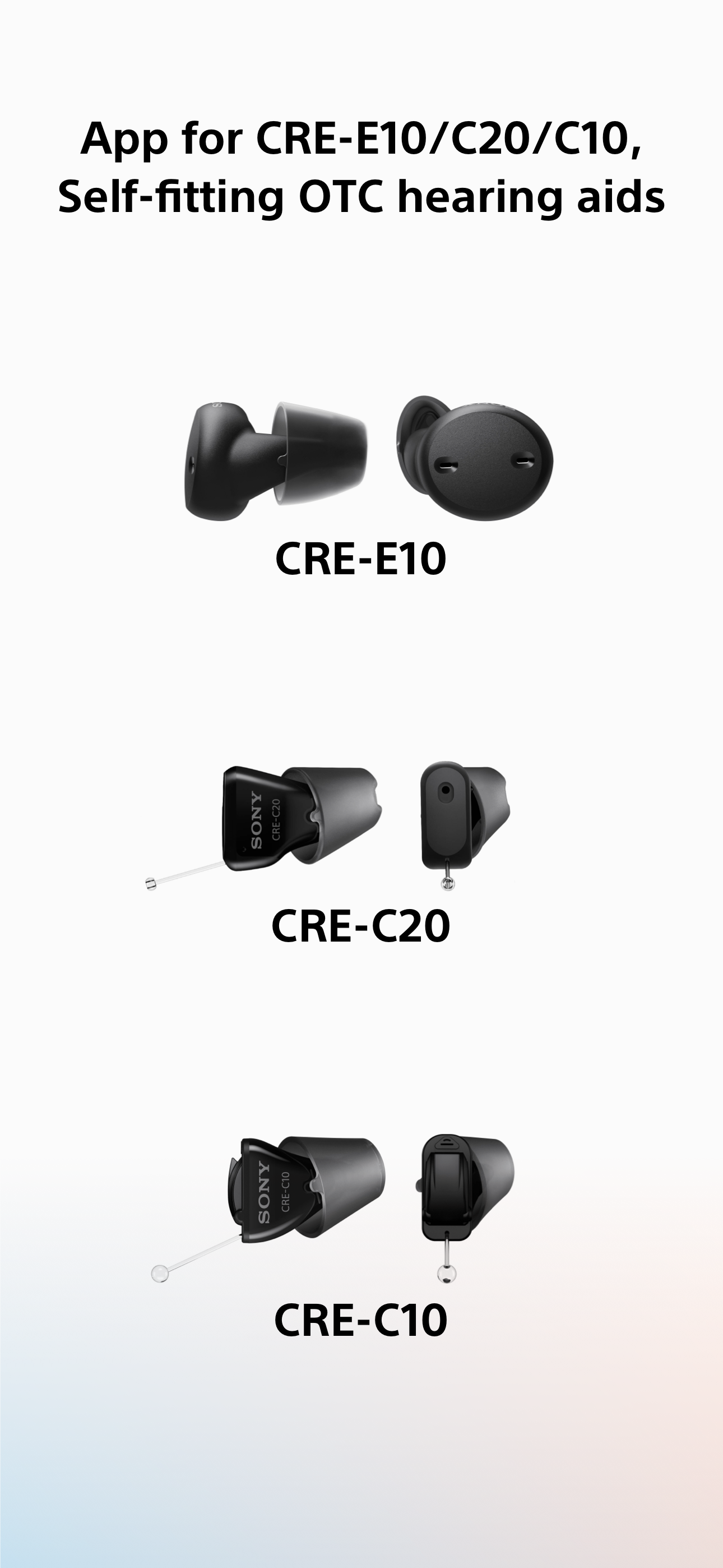
This app* is for Sony's CRE-C10, CRE-E10, and CRE-C20 self-fitting hearing aids. Easy and quick initial setup and remote control with kind instructio...