Check the acquisition promise
Read the store headline, screenshots and description. What problem is the app promising to solve?
Study the storefront ↗
Sony Corporation · iOS
Explore the ad evidence, study the storefront, and build your next acquisition hypothesis.
01 / Creative research
Read the store headline, screenshots and description. What problem is the app promising to solve?
Study the storefront ↗Explore apps with direct store-link matches. Compare their hooks and formats without assuming the same approach works here.
Browse observed advertisers ↗Store rankings and revenue estimates describe market context. They do not establish ad spend, conversions or ROAS.
Review the market context ↗02 / Storefront & product
Study the product story and store experience behind the acquisition funnel.
03 / Market context
Keep revenue, downloads and store rankings separate from advertising performance.
Network connectivity of Sony cameras is terrible and this app is a great example. Wi-Fi connection to my phone from my camera involves minimum 6 button pushes every time and drops as soon as the files transfer if not before. 70% of the time the network connection fails without transferring a picture. When it does work it usually takes multiple minutes to transfer a single picture. No way to transfer files to the cloud storage I use. It’s absurd how bad this app is and it’s been bad for years with no improvement. I should be able to transfer my photos from an A9 to my phone with max 1 button push or automatically. Should automatically connect and Wi-Fi should be painless. Not the ridiculous process this app uses. I should be able to connect my camera to a network and have the files go to the cloud automatically. Like my iPhone has done for a decade. Ridiculous that in 2023 this isn’t working and Sony seemingly doesn’t care.
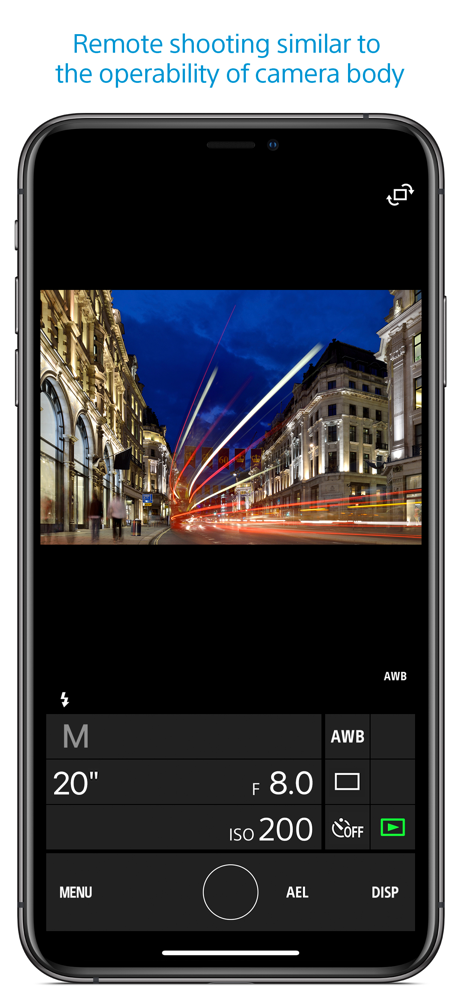
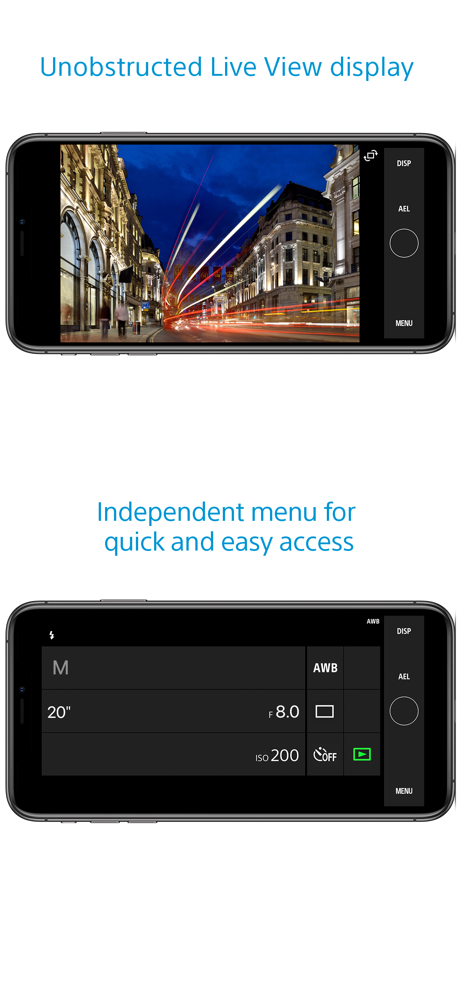
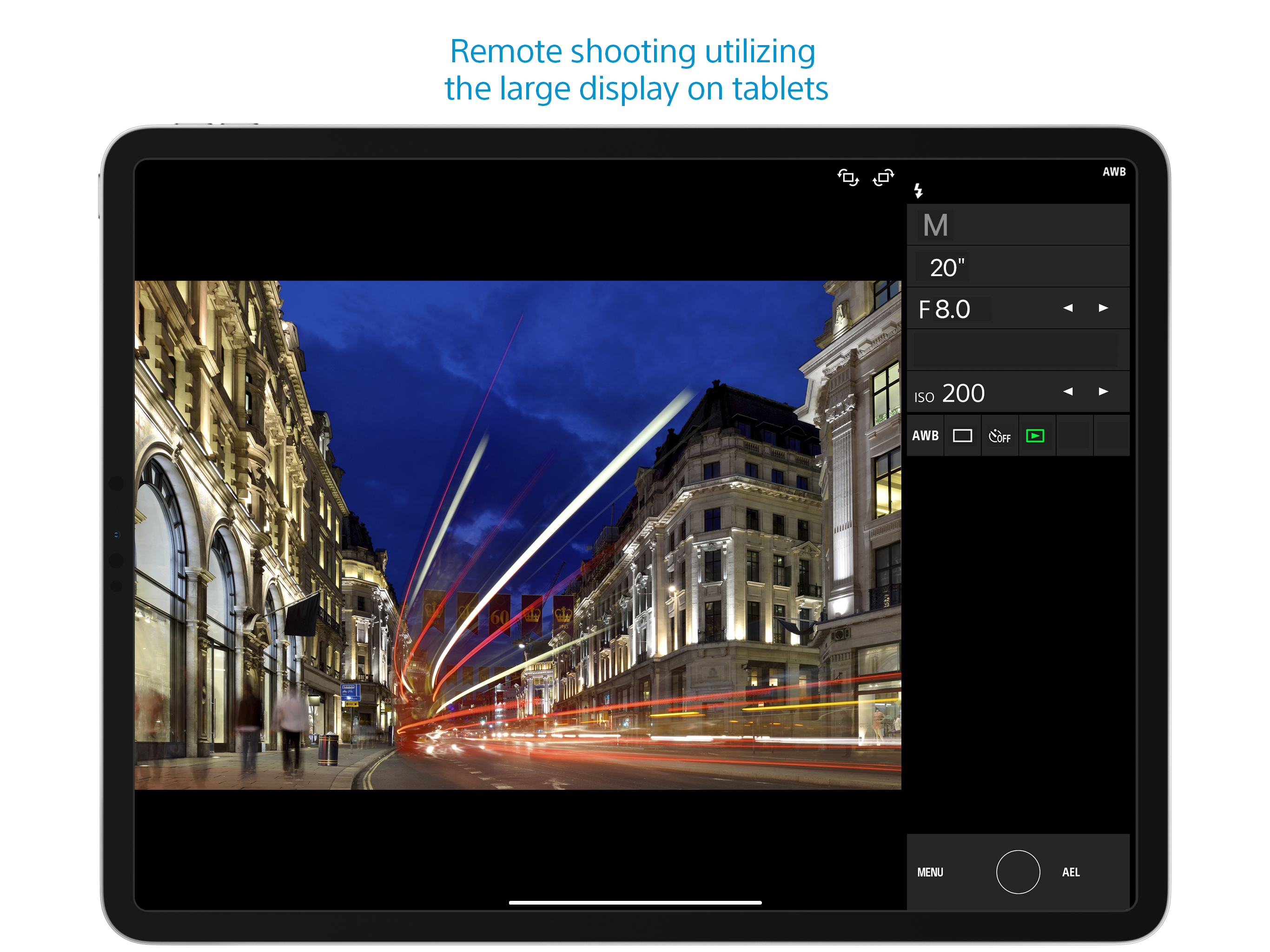
When I was trying to use this app with my Sony A6000 I found It functionally useless. However, I recently purchased a Sony RX10M4 and now find it quite useful. I can operate my Camera remotely while seeing through the viewfinder on my phone. I can trigger HFR shooting, and high speed drive multiple stills. Sure there are lots of things you cannot do but those are two important ones to me. Connecting is much better with the RX10 than the A6000. One significant irritation is that the WIFI link disconnects if you goto the camera and press the playback button to see a recording. On the iPhone, if you go to another app or even the main display, you have to restart your Imaging Edge session. It does not keep it active in the background. The session is still active but you have to push start for your camera. The disconnect when press camera playback is a significant irritation. Do not understand this limitation. Remote control of a camera is extremely valuable, I hope Sony will continue to expand hardware and software options in this area. Well, just found out that you cannot start a recording with this app. It does support single and multiple shot drive, and you can trigger HFR sooting but only offers the shoot trigger otherwise. How can this be? How can Sony build such great Cameras and develop such crappy remote control apps. Thus has been going on for years. Had to buy a non Sony remote system to do things I cannot do wit Sony apps and remotes. How silly is this?
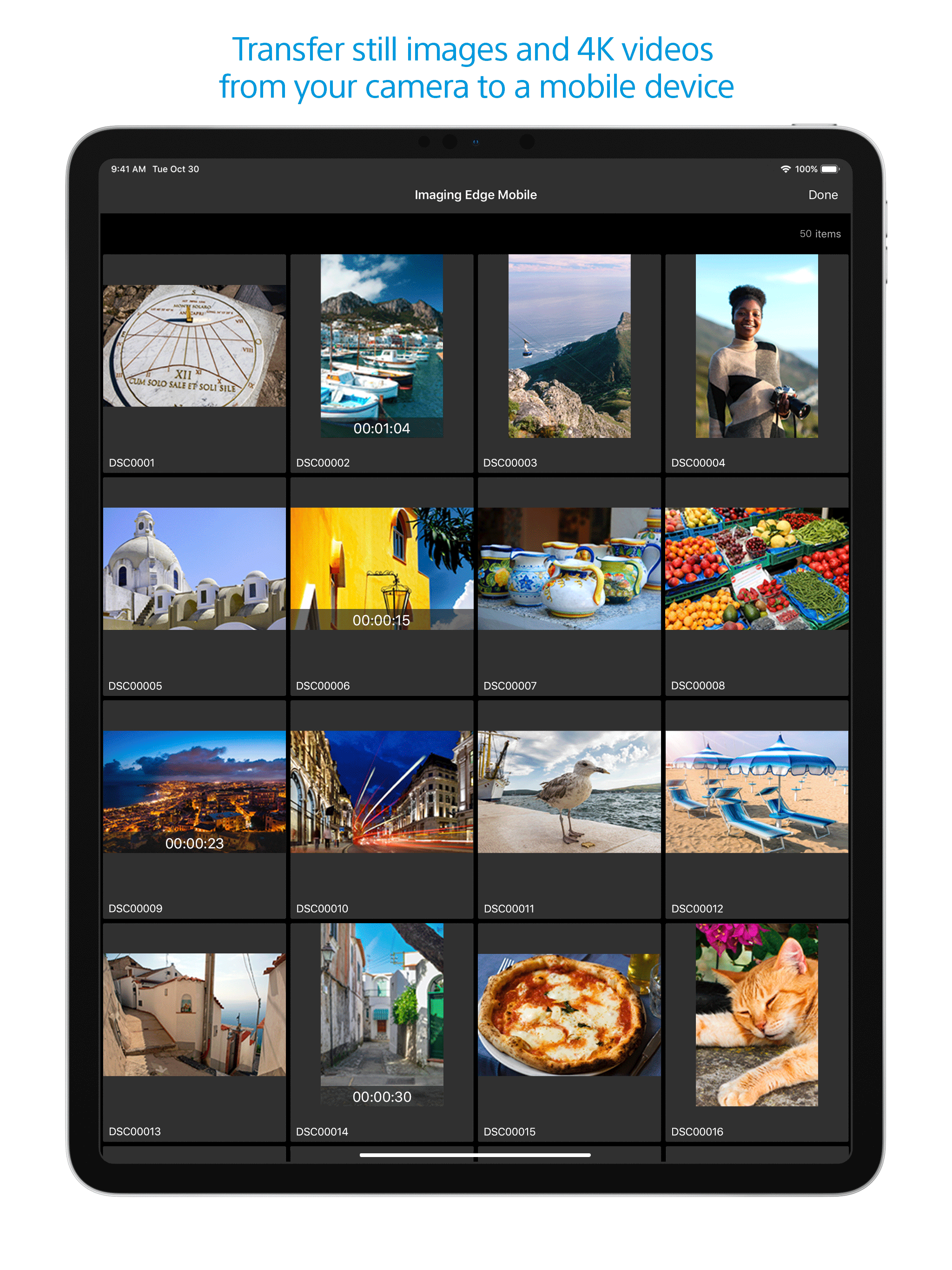
The biggest drawback with PlayMemories is the hodgepodge of separate apps - remote, photo transfer, HDR, etc - launched separately from camera rather than a single comprehensive program. Coming from Nikon, CamRanger blows it out the water but doesn't support Sony. About the only function I use is remote trigger which transfers those jpg, but not the photo transfer app with traditionally shot photos as I says will transfer individual but only does ALL! HDR, variate filter etc, use real software in post where have more control. One thing to be aware of, the app starts with last settings and adjusts the camera to it rather than reading the current camera settings and adjusting from there. If you last shoot was night/Astro and currently daylight/beach, you suddenly start with ISO 6400 despite the camera being set at ISO 100! Now to the reviewers upset because doesn't transfer RAW. Seriously? ARE YOU NUTTS! Save your RAW to SD card and use real software later. Jpg and minor app adjustments if necessary is certainly sufficient for viewing/chimping and social media upload. With Nikon did RAW+jpg to separates SD cards and loaded the selected jpg to iPad directly via SD toggle from that specific card? With Sony's single SD card, RAW+jpg on same card and both transferred. With 43mgB RAW files, it totally blew out my memory in the iPad. Worse, with the duplicates - RAW and jpg - IOS doesn't show file name extensions or file size to know which one yo delete.
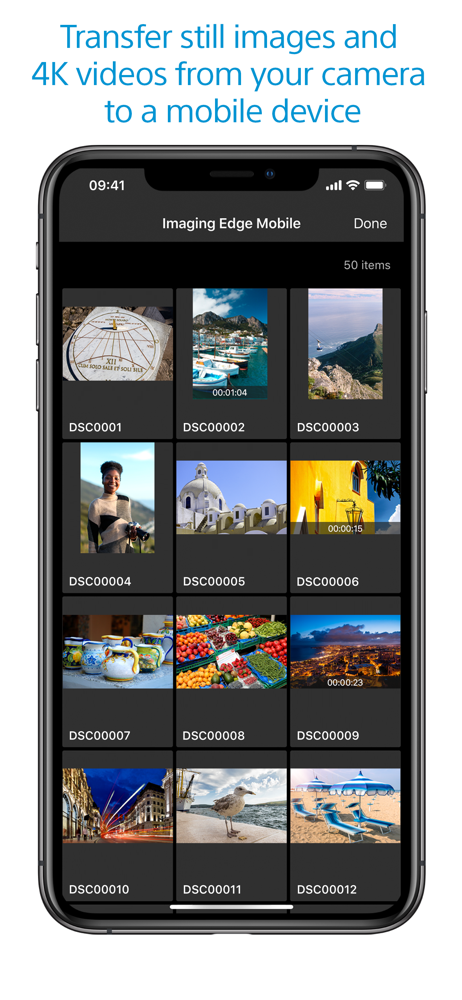
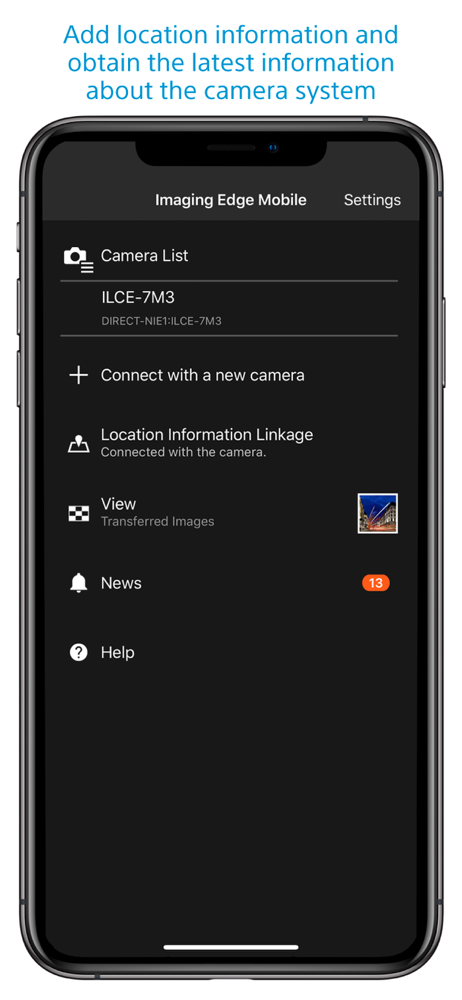
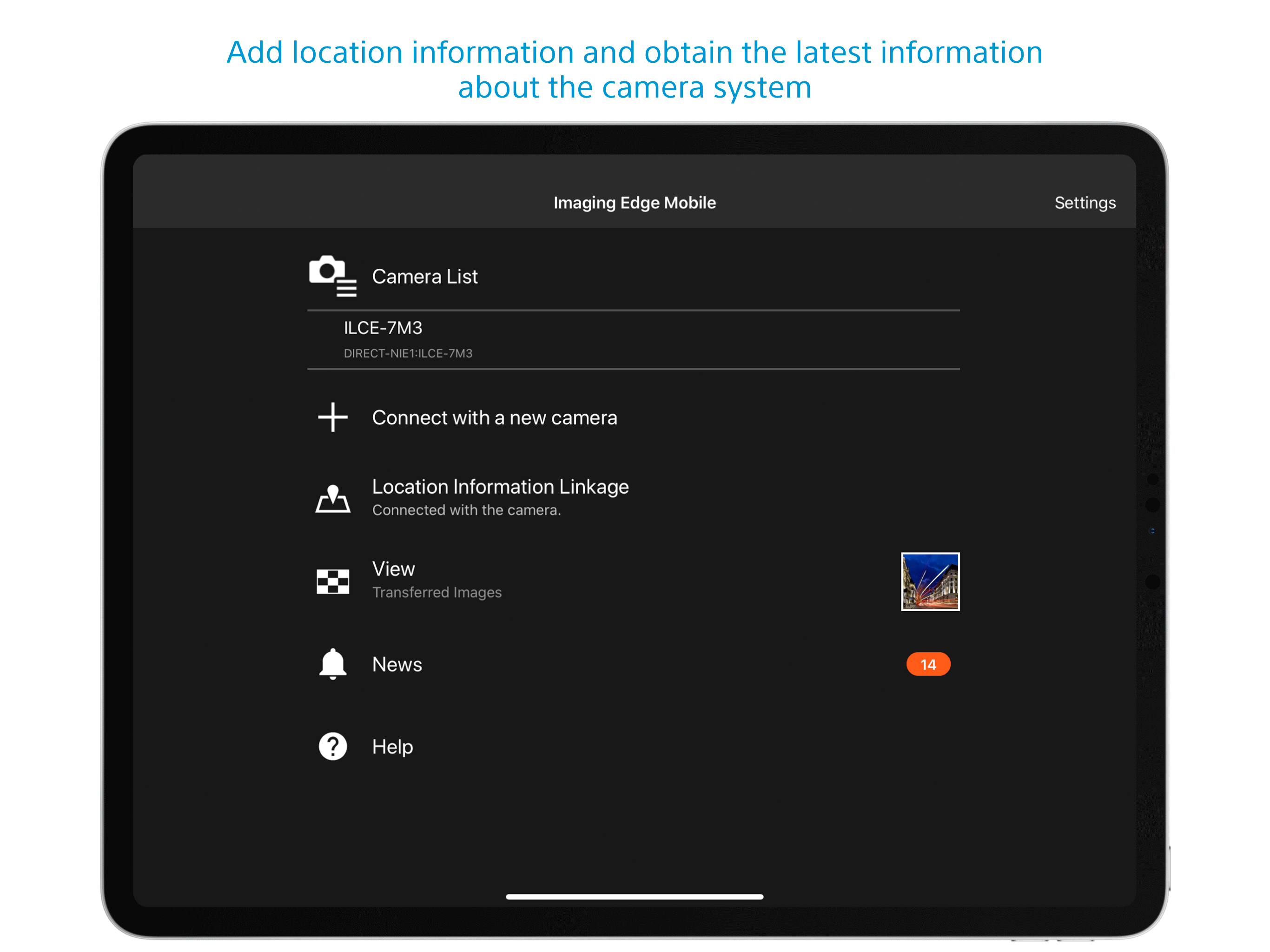
Imaging Edge Mobile allows images/videos to be transferred to a smartphone/tablet, enables remote shooting, and provides location information to image...