
Check the acquisition promise
Read the store headline, screenshots and description. What problem is the app promising to solve?
Study the storefront ↗
StoreBound LLC · iOS
Explore the ad evidence, study the storefront, and build your next acquisition hypothesis.
01 / Creative research
Read the store headline, screenshots and description. What problem is the app promising to solve?
Study the storefront ↗Explore apps with direct store-link matches. Compare their hooks and formats without assuming the same approach works here.
Browse observed advertisers ↗Store rankings and revenue estimates describe market context. They do not establish ad spend, conversions or ROAS.
Review the market context ↗02 / Storefront & product
Study the product story and store experience behind the acquisition funnel.



03 / Market context
Keep revenue, downloads and store rankings separate from advertising performance.
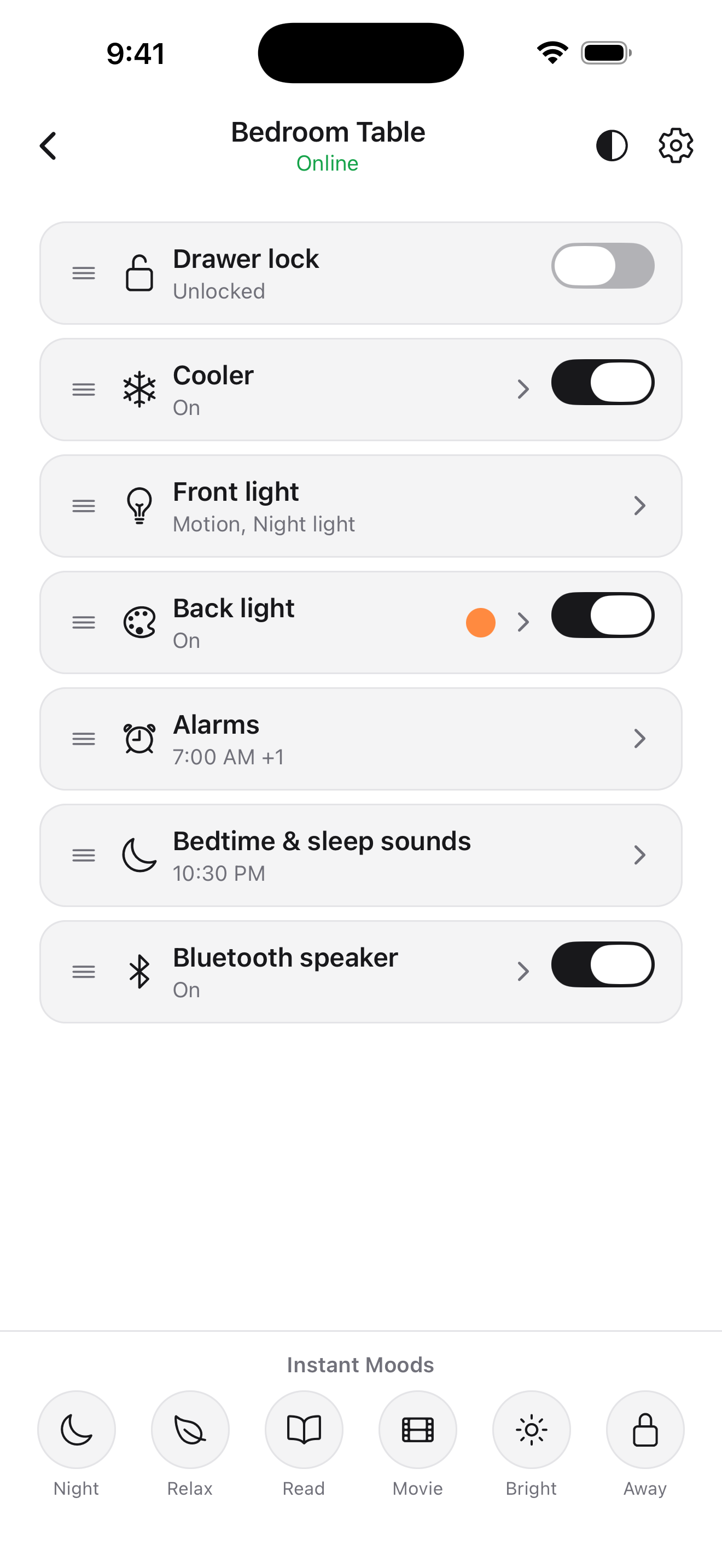
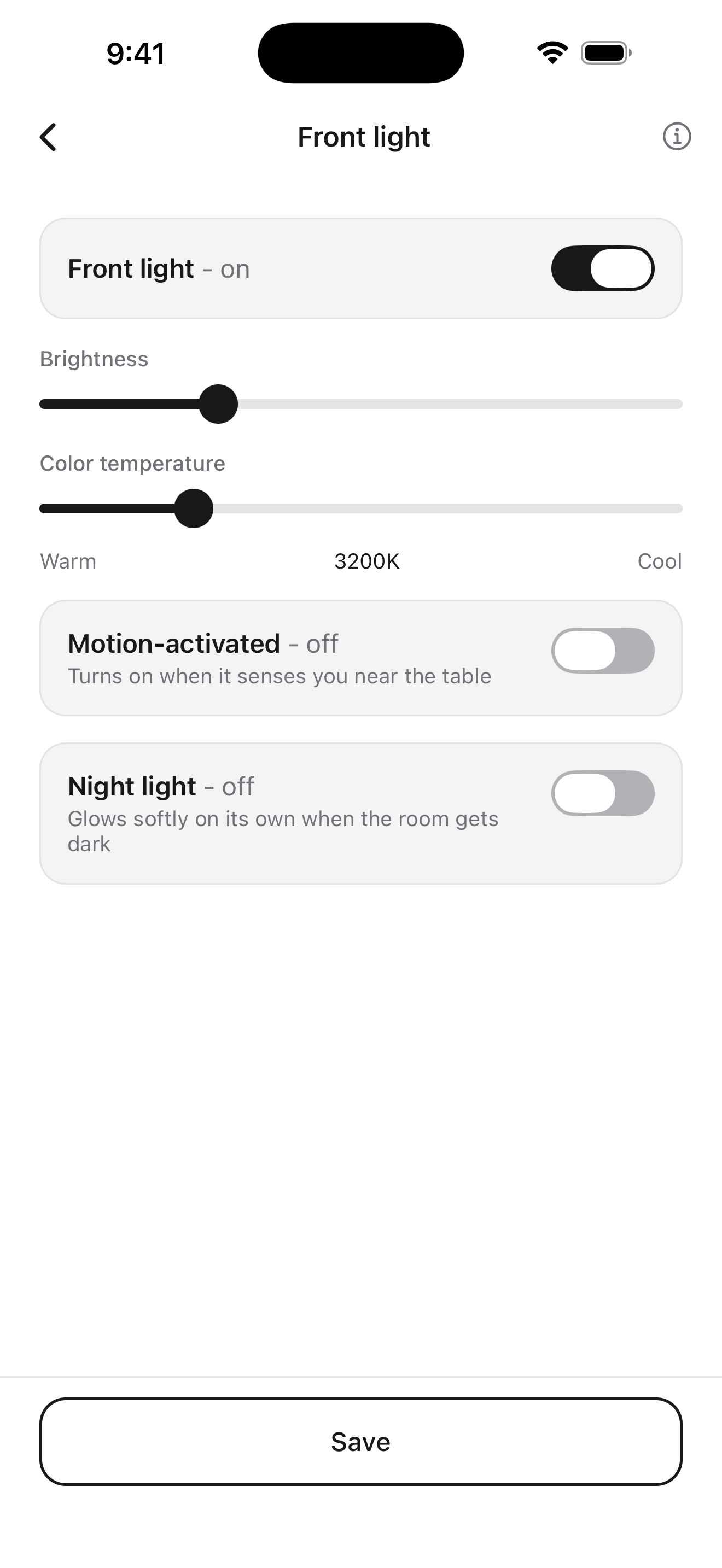
I’ve had other smart devices where the companies gave up on the products and supporting them after a couple of years, but most at least got to the point of a working app and product and held on to support for a few years before they gave up. The weird thing is that they are still selling the product but not even trying to offer things like the locking drawer which was a big selling point. Right now the only thing that works well is the cooler drawer does actually keep drinks cold and I live in souther Arizona where the sun is always trying to kill you, so that is very good that it works better than I expected. But the alarm feature is not at all reliable. I am lucky to be an independent contractor that sets my own hours otherwise I would not be able to rely on the alarm (and yes I kept the app open the entire time, it was hit or miss). The Bluetooth speaker rarely works but sometimes it just turns on randomly and it will just start blasting a video I am watching out of no where. It doesn’t happen often but really shouldn’t happen at all. The only thing this app really seems to control is the color and on of feature of the LED lights in the front and back of the unit. That’s it. I don’t even open it anymore.
So, I’m rating my Sobro “experience” at this point...I’d like to be rating the app, but as mentioned here by several different people who undoubtedly are in different parts of the country (possibly world) that have the same exact trouble: WiFi. And whats SOOOOOOO troubling about this issue is that wifi is LITERALLY the foundation of ALL APPS! LOL! (...and that was a nervous ‘laugh to keep from crying’ type of LOL) But, seriously...wifi connectivity is needed to use most apps OR allow an app to communicate with the world as necessary. It is the one thing in this app that should work flawlessly. I can’t even get pass the initial set up because of the lack of wifi connectivity. I’d even give the app a pass if it connected to wifi, but had trouble speaking to the table. See, I’m generally a glass half full guy. I know people are just imperfect beings trying to create perfect experiences and that is impossible to do. I expected hiccups. I had to listen to my wife tell me we got scammed for the past 12 months every time there was a production delay. And, just when I was FINALLY vindicated, I can do nothing with the table. (Do you know how much it stinks to lose a year long argument to your spouse, Sobro???!) Although, the app is HORRIBLE so far, I am rating it 3 stars. This is SOLELY because the Side Table looks DOPE! And it seems like most features will work. Also, because I believe in humans who go out into the world with the bravery to create things not created before. I believe in you Sobro! Let’s get this app working and revamped to work with next gen (or current gen, for that matter) wifi that STAYS connected and gives me a “W” in the spousal disagreement tally log!
If you are having issues with connecting to WiFi, you’ll need to use a 2.4GHz network to connect. Could not connect to 5GHz but once I switched to 2.4GHz, it worked immediately. Generally, the app functions but had a number of errors and needs improvements: - You cannot Edit the name of a side table. Pressing save takes you back to the list of tables and the name doesn’t change. Frustrating to remember which side of the bed ends in 46 and which in 25 - You should be able to set multiple alarms as many of us have different schedules on weekdays vs weekends or different days of the week. - No option to lock drawer as described on in Indiegogo - Bluetooth should be discoverable at all times on the table UPDATE (reduced to 2 stars): The alarm failed to make sound this morning even though the light went off. Opening the app seemed to log me in again and this seemed to cause the alarm sound to fail to go off. An alarm that does not work 100% of the time is a useless alarm. These should all be fixable issues (maybe not Bluetooth if it’s a hardware switch). Fixing them would make this a 5.
Control your Sobro Smart Side Table from anywhere. Lights, cooler, alarms, sleep sounds, and your Bluetooth speaker, all from one simple app. The Sob...


