Check the acquisition promise
Read the store headline, screenshots and description. What problem is the app promising to solve?
Study the storefront ↗
IPCamSoft.com · iOS
Explore the ad evidence, study the storefront, and build your next acquisition hypothesis.
01 / Creative research
Read the store headline, screenshots and description. What problem is the app promising to solve?
Study the storefront ↗Explore apps with direct store-link matches. Compare their hooks and formats without assuming the same approach works here.
Browse observed advertisers ↗Store rankings and revenue estimates describe market context. They do not establish ad spend, conversions or ROAS.
Review the market context ↗02 / Storefront & product
Study the product story and store experience behind the acquisition funnel.

03 / Market context
Keep revenue, downloads and store rankings separate from advertising performance.
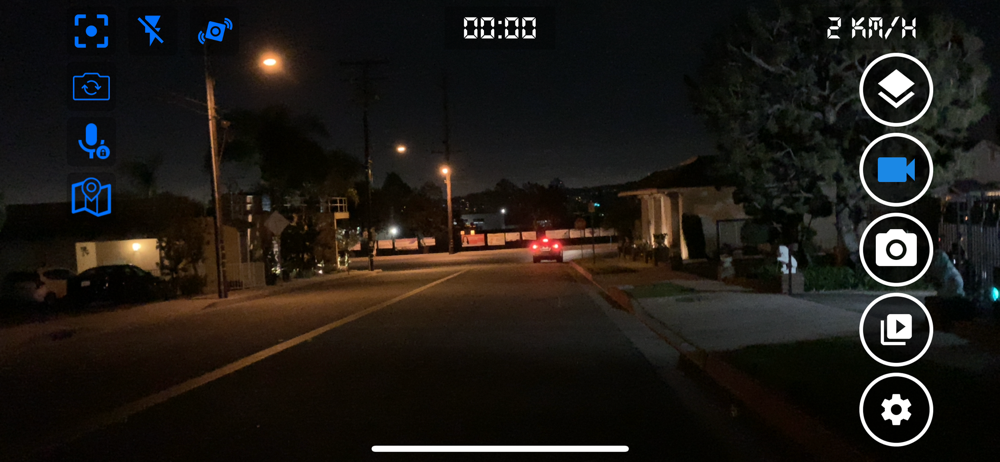
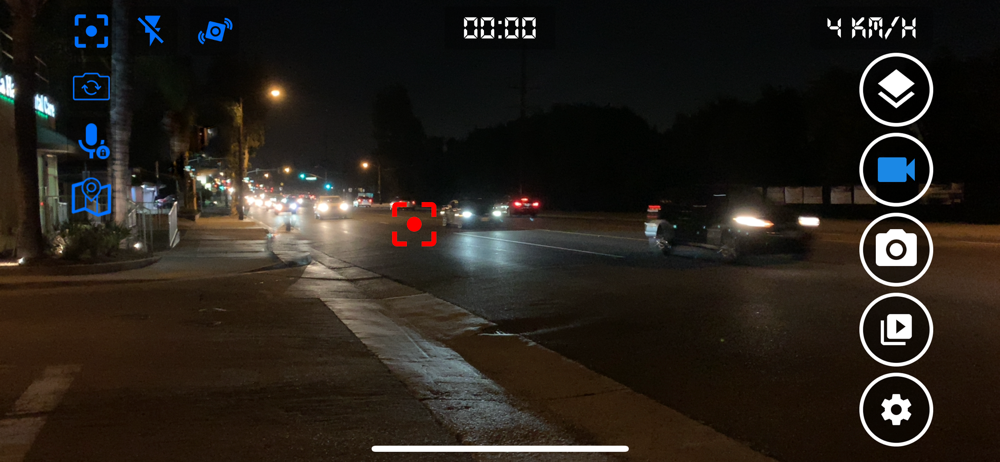
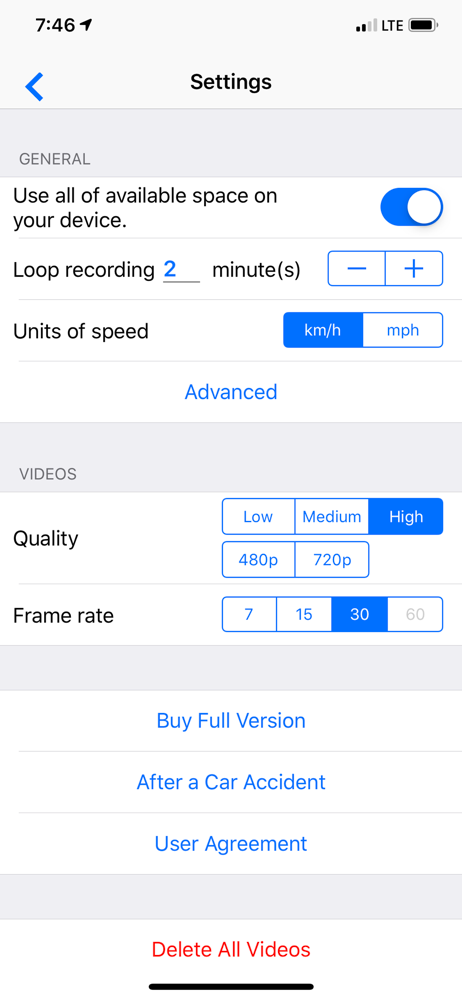
See for yourself. I have a new iPhone 11 with the latest iOS update. The footage is comparable to 360p at best! I never even tried it in my car, just holding the phone in hand and trying to read a license plate from 15+ feet is impossible! This was simply useless. Also, my phone has full AT&T LTE service so there should be no issues. Tried on my wife’s phone and everything was the exact same...I’d love to hear from the developer about this. Of course I made sure the camera lens is free of smudges/fingerprints. It’s also not a focus issue, as you can see the auto focus going through different focal points, all of which are blurry to REALLY BLURRY. It’s very evident this app is optimized for 360p recording or equivalent. Gave 2 stars instead of 1 because technically you can still use it as a dashcam, even though you won’t be able to see any details at all past 10 feet.
This dash cam app works very well. I love all the updates but there is one feature that has been removed. Before an update, the dash app used to record in the background while using a GPS app. After an update, it no longer does this. It stops recording when I switch over to the GPS app. Sometimes I need to have the GPS on-screen but still want the dash app recording in the background. Now it just stops recording when I have the GPS on-screen. Having this feature back would be great and would rate 5 stars if it did.
This app does exactly what it claims. Video quality is good. Has some shake but otherwise clear. The only problem I have is that on my iPhone 8’s, after about 20 minutes, the phone is so hot the phone shuts down. That is in an air conditioned pick-up truck. It could not be used continuously even on short trips. Update: I installed this on my Samsung Galaxy S8+ and used it all day with no problems. I was driving a total of probably 2 hours off and on and the Galaxy never even felt warm. I was in the same truck using the same mount as with the iPhone mentioned above and the outside temps were about the same. So, obviously there is an issue with the program on the iPhone not necessarily with the program itself. I really like the program on the Galaxy. Oh, and by the way, there is no shake with the Galaxy because the camera has image stabilization. You can see the dash shake but the image is rock solid.
Turn your phone into a full featured car video recorder at a fraction of the cost of the standalone device. Smart Dash Cam app automatically captures...
| Name | Price | Type |
|---|---|---|
| One Month Subcription | $1.99 | One-time |
| One month subscription | $1.99 | Monthly |
| Three Months Subcription | $4.99 | One-time |
| Three months subcription | $4.99 | Quarterly |
| One Year Subcription | $9.99 | One-time |
| full version of Smart Dash Cam | $9.99 | One-time |
| One year subscription | $9.99 | Yearly |