Check the acquisition promise
Read the store headline, screenshots and description. What problem is the app promising to solve?
Study the storefront ↗
Shenzhen Leqi Innovation Co., Ltd. · iOS
Explore the ad evidence, study the storefront, and build your next acquisition hypothesis.
01 / Creative research
Read the store headline, screenshots and description. What problem is the app promising to solve?
Study the storefront ↗Explore apps with direct store-link matches. Compare their hooks and formats without assuming the same approach works here.
Browse observed advertisers ↗Store rankings and revenue estimates describe market context. They do not establish ad spend, conversions or ROAS.
Review the market context ↗02 / Storefront & product
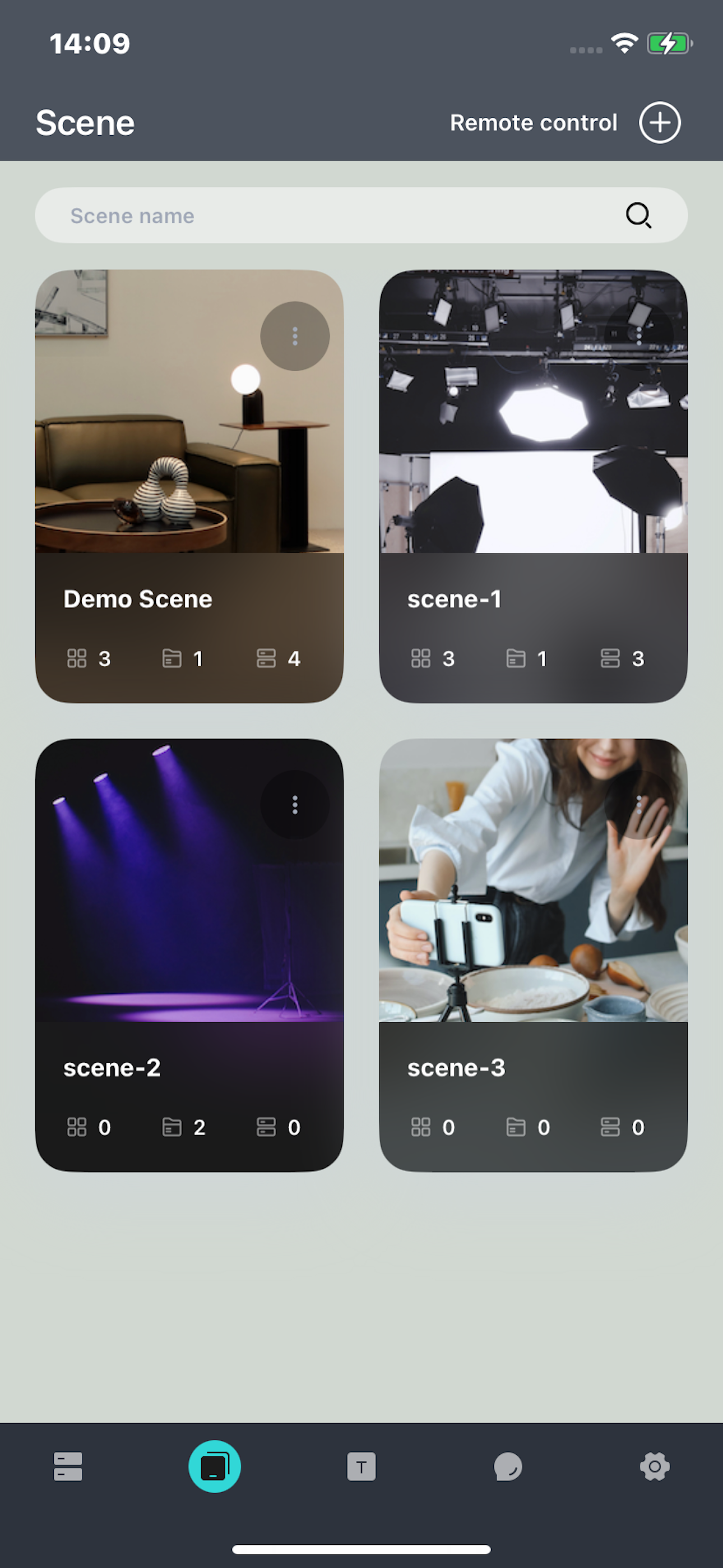
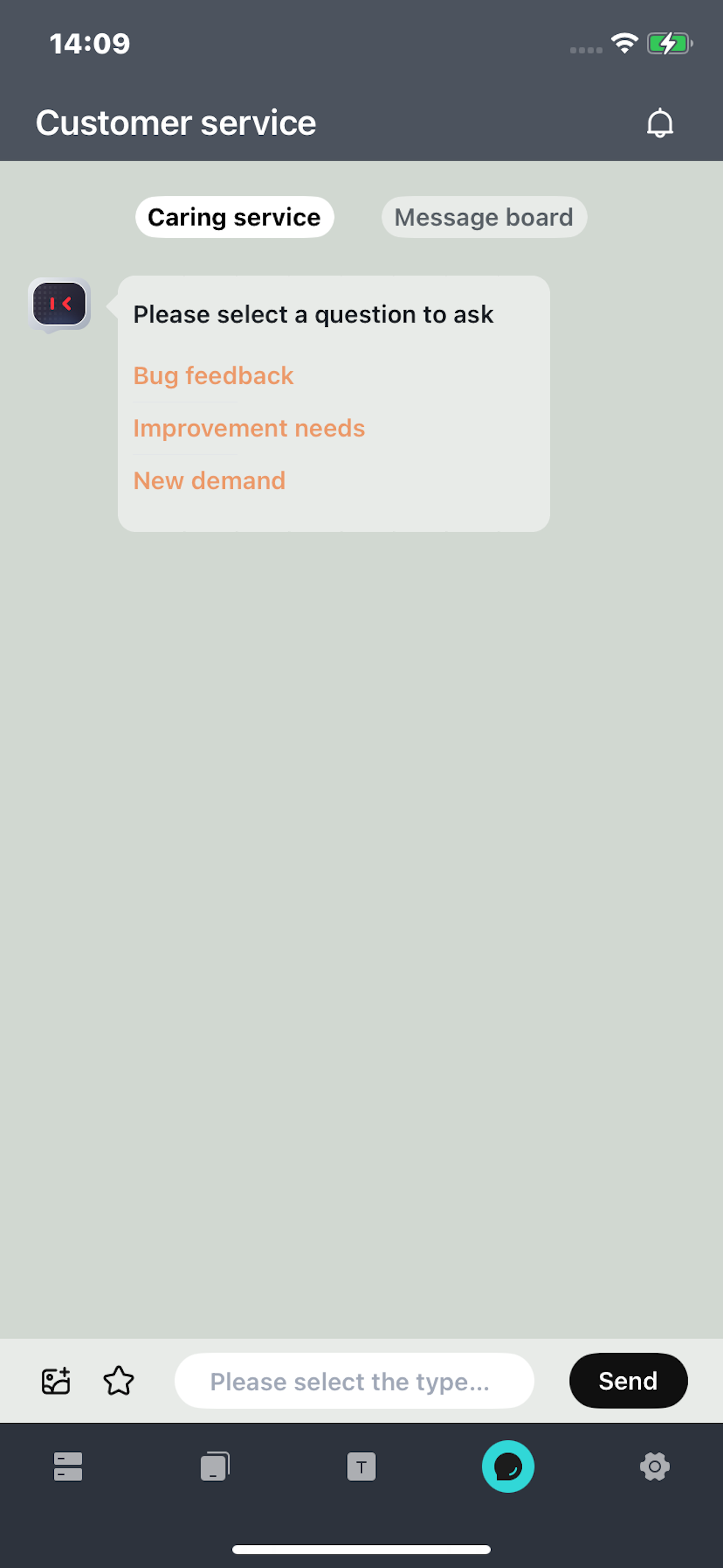
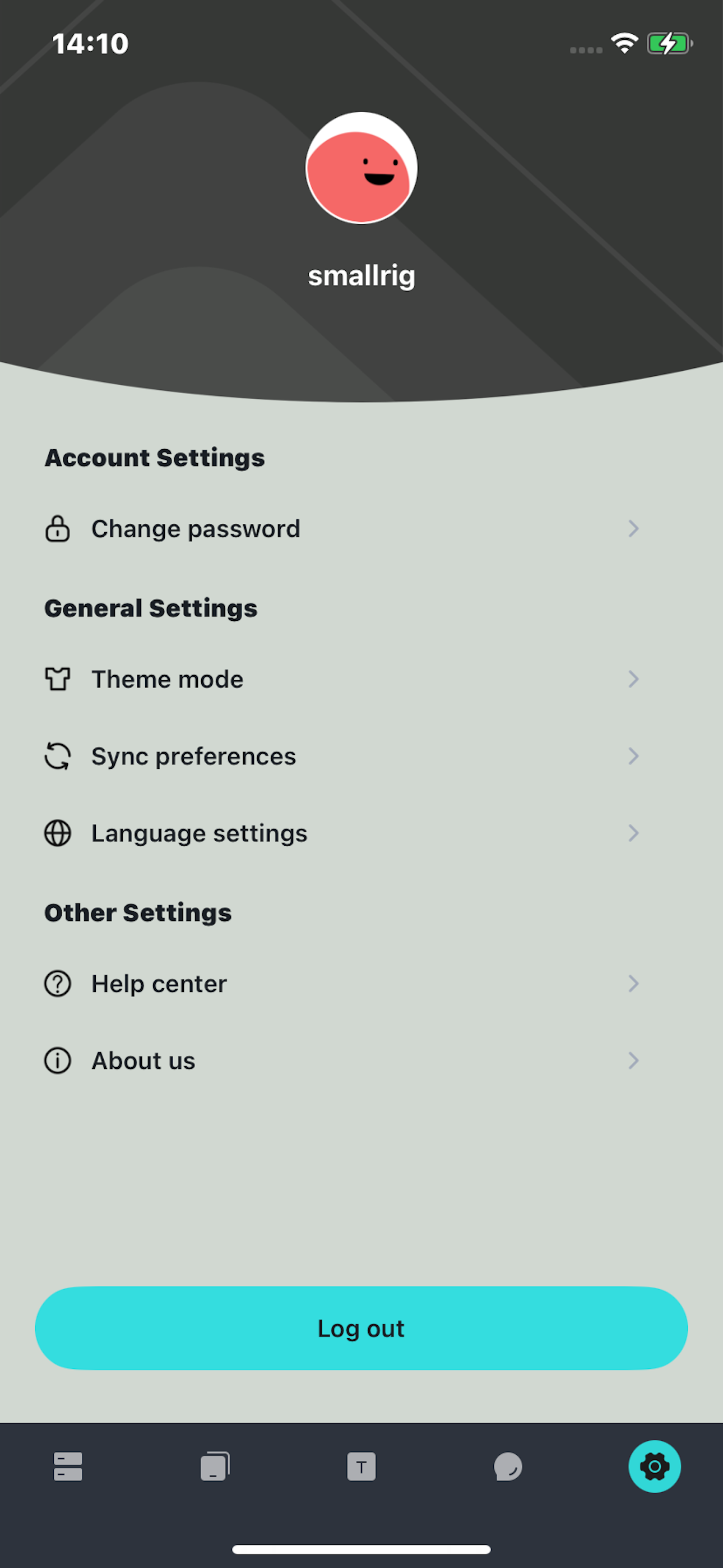
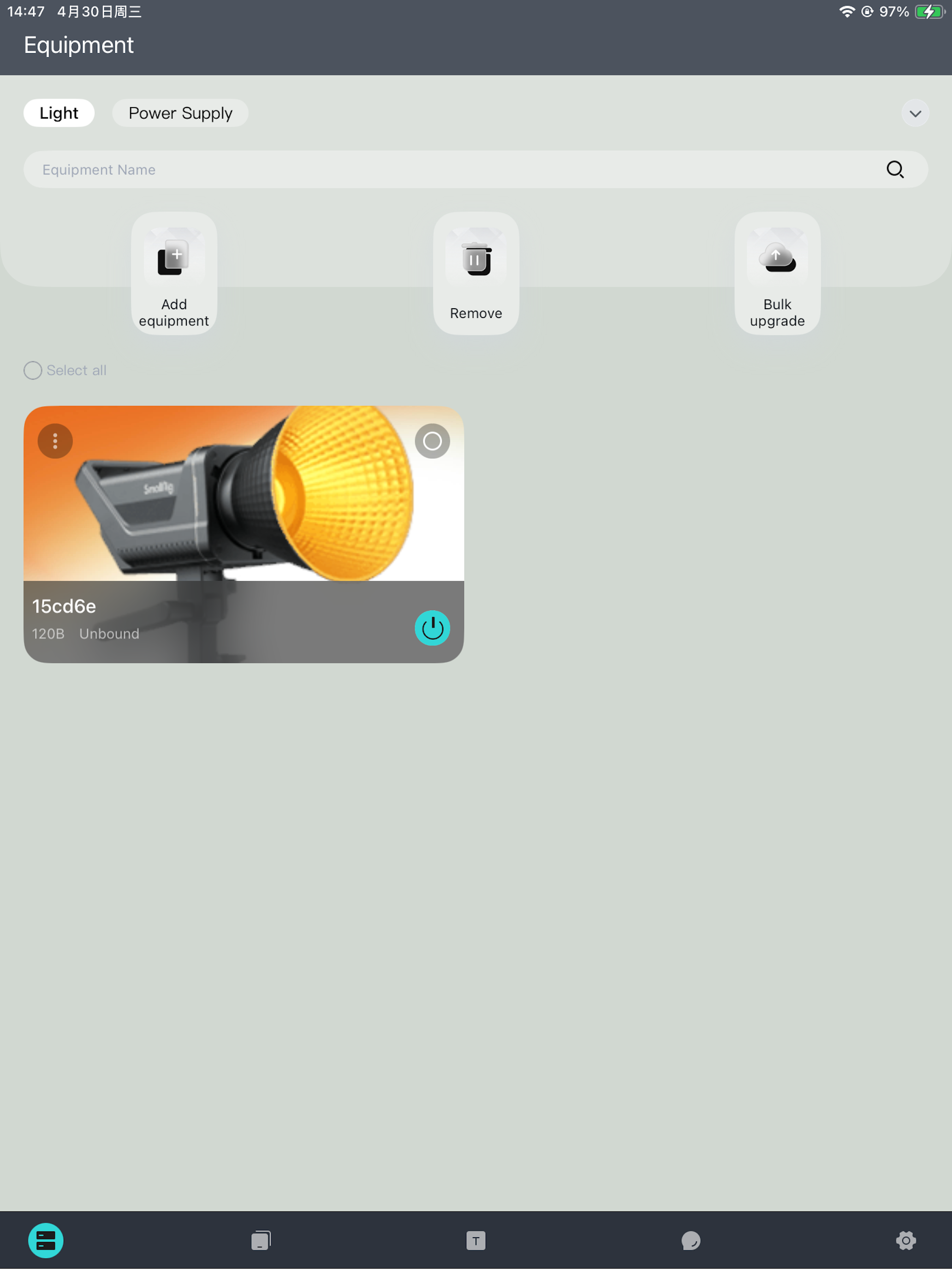
Study the product story and store experience behind the acquisition funnel.
03 / Market context
Keep revenue, downloads and store rankings separate from advertising performance.
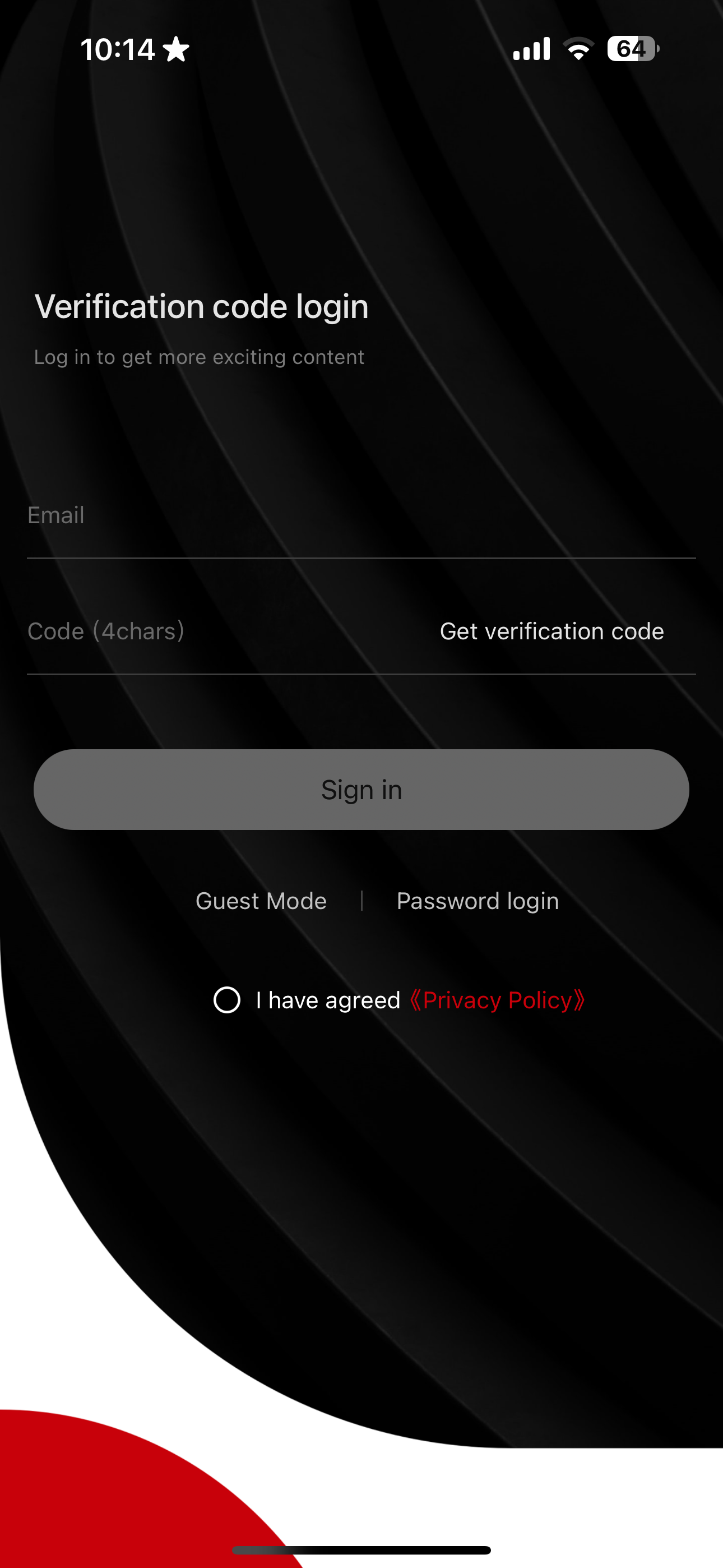
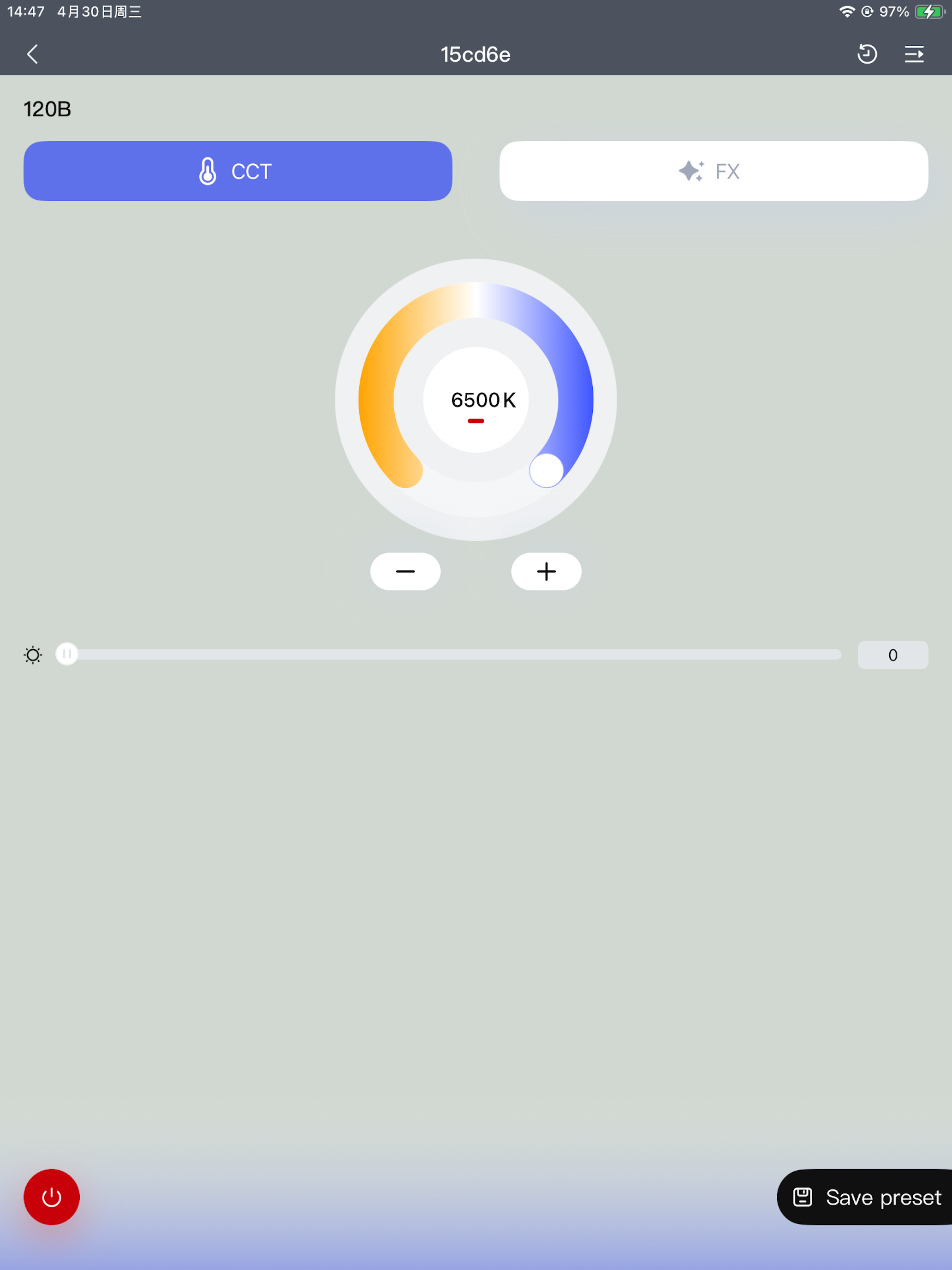
You would think that an app for a professional lighting product would be easy to use and reliable. But you would be wrong. This app is for dozens of Home products that have nothing to do with professional video, they really seem to want you to register your email just to use the app, but you can use it in guest mode, although I never got it to work at all in anyway. But it seems like even if I had gotten it to work, it would be 10 steps to get into the app and recall a preset. That’s literally and figuratively and in every way a complete waste of my life.
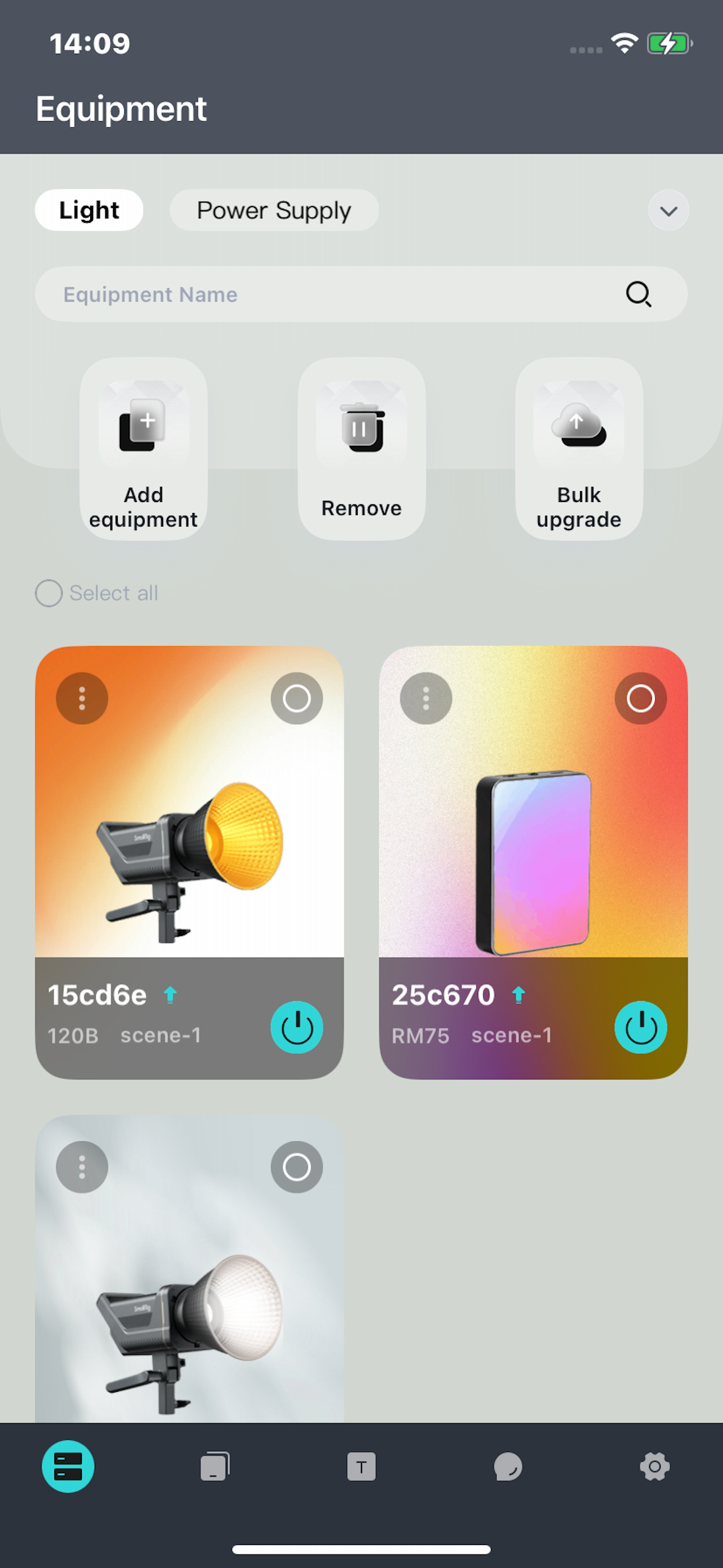
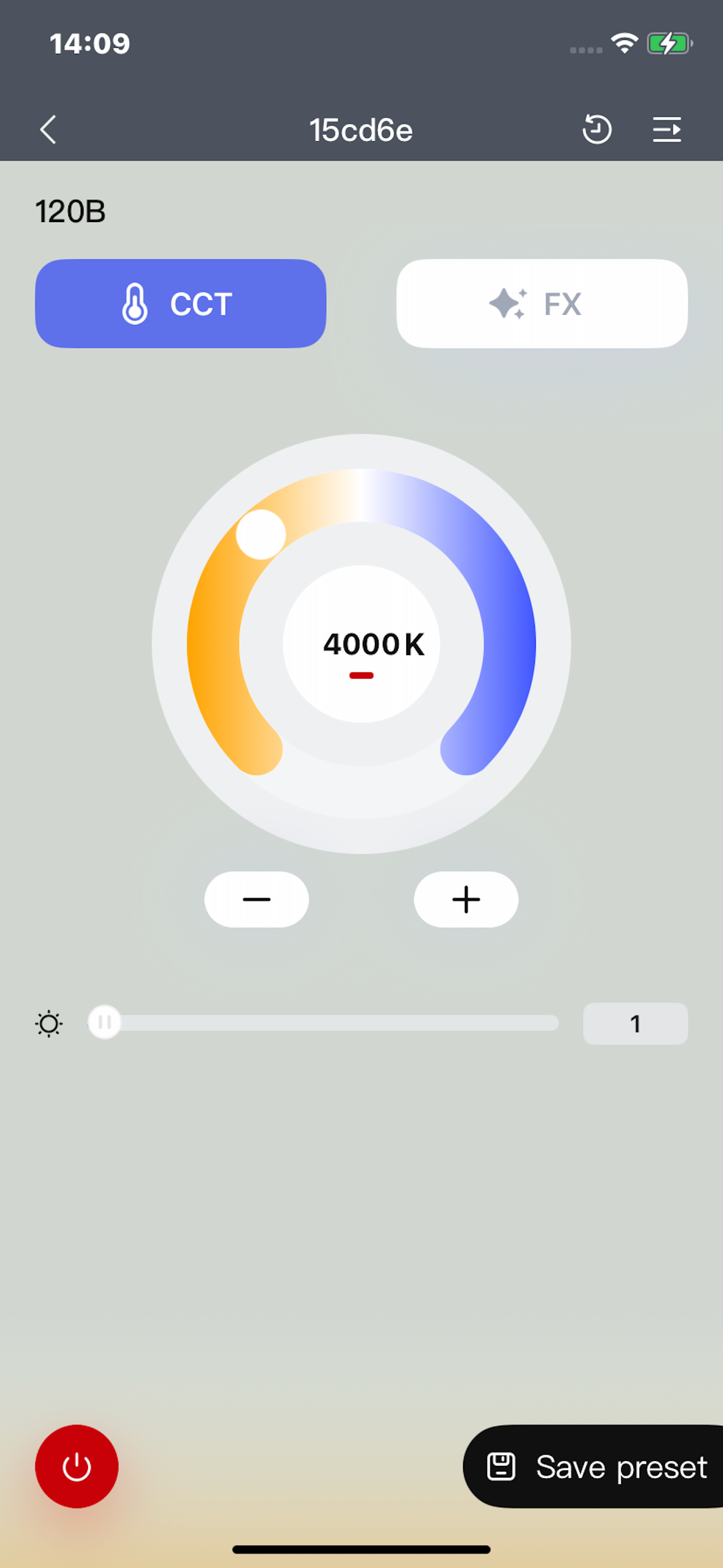
I will say that this app does function. But it does not function correctly and it does not function consistently. I have two RC120b and one RC220b lights I’m trying to control in a studio setting. I very commonly have to force quit the app and restart it to get it to recognize the lights. Then, one of the most annoying things is that when controlling multiple lights, after adjusting the brightness of one light and navigating to the next, the next light will immediately adopt the brightness settings I just adjusted on the first light. SmallRig has to fix this!
Not sure why all the fuss. I received my RC220B and downloaded the app right away. Held the reset button down until it started flashing and the app saw the unit, I paired them and was able to do anything I wanted with it. No issues. Only thing I found interesting was if I manually adjusted it and then kicked it back on with the app it went to the last app settings and didn’t leave the manual settings on. Not a real big deal but just something to understand.
SmallGoGo APP is a convenient control tool for photography enthusiasts. The advantage is based on the wireless control operation of photography fill l...