Check the acquisition promise
Read the store headline, screenshots and description. What problem is the app promising to solve?
Study the storefront ↗
Alan Cushway · iOS
Explore the ad evidence, study the storefront, and build your next acquisition hypothesis.
01 / Creative research
Read the store headline, screenshots and description. What problem is the app promising to solve?
Study the storefront ↗Explore apps with direct store-link matches. Compare their hooks and formats without assuming the same approach works here.
Browse observed advertisers ↗Store rankings and revenue estimates describe market context. They do not establish ad spend, conversions or ROAS.
Review the market context ↗02 / Storefront & product
Study the product story and store experience behind the acquisition funnel.




03 / Market context
Keep revenue, downloads and store rankings separate from advertising performance.
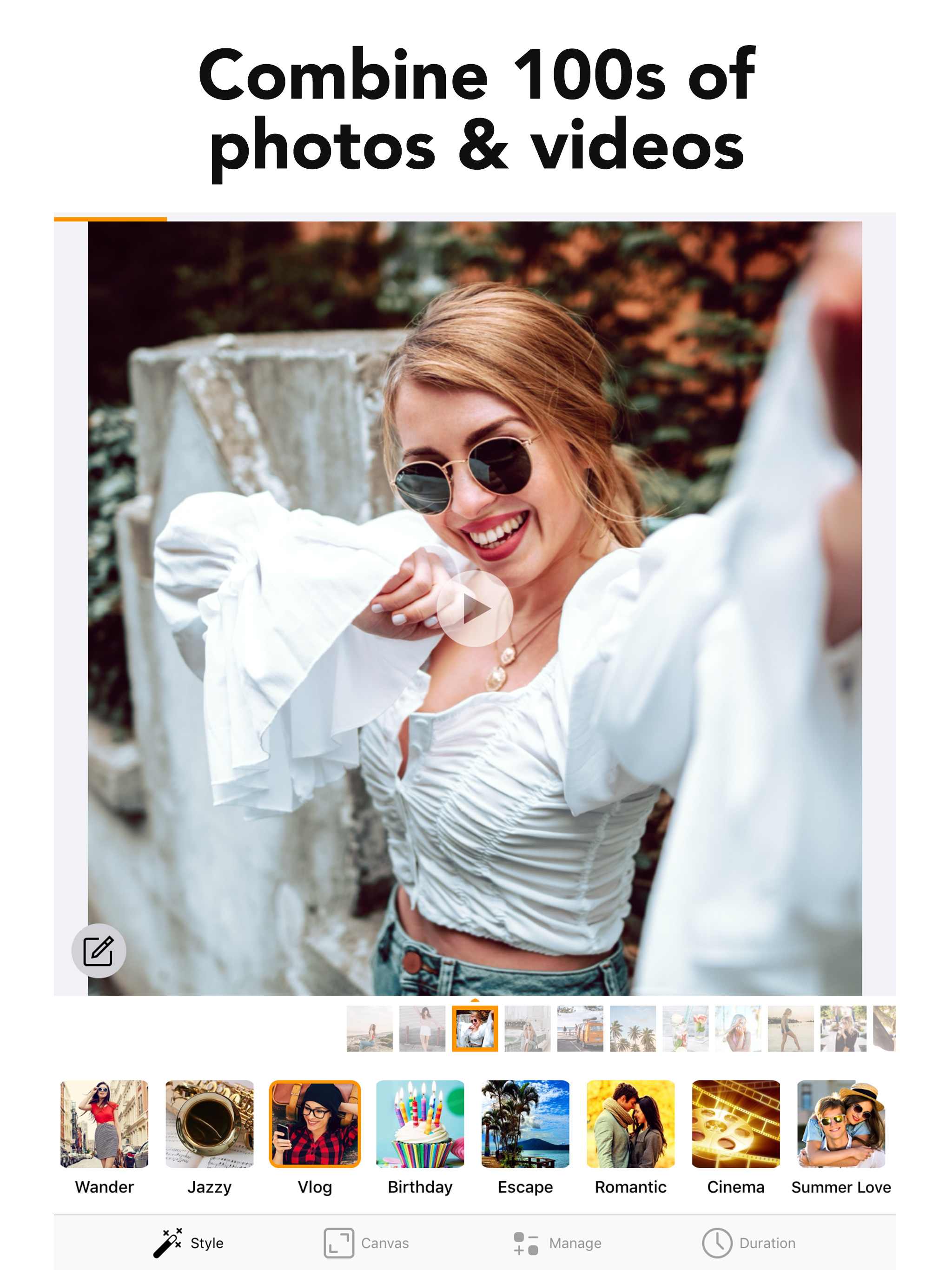
I recently used this Picture Slide Show maker, and I couldn't be more impressed! This tool truly encompasses everything you need to create stunning slideshows. The ability to customize music and set your own timing between pictures adds a personal touch that brings memories to life. What stood out to me was the exceptional customer support. I encountered a minor issue, and to my surprise, their team reached out within a few hours to help me resolve it. Their promptness and professionalism made the experience even more enjoyable. Whether you’re crafting a heartfelt tribute, celebrating a special occasion, or just want to share memories with friends and family, this slideshow maker is a must-have. I wholeheartedly recommend it to anyone looking to elevate their picture presentations!
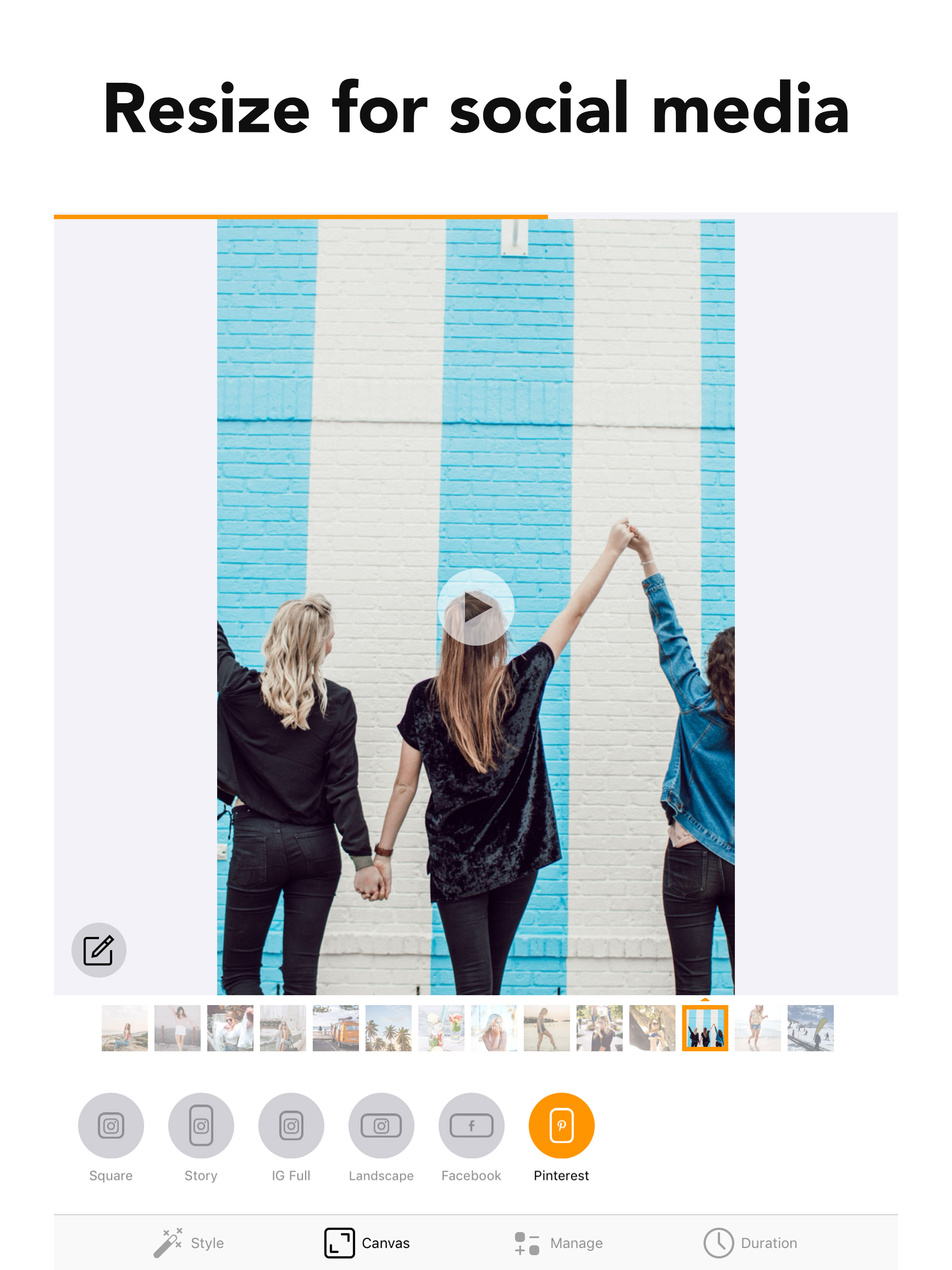
It’s pretty simple but there could be options to make it more user friendly. I’d like to be able to put my photos in a different order more easily then it allows - I don’t like having to delete the photo and adding it back into the slide show somewhere else . You should be able to manage all photos in the slide show and change order simple. I would like more options to control the photo between each slide and the times between each slide and not have it apply to the entire slide show. The music selection that comes with the full paid version is very limited and very weak none of it is any good in my opinion and I used my own. I also would like to have the option to use the full size version of my images not just for fb or social media. I’m using my slide show for family wedding and I don’t like being forced to crop into the specs of social networking sizes. The app is basic but it’s workable for the price it needs some fine tuning. I only used it because my Mac desktop is currently down I needed a slideshow and didn’t want to pay 40-50 like some of the other apps out there since I have better ones on my desktop that hopefully I’ll be able to use soon.
This app is extremely easy to use. Just click “new project” upload your media (photos and videos!) and it compiles them into a slideshow. There is options to add music, rotate pictures that are sideways, clip videos to make them shorter, and to increase or decrease the speed at which it moves through the slideshow. You can also have the app place the photos in chronological order or put them into the slideshow at random. This is literally everything I was hoping for in an easy to use format! The cost is 7.99 per year. They were very up front about that. No gimmicks or tricks. My only critique: when you’re editing a video clip and you’ve made the change it takes you back tot he beginning of the slideshow instead of starting where you left off. With pictures it doesn’t do the is. A little annoying but not a deal breaker.
Create unforgettable slideshows in seconds with photo & video! Combine media to make a movie with beautiful transitions, music, filters and effects an...
| Name | Price | Type |
|---|---|---|
| Premium (Weekly) | $2.99 | Weekly |
| Premium Monthly | $5.99 | Monthly |
| Slideshow Yearly | $12.99 | Yearly |