Check the acquisition promise
Read the store headline, screenshots and description. What problem is the app promising to solve?
Study the storefront ↗
Alan Cushway · iOS
Explore the ad evidence, study the storefront, and build your next acquisition hypothesis.
01 / Creative research
Read the store headline, screenshots and description. What problem is the app promising to solve?
Study the storefront ↗Explore apps with direct store-link matches. Compare their hooks and formats without assuming the same approach works here.
Browse observed advertisers ↗Store rankings and revenue estimates describe market context. They do not establish ad spend, conversions or ROAS.
Review the market context ↗02 / Storefront & product
Study the product story and store experience behind the acquisition funnel.



03 / Market context
Keep revenue, downloads and store rankings separate from advertising performance.
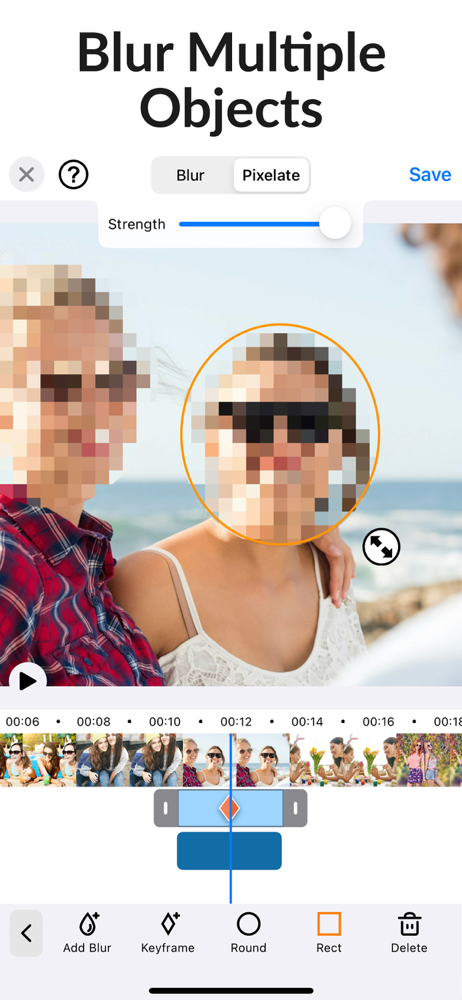
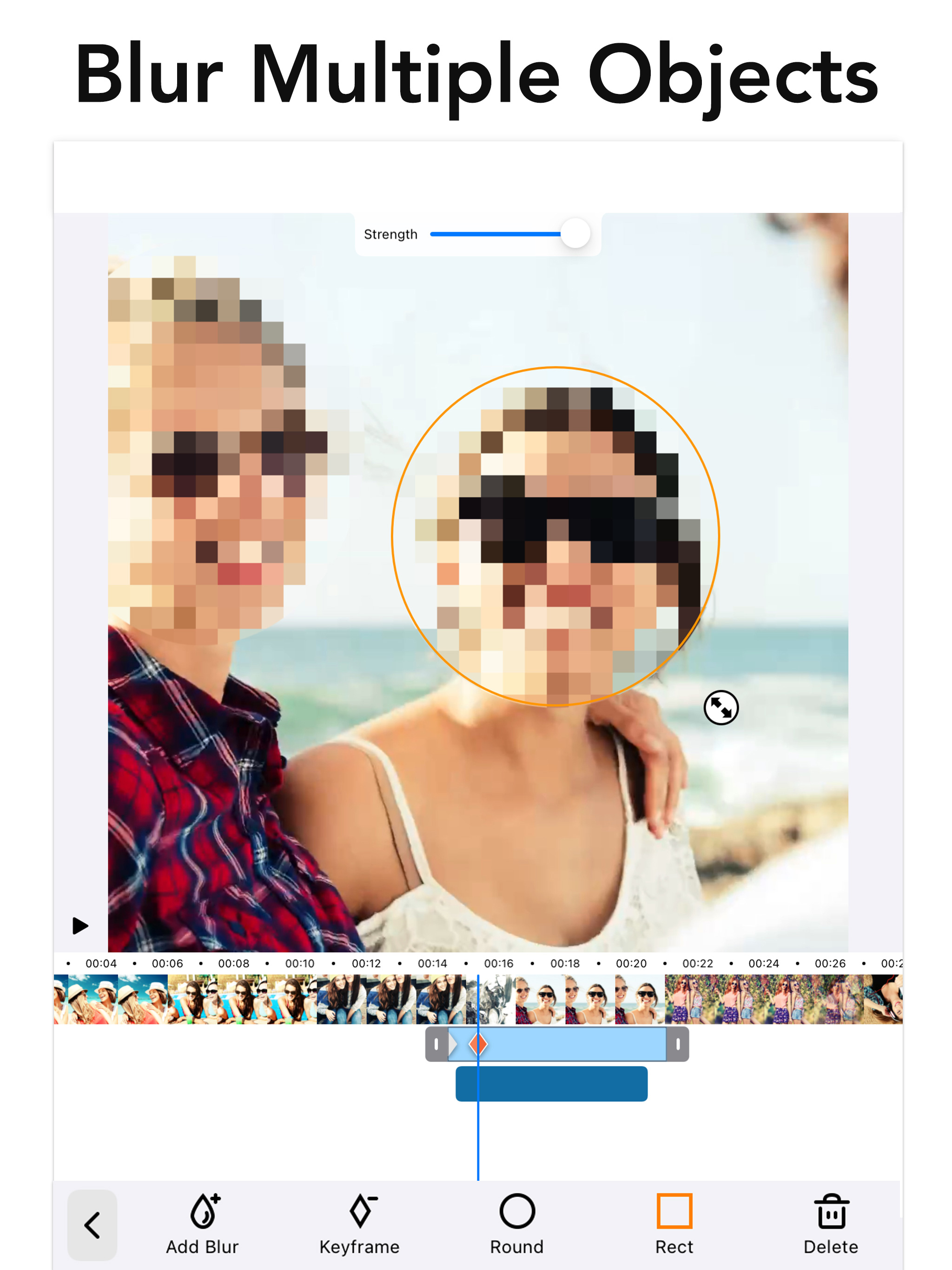
I am a kindergarten teacher who takes A LOT of photos and videos—-I just can’t help myself! They do so many cute things! I also share my photos and videos with their parents, who enjoy receiving these precious moments. I have two students whose parents do not want their child’s images to be seen by anyone except their own family. This creates quite the challenge for me. That is, until I discovered this app! Instead of removing both students from the activities that I record, I allow them to be a part of them! I am able to send a video to each set of parents, with the other student blurred out. I then blur out the faces of both students and share it with the rest of the parents. It’s a win-win-win situation!
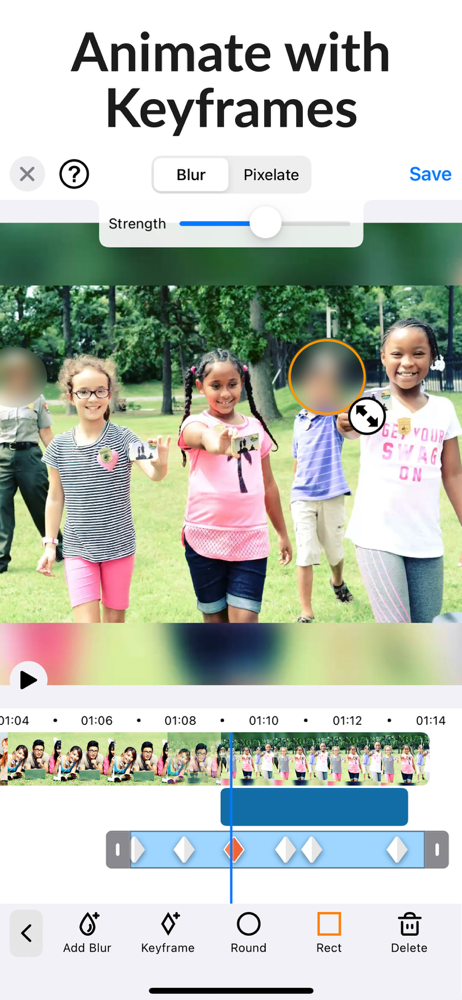
This app IS the EXACT ONE YOU ARE LOOKING FOR!! It specializes in simply blurring a targeted/or frame by frame selected area of the screen… with time you can even add cute emoji expressions to hide your face in those exciting videos you know you share but worry about losing work over? This is that app. Just prepair to have to spend time editing it manually!! Still the best and easiest one I’ve found! I hope the facial tracking gets better and I hope they give more options for Emoji and or perhaps even animated sort of Fake Cartoon expressions that imitate the persons real expression in those moments? That would be great because the primary use for this is often hiding the very best pets of the video we are sharing, would be cool to be able to convey with animation those edited out exiting expressions if you get my drift? All in all, this works! It’s the best one and it’s affordable! Get it if your sharing things and need privacy for you and your loved ones identity!!
Good - Blur Video Mac makes it easy to add blur to faces in video - by hand, frame by frame. Bad - The blur does not automatically figure out to stay with a face moving through the video until I dragged the blur over the face in several spots, which can be rather painstaking process, particularly for a long video. Would prefer to put the blur over the face once and the app figure out to have the blur stay with the moving face throughout the video. Could be better - "Save" added the video to the photos app instead of saving to a location in the Finder. Not a bid deal - I will just have to remember to turn off wifi when saving and then immediately move the video to my hard drive and remove from Photos before turning wifi back on so that large videos do not automatically get added to the iCloud. Good - The rest of 4K videos remains unchanged after blur added, unlike some other censor apps that save (downgrade) 4k videos to 1080p.
Improve privacy by blurring faces, logos or objects in the background of your video. Includes auto tracking to get your blurring done super fast. Ap...
| Name | Price | Type |
|---|---|---|
| Blur Video Pro (Monthly) | $3.99 | Monthly |
| Blur Video Pro (Annual) | $9.99 | Yearly |