Check the acquisition promise
Read the store headline, screenshots and description. What problem is the app promising to solve?
Study the storefront ↗
Inkren, Inc. · iOS
Explore the ad evidence, study the storefront, and build your next acquisition hypothesis.
01 / Creative research
Read the store headline, screenshots and description. What problem is the app promising to solve?
Study the storefront ↗Explore apps with direct store-link matches. Compare their hooks and formats without assuming the same approach works here.
Browse observed advertisers ↗Store rankings and revenue estimates describe market context. They do not establish ad spend, conversions or ROAS.
Review the market context ↗02 / Storefront & product
Study the product story and store experience behind the acquisition funnel.
03 / Market context
Keep revenue, downloads and store rankings separate from advertising performance.
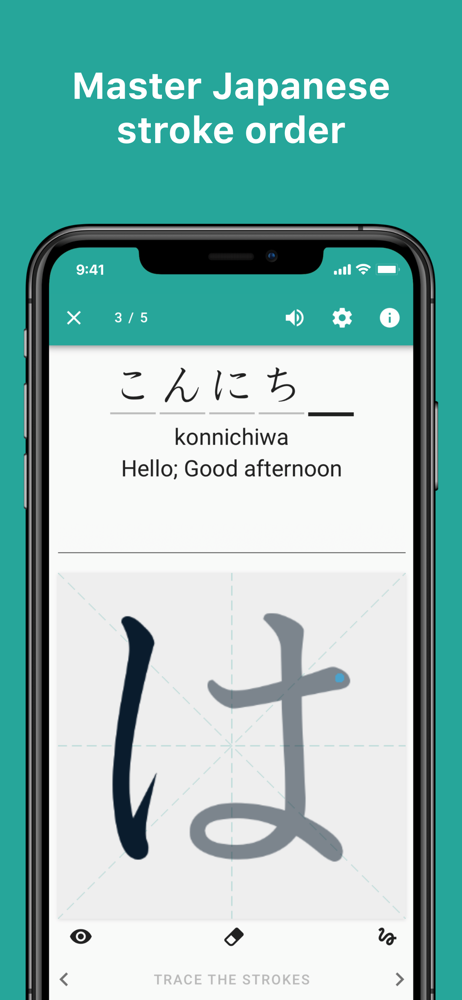
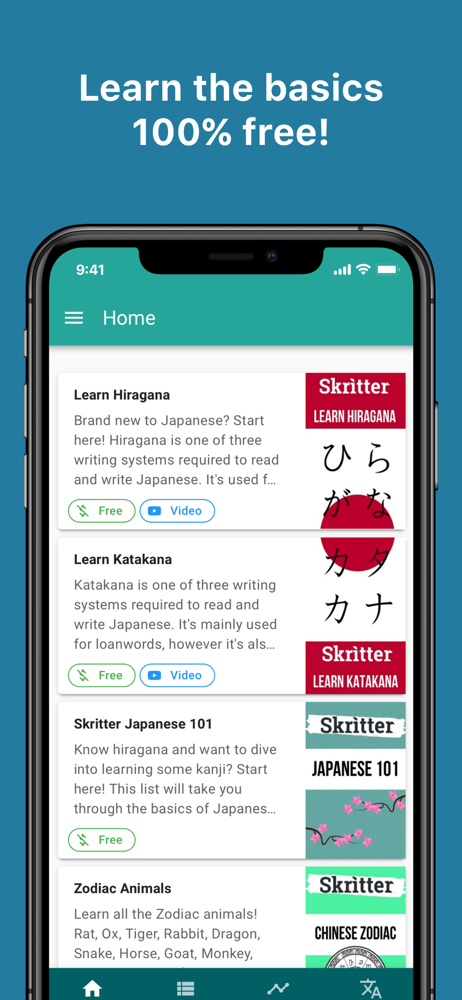
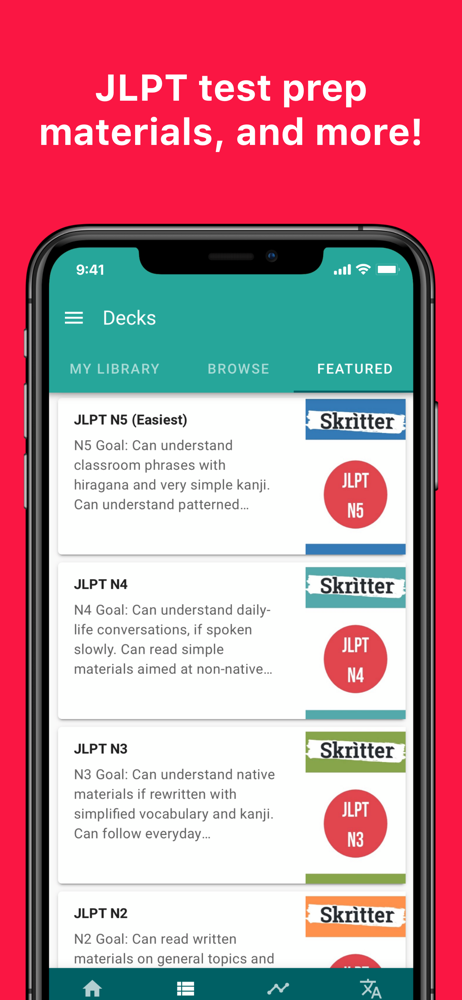
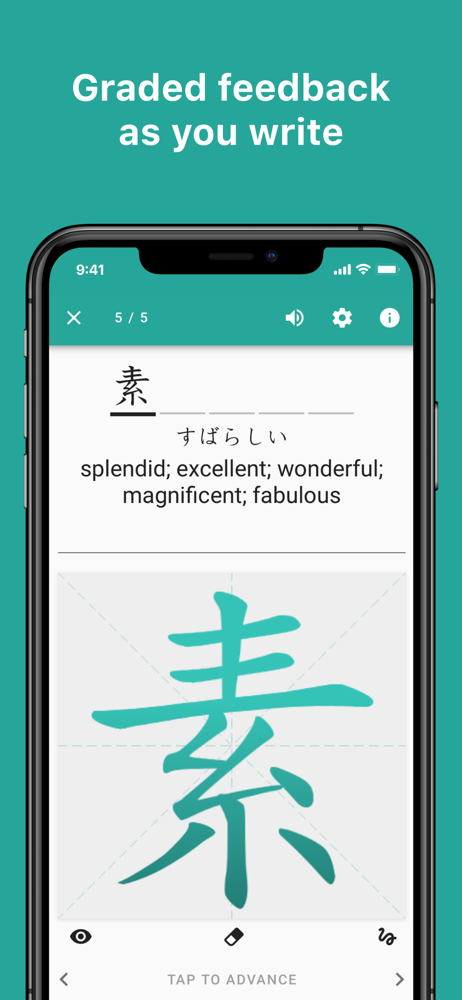
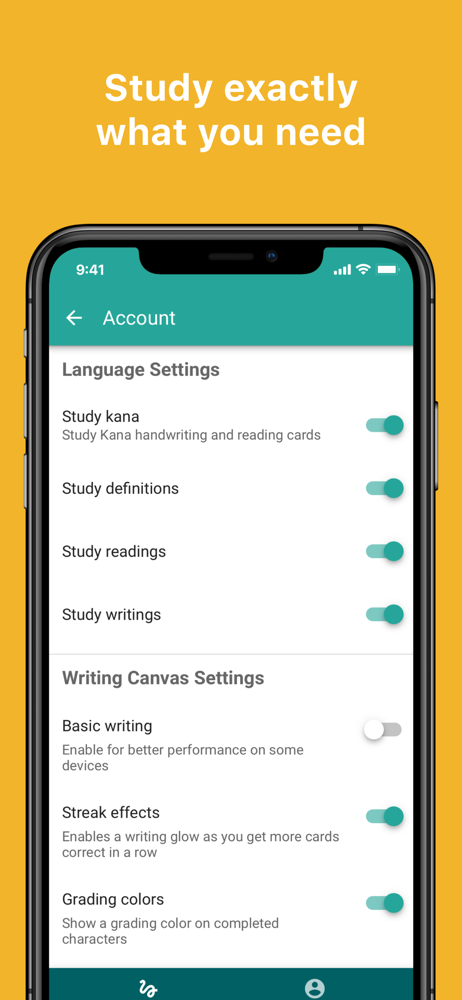
I really wish that instead of unlocking more lessons through a subscription, you could do a one-time payment. There’s just no way for me to justify paying $8/month for an app, even if it’s as good for studying as this is. Aside from that, I appreciate the selection of free lessons that are available. I think for a completely free selection, there’s a good amount to get someone started. The settings for recognizing text (snapping to strokes vs free strokes) are a huge deal for me and I appreciate the ability to change them without hassle. The stroke recognition + free stroke writing (instead of snapping), with hirigana katakana and some kanji all in the same app is exactly what I was looking for, and this one functions smoother than other similar ones I’ve used. This would be a perfect app if there simply was a one-time full unlock purchase for some of the later lessons (mainly the more advanced ones, such as ones for the N5-N1 etc) instead of a monthly subscription. I wouldn’t be opposed to paying if it was a one-time fee to unlock all current lessons/future lessons, or even paying by the lesson (i.e. pay $1 per set).
I don’t know if it’s the best learning approach for a brand new Japanese learner but I have found it to be very helpful. A lot of people just focus on reading comprehension and memorizing kanji readings, but the ability to write kanji really adds to my confidence that I actually “know” the kanji and don’t need to rely on seeing it to recognize it. The app does what I need it to do but it could really shine with a few additional features. - Number of upcoming reviews would be helpful to make sure you pace yourself - My words tab could be enhanced with color coding, or some way to identify leeches/problematic cards Overall I enjoy the app and have been using it daily as a part of my studies
I use Skritter and WaniKani for vocabulary and kanji study. They compliment each other perfectly if your goal is to be able to actually write Japanese. Honestly, it helps so much with memorization too. I almost never get any characters confused that look alike because I’m able to differentiate at a “radical” level and wrote memorization comes into play. Having said that, I use Skritter for vocab only since learning just the kanji characters isn’t necessary because of the vocab practice. I keep both WaniKani and Skritter “levels” synched so if I learn 5 words in WaniKani, then I learn the same ones in Skritter the same day. I try and learn 10 vocab a day in WK and then all of the kanji/radicals immediately so it ends up being more than 10 in WK sometimes but never more than 10 in Skritter(remember only vocab for Skritter). It just becomes too overwhelming for me in Skritter if more than 10 is done(gotta get grammar in there too). I’m not trying to break records for fastest completion speed. I expect I’ll be done with WK in roughly two years. Then I’ll move on to something else likely and Skritter will be apart of it.
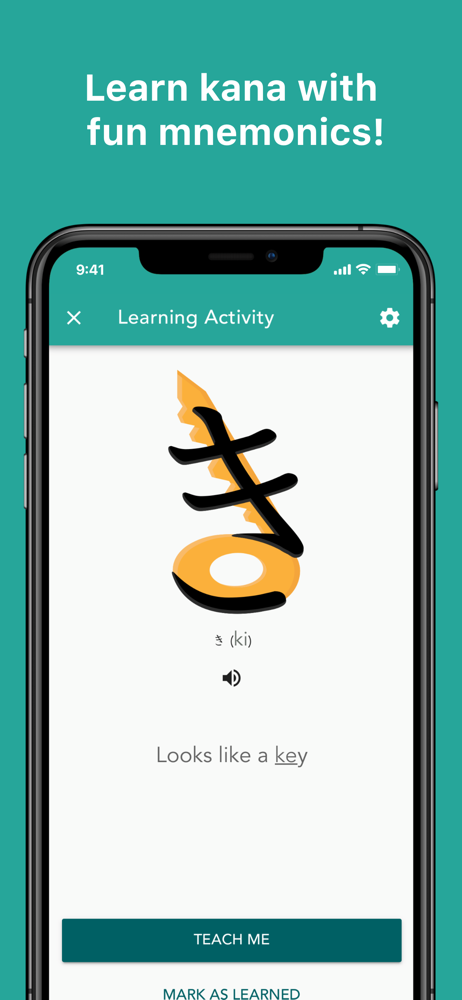
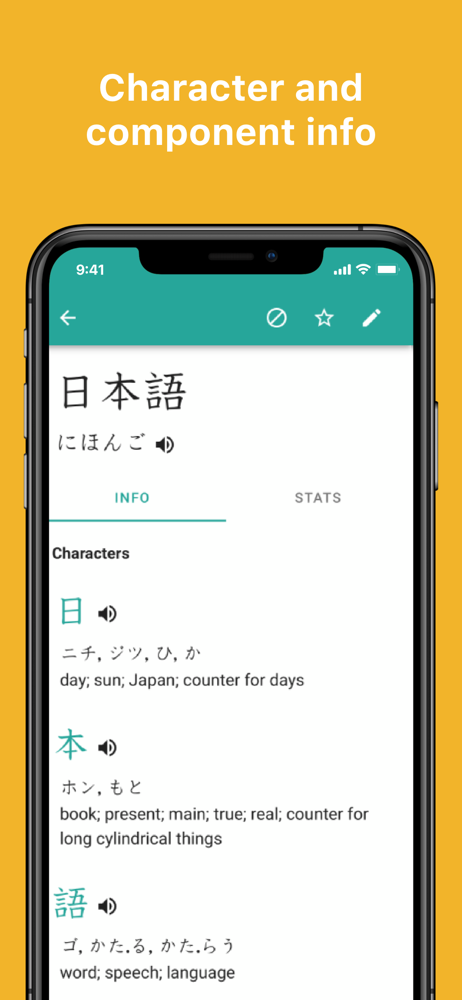
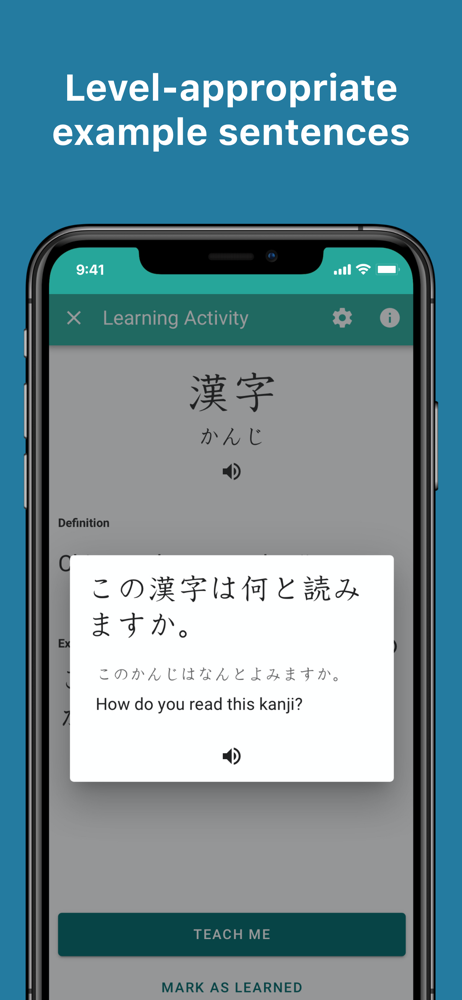
Practice Japanese writing with Skritter, whether you have a strong grasp of written Japanese and want to remember the characters better or are a begin...
| Name | Price | Type |
|---|---|---|
| Skritter Premium (1 month) | $9.99 | Monthly |
| Skritter Premium (1 month) | $14.99 | Monthly |
| Skritter Premium (1 Month) | $14.99 | Monthly |
| Skritter Premium (1 month) | $14.99 | Monthly |
| Skritter Premium (6 Months) | $59.99 | Semi-Annual |
| Skritter Premium (6 month) | $69.99 | Semi-Annual |
| Skritter Premium (1 Year) | $99.99 | Yearly |
| Skritter Premium (1 year) | $99.99 | Yearly |
| Skritter Premium (1 year) | $99.99 | Yearly |
| Skritter Premium (1 year) | $119.99 | Yearly |