Check the acquisition promise
Read the store headline, screenshots and description. What problem is the app promising to solve?
Study the storefront ↗
Josue Cuginguilua · iOS
Explore the ad evidence, study the storefront, and build your next acquisition hypothesis.
01 / Creative research
Read the store headline, screenshots and description. What problem is the app promising to solve?
Study the storefront ↗Explore apps with direct store-link matches. Compare their hooks and formats without assuming the same approach works here.
Browse observed advertisers ↗Store rankings and revenue estimates describe market context. They do not establish ad spend, conversions or ROAS.
Review the market context ↗02 / Storefront & product
Study the product story and store experience behind the acquisition funnel.


03 / Market context
Keep revenue, downloads and store rankings separate from advertising performance.
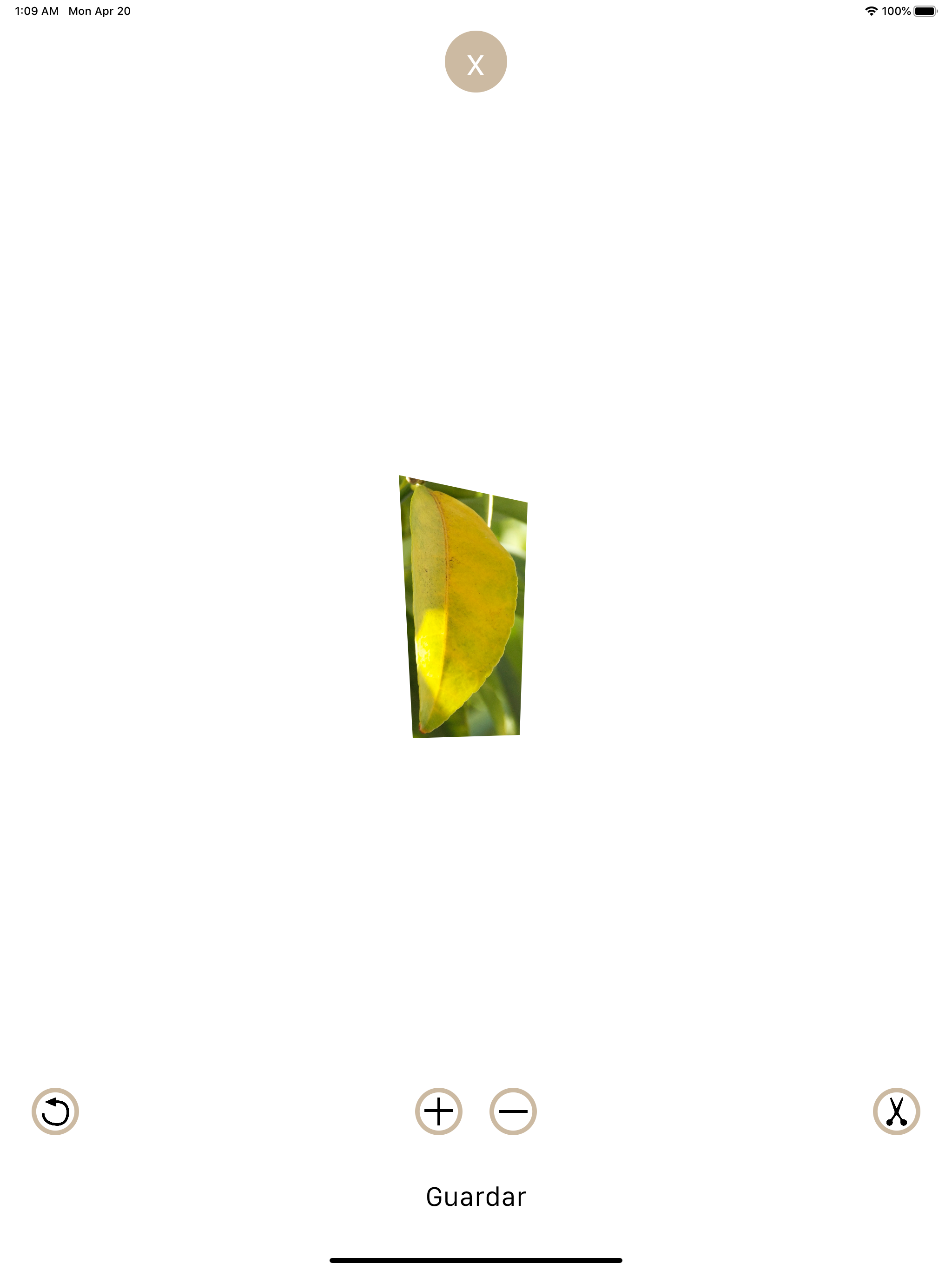
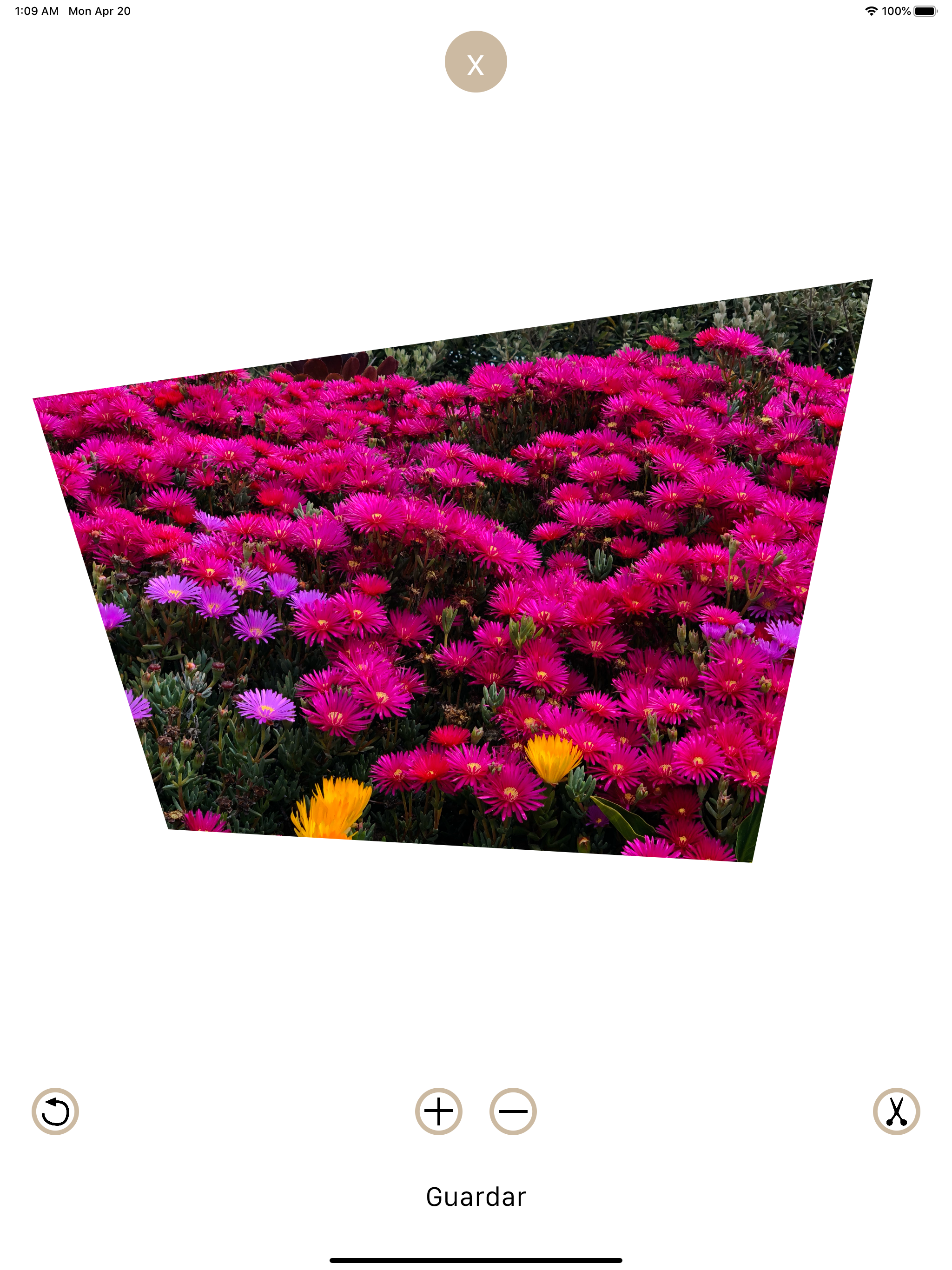
Works fine once you get the hang of it. If you keep in mind that this is only for cropping, you’ll be good. The only thing I don’t like is that, since I use my finger to drag the reference points around, I can’t actually see the point I’m moving. My fingertip is too big. It takes some trial and error. It helps to watch the crop line move if you’re trying to get right angles. I also wish this had crop to shape, the way PowerPoint does. One more thing. It doesn’t automatically save the image you cropped. You have to tap the image and then it’ll ask to save it. Not intuitive. The other reviewer had a s—- fit because he didn’t figure that out.
I was cutting a photo and I had it all ready and I looked EVERYWHERE for the submit button or something! But nothing? Please fix this problem as soon as possible!
Simple Cut - Photo Crop lets you crop photos quickly and efficiently by outlining exactly the area you want to keep. The simple and intuitive interfa...