
Check the acquisition promise
Read the store headline, screenshots and description. What problem is the app promising to solve?
Study the storefront ↗
Yohei Fujikawa · iOS
Explore the ad evidence, study the storefront, and build your next acquisition hypothesis.
01 / Creative research
Read the store headline, screenshots and description. What problem is the app promising to solve?
Study the storefront ↗Explore apps with direct store-link matches. Compare their hooks and formats without assuming the same approach works here.
Browse observed advertisers ↗Store rankings and revenue estimates describe market context. They do not establish ad spend, conversions or ROAS.
Review the market context ↗02 / Storefront & product
Study the product story and store experience behind the acquisition funnel.



03 / Market context
Keep revenue, downloads and store rankings separate from advertising performance.
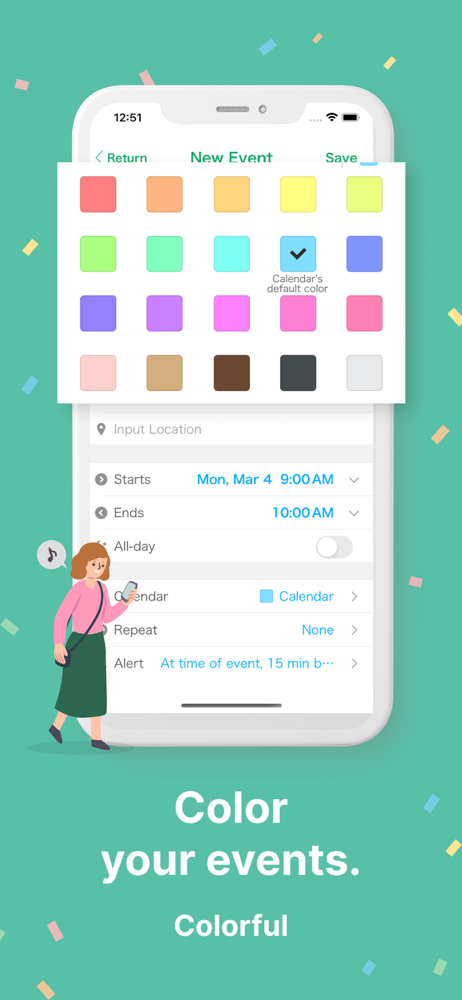
Overall, a good calendar to replace the very basic Apple calendar on iOS devices. I liked enough to subscribe and eliminate ads. You can add multiple calendars and easily select which ones to show and choose a color for them, which is very useful (I use 4 different calendars in addition to the holiday’s calendar). Downside - colors do not seem to sync across devices (even though there is a setting for that), so I have to go into each device that I use and manually change them but once done they seem to stick (other calendars I’ve used would "revert" after some period of time). Two things that I would love to see… 1) a MacOS version and 2) I used a different calendar before where I could include icons, and even show icons automatically based on conditions (title contains FLIGHT would show an airplane icon for example)… I found that to be incredibly useful and would love to see something similar added.
I love the simple calendar and colors with reminders and repeat for task as I have ADHD and the only little small thing I see is no subtasks just a notes section could yall make a subtask line for us that want to break tasks down that’s the only thing this needs for me to fully enjoy it. I use my reminders app for subtasks it just doesn’t have the time block option of a calendar. Other things cost money and I don’t believe in paying for something to help my adhd and staying on task and not losing track of things. Please consider the subtasks section and maybe a section for adding small reminders like if it doesn’t have a time needs to be something to just add it to the calendar for all day or as a check off task and if the checkoff task had subtasks would be great those are the only things I can think of is a task added with reminders and subtasks to add in to the calendar. I love everything else about it other than adding new colors to it for multiple tasks and events. Thanks for reading this look forward to updates.
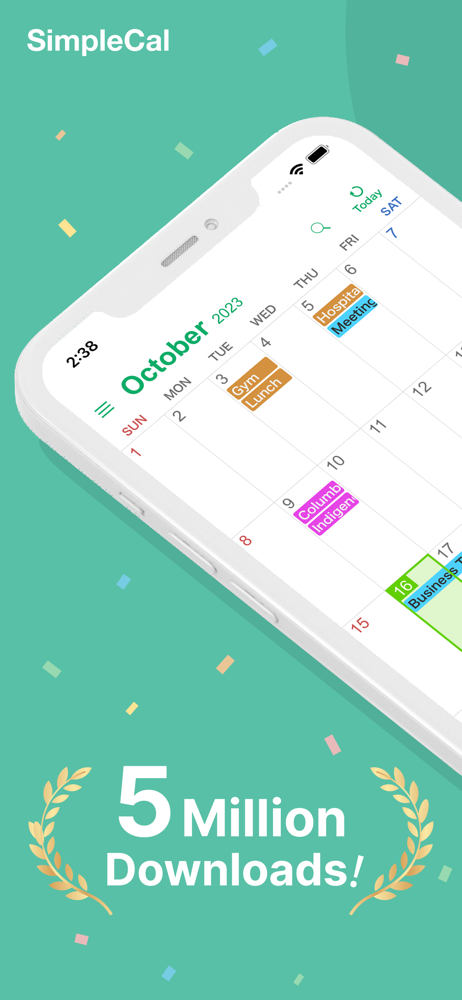
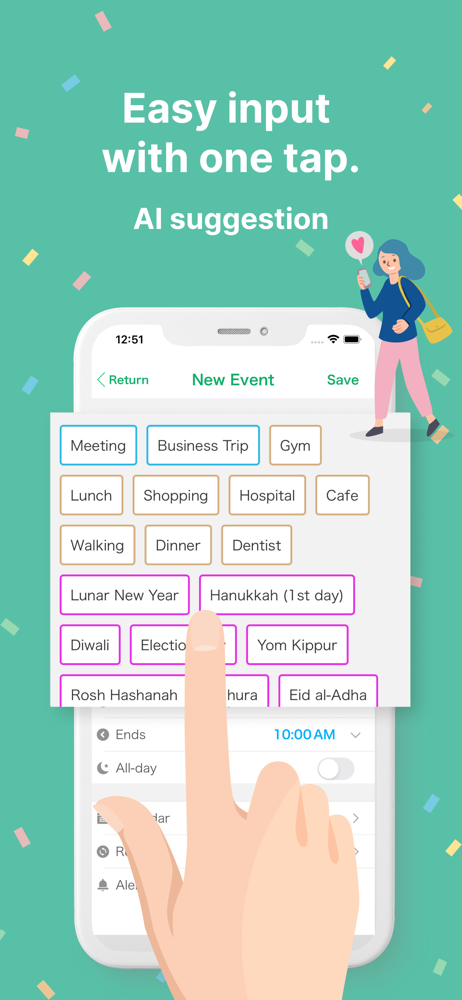
Most calendar apps I tried were too full of choices and made my head hurt when trying to get appointments and dates listed for the months ahead. This app. Is straight forward entering event, time, location and as many notifications as I want. A real plus, it saves previous data from appointments so the next time you need to enter that doctors name or favorite hair dresser you just tap on your choice from the saved list. The simple familiar calendar design let’s me see the entire month all on one screen. A great feature of the app is color coded saves on the app for different appts. I like to use the same color save for future appts. with the same doctor or nail salon etc. so I can easily pick them out when reviewing my calendar. 2nd time to review this wonderful App and I’m even more in love with it. I’m 84 and would not be able to keep my life organized with out it.
SimpleCal is the easiest calendar app on the App Store. Sync your schedule across platforms and devices through iCloud or Google calendar. - Sync All...
| Name | Price | Type |
|---|---|---|
| Ads removal (Monthly) | $0.99 | Monthly |
| Remove Ads | $49.99 | One-time |


